

 FSX Civil Aircraft
Global Jet Luxembourg Airbus A319-115X CJ
This comprehensive freeware release for Microsoft Flight Simulator X incorpor…
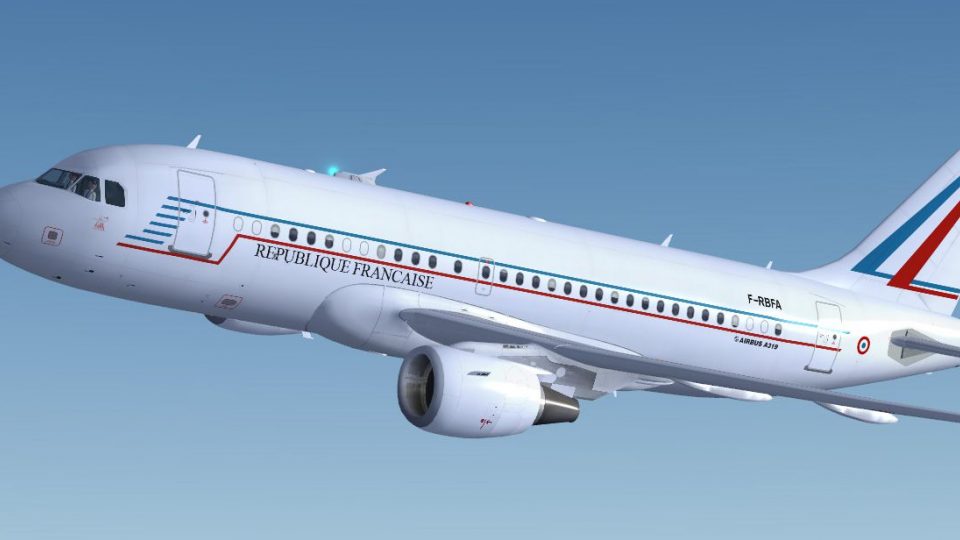
Republique Francaise Airbus A319-115X CJ brings French Air Force VIP transport realism to Microsoft Flight Simulator X with a complete virtual cockpit, refined lighting and shine, wing views, and animated doors. Project Airbus systems add convincing ground handling and visuals, including automatic spoilers, jetwash, pressurization behavior, sagging control surfaces, and accurate gear sequencing.
 Rate
Rate
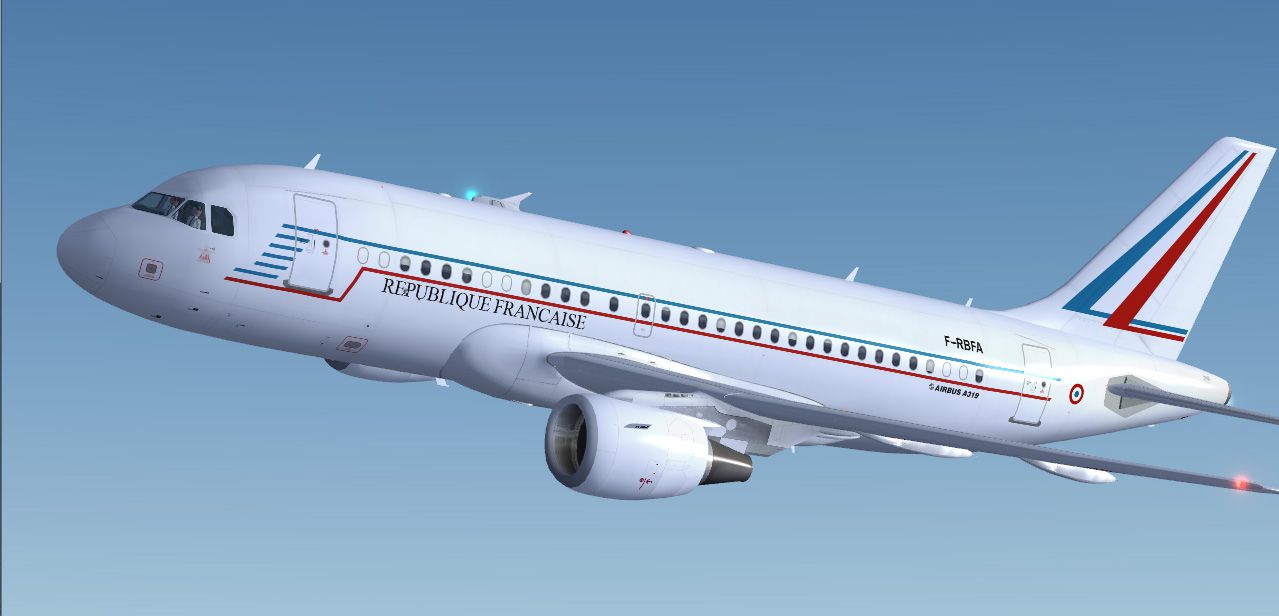
This freeware package offers a detailed Airbus A319-115X CJ painted in the Republique Francaise livery, used by the French Air Force for transporting high-level officials and VIPs. Developed by Project Airbus and repainted by Marco Fischbach, this fully integrated package includes a complete virtual cockpit (VC) and brings the authentic feel of a governmental transport aircraft into Microsoft Flight Simulator X. Tested with FSX SP2, this release aims to replicate the real-world operations of the specially configured A319 Corporate Jet (CJ) variant used by French presidential and governmental flights.
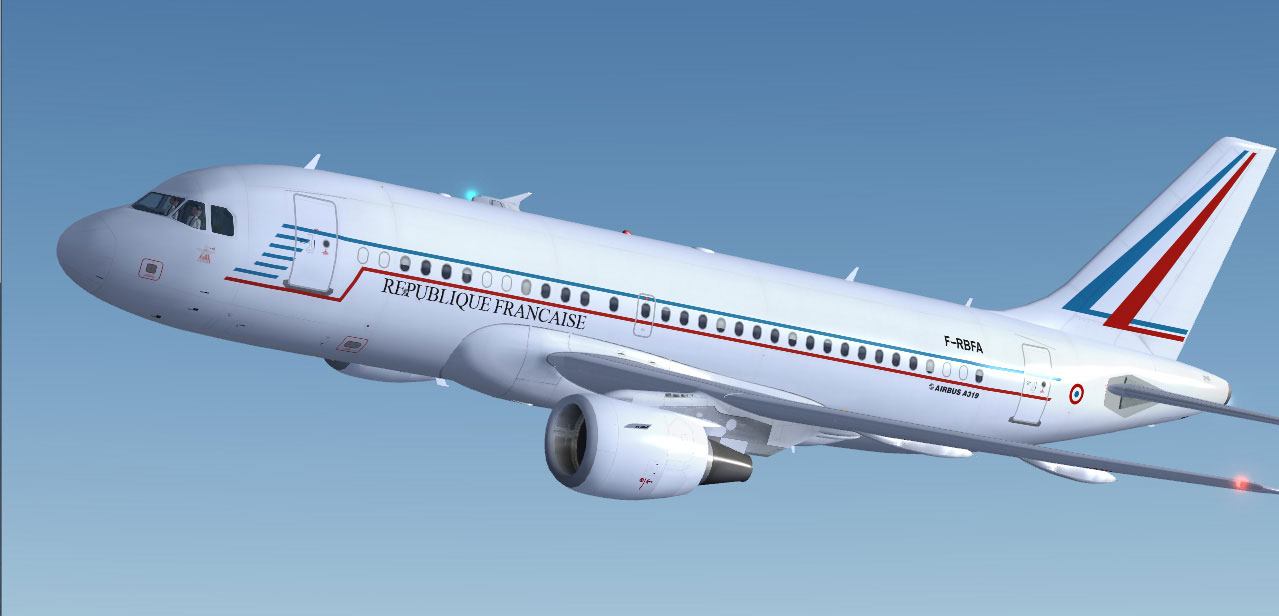
Republique Francaise Airbus A319-115X CJ.
The Airbus A319-115X CJ is tailored for government missions, offering enhanced range and a comfortable interior layout. The real-world French Air Force operates this variant under the Republic’s flag, ensuring secure and efficient flights for state officials. In this simulator rendition, the exterior paintwork displays the understated yet refined markings of the Republique Francaise, reflecting both official status and national pride.
This streamlined approach ensures the visual and operational elements integrate correctly within your simulator environment.
The underlying Project Airbus model features numerous technical enhancements that extend immersion and realism, many of which rely on XML scripting:
In addition, several key features accommodate more advanced procedures and visual fidelity:
This aircraft is the result of the dedicated work of the following Project Airbus creators and contributors:
Guest painters and special contributors include Ben Jones, Dickson Chan, Jaco du Preez, Sheldon Fernandes, and Terence Pereira. Flight dynamics testing and real-world insights were provided by Capt. Manny Osias, F/O Spike Acenas, Mark Bolatete, and Kester Masias.
All credit for this remarkable freeware release goes to Marco Fischbach and the Project Airbus team for bringing the Republique Francaise Airbus A319-115X CJ to life for enthusiasts seeking a faithful governmental transport simulation.
Free for all simmers · 18.21 MB · Scanned clean Oct 2026
Download speed: Free tier is capped at 0.5 Mbps (this file takes approximately 5 mins at the cap). PRO members download at full line speed.
FSX\SimObjects\Airplanes\. The folder must contain an aircraft.cfg file. Effects go into FSX\Effects\; gauges go into FSX\Gauges\.readme.txt or README file. It tells you exactly where files go, what dependencies are needed, and any quirks specific to this add-on.The archive fsx_pa319_french_republic.zip has 59 files and directories contained within it.
This list displays the first 500 files in the package. If the package has more, you will need to download it to view them.
| Filename/Directory | File Date | File Size |
|---|---|---|
| PA319 French Republic | 04.02.10 | 0 B |
| aircraft.cfg | 03.16.10 | 18.50 kB |
| effects.rar | 10.22.09 | 5.53 kB |
| intelliscene.cfg | 08.17.08 | 138 B |
| Model | 03.15.10 | 0 B |
| A319_100_CFM_NoVC.mdl | 09.05.09 | 2.15 MB |
| Airbus_A321_interior.mdl | 06.18.07 | 1.06 MB |
| model.cfg | 09.19.09 | 67 B |
| pa319-cfm56.air | 11.23.07 | 8.71 kB |
| panel | 03.15.10 | 0 B |
| Airbus_A321.cab | 06.19.07 | 2.72 MB |
| airbus_a321_panel_background.bmp | 06.18.07 | 769.05 kB |
| airbus_a321_panel_background_night.bmp | 06.18.07 | 769.05 kB |
| panel.cfg | 06.20.07 | 5.64 kB |
| Readme.txt | 04.02.10 | 5.21 kB |
| screenshot.jpg | 04.02.10 | 139.14 kB |
| texture.france | 04.02.10 | 0 B |
| A319_1_l.bmp | 10.21.09 | 4.00 MB |
| A319_1_t.bmp | 03.29.10 | 4.00 MB |
| A319_2_l.bmp | 10.21.09 | 4.00 MB |
| A319_2_t.bmp | 03.29.10 | 4.00 MB |
| A319_fuse_1_l.bmp | 10.21.09 | 4.00 MB |
| A319_fuse_1_t.bmp | 03.29.10 | 4.00 MB |
| A319_fuse_2_l.bmp | 10.21.09 | 4.00 MB |
| A319_fuse_2_t.bmp | 03.29.10 | 4.00 MB |
| A319_fuse_3_l.bmp | 10.21.09 | 4.00 MB |
| A319_fuse_3_t.bmp | 03.29.10 | 4.00 MB |
| A319_misc_1.bmp | 11.02.09 | 1.00 MB |
| A319_misc_2.bmp | 01.01.10 | 4.00 MB |
| A319_wing_1_l.bmp | 11.03.08 | 256.07 kB |
| A319_wing_1_t.bmp | 03.28.10 | 4.00 MB |
| A319_wing_2_l.bmp | 11.03.08 | 256.07 kB |
| A319_wing_2_t.bmp | 03.28.10 | 4.00 MB |
| A321_1_T.dds | 06.18.07 | 1.33 MB |
| A321_1_T_Bump.dds | 06.18.07 | 1.00 MB |
| A321_1_T_LM.dds | 06.18.07 | 170.79 kB |
| A321_1_T_spec.dds | 06.18.07 | 1.33 MB |
| A321_2_T.dds | 06.18.07 | 1.33 MB |
| A321_2_T_Bump.dds | 06.18.07 | 1.00 MB |
| A321_2_T_LM.dds | 06.18.07 | 170.79 kB |
| A321_2_T_spec.dds | 06.18.07 | 1.33 MB |
| A321_Interior_T.dds | 06.18.07 | 341.45 kB |
| A321_reflection.dds | 06.18.07 | 170.79 kB |
| Airbus_A321_1_C.dds | 06.18.07 | 682.79 kB |
| Airbus_A321_1_night_C.dds | 06.18.07 | 682.79 kB |
| Airbus_A321_2_C.dds | 06.18.07 | 682.79 kB |
| Airbus_A321_2_night_C.dds | 06.18.07 | 682.79 kB |
| Airbus_A321_3_C.dds | 06.18.07 | 682.79 kB |
| Airbus_A321_3_night_C.dds | 06.18.07 | 682.79 kB |
| Airbus_A321_4_C.dds | 06.18.07 | 682.79 kB |
| Airbus_A321_4_night_C.dds | 06.18.07 | 682.79 kB |
| Airbus_Pilots.dds | 06.18.07 | 42.79 kB |
| Fresnel_Ramp.dds | 06.18.07 | 640 B |
| Jetheat_t.bmp | 11.30.07 | 16.07 kB |
| thumbnail.jpg | 04.02.10 | 25.59 kB |
| sound | 12.19.09 | 0 B |
| Sound.cfg | 08.08.07 | 33 B |
| flyawaysimulation.txt | 10.29.13 | 959 B |
| Go to Fly Away Simulation.url | 01.22.16 | 52 B |
Only PRO members can place votes.
More FSX & P3D add-ons hand-picked based on this download.
FSX Civil Aircraft
This comprehensive freeware release for Microsoft Flight Simulator X incorpor…
 FSX Civil Aircraft
Repubblica Italiana Airbus A319-115X CJ. This Airbus is one of the three A319…
 FSX Civil Aircraft
The Cayman Islands is a British Overseas Territory located in the western Car…
 FSX Civil Aircraft
Comlux - The Aviation Group is a corporate charter airline based in Switzerla…
 FSX Civil Aircraft
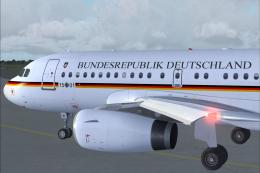
Bundesrepublik Deutschland A319-133X CJ. Here is one of the two brand new Air…
 FSX Civil Aircraft
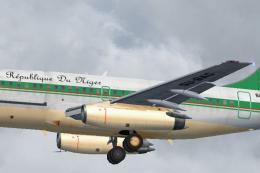
Textures only for the FAIB B737-200 (FAIB_B7372.ZIP). Included is one logo to…
 FSX Civil Aircraft
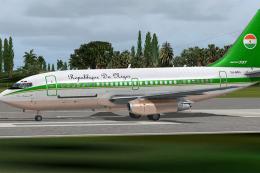
This is the repaint of the payware Captain Sim B737-200C model in Republique …
 FSX Civil Aircraft
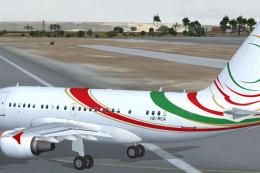
This freeware add-on showcases a specially outfitted Airbus A318-112 CJ Elite…
Be the first to leave a comment on this download.
Be the first to share your thoughts on this download.