

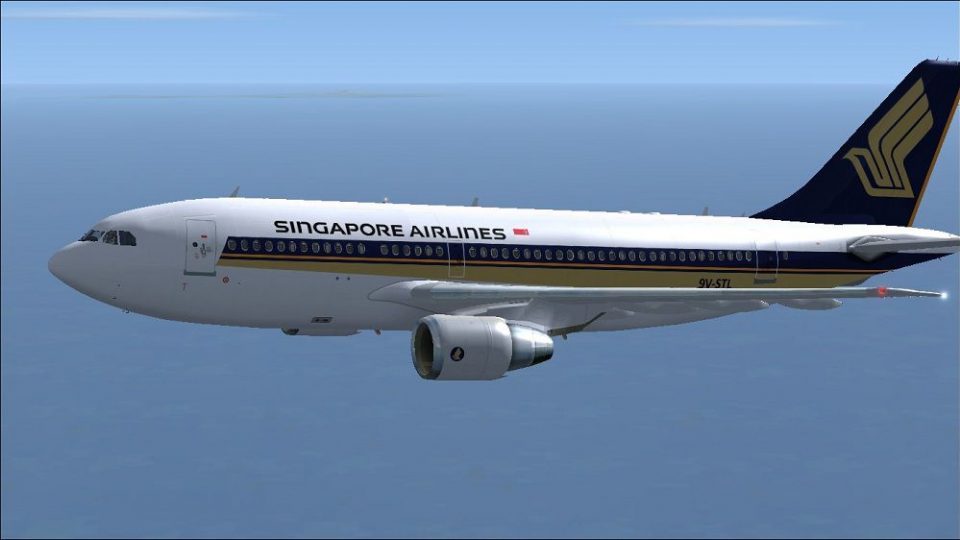
 FSX Civil Aircraft
Singapore Airlines Airbus A310-222 OC
Singapore Airlines Airbus A310-222 (old colors). Repaint of Tom Ruth's A310-1…
Singapore Airlines’ classic scheme comes alive on the Airbus A310-222 with crisp, carrier-specific markings and registration 9V-STL (CN 363), matching the airline’s real-world layout across fuselage, engines, and tail. Built for Microsoft Flight Simulator X, this repaint requires the Thomas Ruth A310-100 base pack and complements its detailed exterior and virtual cockpit.
 Rate
Rate
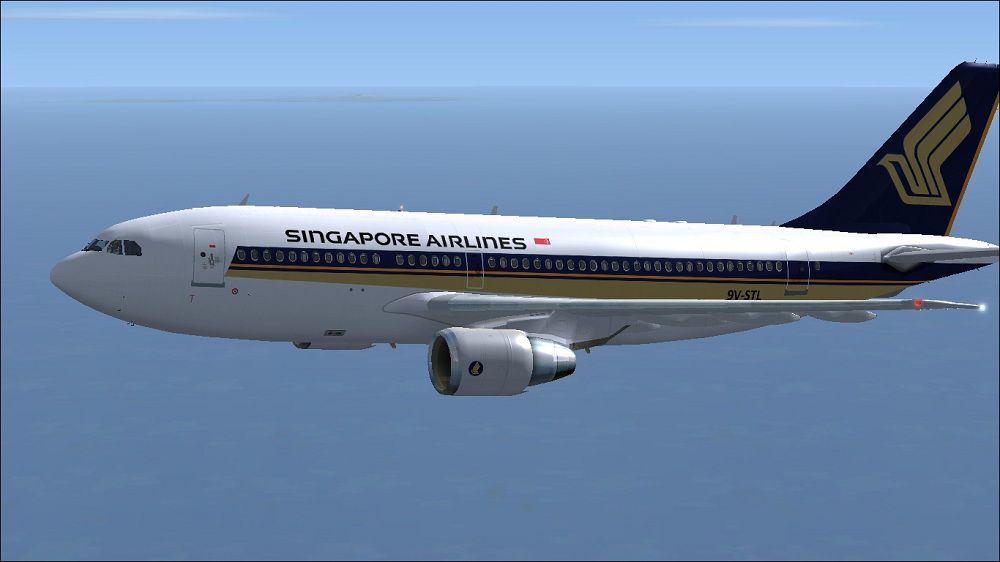
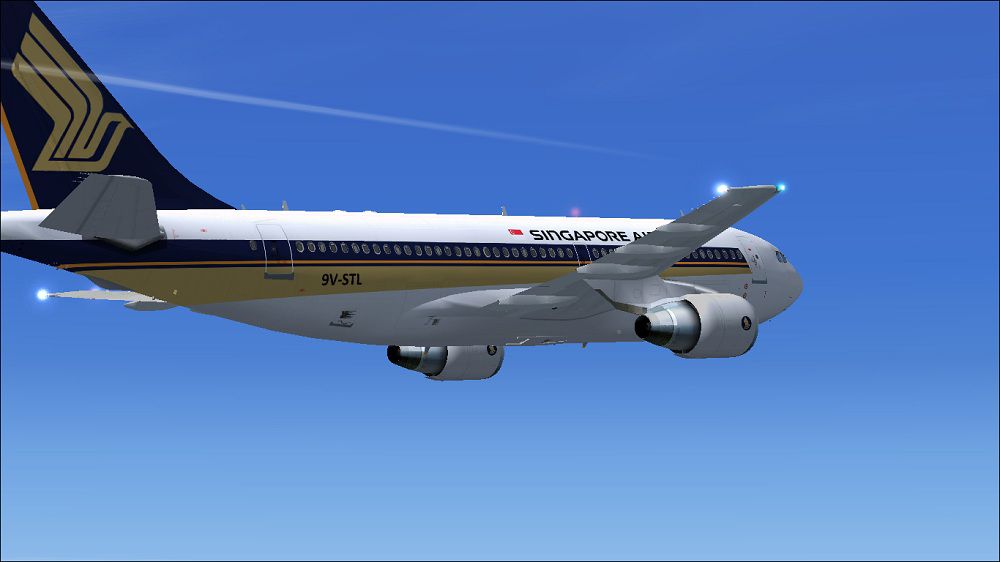
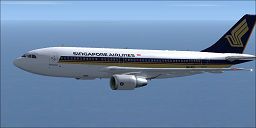
This package provides detailed carrier-specific textures for an Airbus A310-222 in the Singapore Airlines paint scheme. Designed for Microsoft Flight Simulator X, it showcases authentic markings and registration referencing 9V-STL (manufacturer serial number 363). These textures are for the Thomas Ruth A310-100 base pack (TOMA310.ZIP) and were created by Paul Craig, reflecting the airline’s established look. Enthusiasts who appreciate mid-sized widebody airliners in commercial service will find this repaint a valuable addition to their virtual hangars.
The Airbus A310 airliner aligns with medium-haul operations, and Singapore Airlines once flew this model for various regional and intercontinental routes. This repaint focuses on accurately replicating the real-world color layout, with attention to fuselage details, engine cowlings, and logos. Thomas Ruth’s base model includes a meticulously modeled exterior, flight deck configurations, and authentic flight dynamics. By installing this package, sim pilots can merge historical operator branding with a respected third-party aircraft simulation.
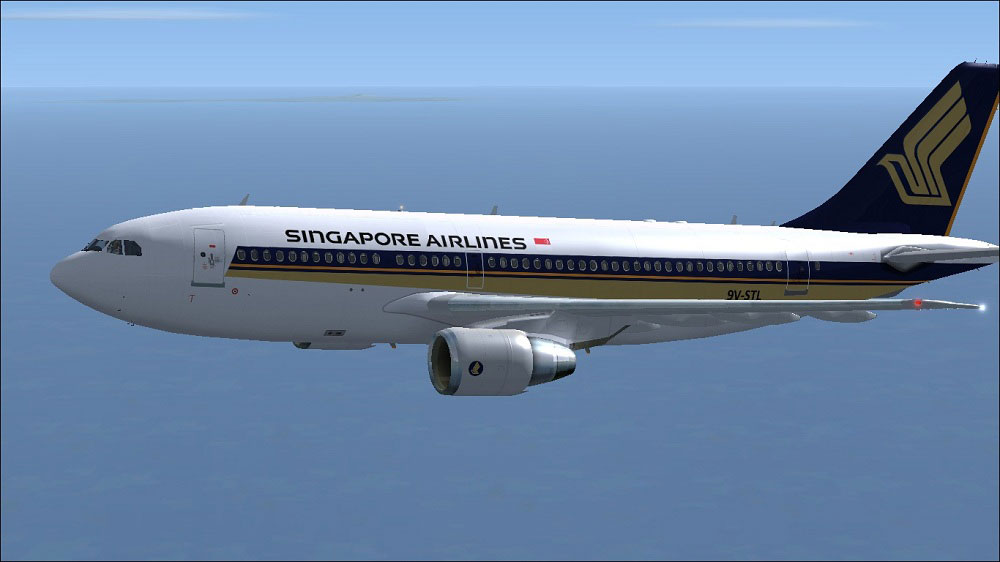
Singapore Airlines Airbus A310-222 in flight.
[fltsim.X]

title=Singapore Airlines A310

sim=TomA310

model=PW

panel=310PW

sound=

texture=Singapore Airlines

kb_checklists=

kb_reference=

atc_id=9V-STL

atc_airline=Singapore Airlines

atc_flight_number=1124

atc_heavy=1

ui_manufacturer=Airbus

ui_typerole=Commercial Airliner

ui_createdby=Thomas Ruth

ui_type=A310-222

ui_variation=Singapore Airlines
If any issue occurs while editing, copy the original configuration file to a safe location, edit it there, and then overwrite the original. Confirm the overwrite when prompted. This method helps avoid permission or editing conflicts that sometimes arise.
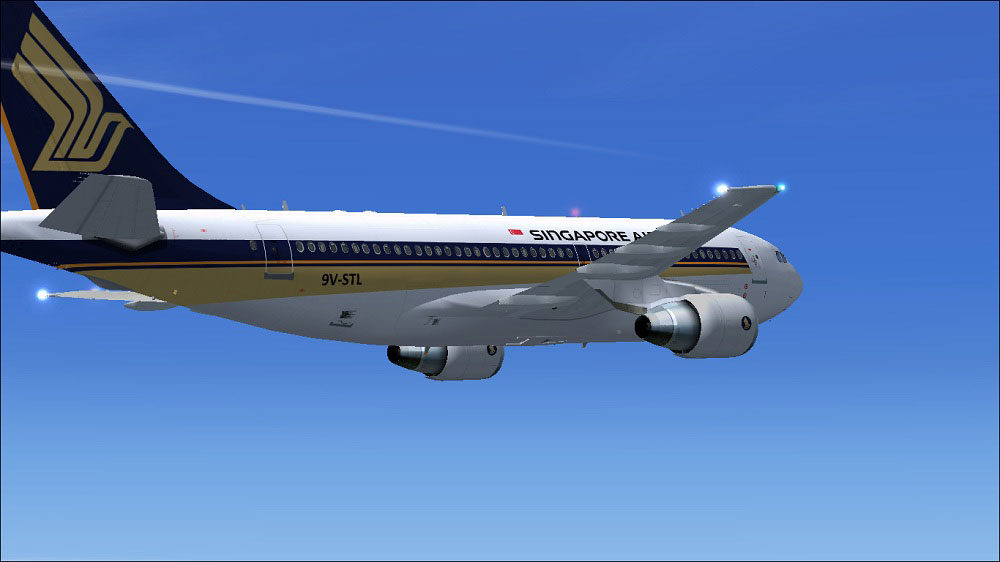
Singapore Airlines Airbus A310-222 in flight.
All files are offered on a freeware basis and are used at your own discretion. The creator, Paul Craig, disclaims responsibility for any damage or error resulting from this repaint package.
Free for all simmers · 1.41 MB · Scanned clean Oct 2026
Download speed: Free tier is capped at 0.5 Mbps. PRO members download at full line speed.
This file is a repaint — the package below is the base model it paints onto. Install it first, or the textures will have nothing to load onto.
texture.{airline}) inside FSX\SimObjects\Airplanes\{base-aircraft}\.aircraft.cfg in Notepad. Add a new [fltsim.X] section per the readme.readme.txt or README file. It tells you exactly where files go, what dependencies are needed, and any quirks specific to this add-on.The archive siaa310-200.zip has 17 files and directories contained within it.
This list displays the first 500 files in the package. If the package has more, you will need to download it to view them.
| Filename/Directory | File Date | File Size |
|---|---|---|
| FILE_ID.DIZ | 05.07.11 | 199 B |
| Readme.txt | 05.07.11 | 1.60 kB |
| Singapore Airlines Airbus A310-222 (1).jpg | 05.07.11 | 85.61 kB |
| Singapore Airlines Airbus A310-222.jpg | 05.07.11 | 92.80 kB |
| texture.Singapore Airlines | 05.07.11 | 0 B |
| glass.dds | 03.13.10 | 64.12 kB |
| main.dds | 05.07.11 | 4.00 MB |
| main_bump.dds | 03.12.10 | 4.00 MB |
| main_light.dds | 03.21.10 | 1.00 MB |
| main_spec.dds | 05.03.11 | 256.12 kB |
| texture.cfg | 03.31.10 | 159 B |
| thumbnail.jpg | 05.07.11 | 9.70 kB |
| wing_l.dds | 05.07.11 | 1.00 MB |
| wing_r.dds | 03.12.10 | 1.00 MB |
| thumbnail.jpg | 05.07.11 | 9.70 kB |
| flyawaysimulation.txt | 10.29.13 | 959 B |
| Go to Fly Away Simulation.url | 01.22.16 | 52 B |
Only PRO members can place votes.
More FSX & P3D add-ons hand-picked based on this download.
FSX Civil Aircraft
Singapore Airlines Airbus A310-222 (old colors). Repaint of Tom Ruth's A310-1…
 FSX Civil Aircraft
This freeware repaint for Microsoft Flight Simulator X replicates the Singapo…
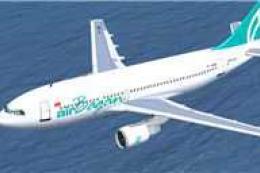 FSX Civil Aircraft
XY-AGD and XY-AGE. GMAX model of the A310-222 with Pratt & Whitney JT9D-7R4E1…
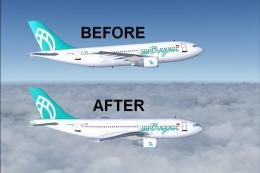 FSX Civil Aircraft
FSX Air Bagan Airbus A310-222 Twin Package Update, for use with AB312X.ZIP. A…
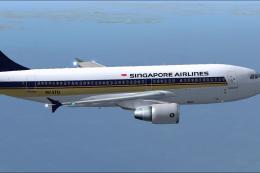 FSX Civil Aircraft
This repaint package brings the iconic Singapore Airlines color scheme to the…
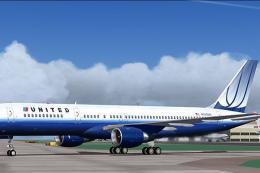 FSX Civil Aircraft
United Airlines Boeing 757-222 in blue tulip livery. This 757 has back jetway…
 FSX Civil Aircraft
FSX Delta Airlines Boeing 757-222 "Spongebob". This plane comes with 2D panel…
 FSX Civil Aircraft
United Airlines Boeing 757-222 PW, registration N503UA (old colors). Model by…
Be the first to leave a comment on this download.
Be the first to share your thoughts on this download.