

 FSX Civil Aircraft
Pan Am Airbus A310-324
Experience a detailed recreation of Pan American World Airways’ Airbus A310-3…
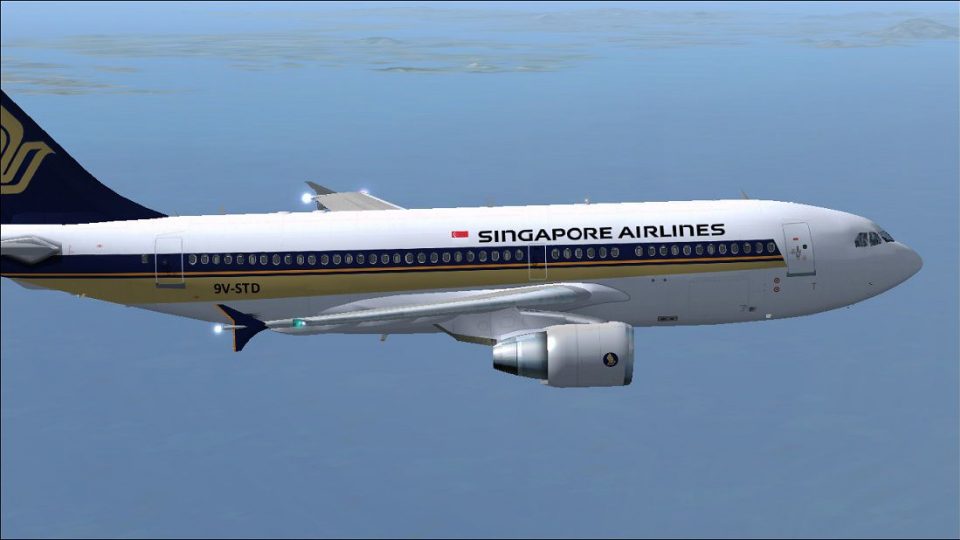
Singapore Airlines’ Airbus A310-324 livery recreates the classic gold, blue, and white scheme with registration 9V-STD for Microsoft Flight Simulator X, tailored to the A310-300 series with Pratt & Whitney variant details and crisp exterior textures. It requires Thomas Ruth’s freeware A310-300 base model (TOMA310.ZIP) to appear correctly in the virtual cockpit and aircraft selection menu.
 Rate
Rate

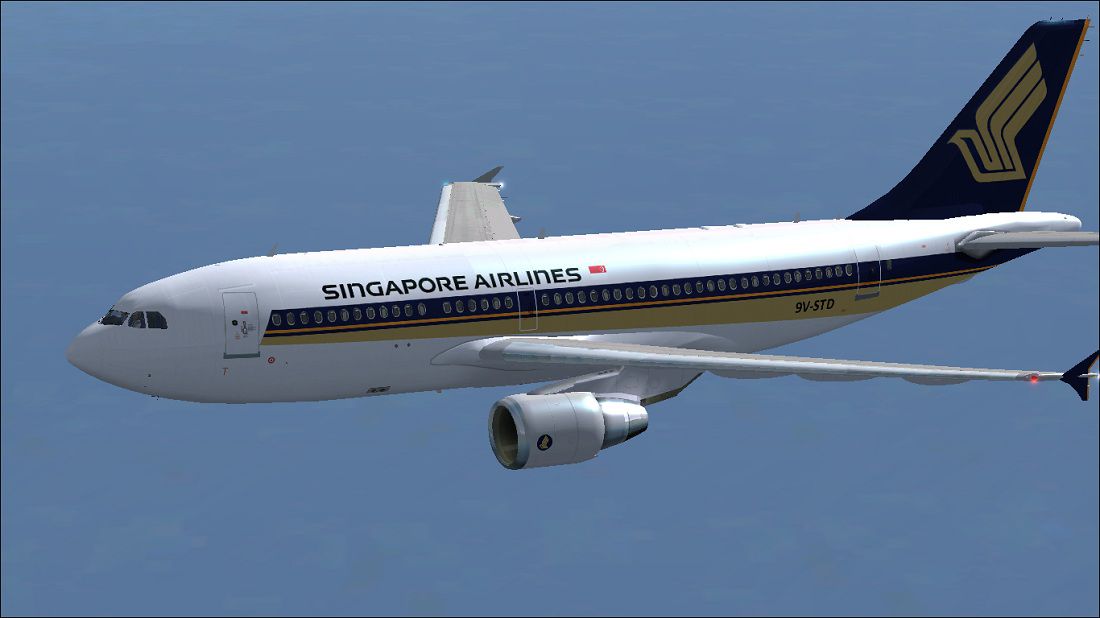
This repaint package brings the iconic Singapore Airlines color scheme to the Airbus A310-324 series, specifically designed for Microsoft Flight Simulator X. It incorporates the detailed base model created by Thomas Ruth and focuses on replicating registration number 9V-STD. Paul Craig is responsible for the artistic repaint work. You will need to acquire the original freeware A310-300 model (TOMA310.ZIP) beforehand, which is available in the Fly Away Simulation mod library. The following instructions outline how to integrate this custom livery into your virtual hangar.
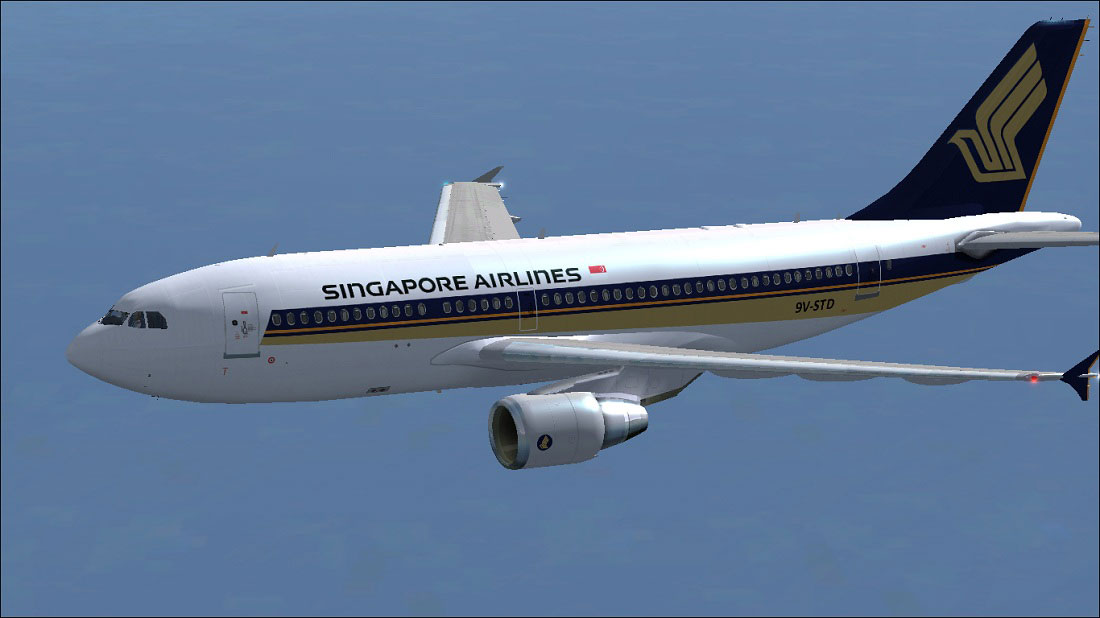
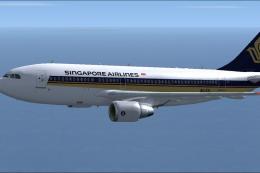
Singapore Airlines Airbus A310-324 in flight.
The Airbus A310-324 variant, which often includes Pratt & Whitney powerplants, is renowned for its efficient medium-haul capabilities and comfortable cabin layout. Singapore Airlines, one of the leading carriers in Asia, operated the A310 for several years, showcasing their dedication to providing modern and reliable aircraft. This repaint accurately portrays the airline’s recognizable gold, blue, and white exterior accents.
Before adding new entries, always create a backup of your aircraft.cfg file to prevent any accidental loss of data. Add the following code below the last [fltsim.x] section, substituting X with the next available fltsim number:
[fltsim.X]

title=Singapore Airlines A310-324

sim=TomA310

model=PW

panel=310PW

sound=

texture=SIA

kb_checklists=

kb_reference=

atc_id=9V-STD

atc_airline=Singapore Airlines

atc_flight_number=1124

atc_heavy=1

ui_manufacturer=Airbus

ui_typerole=Commercial Airliner

ui_createdby=Thomas Ruth

ui_type=A310-324

ui_variation=Singapore Airlines
If any issues arise, consider editing the file outside of the simulator folder, then reinserting it with the correct fltsim entry in place.
Repaint provided by Paul Craig. The underlying Airbus A310-300 model and its inherent flight dynamics were developed by Thomas Ruth. Ensure you have the freeware base model installed (TOMA310.ZIP). This add-on offers high-quality textures that accurately reflect the airline’s signature design on the A310-324 airframe.
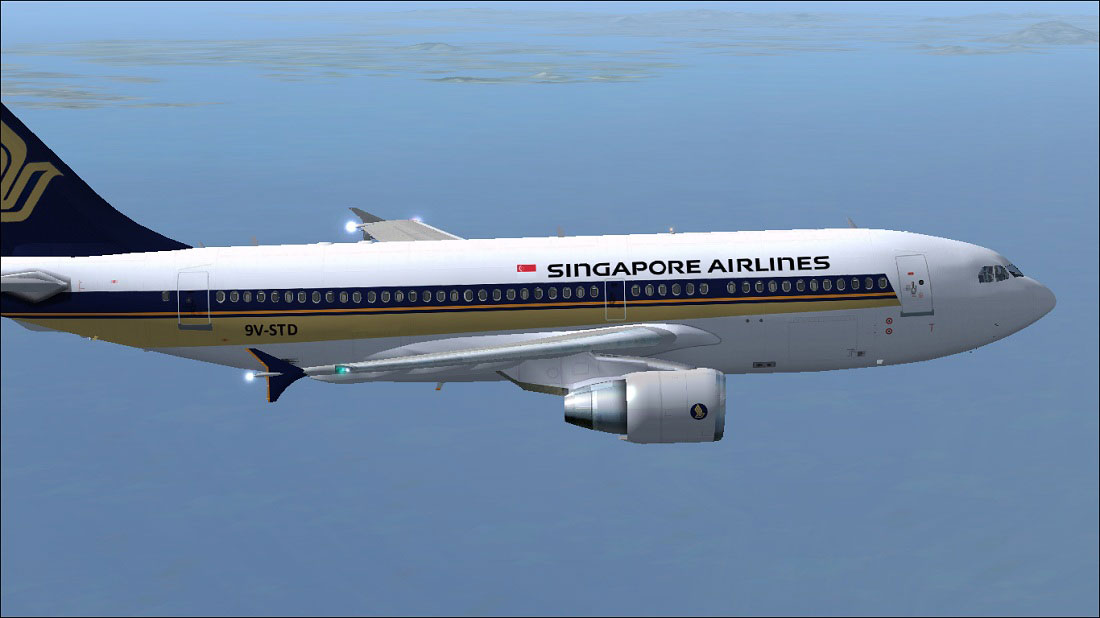
Singapore Airlines Airbus A310-324 in flight.
USE ALL FILES AT YOUR OWN RISK! Neither the creator nor any associated parties assume responsibility for any technical issues, damages, or errors arising from the use of these files.
Repaint by Paul Craig
Free for all simmers · 1.5 MB · Scanned clean Oct 2026
Download speed: Free tier is capped at 0.5 Mbps. PRO members download at full line speed.
This file is a repaint — the package below is the base model it paints onto. Install it first, or the textures will have nothing to load onto.
texture.{airline}) inside FSX\SimObjects\Airplanes\{base-aircraft}\.aircraft.cfg in Notepad. Add a new [fltsim.X] section per the readme.readme.txt or README file. It tells you exactly where files go, what dependencies are needed, and any quirks specific to this add-on.The archive siaa310-324.zip has 17 files and directories contained within it.
This list displays the first 500 files in the package. If the package has more, you will need to download it to view them.
| Filename/Directory | File Date | File Size |
|---|---|---|
| FILE_ID.DIZ | 05.09.11 | 192 B |
| Readme.txt | 05.09.11 | 1.57 kB |
| Singapore Airlines A310-300 (1).jpg | 05.09.11 | 103.60 kB |
| Singapore Airlines A310-324.jpg | 05.09.11 | 110.36 kB |
| texture.SIA | 05.09.11 | 0 B |
| glass.dds | 05.09.11 | 64.12 kB |
| main.dds | 05.09.11 | 4.00 MB |
| main_bump.dds | 03.13.10 | 4.00 MB |
| main_light.dds | 03.13.10 | 1.00 MB |
| main_spec.dds | 03.13.10 | 256.12 kB |
| texture.cfg | 03.13.10 | 143 B |
| thumbnail.jpg | 05.09.11 | 9.82 kB |
| wing_l.dds | 05.09.11 | 1.00 MB |
| wing_r.dds | 03.12.10 | 1.00 MB |
| thumbnail.jpg | 05.09.11 | 9.82 kB |
| flyawaysimulation.txt | 10.29.13 | 959 B |
| Go to Fly Away Simulation.url | 01.22.16 | 52 B |
Only PRO members can place votes.
More FSX & P3D add-ons hand-picked based on this download.
FSX Civil Aircraft
Experience a detailed recreation of Pan American World Airways’ Airbus A310-3…
 FSX Civil Aircraft
Textures only for the payware Overland A310-300 model. Repaint by Bonnie Bell…
 FSX Civil Aircraft
Singapore Airlines Airbus A310-222 (old colors). Repaint of Tom Ruth's A310-1…
 FSX Civil Aircraft
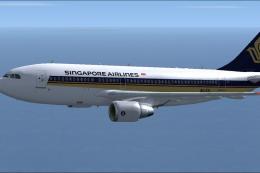
This freeware repaint for Microsoft Flight Simulator X replicates the Singapo…
 FSX Civil Aircraft
This package provides detailed carrier-specific textures for an Airbus A310-2…
 FSX Civil Aircraft
This enhanced Singapore Airlines Airbus A380-800 add-on provides a detailed s…
 FSX Civil Aircraft
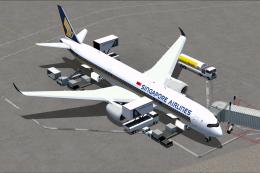
Singapore Airlines Airbus A350-900 XWB v2. Versions 2 is an all new version o…
 FSX Civil Aircraft
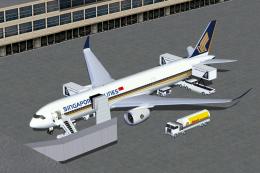
FSX Singapore Airlines Airbus A350-900 XWB (Extra Wide Body) with Animated Gr…
Be the first to leave a comment on this download.
Be the first to share your thoughts on this download.