

 FSX Civil Aircraft
Singapore Airlines Airbus A310-222 OC
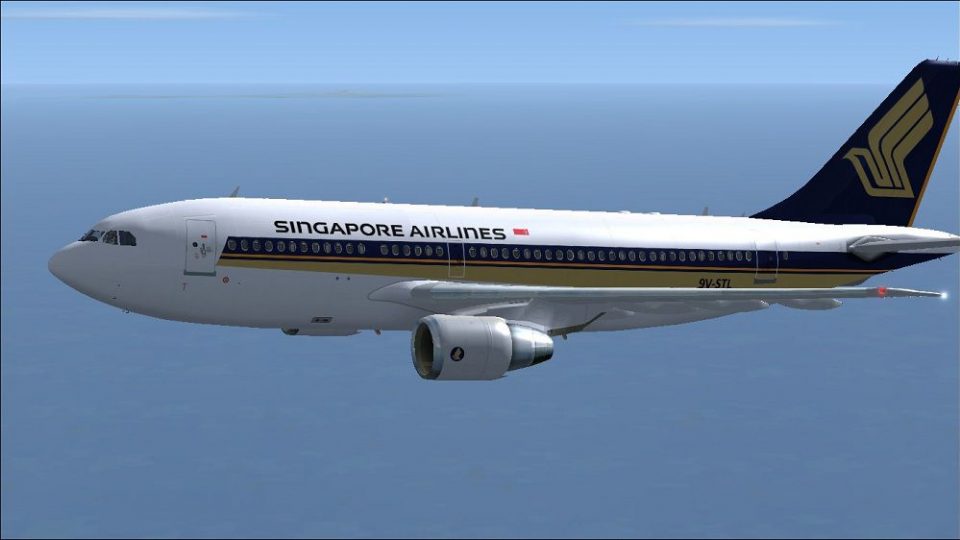
Singapore Airlines Airbus A310-222 (old colors). Repaint of Tom Ruth's A310-1…
Singapore Airlines’ Airbus A310-222 9V-STL comes to life with a crisp, era-accurate repaint that complements the aircraft’s classic twin-jet lines and boosts immersion on regional schedules in Microsoft Flight Simulator X. The textures target Thomas Ruth’s A310-100 model and requires that base pack to display the livery correctly in the virtual cockpit and exterior views.
 Rate
Rate
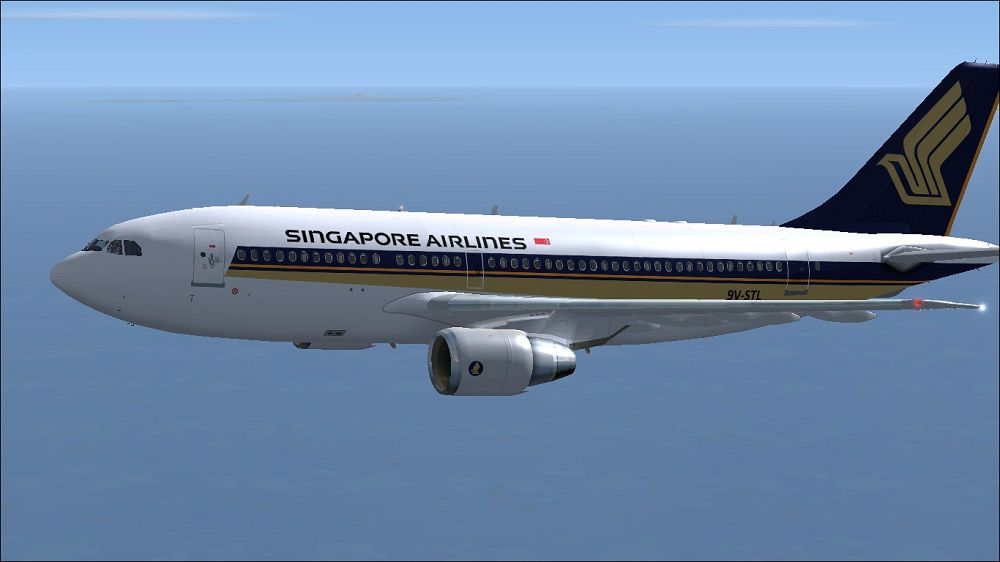
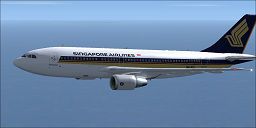
This freeware repaint for Microsoft Flight Simulator X replicates the Singapore Airlines Airbus A310-222 bearing the registration 9V-STL, crafted by Paul Craig for use with the Thomas Ruth A310-100 base pack. It provides an authentic visual representation of one of Singapore Airlines’ classic twin-engined jetliners that once operated on regional routes, and it has been assembled to enhance realism for virtual pilots seeking more immersion.
The A310 features a shorter fuselage and wingspan than some of its Airbus counterparts, yet it remains a reliable twin-engine airliner popular for medium-haul journeys. This specific rendition pays homage to Singapore Airlines, showcasing the carrier’s livery from an era when the airline utilized the A310 family. Paul Craig meticulously developed these textures, taking advantage of Thomas Ruth’s highly regarded model to capture a faithful rendition of the real-world aircraft.
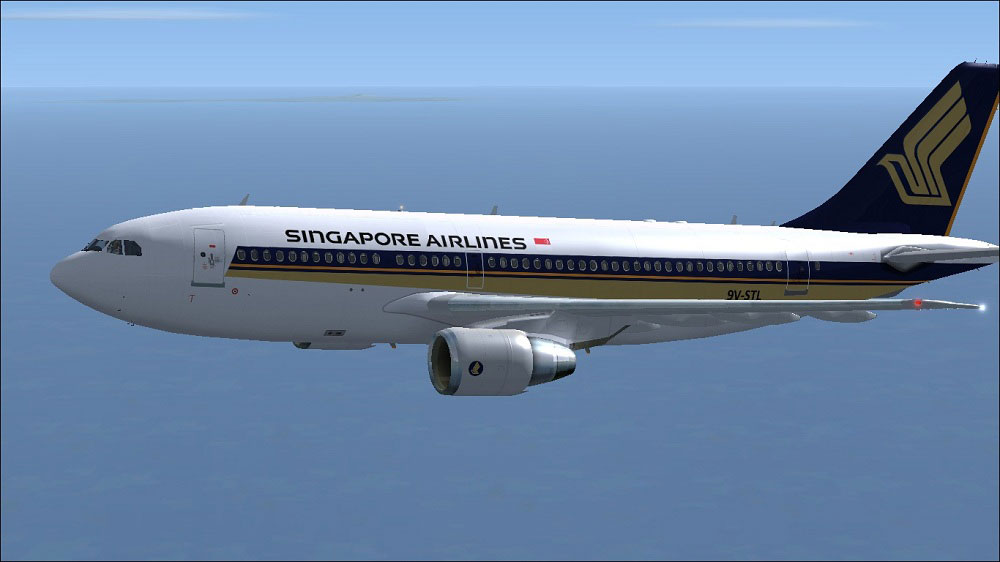
Singapore Airlines Airbus A310-222 in flight.
Before launching the simulator, update the aircraft.cfg file in the Tom_A310-100 directory. It is recommended to back up this file first. Append the following section below the last [fltsim.x] entry (change x to the next available number):
[fltsim.x]
title=Singapore Airlines A310
sim=TomA310
model=PW
panel=310PW
sound=
texture=Singapore Airlines
kb_checklists=
kb_reference=
atc_id=9V-STL
atc_airline=Singapore Airlines
atc_flight_number=1124
atc_heavy=1
ui_manufacturer=Airbus
ui_typerole=Commercial Airliner
ui_createdby=Thomas Ruth
ui_type=A310-222
ui_variation=Singapore Airlines
If manual editing in place gives you any trouble, you can copy the original aircraft.cfg to a safe location, apply modifications there, then replace the file back in Tom_A310-100 and choose to overwrite when prompted.
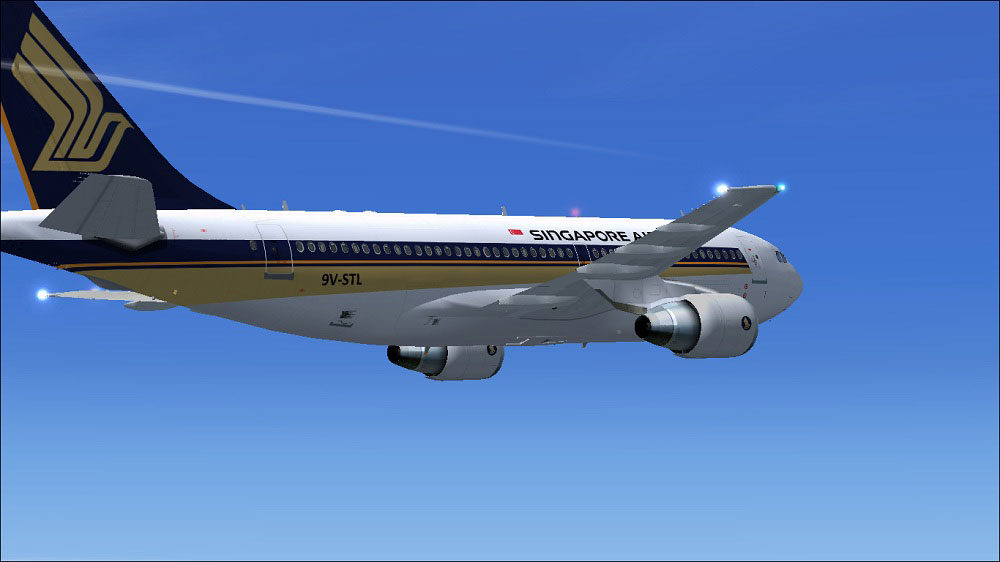
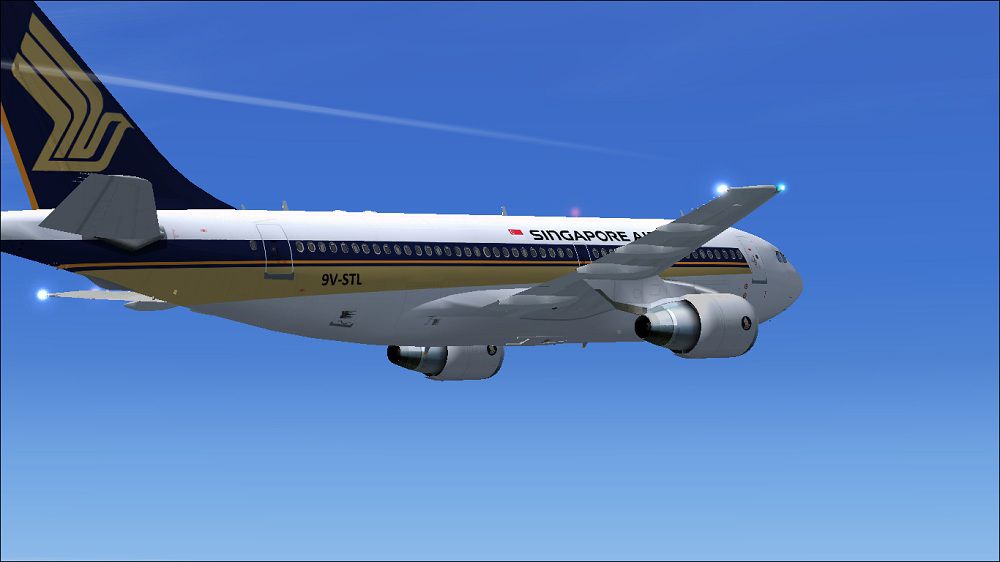
Singapore Airlines Airbus A310-222 in flight.
This repaint requires the existing Thomas Ruth Airbus A310-100 package (commonly distributed under TOMA310.ZIP). Make sure your base model is installed correctly before adding these textures, or unexpected issues may arise.
Use all included files at your own risk. Neither the creator, Paul Craig, nor any other contributor assumes responsibility for damage, errors, or data loss related to the use of these files.
Repaint by Paul Craig
Free for all simmers · 1.41 MB · Scanned clean Oct 2026
Download speed: Free tier is capped at 0.5 Mbps. PRO members download at full line speed.
This file is a repaint — the package below is the base model it paints onto. Install it first, or the textures will have nothing to load onto.
texture.{airline}) inside FSX\SimObjects\Airplanes\{base-aircraft}\.aircraft.cfg in Notepad. Add a new [fltsim.X] section per the readme.readme.txt or README file. It tells you exactly where files go, what dependencies are needed, and any quirks specific to this add-on.The archive siaa310-222.zip has 17 files and directories contained within it.
This list displays the first 500 files in the package. If the package has more, you will need to download it to view them.
| Filename/Directory | File Date | File Size |
|---|---|---|
| FILE_ID.DIZ | 05.07.11 | 199 B |
| Readme.txt | 05.07.11 | 1.60 kB |
| Singapore Airlines Airbus A310-222 (1).jpg | 05.07.11 | 85.61 kB |
| Singapore Airlines Airbus A310-222.jpg | 05.07.11 | 92.80 kB |
| texture.Singapore Airlines | 05.07.11 | 0 B |
| glass.dds | 03.13.10 | 64.12 kB |
| main.dds | 05.07.11 | 4.00 MB |
| main_bump.dds | 03.12.10 | 4.00 MB |
| main_light.dds | 03.21.10 | 1.00 MB |
| main_spec.dds | 05.03.11 | 256.12 kB |
| texture.cfg | 03.31.10 | 159 B |
| thumbnail.jpg | 05.07.11 | 9.70 kB |
| wing_l.dds | 05.07.11 | 1.00 MB |
| wing_r.dds | 03.12.10 | 1.00 MB |
| thumbnail.jpg | 05.07.11 | 9.70 kB |
| flyawaysimulation.txt | 10.29.13 | 959 B |
| Go to Fly Away Simulation.url | 01.22.16 | 52 B |
Only PRO members can place votes.
More FSX & P3D add-ons hand-picked based on this download.
FSX Civil Aircraft
Singapore Airlines Airbus A310-222 (old colors). Repaint of Tom Ruth's A310-1…
 FSX Civil Aircraft
This package provides detailed carrier-specific textures for an Airbus A310-2…
 FSX Civil Aircraft
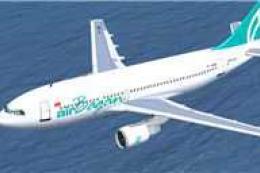
XY-AGD and XY-AGE. GMAX model of the A310-222 with Pratt & Whitney JT9D-7R4E1…
 FSX Civil Aircraft
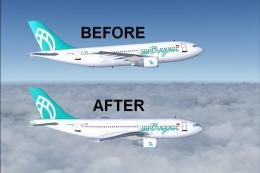
FSX Air Bagan Airbus A310-222 Twin Package Update, for use with AB312X.ZIP. A…
 FSX Civil Aircraft
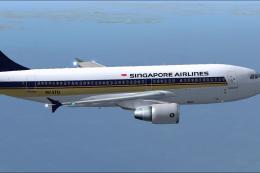
This repaint package brings the iconic Singapore Airlines color scheme to the…
 FSX Civil Aircraft
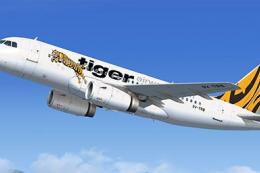
A repaint of the payware Blackbox Airbus Prologue Extreme A319 IAE in TIger A…
 FSX Civil Aircraft
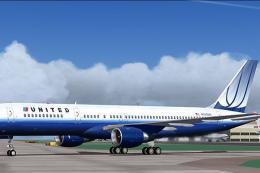
United Airlines Boeing 757-222 in blue tulip livery. This 757 has back jetway…
 FSX Civil Aircraft
FSX Delta Airlines Boeing 757-222 "Spongebob". This plane comes with 2D panel…
Be the first to leave a comment on this download.
Be the first to share your thoughts on this download.