

 FSX General Aviation Aircraft
Beechcraft Turbocharged Baron B58
Beechcraft Turbocharged Baron B58. A Beech B58TC 1979 model, created by modif…
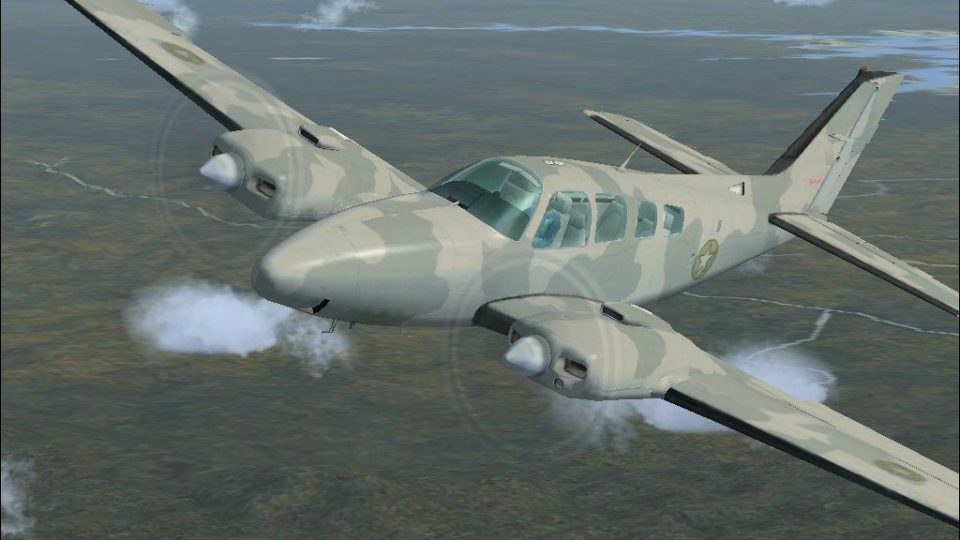
Camouflaged military-style repaint for the stock Beechcraft Baron adds a tactical look with crisp, period-inspired textures while preserving the aircraft’s familiar handling and virtual cockpit presentation. Built for FSX, the texture-only package requires the default Beech Baron and drops into its existing folder structure for quick selection in the aircraft menu.
 Rate
Rate
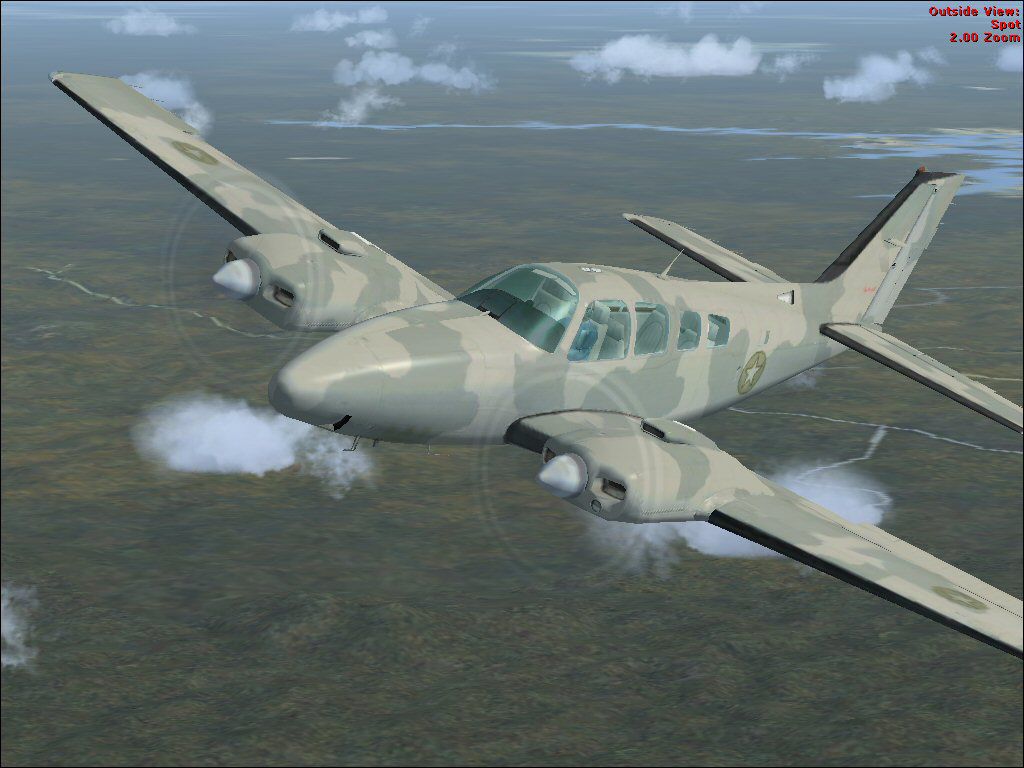
Camouflaged Beechcraft Baron. A repaint of the stock Beech Baron. Paint scheme is of a military camo. This is a texture only package by RSDG Textures/ Mark Rooks.
Camouflaged Beechcraft Baron in flight.
RSDG Military Beech Baron
To install this aircraft Texture :
As always back up any original files.
1.Unzip downloaded folders to your desktop or temporary directory of your choice.
2.Copy the "Texture " folder and paste it in the main aircraft folder.
By default the main aircraft texture folder is located at:
"C:\Program Files\Microsoft Games\FSX\SimObjects / Beech Baron
3.As with any aircraft, Texture if you do not want to replace the default modify the CFG file
Textures created by Mark "Fire Ball" Rooks.
Enjoy your new repaint
Thanks for downloading,
"Fire Ball"
Free for all simmers · 3.7 MB · Scanned clean Oct 2026
Download speed: Free tier is capped at 0.5 Mbps (this file takes approximately 1 min at the cap). PRO members download at full line speed.
texture.{airline}) inside FSX\SimObjects\Airplanes\{base-aircraft}\.aircraft.cfg in Notepad. Add a new [fltsim.X] section per the readme.readme.txt or README file. It tells you exactly where files go, what dependencies are needed, and any quirks specific to this add-on.The archive rsdgbb.zip has 21 files and directories contained within it.
This list displays the first 500 files in the package. If the package has more, you will need to download it to view them.
| Filename/Directory | File Date | File Size |
|---|---|---|
| Read Me First.txt | 10.25.06 | 717 B |
| Screen shot .jpg | 10.25.06 | 112.01 kB |
| text1.txt | 10.25.06 | 170 B |
| Texture | 10.25.06 | 0 B |
| Baron_Baron_58_Interior_T.dds | 09.04.06 | 341.45 kB |
| Beech_Baron_58_1_c.dds | 09.04.06 | 682.79 kB |
| Beech_Baron_58_2_c.dds | 09.04.06 | 682.79 kB |
| Beech_Baron_58_3_c.dds | 09.04.06 | 682.79 kB |
| Beech_Baron_58_reflection.dds | 09.04.06 | 170.79 kB |
| Beech_Baron_58_T.dds | 10.24.06 | 682.80 kB |
| Beech_Baron_58_T_bump.dds | 09.04.06 | 1.00 MB |
| Beech_Baron_58_T_spec.dds | 09.04.06 | 1.33 MB |
| Fresnel_Ramp.dds | 09.04.06 | 640 B |
| Grumman_Goose_pilot.dds | 09.04.06 | 42.79 kB |
| prop_Baron.dds | 09.04.06 | 85.46 kB |
| texture.cfg | 08.14.06 | 137 B |
| thumbnail.jpg | 10.25.06 | 112.01 kB |
| Thumbs.db | 10.25.06 | 5.00 kB |
| Thumbs.db | 10.25.06 | 5.00 kB |
| flyawaysimulation.txt | 10.29.13 | 959 B |
| Go to Fly Away Simulation.url | 01.22.16 | 52 B |
Only PRO members can place votes.
More FSX & P3D add-ons hand-picked based on this download.
FSX General Aviation Aircraft
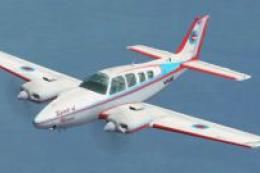
Beechcraft Turbocharged Baron B58. A Beech B58TC 1979 model, created by modif…
 FSX General Aviation Aircraft
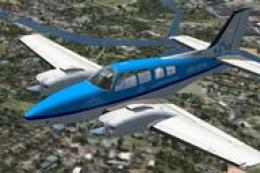
Beechcraft Baron P58TC. A Beech Baron turbocharged 58, FSX SP2 compatable, 12…
 FSX General Aviation Aircraft
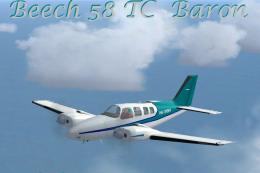
KLM Flight School Beechcraft Baron 58. A repaint for the default Beech Baron …
 FSX General Aviation Aircraft
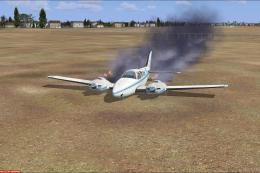
This freeware release introduces a turbocharged Beechcraft Baron 58 TC for Mi…
 FSX General Aviation Aircraft
This mod adds to your default Beechcraft Baron a little realism. Features inc…
 FSX General Aviation Aircraft
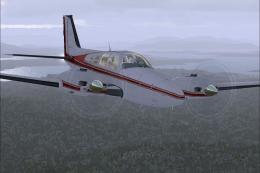
FSX Beechcraft Baron 58. Textures only for the default Beech Baron. Repaint b…
 FSX General Aviation Aircraft
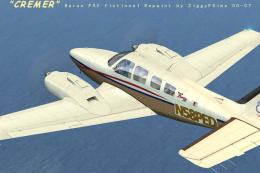
FSX Creme Beechcraft Baron 58. Texture only for the default Beech Baron. Repa…
 FSX General Aviation Aircraft
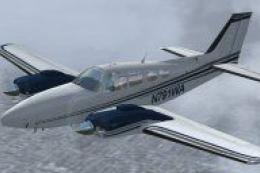
Beechcraft Baron G58 N791WA. A repaint only for the stock Beech Baron 58 with…
Be the first to leave a comment on this download.
Be the first to share your thoughts on this download.