

 FSX General Aviation Aircraft
Rutan Q1 Quickie
Rutan Q1 Quickie v2. This is an improved version of the original Quickie. It …
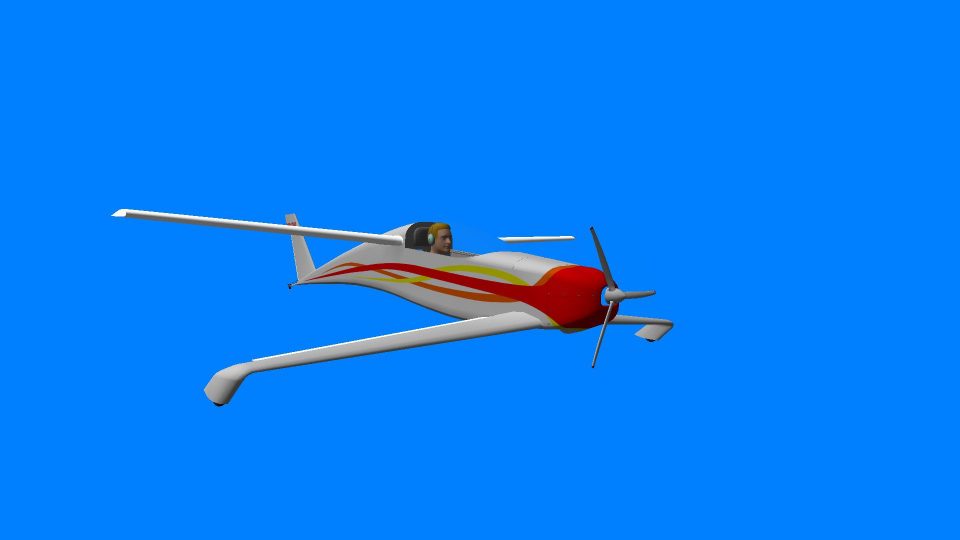
Rutan Q1 Quickie brings Burt Rutan’s compact canard homebuilt to FSX with a detailed exterior model and immersive virtual cockpit, tailored around a 50 hp Rotax two-stroke for lively, authentic handling. Pilot visibility toggles from the cockpit, engine details reflect the real-world setup, and prop animation matches how it looks in flight.
 Rate
Rate
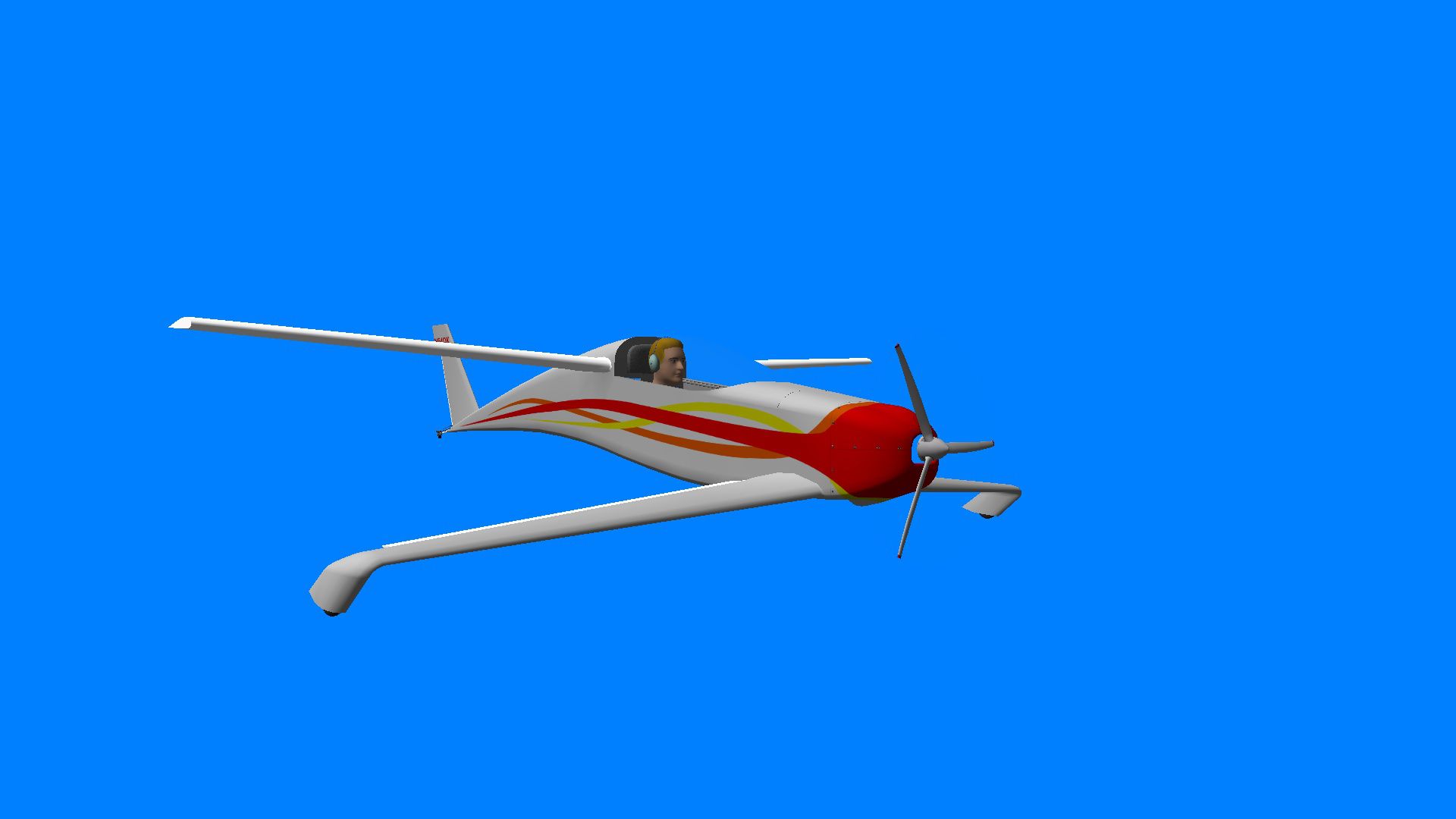
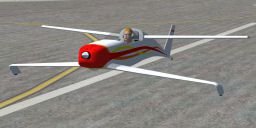
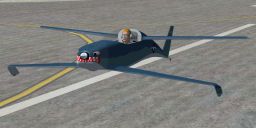
Rutan Quickie. A Rutan Q1 Quickie for FSX. By Robert Kerr.
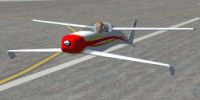
Rutan Quickie.
Thanks for downloading my rendition of the Rutan Quickie for FSX.
Installation is accomplished by placing the 'Quickie' folder in the SimObjects/Airplanes folder, and placing the included font file where ever the stock fonts live for your OS. I use WinXP, and my fonts are found in the root Windows folder...Windows/Fonts.
NOTES
To toggle the pilot in / out of the plane click on the engine controls housing.
The original Quickie used an 18hp Onan generator engine. My version was modeled after a real one using a two-stroke 50 hp Rotax. There is no internal oil system, so there are no gauges for oil pressure or oil temperature.
The high idle RPM is based on what I found researching the Rotax 503 specs.
The prop rotates in the opposite direction, which is correct for this engine.
The flight model is somewhat close. Canard configurations are not really modeled well in FS, and I decided not to spend a huge amount of time trying to get the stall characteristics correct.
The prop does NOT use the 'traditional' blur texture. In real life you would see it as I modeled it. If you don't like that I am sorry...but I have sat behind spinning props for many hours. I know what they look like :)
Robert Kerr
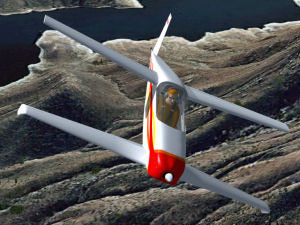
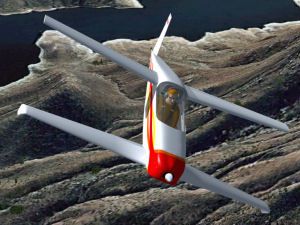
Rutan Quickie in flight.
Free for all simmers · 11.28 MB · Scanned clean Oct 2026
Download speed: Free tier is capped at 0.5 Mbps (this file takes approximately 3 mins at the cap). PRO members download at full line speed.
SimObjects\Airplanes\, Addon Scenery\, Effects\, or Gauges\.readme.txt or README file. It tells you exactly where files go, what dependencies are needed, and any quirks specific to this add-on.The archive quickie.zip has 83 files and directories contained within it.
This list displays the first 500 files in the package. If the package has more, you will need to download it to view them.
| Filename/Directory | File Date | File Size |
|---|---|---|
| quickie.jpg | 11.07.09 | 22.01 kB |
| Read Me.txt | 11.07.09 | 1.91 kB |
| ericssonga628.TTF | 04.28.02 | 47.60 kB |
| exterior.psd | 11.07.09 | 4.17 MB |
| aircraft.cfg | 11.07.09 | 9.92 kB |
| model | 11.07.09 | 0 B |
| mdlScreen1.jpg | 09.28.09 | 94.40 kB |
| model.cfg | 09.29.09 | 53 B |
| quickie 06200901.gmax | 06.20.09 | 2.73 MB |
| quickie.MDL | 11.06.09 | 5.11 MB |
| quickie.zip | 08.13.09 | 1.40 MB |
| quickie_interior.MDL | 11.07.09 | 4.35 MB |
| panel | 11.07.09 | 0 B |
| Panel.cfg | 09.11.09 | 823 B |
| Quickie_Gauges | 11.07.09 | 0 B |
| hobbs_backround.bmp | 03.04.08 | 59.41 kB |
| hobbs_engine.xml | 03.04.08 | 2.91 kB |
| hobbs_hours.bmp | 03.04.08 | 13.53 kB |
| hobbs_mask.bmp | 03.04.08 | 59.41 kB |
| hobbs_tenths.bmp | 03.04.08 | 13.53 kB |
| hobbs_tick.bmp | 03.04.08 | 13.53 kB |
| radio.xml | 01.13.08 | 1.01 kB |
| radio_switch_on.bmp | 01.12.08 | 5.43 kB |
| thorp_radio.bmp | 01.12.08 | 732.47 kB |
| Thumbs.db | 09.10.09 | 236.00 kB |
| RV-6A-IG.bmp | 09.13.04 | 2.25 MB |
| Quickie.air | 11.06.09 | 7.78 kB |
| sound | 11.07.09 | 0 B |
| bumpq.wav | 01.19.09 | 134.37 kB |
| cagear.wav | 04.17.01 | 31.23 kB |
| door_small_close.wav | 04.09.03 | 55.99 kB |
| door_small_open.wav | 04.09.03 | 59.98 kB |
| ox6_noncombust.wav | 01.19.09 | 37.54 kB |
| ro_shut.wav | 01.19.09 | 13.37 kB |
| ro_starter.wav | 01.19.09 | 56.20 kB |
| ro1.wav | 01.19.09 | 229.64 kB |
| ro4a.pk | 01.19.09 | 7.25 kB |
| ro4a.wav | 01.19.09 | 229.64 kB |
| roc2.wav | 01.19.09 | 73.65 kB |
| sound.cfg | 01.19.09 | 5.53 kB |
| sound_backup001.cfg | 01.19.09 | 4.35 kB |
| sound_backup002.cfg | 01.19.09 | 5.53 kB |
| sound_backup003.cfg | 01.19.09 | 5.53 kB |
| sound_backup004.cfg | 01.19.09 | 5.53 kB |
| sound_backup005.cfg | 01.19.09 | 5.53 kB |
| stallp.wav | 01.19.09 | 61.82 kB |
| stress.wav | 01.19.09 | 43.15 kB |
| switch_large.wav | 05.12.06 | 5.89 kB |
| usroll1.wav | 01.19.09 | 134.37 kB |
| xox6_noncombust.wav | 01.19.09 | 18.88 kB |
| xro1.wav | 01.19.09 | 229.64 kB |
| xro2.pk | 01.19.09 | 5.11 kB |
| xro2.wav | 01.19.09 | 161.26 kB |
| xro4.pk | 01.19.09 | 5.11 kB |
| xro4.wav | 01.19.09 | 161.26 kB |
| texture.navy | 11.07.09 | 0 B |
| exterior.dds | 10.14.09 | 4.00 MB |
| exterior_spec.dds | 10.27.09 | 4.00 MB |
| texture.cfg | 11.16.08 | 137 B |
| thumbnail.jpg | 11.05.09 | 7.76 kB |
| Thumbs.db | 06.06.06 | 87.00 kB |
| texture | 11.07.09 | 0 B |
| $ quickie vc.dds | 09.10.09 | 256.12 kB |
| cable.dds | 07.18.09 | 64.12 kB |
| exterior.dds | 10.27.09 | 4.00 MB |
| exterior_bump.dds | 08.08.09 | 4.00 MB |
| exterior_spec.dds | 10.27.09 | 4.00 MB |
| face.dds | 09.25.09 | 1.00 MB |
| fresnel_ramp.dds | 09.04.06 | 640 B |
| glass_bump.dds | 01.04.08 | 4.12 kB |
| glasschrome_diff.dds | 08.14.09 | 64.12 kB |
| glasschrome_spec.dds | 11.23.07 | 64.12 kB |
| GlobalEnv_AC_Chrome.dds | 05.24.06 | 1.50 MB |
| hair.dds | 10.04.09 | 256.12 kB |
| interior bump.dds | 09.06.09 | 4.00 MB |
| interior.dds | 11.05.09 | 4.00 MB |
| quickie glass_diff.dds | 10.05.09 | 256.12 kB |
| quickie glass_spec.dds | 10.05.09 | 256.12 kB |
| quickie prop.dds | 08.13.09 | 256.12 kB |
| thumbnail.jpg | 11.05.09 | 8.02 kB |
| Thumbs.db | 06.06.06 | 87.00 kB |
| flyawaysimulation.txt | 10.29.13 | 959 B |
| Go to Fly Away Simulation.url | 01.22.16 | 52 B |
Only PRO members can place votes.
More FSX & P3D add-ons hand-picked based on this download.
FSX General Aviation Aircraft
Rutan Q1 Quickie v2. This is an improved version of the original Quickie. It …
 FSX General Aviation Aircraft
Burt Rutan Q-200. This is KBT's Q-200 design model modified for FSX. The Burt…
 FSX General Aviation Aircraft
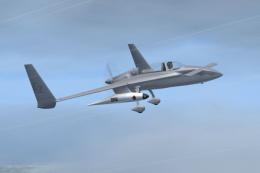
Rutan 61 Long EZ, USMC two tone grey (fictional). This repaint requires the A…
 FSX General Aviation Aircraft
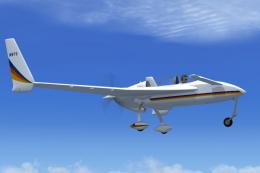
Experience a distinctive livery for the Rutan 61 Long EZ, featuring a vivid b…
 FSX General Aviation Aircraft
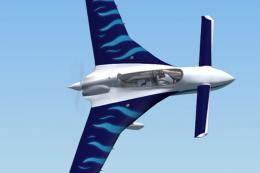
This repaint package offers a Rutan Model 61 Long-EZ in a striking “Blue Flam…
 FSX General Aviation Aircraft
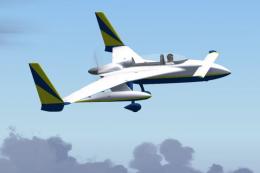
This detailed repaint delivers a striking Blue, Yellow, and White finish for …
 FSX General Aviation Aircraft
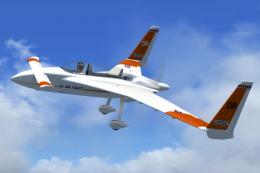
This carefully crafted repaint introduces an orange and white USAF-style fini…
 FSX General Aviation Aircraft
This fictional G-JACK repaint brings a vibrant Union Jack-inspired aesthetic …
Be the first to leave a comment on this download.
Be the first to share your thoughts on this download.