

 FSX Military Aircraft
Tiger Meet Of The America's F-16
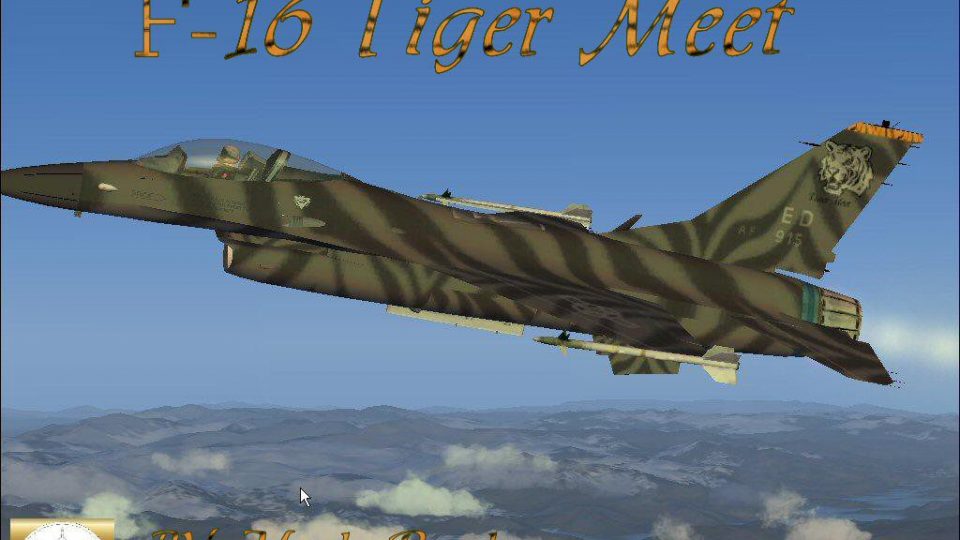
FSX Tiger Meet Of The America's F16. A repaint of Kirk Olsson's Lockheed Mart…
USAF F-16 Tiger Meet repaint brings NATO Tiger Association flair to Kirk Olsson’s F-16 Viper, paired with refreshed flight dynamics and Bob Chicilo’s updated panel for a sharper virtual cockpit experience in FSX. The package includes Mark “Fire Ball” Rooks textures and requires a default sound set.
 Rate
Rate
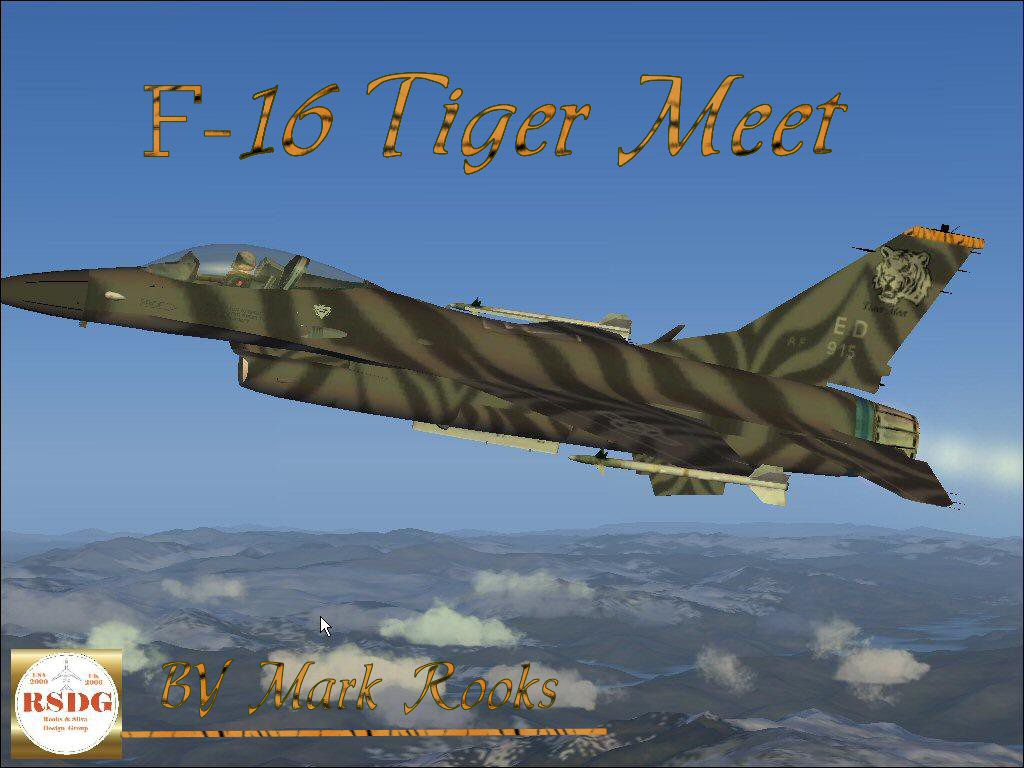
USAF F-16 Tiger Meet. A repaint of Kirk Olsson's F16 Viper (Fighting Falcon), using updated flight dynamics and updated panel by Bob Chicilo. This F16 Viper is painted in the livery of the NATO Tiger Association's - Tiger Meet, representing the United States Air Force. Textures by Mark Rooks of RSDG.
USAF F-16 Tiger Meet in flight.
F16 Tiger Meet Support Angel Flight near you.
To install this aircraft:
As always back up any original files.
1. Unzip downloaded folders to your desktop or temporary directory of your choice.
2. Copy the "F16 Tiger Meet " folder and paste it in the main aircraft folder.
By default the main aircraft folder is located at:
"C:\Program Files\Microsoft Games\FSx\SIM Objects /Aircraft.
Textures created by Mark "Fire Ball" Rooks.
Must use a default sound there is not one provided with this plane due too the large size of the file.
A lear makes a good sound.
Load the effects and the panel with Bob Chicilo read me file provided.
Enjoy your new repaint and air file.
Thanks for downloading,
"Fire Ball"
Free for all simmers · 6.31 MB · Scanned clean Oct 2026
Download speed: Free tier is capped at 0.5 Mbps (this file takes approximately 2 mins at the cap). PRO members download at full line speed.
SimObjects\Airplanes\, Addon Scenery\, Effects\, or Gauges\.readme.txt or README file. It tells you exactly where files go, what dependencies are needed, and any quirks specific to this add-on.The archive rsdgtmx.zip has 7 files and directories contained within it.
This list displays the first 500 files in the package. If the package has more, you will need to download it to view them.
| Filename/Directory | File Date | File Size |
|---|---|---|
| F16 Tiger Meet.zip | 12.07.06 | 4.79 MB |
| FSX update read me .txt | 11.22.06 | 1.11 kB |
| Read Me First.txt | 12.07.06 | 852 B |
| Tiger Meet Screen shot.jpg | 12.07.06 | 171.49 kB |
| viperupx.zip | 12.06.06 | 1.39 MB |
| flyawaysimulation.txt | 10.29.13 | 959 B |
| Go to Fly Away Simulation.url | 01.22.16 | 52 B |
Only PRO members can place votes.
More FSX & P3D add-ons hand-picked based on this download.
FSX Military Aircraft
FSX Tiger Meet Of The America's F16. A repaint of Kirk Olsson's Lockheed Mart…
 FSX Military Aircraft
FSX 1998 NATO Tiger Meet F-16 Falcon. A repaint of Kirk Olsson's F-16 Viper. …
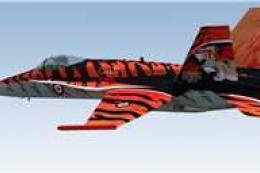 FSX Military Aircraft
CAF Tiger Meet F/A-18C. Fictional repaint of CAF Tiger Meet F/A-18C Hornets u…
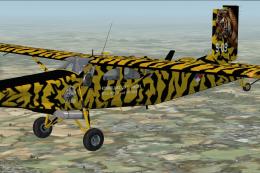 FSX Military Aircraft
KLU PC-6C NATO Tiger Meet 2010. Pilatus PC-6C H2 Turbo Porter by Tim Conrad i…
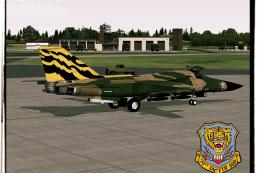 FSX Military Aircraft
A repaint of the Virtavia General Dynamics F111 Aardvark - 79th TFS Tiger Mee…
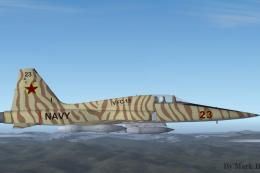 FSX Military Aircraft
This complete freeware package features a custom rendition of Tim Conrad’s F-…
 FSX Military Aircraft
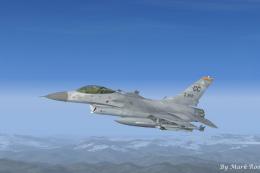
USAF F-16 522 Fireballs. This is Kirk Olssons F-16 Viper updated for Flight S…
 FSX Military Aircraft
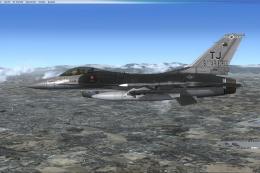
This high-fidelity repaint offers a detailed rendition of the 16th Air Force …
Be the first to leave a comment on this download.
Be the first to share your thoughts on this download.