
 FSX Military Aircraft
F-111 Aardvark - 492nd TFS
A repaint of the Virtavia General Dynamics F111 Aardvark - 492nd TFS "Bolars"…
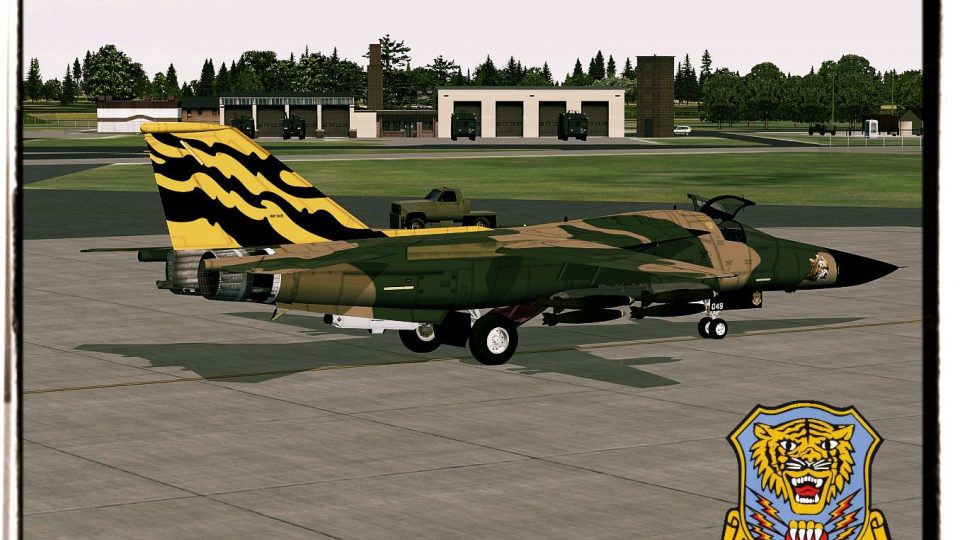
Virtavia’s General Dynamics F-111E Aardvark wears the striking 79th TFS Tiger Meet scheme in this detailed repaint, matching period markings and a fighter-bomber loadout for authentic military ramp presence. Designed for FSX, it drops cleanly into the aircraft selection with custom texture naming and accurate unit identification; requires the Virtavia F-111 base model.
 Rate
Rate
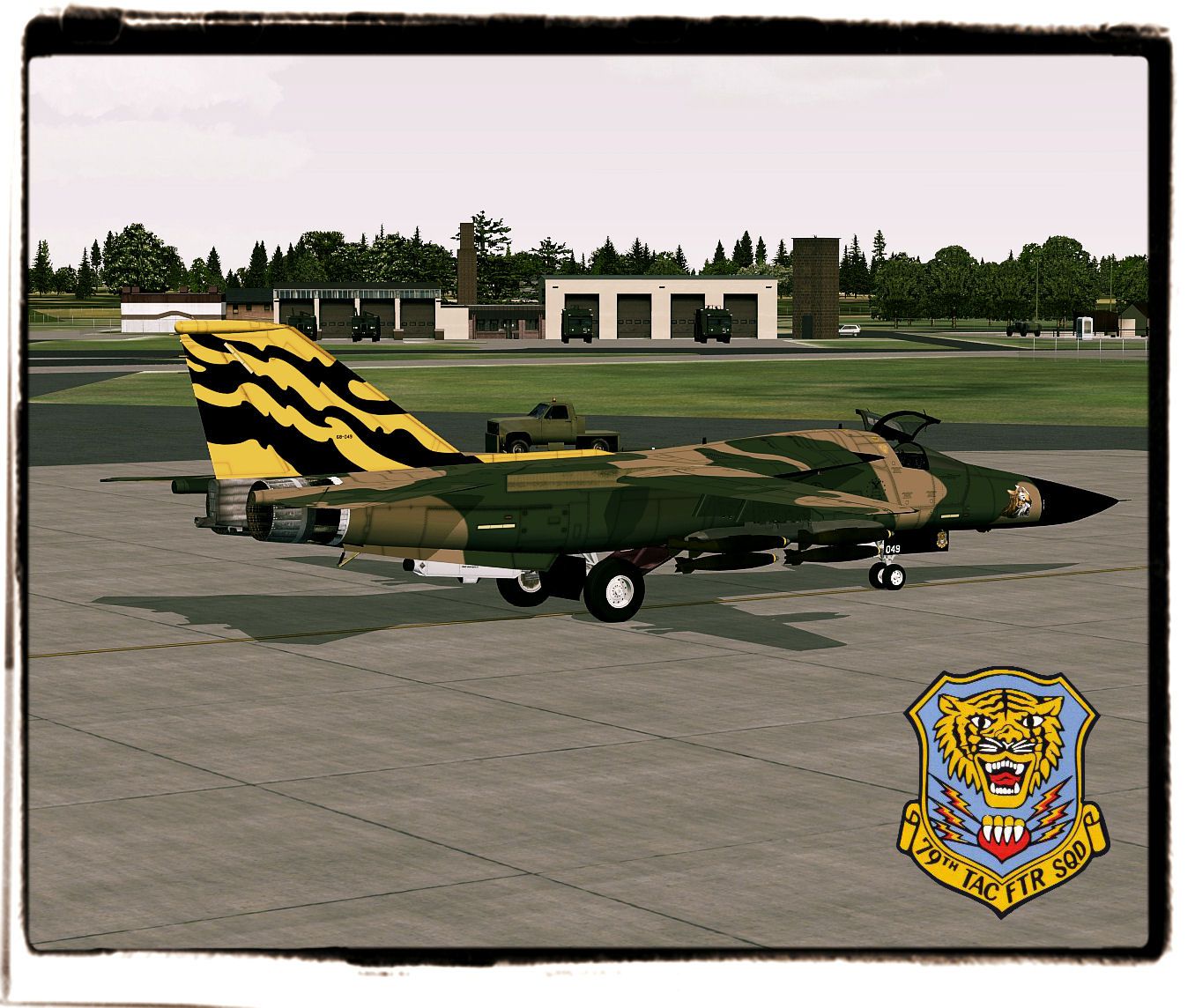
A repaint of the Virtavia General Dynamics F111 Aardvark - 79th TFS Tiger Meet. Repaint by Zsolt Beleznay.
Screenshot of F-111 Aardvark on the ground.
[fltsim.XX]

title=F-111E 79th TFS Tiger Meet

sim=111

model=E_1

panel=

sound=

texture=79th TFS Tiger Meet

kb_checklists=F-111_check

kb_reference=F-111_ref

ui_manufacturer=GD

ui_type=F-111E

ui_variation=79th TFS, Mk.82 bombs

ui_typerole="Fighter-Bomber"

ui_createdby="Virtavia"

ui_thumbnailfile=

description=Repaint by Zsolt Beleznay

atc_id_color=0x00000000

atc_heavy=0

atc_id_font=Verdana,-11,1,600,0

visual_damage=0

atc_id=6849

atc_airline=Air Force

atc_flight_number=F111

atc_parking_types=MIL_COMBAT
Free for all simmers · 1.26 MB · Scanned clean Nov 2026
Download speed: Free tier is capped at 0.5 Mbps. PRO members download at full line speed.
texture.{airline}) inside FSX\SimObjects\Airplanes\{base-aircraft}\.aircraft.cfg in Notepad. Add a new [fltsim.X] section per the readme.readme.txt or README file. It tells you exactly where files go, what dependencies are needed, and any quirks specific to this add-on.The archive 79tfstigermeet.zip has 10 files and directories contained within it.
This list displays the first 500 files in the package. If the package has more, you will need to download it to view them.
| Filename/Directory | File Date | File Size |
|---|---|---|
| texture.79th TFS Tiger Meet | 04.05.12 | 0 B |
| 111bottop.dds | 03.22.12 | 4.00 MB |
| 111else.dds | 03.09.12 | 1.00 MB |
| 111sides.dds | 03.22.12 | 4.00 MB |
| 111wings.dds | 03.22.12 | 4.00 MB |
| texture.cfg | 03.13.12 | 71 B |
| Aircraft.cfg | 04.05.12 | 524 B |
| Tigerrr 1.jpg | 03.22.12 | 290.00 kB |
| flyawaysimulation.txt | 10.29.13 | 959 B |
| Go to Fly Away Simulation.url | 01.22.16 | 52 B |
Only PRO members can place votes.
More FSX & P3D add-ons hand-picked based on this download.
FSX Military Aircraft
A repaint of the Virtavia General Dynamics F111 Aardvark - 492nd TFS "Bolars"…
 FSX Military Aircraft
FSX Tiger Meet Of The America's F16. A repaint of Kirk Olsson's Lockheed Mart…
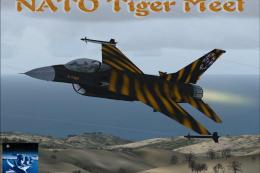 FSX Military Aircraft
FSX 1998 NATO Tiger Meet F-16 Falcon. A repaint of Kirk Olsson's F-16 Viper. …
 FSX Military Aircraft
CAF Tiger Meet F/A-18C. Fictional repaint of CAF Tiger Meet F/A-18C Hornets u…
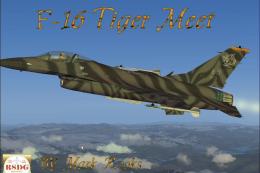 FSX Military Aircraft
USAF F-16 Tiger Meet. A repaint of Kirk Olsson's F16 Viper (Fighting Falcon),…
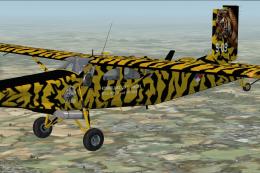 FSX Military Aircraft
KLU PC-6C NATO Tiger Meet 2010. Pilatus PC-6C H2 Turbo Porter by Tim Conrad i…
 FSX Military Aircraft
If you ever wanted to fly the F-111 skimming the tree tops at high speeds and…
 FSX Military Aircraft
Aardvark v2 for AI. "E", "F" and "Raven" models from v1, plus FB-111A and F-1…
Be the first to leave a comment on this download.
Be the first to share your thoughts on this download.