

 FSX Military Aircraft
EE Canberra 369
This freeware repaint introduces the English Electric Canberra WT369 livery, …
English Electric Canberra WT480 brings a historically faithful RAF bomber repaint to the AlphaSim Canberra B.2, with crisp markings, subtle weathering, and textures tuned to the model’s detailed virtual cockpit and exterior. Designed for Microsoft Flight Simulator X, it requires the AlphaSim FSX Canberra B.2 base aircraft.
 Rate
Rate

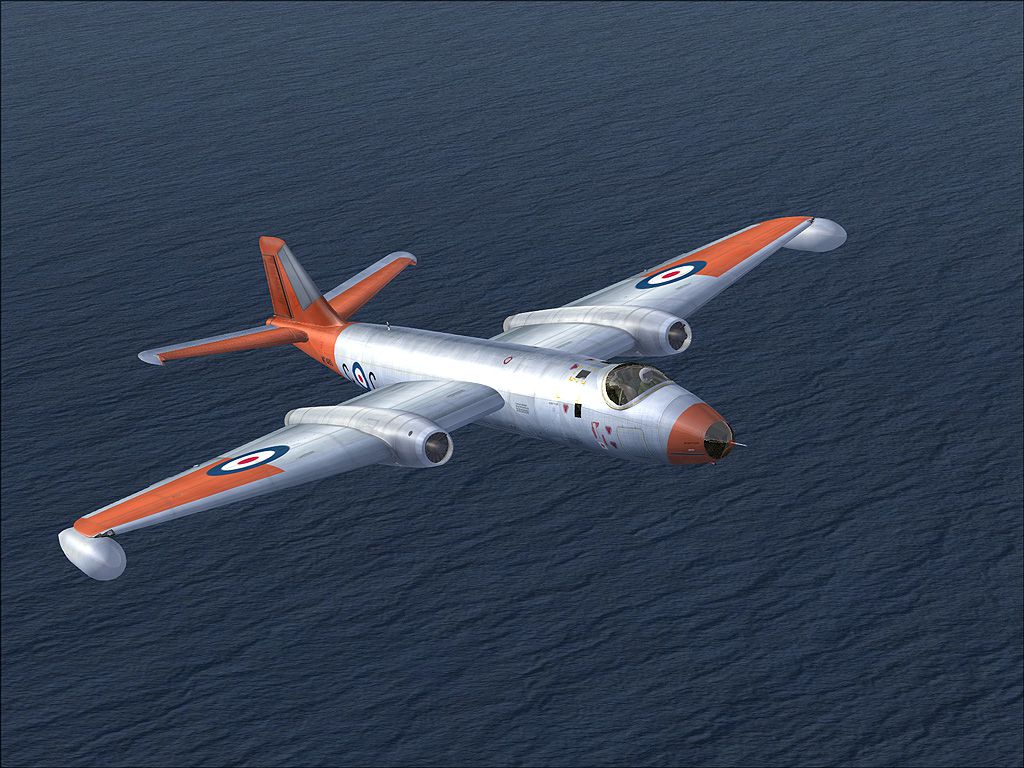
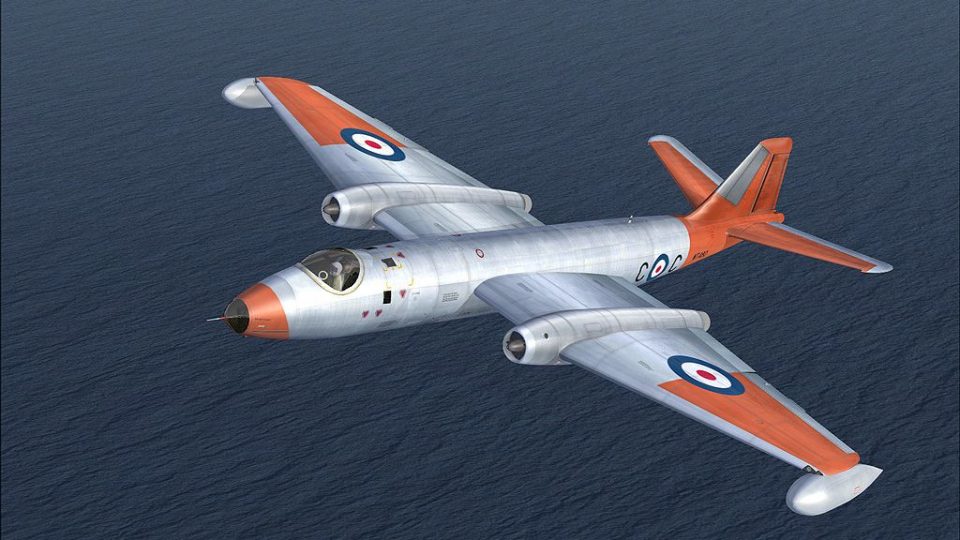
This repaint for Microsoft Flight Simulator X depicts the celebrated English Electric Canberra as WT480, carefully crafted by Henry William. It is based on the AlphaSim FSX Canberra B.2 model and includes dedicated texture files that capture the distinctive appearance of this particular aircraft.
The English Electric Canberra served as a groundbreaking twin-engined bomber, entering service with the Royal Air Force in the early 1950s. Known for its impressive high-altitude performance, it was later adopted by other air forces worldwide and was even produced under license in the United States as the B-57 Canberra. AlphaSim’s rendition provides a detailed virtual cockpit, external model, and operational systems that accurately represent this iconic Cold War-era platform, and the WT480 repaint adds yet another layer of historical authenticity.
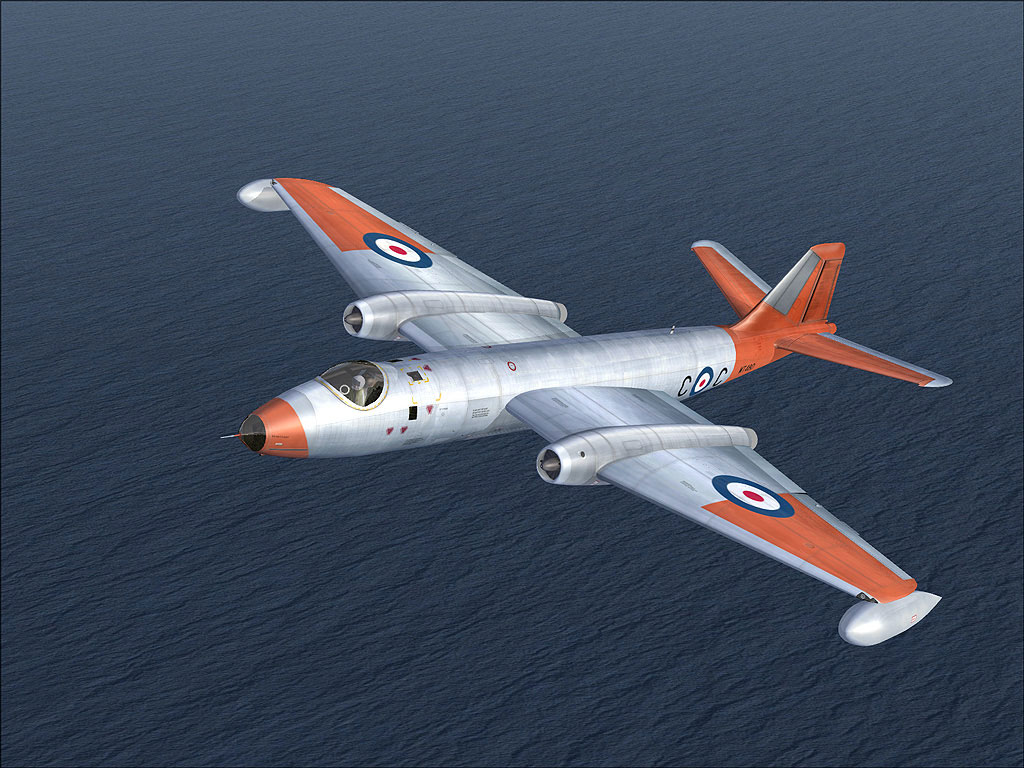
EE Canberra WT480 in flight.
Henry William’s focus on subtle weathering, proper markings, and cockpit texturing ensures that this repaint offers a faithful representation of the real WT480. Each texture layer has been optimized to harmonize with AlphaSim’s model, delivering sharp surface details and historically aligned insignia.
C:\Program Files\Microsoft Games\Microsoft Flight Simulator X\SimObjects\Airplanes\ALPHA EE Canberra).[fltsim.xx] title=ALPHA Canberra B2 3 rafdg sim=ALPHA_Canb_B2 model= panel= sound=alias=\Hunter FGA9\Sound texture=rafdg KB_checklists=canberra_check kb_reference= ui_manufacturer=English Electric ui_type=Canberra B.2 ui_variation=WT680 ui_typerole="Bomber" ui_createdby="AlphaSim Ltd" description=© ALPHA Simulations 2005\n\nThe English Electric Canberra was first flown in 1950, and yet there were still versions of this fine aircraft in service at the outset of the 21st century. An excellent design overall, the type was also adopted and manufactured in the United States as the Martin B-57. A large number of variants were produced, including high-altitude reconnaissance, attack, nuclear strike, night interdiction, and trainers. The type was initially intended to fly very high and fast and was thus equipped with no defensive armament. Several speed and altitude records were garnered by the Canberra in the years immediately following its introduction into service. In 1957, a rocket-boosted Canberra flew to over 70,000 feet, a staggering altitude at the time. atc_id_color=0x00000000 atc_heavy=0 atc_id_font=Verdana,-11,1,600,0 visual_damage=0 atc_id=WJ861 atc_airline= atc_flight_number= atc_parking_types=MIL_COMBAT
If you have not installed David Garwood’s Hawker Hunter package, be sure to redirect the sound=alias line to another aircraft that contains a suitable audio set. This ensures engine audio and cockpit sounds function correctly in your simulator.
After saving your changes, load up the Canberra from the aircraft selection menu in FSX, then select the new WT480 repaint for your next mission.
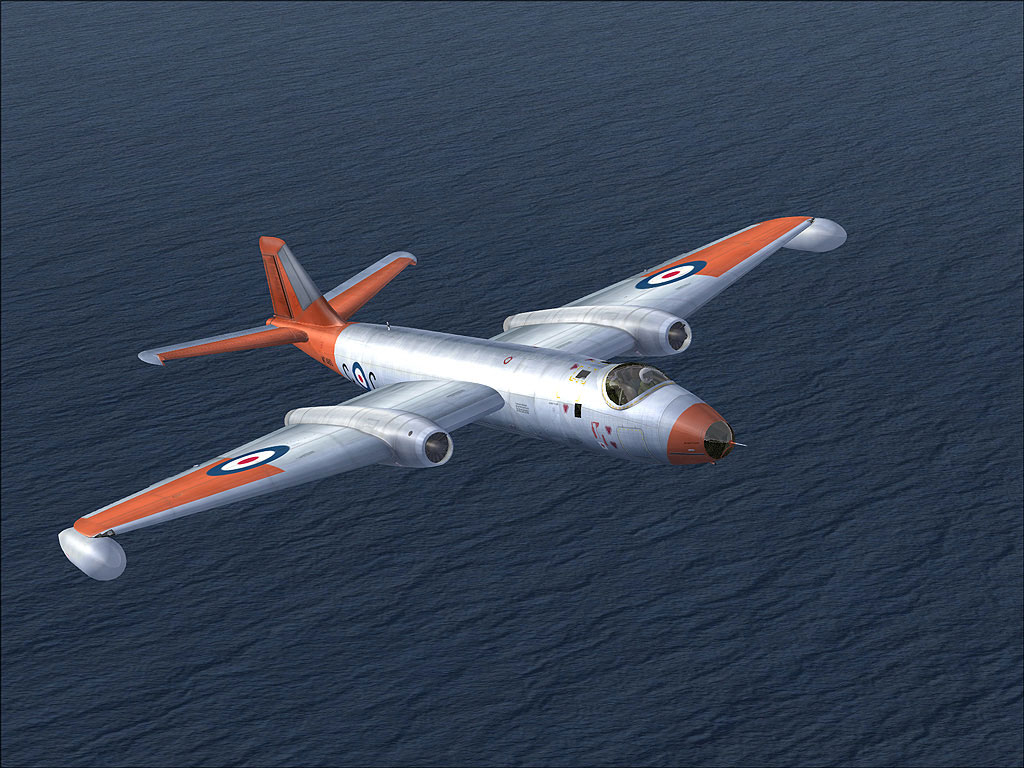
EE Canberra WT480 in flight.
Free for all simmers · 5.59 MB · Scanned clean Oct 2026
Download speed: Free tier is capped at 0.5 Mbps (this file takes approximately 2 mins at the cap). PRO members download at full line speed.
texture.{airline}) inside FSX\SimObjects\Airplanes\{base-aircraft}\.aircraft.cfg in Notepad. Add a new [fltsim.X] section per the readme.readme.txt or README file. It tells you exactly where files go, what dependencies are needed, and any quirks specific to this add-on.The archive canwt480.zip has 21 files and directories contained within it.
This list displays the first 500 files in the package. If the package has more, you will need to download it to view them.
| Filename/Directory | File Date | File Size |
|---|---|---|
| 480.jpg | 01.09.10 | 325.91 kB |
| 480_1.jpg | 01.09.10 | 335.23 kB |
| readMe.txt | 01.09.10 | 2.05 kB |
| small.gif | 01.09.10 | 13.28 kB |
| texture.rafdg | 01.09.10 | 0 B |
| canberra_1.bmp | 04.03.09 | 4.00 MB |
| canberra_2.bmp | 04.03.09 | 4.00 MB |
| canberra_3.bmp | 04.03.09 | 4.00 MB |
| canberra_4.bmp | 04.03.09 | 4.00 MB |
| canberra_5.bmp | 04.03.09 | 4.00 MB |
| canberra_6.bmp | 04.03.09 | 4.00 MB |
| canberra_7.bmp | 04.03.09 | 1.00 MB |
| Eng_bullets.bmp | 03.13.05 | 16.07 kB |
| nosedoors_1.bmp | 04.01.09 | 128.07 kB |
| texture.cfg | 06.18.07 | 70 B |
| thumbnail.jpg | 05.22.09 | 33.30 kB |
| Thumbs.db | 01.09.10 | 36.00 kB |
| Thumbs.db | 01.09.10 | 16.00 kB |
| canwt480 | 01.09.10 | 0 B |
| flyawaysimulation.txt | 10.29.13 | 959 B |
| Go to Fly Away Simulation.url | 01.22.16 | 52 B |
Only PRO members can place votes.
More FSX & P3D add-ons hand-picked based on this download.
FSX Military Aircraft
This freeware repaint introduces the English Electric Canberra WT369 livery, …
 FSX Military Aircraft
This repaint set merges the iconic lines of the English Electric Canberra wit…
 FSX Military Aircraft
This add-on includes a finely crafted repaint of the Alphasim English Electri…
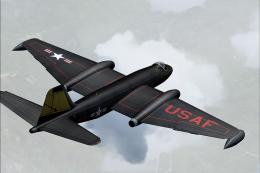 FSX Military Aircraft
This freeware repaint offers a specialized USAF-themed texture set for the En…
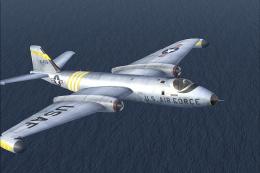 FSX Military Aircraft
This repaint pack integrates a USAF-style livery onto the renowned Alphasim E…
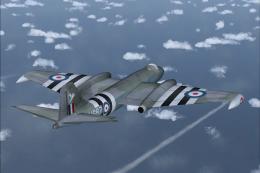 FSX Military Aircraft
This custom repaint showcases the English Electric Canberra designated WT667 …
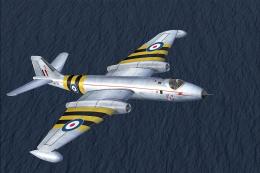 FSX Military Aircraft
This repaint for Microsoft Flight Simulator X showcases the English Electric …
 FSX Military Aircraft
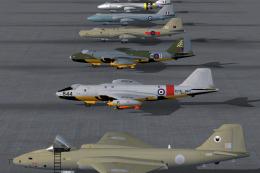
B2, PR3, T17A, TT18 and PR9. PR9's comprise five individually numbered aircra…
Be the first to leave a comment on this download.
Be the first to share your thoughts on this download.