

 FSX Helicopters
"SAR 71 Hamburg" Bell UH-1H
This repaint showcases the “SAR 71 Hamburg” Bell UH-1H livery, inspired by th…
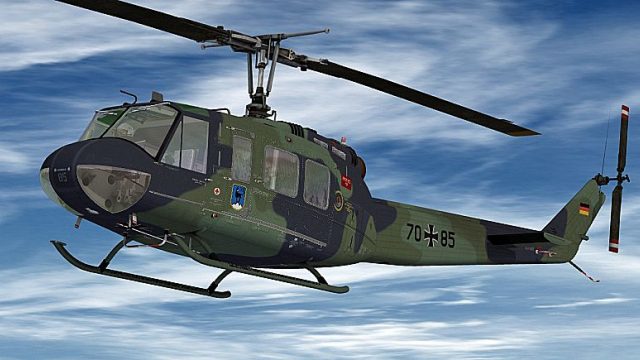
Bell UH-1H “LTG 61” livery recreates the German Air Force Lufttransportgeschwader 61 markings from Penzing with crisp, high-detail textures across the fuselage, tail boom, and rotor system, reflecting the look seen on real training and duty flights. Built for Microsoft Flight Simulator X, it requires the Nemeth Designs & MILVIZ UH-1H payware model.
 Rate
Rate
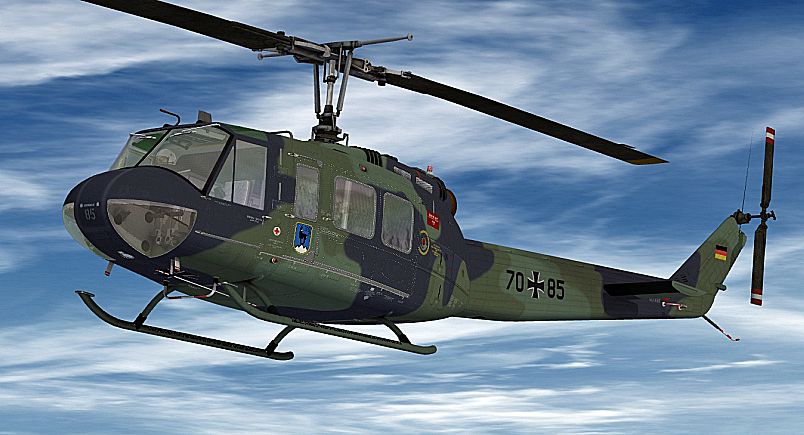

This repaint showcases a Bell UH-1H sporting markings from Lufttransportgeschwader 61, based near Penzing in Germany. It matches a real-world military scheme frequently seen on duty flights and training missions. Developed for Microsoft Flight Simulator X, these textures were created by B. Lechner and are exclusively designed for use with the original payware Nemeth Designs & MILVIZ model, which must be acquired separately (for instance, through a recognized payware store like SimShack).
The Bell UH-1H, often nicknamed the Huey, is a renowned utility helicopter recognized across global military and civilian operations. Lufttransportgeschwader 61 (LTG 61) utilized variants of the Huey for transport and support roles, frequently engaging in cargo missions, medical evacuations, and troop movements. This repaint captures one of those variants that served in the German Air Force, respecting the historical context of the rotorcraft’s active duty within European airspace.
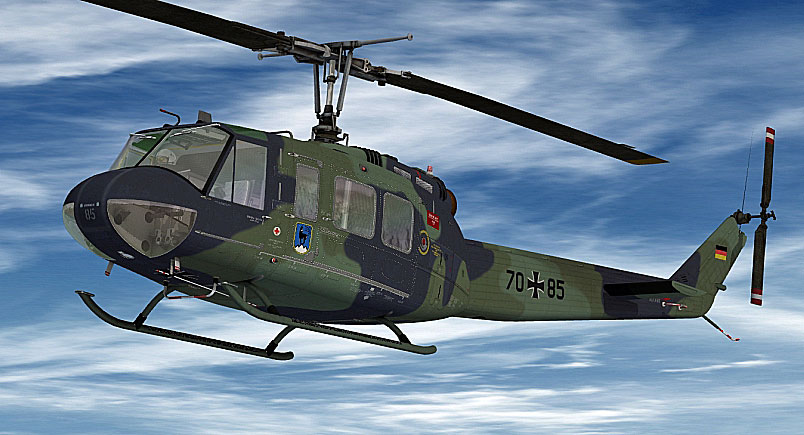
"LTG 61" Bell UH-1H in flight.
[fltsim.XX]
title= BELL UH-1H HUEY - LTG 61 - PENZING
sim= bell_uh1
model=
panel=
sound=
texture= LTG-61
kb_checklists=
kb_reference=
atc_id=
ui_manufacturer= BELL
ui_type= UH-1D
ui_variation= LTG 61
ui_typerole= "Rotorcraft"
ui_createdby= "Nemeth Designs & MILVIZ"
description= ""
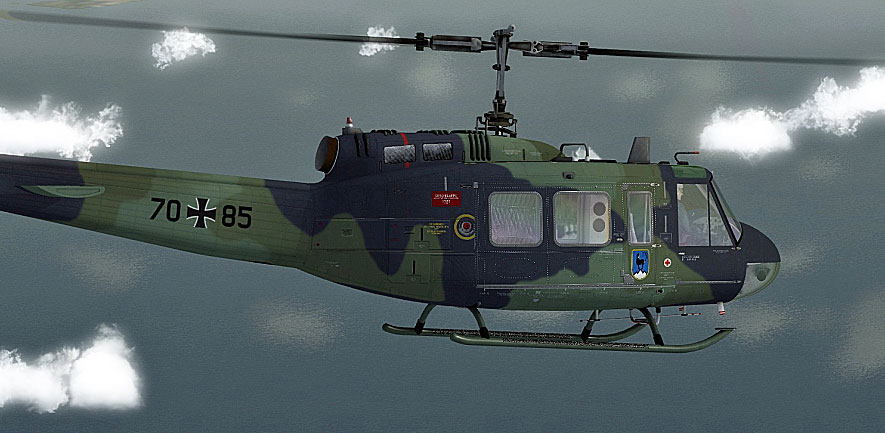
"LTG 61" Bell UH-1H in flight.
This repaint provides textures only, so the original Nemeth Design Bell UH-1H payware package is mandatory. By installing this livery, virtual pilots can experience the unique look of a German Air Force rotorcraft as it operated from Penzing, Germany, under the banner of Lufttransportgeschwader 61. Credits to creator B. Lechner for the detailed artwork that brings an iconic helicopter to life within our favorite simulator environment.
Free for all simmers · 4.25 MB · Scanned clean Oct 2026
Download speed: Free tier is capped at 0.5 Mbps (this file takes approximately 1 min at the cap). PRO members download at full line speed.
texture.{airline}) inside FSX\SimObjects\Airplanes\{base-aircraft}\.aircraft.cfg in Notepad. Add a new [fltsim.X] section per the readme.readme.txt or README file. It tells you exactly where files go, what dependencies are needed, and any quirks specific to this add-on.The archive bell_uh-1d_ltg_61.zip has 15 files and directories contained within it.
This list displays the first 500 files in the package. If the package has more, you will need to download it to view them.
| Filename/Directory | File Date | File Size |
|---|---|---|
| readme_uh-1d_ltg_61.txt | 11.17.10 | 1.11 kB |
| Screens | 11.17.10 | 0 B |
| UH1D_LTG61_06001.jpg | 11.17.10 | 373.74 kB |
| UH1D_LTG61_06002.jpg | 11.17.10 | 374.32 kB |
| Texture.LTG-61 | 11.17.10 | 0 B |
| PILOT_SD.dds | 11.17.10 | 1.00 MB |
| texture.cfg | 08.15.09 | 140 B |
| THUMBNAIL.jpg | 11.17.10 | 40.79 kB |
| UH1C_3_T.dds | 05.23.10 | 1.00 MB |
| UH1H_1_T.dds | 11.17.10 | 4.00 MB |
| UH1H_2_T.dds | 11.17.10 | 4.00 MB |
| UH1H_3_T.dds | 11.17.10 | 1.00 MB |
| UH1H_4_T.dds | 11.17.10 | 1.00 MB |
| flyawaysimulation.txt | 10.29.13 | 959 B |
| Go to Fly Away Simulation.url | 01.22.16 | 52 B |
Only PRO members can place votes.
More FSX & P3D add-ons hand-picked based on this download.
FSX Helicopters
This repaint showcases the “SAR 71 Hamburg” Bell UH-1H livery, inspired by th…
 FSX Helicopters
This repaint adds a dedicated medevac livery to the Bell UH-1H, commonly refe…
 FSX Helicopters
United Nations Bell UH-1H. Repaint for a Huey (AB 205) in service from the Wo…
 FSX Helicopters
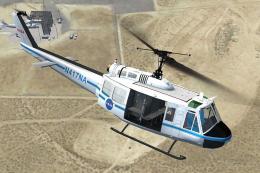
NASA Security Service Bell UH-1H. This Bell UH-1H Huey, registered N417NA, wa…
 FSX Helicopters
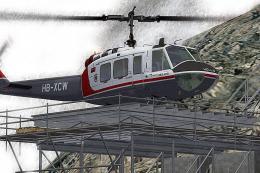
This carefully crafted repaint offers a unique Swiss-inspired touch for the c…
 FSX Helicopters
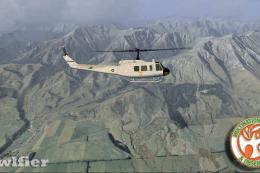
This paint represents 06-0809, an RNZAF Huey (1 of 2) deployed to the then Is…
 FSX Helicopters
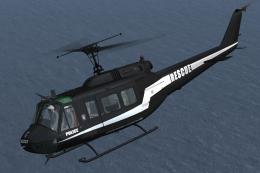
Law Enforcement Aviation Coalition Bell UH-1H. This Bell UH-1H, registered N6…
 FSX Helicopters
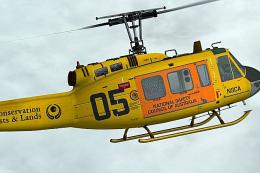
This freeware repaint brings the distinctive National Safety Council of Austr…
Be the first to leave a comment on this download.
Be the first to share your thoughts on this download.