

 FSX Missions
Flying For Salmon-Last Episode Mission
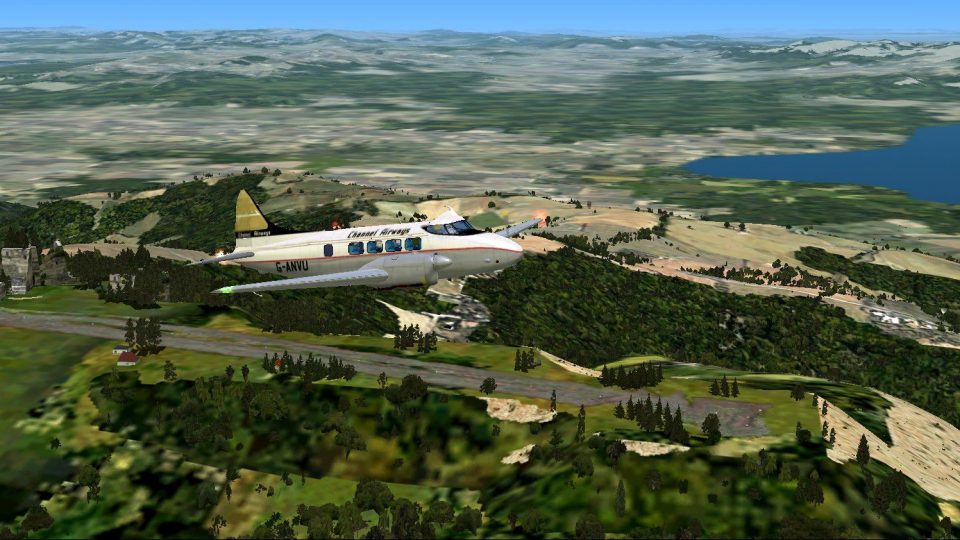
Flying For Salmon-Last Episode. As a bush pilot you have found the best "smok…
The Ruins at Buluti Ridge mission brings a scenic, story-driven bush flight to Turkey, featuring a windswept ridge airfield, atmospheric ruins, and local flavor tied to Dr. Felicia Fickle’s 19th-century kite experiments. Designed for FSX, it tasks pilots with a challenging Cessna 206 supply run into a tourist hotspot.
 Rate
Rate
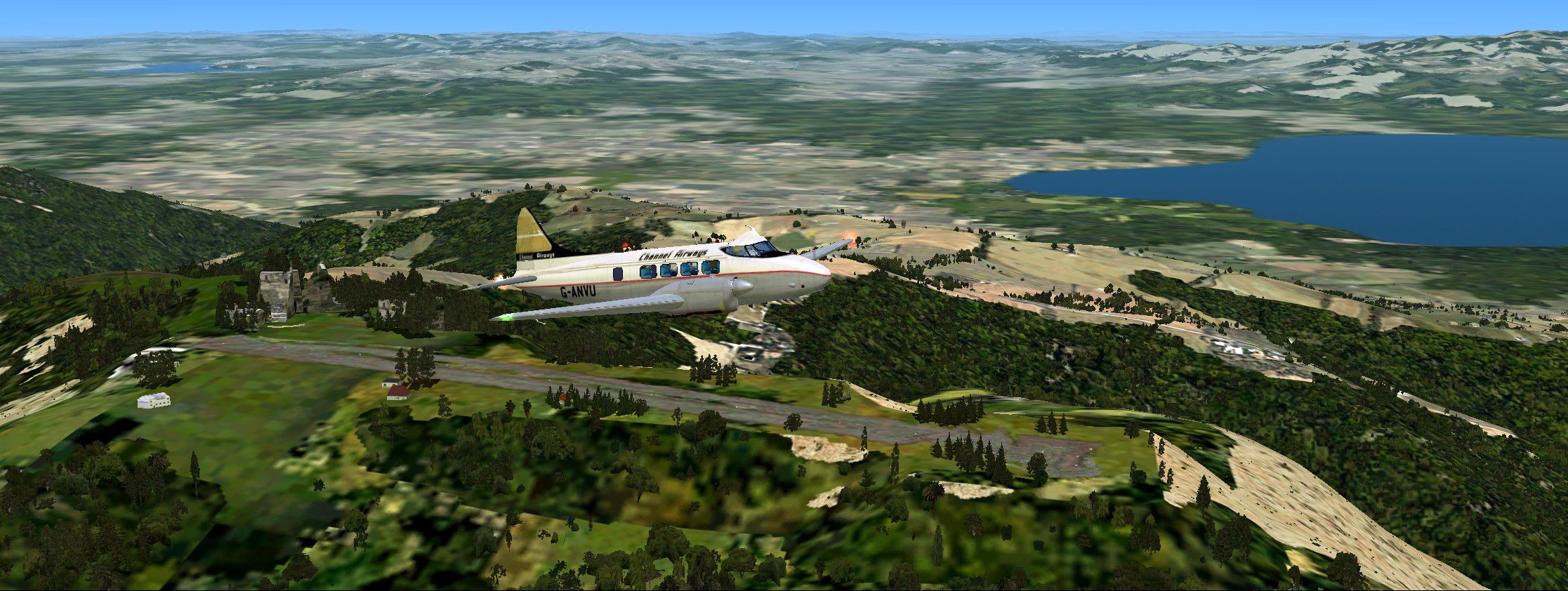
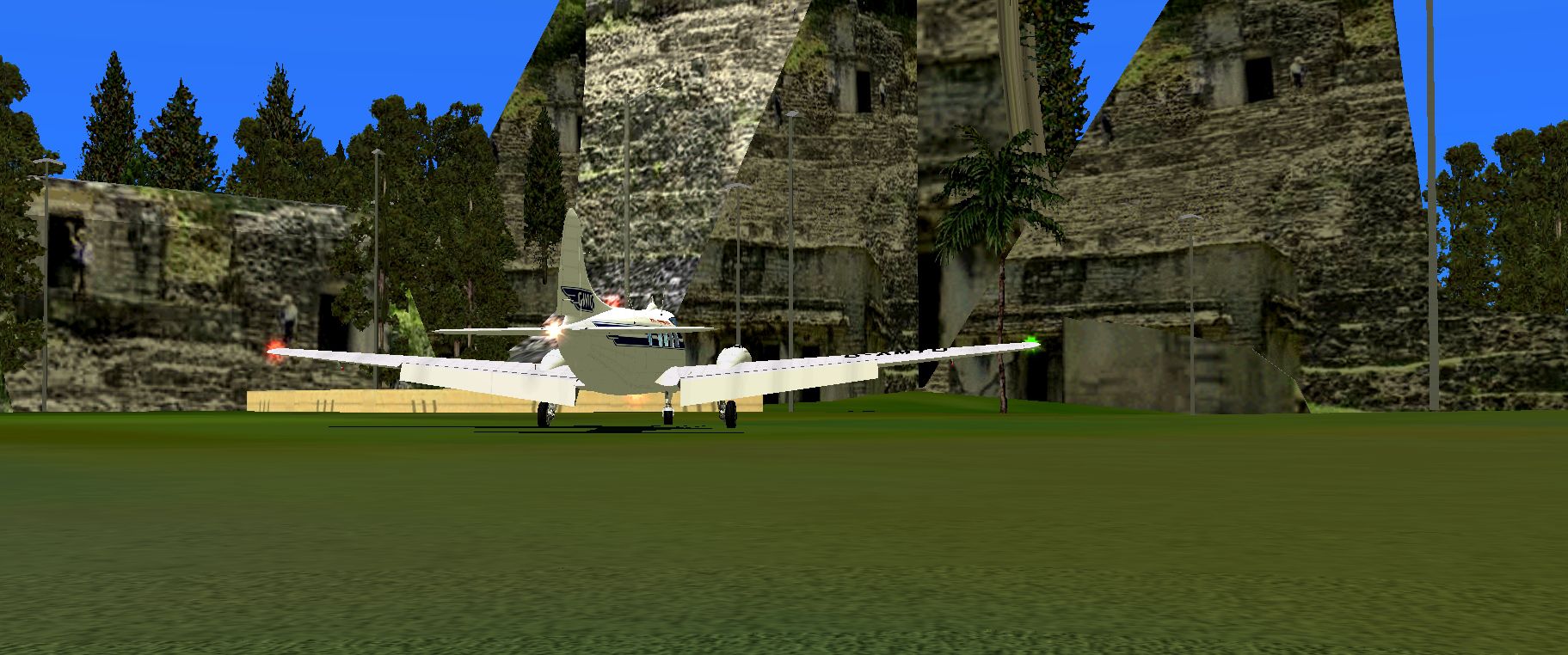
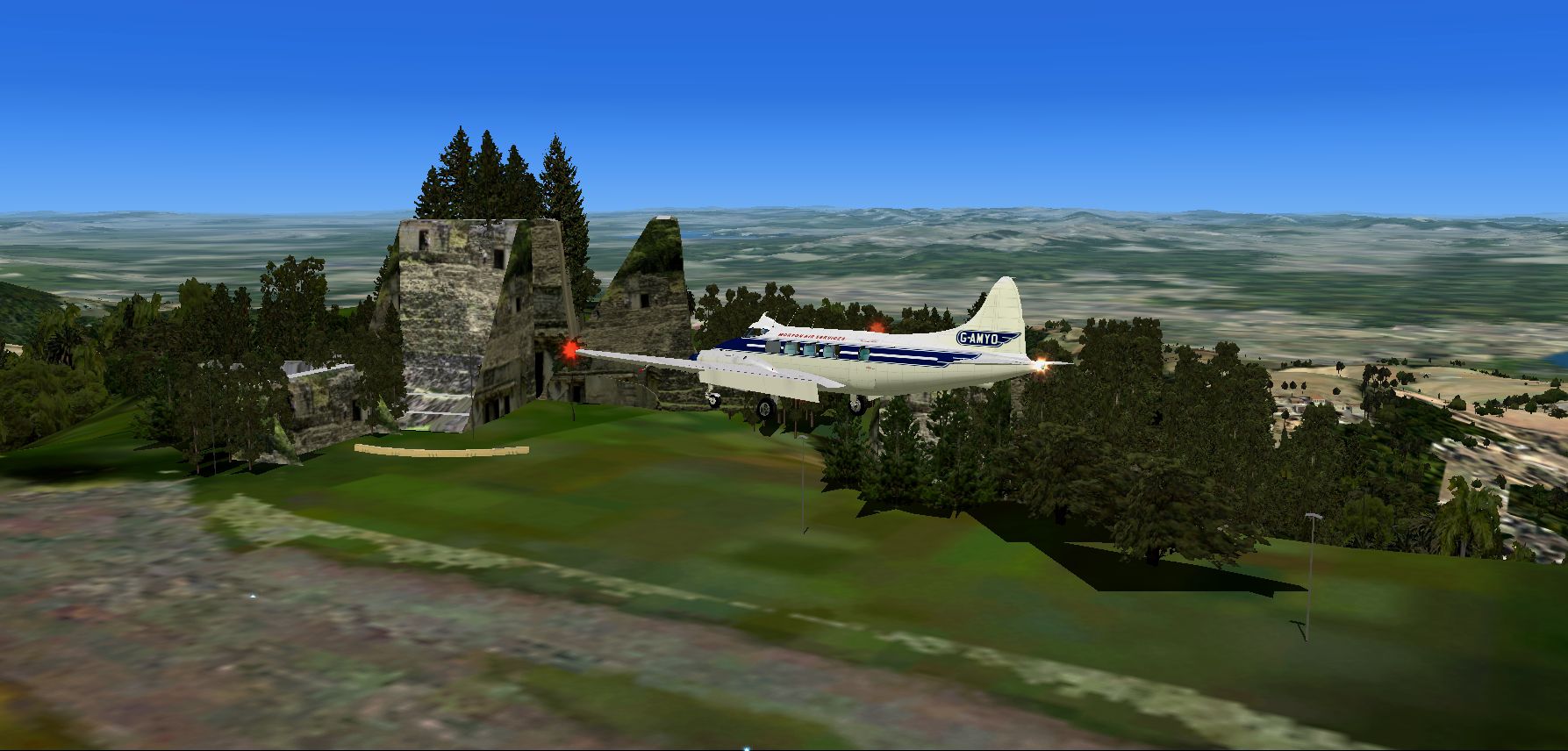
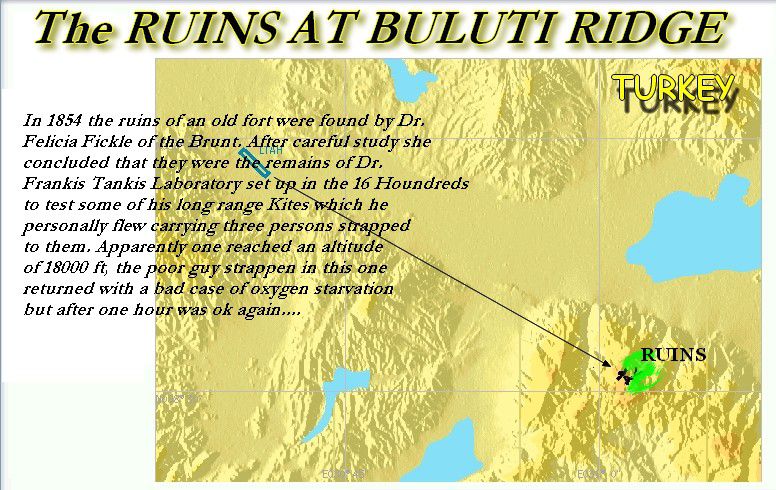

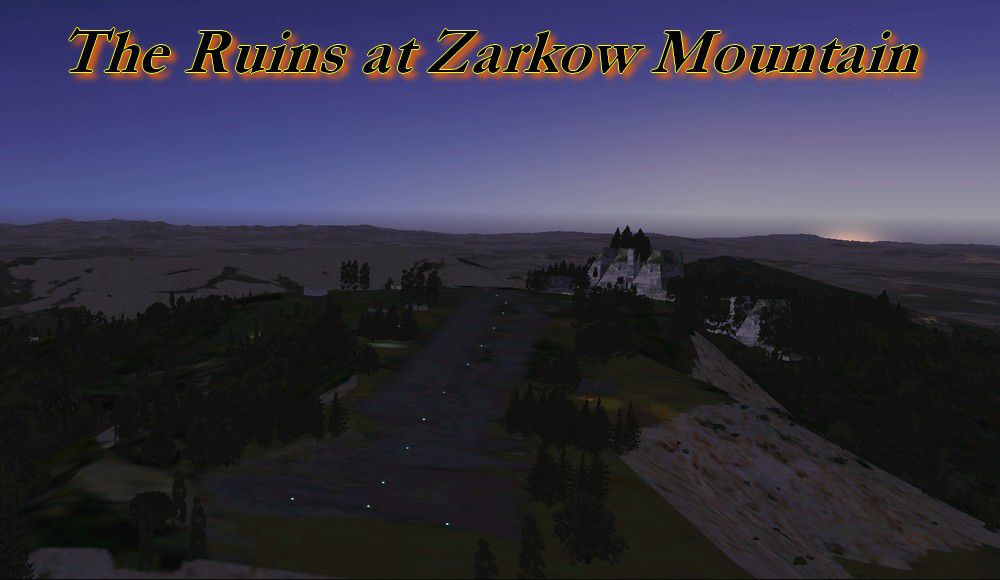
The Ruins At Buluti Ridge--Last Episode. These ruins prove that Dr. Felicia Fickle's laboratory is right here. In 1854 she constructed very large kites that were able to carry up to three passengers to very high altitudes. This airfield, very old indeed, was used in the latter part of the 19th century to launch her kites in the windy ridge. Now the ruins are visited by most tourists visiting this part of Turkey. A bed and breakfast hotel is busy all summer and Igor Turksvyok flies his Cessna 206 full of humans and other freight to the dangerous airfield making a lot of money on each flight. Welcome says the ruins ticket stand and all pay and usually when they come out also buy a hot "Drukkor" (like a hot dog) with a sweet drink called "Zukkor" that tastes like pineapple and orange juice... will you come and see and also taste these sights? Welcome to the ridge of old kites. By Gera Godoy Canova.
The Ruins At Buluti Ridge--Last Episode Mission.
1) Place the enclosed .bgl files in your FSX/Addon Scenery/Scenery Directory
2( Place all .BMP files in your FSX/Addon Scenery/Texture Directory
3) Activate your new files by closing FSX if its open, when you open it again the files will be activated and available.
4) Use the enclosed "ROUTE MAP" TO FIND THE Ruins AND AIRFIELD.....
Have a nice flight.
Gera
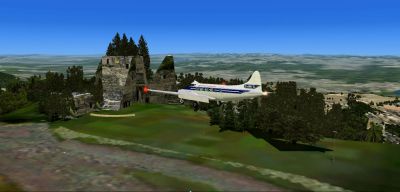
The Ruins At Buluti Ridge--Last Episode Mission.
Free for all simmers · 2.72 MB · Scanned clean Oct 2026
Download speed: Free tier is capped at 0.5 Mbps. PRO members download at full line speed.
FSX\Missions\ as a sub-folder. The folder must contain an XML file describing the mission.readme.txt or README file. It tells you exactly where files go, what dependencies are needed, and any quirks specific to this add-on.The archive tempfin.zip has 17 files and directories contained within it.
This list displays the first 500 files in the package. If the package has more, you will need to download it to view them.
| Filename/Directory | File Date | File Size |
|---|---|---|
| LOWPASS.jpg | 11.08.09 | 807.12 kB |
| ON FINAL.jpg | 11.12.09 | 128.01 kB |
| OVERVIEW.jpg | 11.08.09 | 522.34 kB |
| ROUTE MAP.jpg | 11.12.09 | 157.08 kB |
| TEMPLO1.jpg | 11.08.09 | 923.81 kB |
| TEMPLO2.jpg | 11.12.09 | 86.11 kB |
| CVX_PROJECT.BGL | 11.08.09 | 430 B |
| TAMBULUKKU.bgl | 11.08.09 | 6.46 kB |
| TEMPLO-TAMBULLUK.bgl | 11.08.09 | 86.33 kB |
| MAYATEMPLO33.bmp | 10.22.09 | 257.05 kB |
| READ ME FIRST.txt | 09.04.09 | 519 B |
| READ ME FIRST.txt | 11.16.09 | 1.53 kB |
| FILE_ID.DIZ | 11.16.09 | 63 B |
| FILE_ID.DIZ | 09.09.09 | 88 B |
| ON FINALitsimo.gif | 11.16.09 | 10.82 kB |
| flyawaysimulation.txt | 10.29.13 | 959 B |
| Go to Fly Away Simulation.url | 01.22.16 | 52 B |
Only PRO members can place votes.
More FSX & P3D add-ons hand-picked based on this download.
FSX Missions
Flying For Salmon-Last Episode. As a bush pilot you have found the best "smok…
 FSX Missions
Orinoco Airlines 3 - Last Episode. FSX/FSadventureSky "Flight" The Early Year…
 FSX Missions
Orinoco Airlines Inc. Episode I. FSadventureSky FSX Mission. You have been hi…
 FSX Missions
Door to Atlantis Episode I. Dr. Jackes Lamont has, he thinks, discovered the …
 FSX Missions
SkyRoad to Kamura-Tok Episode 2. Dr. Faustin again asks Mickey and you to joi…
 FSX Missions
Door to Atlantis Episode II, "Looking for the Mysterious Statue..." Dr. Lamon…
 FSX Missions
Sur America Cargo Episode II. FSAdventureSky 1959 flight "Cargo Run From Pana…
 FSX Missions
Crystal Skull Mountain Mystery Part II. This is part ii the final episode--Tw…
Read what other simmers think, or add your own.

pretty fun mission. doesn't take very long to fly to and to find. Only problem is that the texture file is a picture, so the strip and surrounding area are sand. It is just fine without it though.