

 FSX Historic & Vintage Aircraft
Mitsubishi J2M3 Raiden Camouflage Pack
A pair of repaints for Tim Conrad's J2M3 Raiden, depicting two aircraft from …
Mitsubishi J2M3 Raiden Four Pack brings four distinctive liveries to Tim Conrad’s interceptor in FSX, including an authentic 3D-1158 scheme inspired by the surviving airframe and three fictional warbird-style paint jobs. The set refreshes the aircraft’s exterior identity for varied hangar lineups and screenshots, requires MITSUBISHI_J2M3.ZIP.
 Rate
Rate

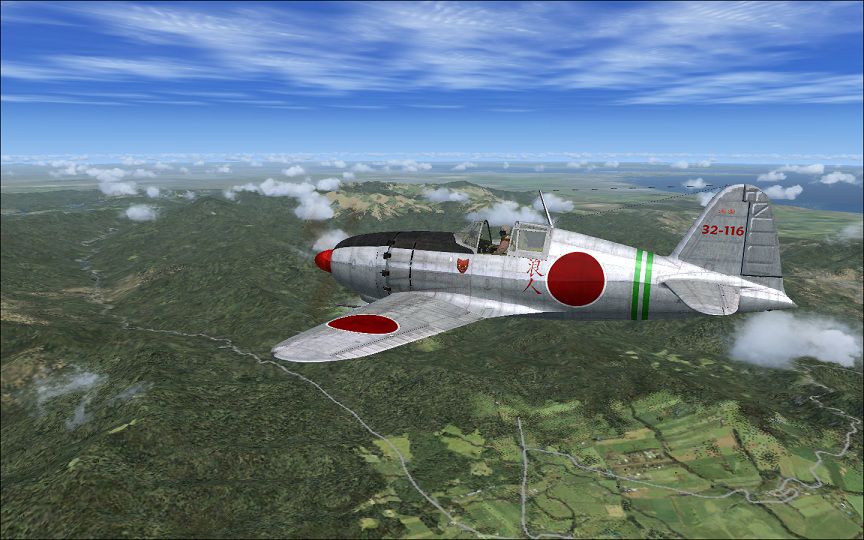
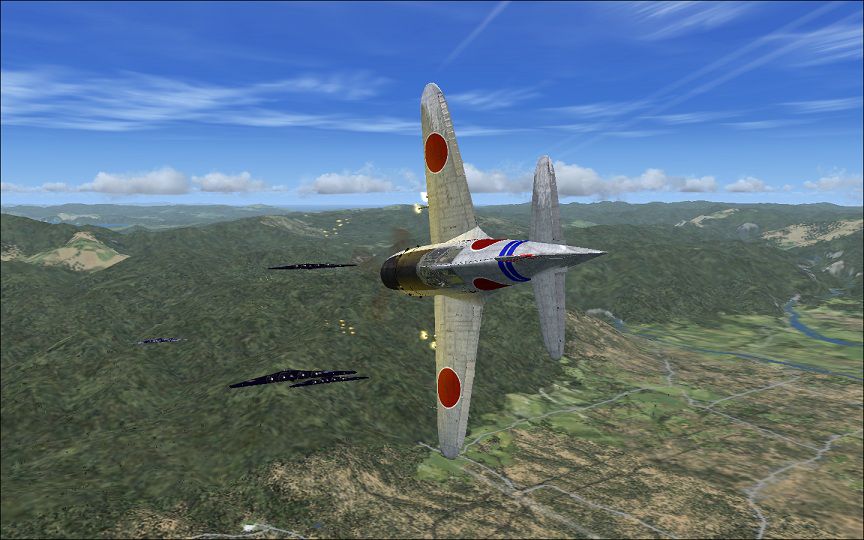

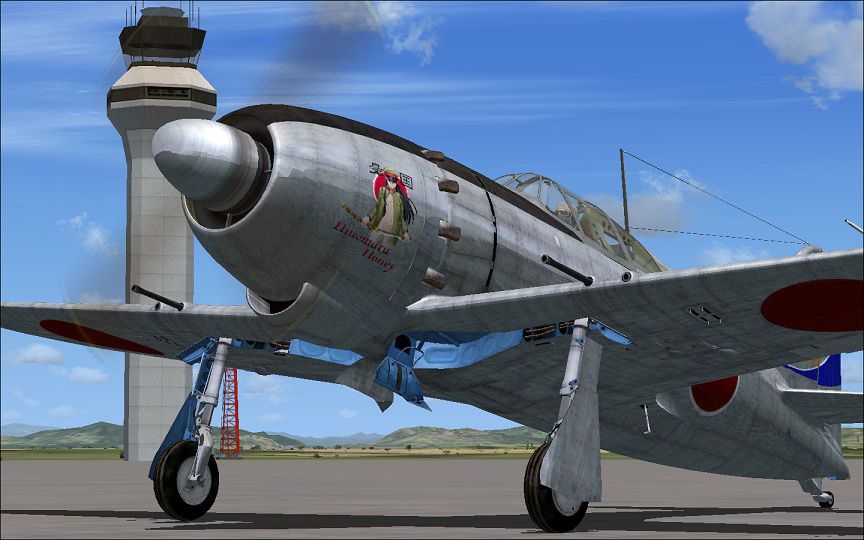
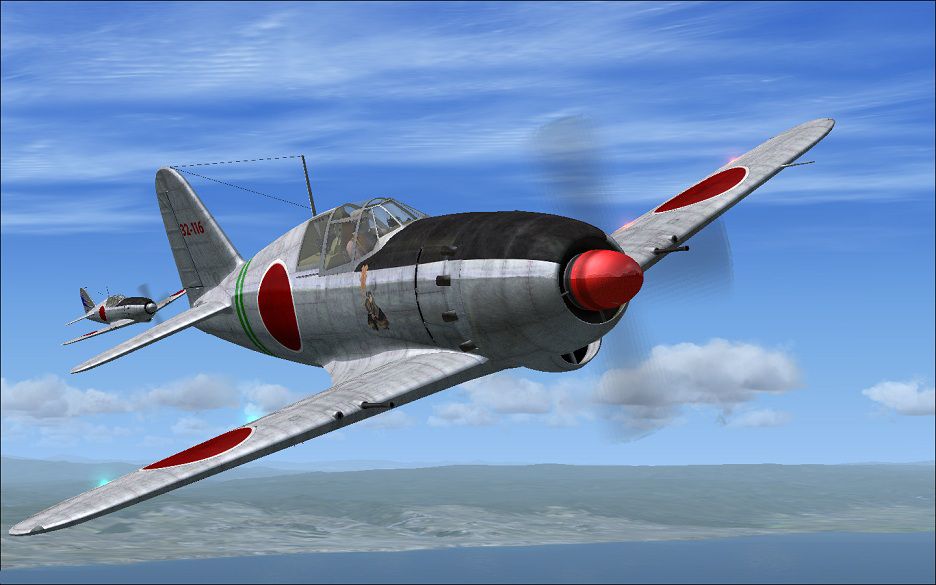
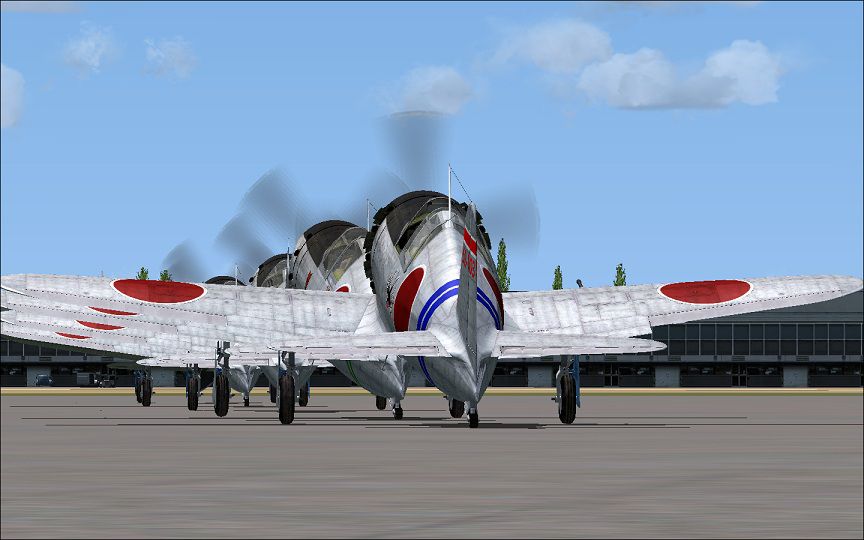
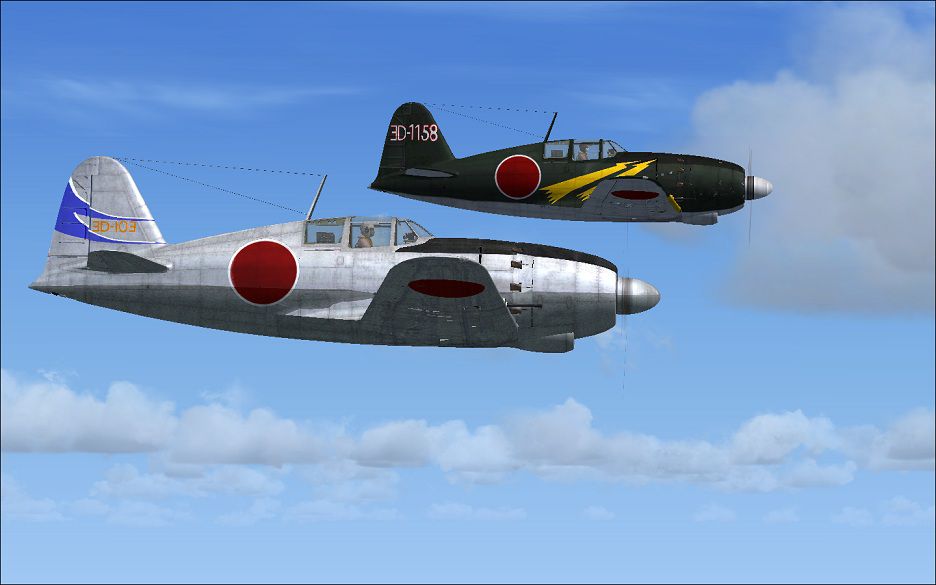
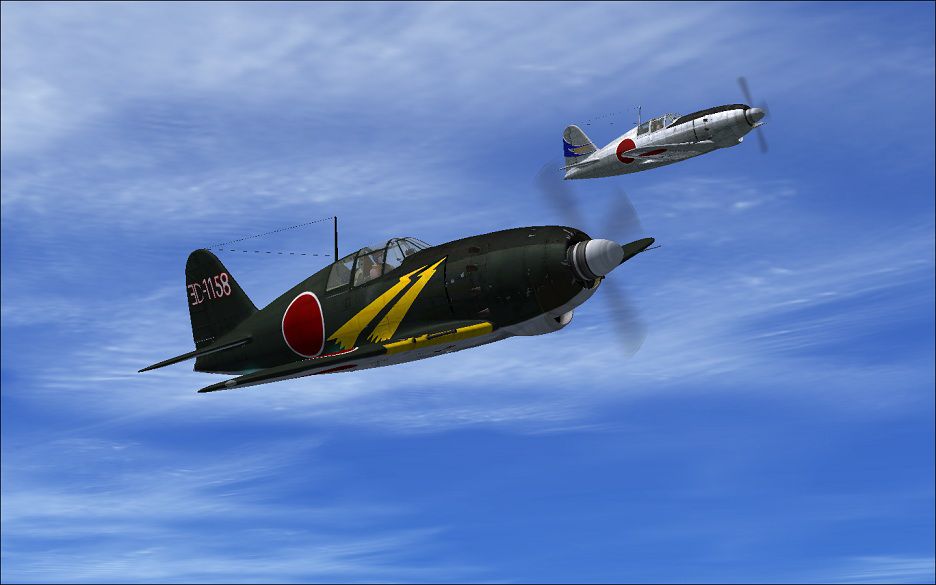

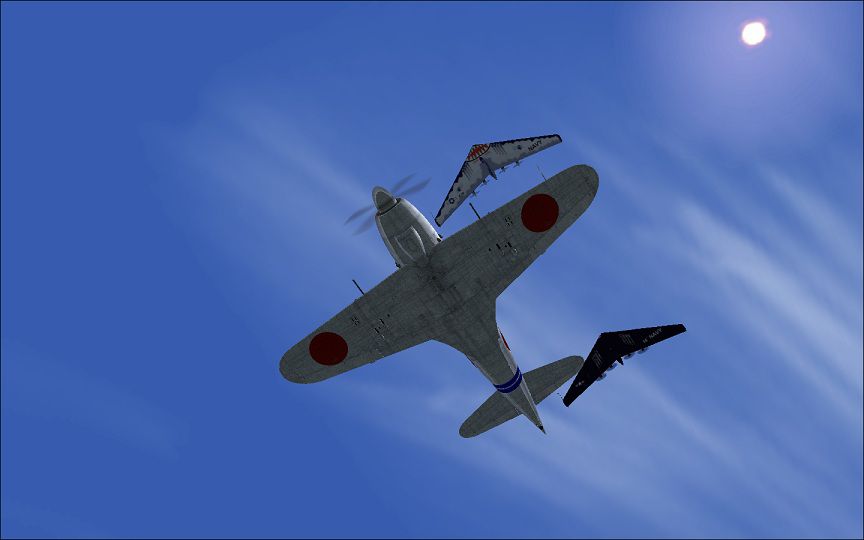
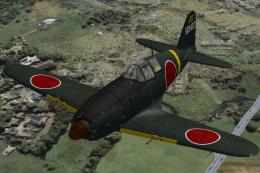
Four repaints for Tim Conrad's Mitsubishi J2M3 Raiden. The 500 or so Raidens built were plagued by engine problems and material disruption. Though showing great promise, they achieved little. Despite this, the type's muscular, pugnacious stance and pleasing lines have made it an iconic fighter. One Raiden survives today, 3D-1158; subject of one of these repaints, resides at Ed Mahoney's old Planes of fame collection. The other three repaints are fictional 'warbird' style repaints. Have fun with this 'Hinomaru Honey'. Requires MITSUBISHI_J2M3.ZIP. By Mike Barnes.
Screenshot of Mitsubishi J2M3 Raiden in flight.
Unzip the texture zip files , and move to yourJ2m Raiden folder, then copy and paste the four [fltsim.X] entries found below into your J2m Raiden "aircraft.cfg" file in the proper logically sequential order. Remember to change the four "X" in [fltsim.X] to the next 4 numbers in line among your Raiden repaints. Then click 'file', then click 'save', of course.
[fltsim.xx]

title=J2M3 Chino Raiden

sim=J2M3

model =

panel =

sound =

texture =3D-1158

panel_alias =

sound_alias =

kb_checklists =

kb_reference =

atc_id =3008

atc_id_color =

atc_parking_types =

atc_parking_code =

atc_airline=

atc_flight_number=

ui_manufacturer = Mitsubishi

ui_createdby="Piglet's Peculiar Planes"

ui_type = J2M3 Raiden "Jack"

ui_variation = 3D-1158 is the sole example remaining of the marque. She resides in the Ed Mahoney's Planes of Fame collection in Chino, California.

description = Fighter

visual_damage = 1
[fltsim.xx]

title=J2M3 cherry blossom

sim=J2M3

model =

panel =

sound =

texture =cherry blossom

panel_alias =

sound_alias =

kb_checklists =

kb_reference =

atc_id =3008

atc_id_color =

atc_parking_types =

atc_parking_code =

atc_airline=

atc_flight_number=

ui_manufacturer = Mitsubishi

ui_createdby="Piglet's Peculiar Planes"

ui_type = J2M3 Raiden

ui_variation = warbird 'Cherry Blossom'

description = Fighter

visual_damage = 1
[fltsim.xx]

title=J2M3 Hinomaru Honey

sim=J2M3

model =

panel =

sound =

texture =Hinomaru Honey

panel_alias =

sound_alias =

kb_checklists =

kb_reference =

atc_id =3008

atc_id_color =

atc_parking_types =

atc_parking_code =

atc_airline=

atc_flight_number=

ui_manufacturer = Mitsubishi

ui_createdby="Piglet's Peculiar Planes"

ui_type = J2M3 Raiden "Jack"

ui_variation = For the warbird enthusiast with a 'yen' for something different, Piglets Peculiar planes offers a new build J7M.

description = Fighter

visual_damage = 1
[fltsim.xx]

title=J2M3 Ronin

sim=J2M3

model =

panel =

sound =

texture =Ronin

panel_alias =

sound_alias =

kb_checklists =

kb_reference =

atc_id =3008

atc_id_color =

atc_parking_types =

atc_parking_code =

atc_airline=

atc_flight_number=

ui_manufacturer = Mitsubishi

ui_createdby="Piglet's Peculiar Planes"

ui_type = J2M3 Raiden "Jack"

ui_variation =J2M3 Ronin

description = Fighter

visual_damage = 1
Enjoy!
3/7charlie. near Human Dystopia, by the left coast.
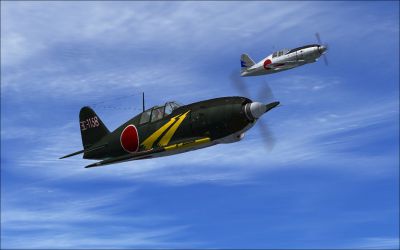
Screenshot of two Mitsubishi J2M3 Raidens in flight.
Free for all simmers · 32.52 MB · Scanned clean Oct 2026
Download speed: Free tier is capped at 0.5 Mbps (this file takes approximately 9 mins at the cap). PRO members download at full line speed.
This file is a repaint — the package below is the base model it paints onto. Install it first, or the textures will have nothing to load onto.
texture.{airline}) inside FSX\SimObjects\Airplanes\{base-aircraft}\.aircraft.cfg in Notepad. Add a new [fltsim.X] section per the readme.readme.txt or README file. It tells you exactly where files go, what dependencies are needed, and any quirks specific to this add-on.The archive fsxj2m3raidenpack.zip has 19 files and directories contained within it.
This list displays the first 500 files in the package. If the package has more, you will need to download it to view them.
| Filename/Directory | File Date | File Size |
|---|---|---|
| J2m3 Raiden Pack | 04.23.11 | 0 B |
| hinohoney.jpg | 04.23.11 | 142.13 kB |
| hinohoneys detail.jpg | 04.21.11 | 143.12 kB |
| hinohoneys2.jpg | 04.21.11 | 97.73 kB |
| hinohoneys3.jpg | 04.21.11 | 130.89 kB |
| hinohoneys6.jpg | 04.21.11 | 100.35 kB |
| raiden fire.jpg | 04.23.11 | 158.28 kB |
| raiden slash.jpg | 04.23.11 | 59.10 kB |
| Raiden swallow.jpg | 04.23.11 | 180.99 kB |
| Raiden trouble.jpg | 04.23.11 | 112.58 kB |
| raiden.jpg | 04.23.11 | 85.25 kB |
| raidenronin.jpg | 04.23.11 | 175.88 kB |
| Readme.txt | 04.23.11 | 3.18 kB |
| texture.3D-1158.zip | 04.23.11 | 5.87 MB |
| texture.cherry blossom.zip | 04.23.11 | 8.52 MB |
| texture.Hinomaru Honey.zip | 04.23.11 | 8.54 MB |
| texture.Ronin.zip | 04.23.11 | 8.56 MB |
| flyawaysimulation.txt | 10.29.13 | 959 B |
| Go to Fly Away Simulation.url | 01.22.16 | 52 B |
Only PRO members can place votes.
More FSX & P3D add-ons hand-picked based on this download.
FSX Historic & Vintage Aircraft
A pair of repaints for Tim Conrad's J2M3 Raiden, depicting two aircraft from …
 FSX Historic & Vintage Aircraft
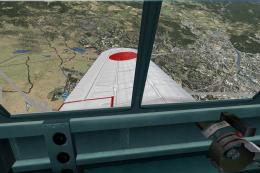
Mitsubishi J2M3 Raiden Type 21 (Jack). Imperial Japanese Navy land based inte…
 FSX Historic & Vintage Aircraft
Delve into the realm of historic aviation with the Mitsubishi A6M Zero Comple…
 FSX Historic & Vintage Aircraft
Now version 3.14 (V3.1406). This package includes the latest Douglas C-47 Sky…
 FSX Historic & Vintage Aircraft
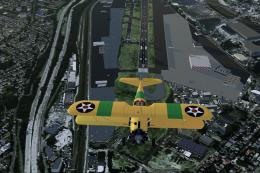
An FSX-native Boeing-Stearman Model 75 freeware aircraft add-on with a range …
 FSX Historic & Vintage Aircraft
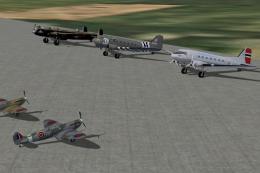
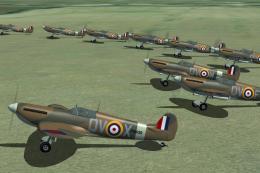
AI Aircraft--ACG Historic AI Pack 1, comprising: Spitfires Mk1a, Vb, XIX, T2,…
 FSX Historic & Vintage Aircraft
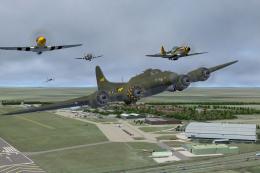
AI Aircraft--ACG Historic AI Pack 3, comprising: B-17G, P-51 Mustangs x 2, P-…
 FSX Historic & Vintage Aircraft
AI Aircraft Native Code--ACG AI Pack 2, comprising ten individual numbered an…
Read what other simmers think, or add your own.

The high altitude J2M5 was prone to engine failure so pilots preferred the J2M3. With perhaps a 19 second turn time, it wasn't popular with most Japanese pilots. It was much like the IJA fast climbing Ki 44 but with 20mm cannons and less reliable than the Shoki. The Raiden was the best B-29 interceptor.