

 Barbados
  FSX AFCAD Files
AFCAD For The BluePrint Simulations TJSJ
This AFCAD file represents a modification to the BluePrint Scenery Simulation…
Grantley Adams International Airport (TBPB) gets a May 2009-spec refresh with this alternative AFCAD for the BluePrint freeware scenery in FSX, updating taxiway layout, names, signs, lighting, terminal and commuter parking, runway exits, and approach procedures. It also adds correctly placed beacons, antennas, doppler radar, improved service roads, fuel trucks, and apron flow; requires FSX_LTS and FSXrdrs.
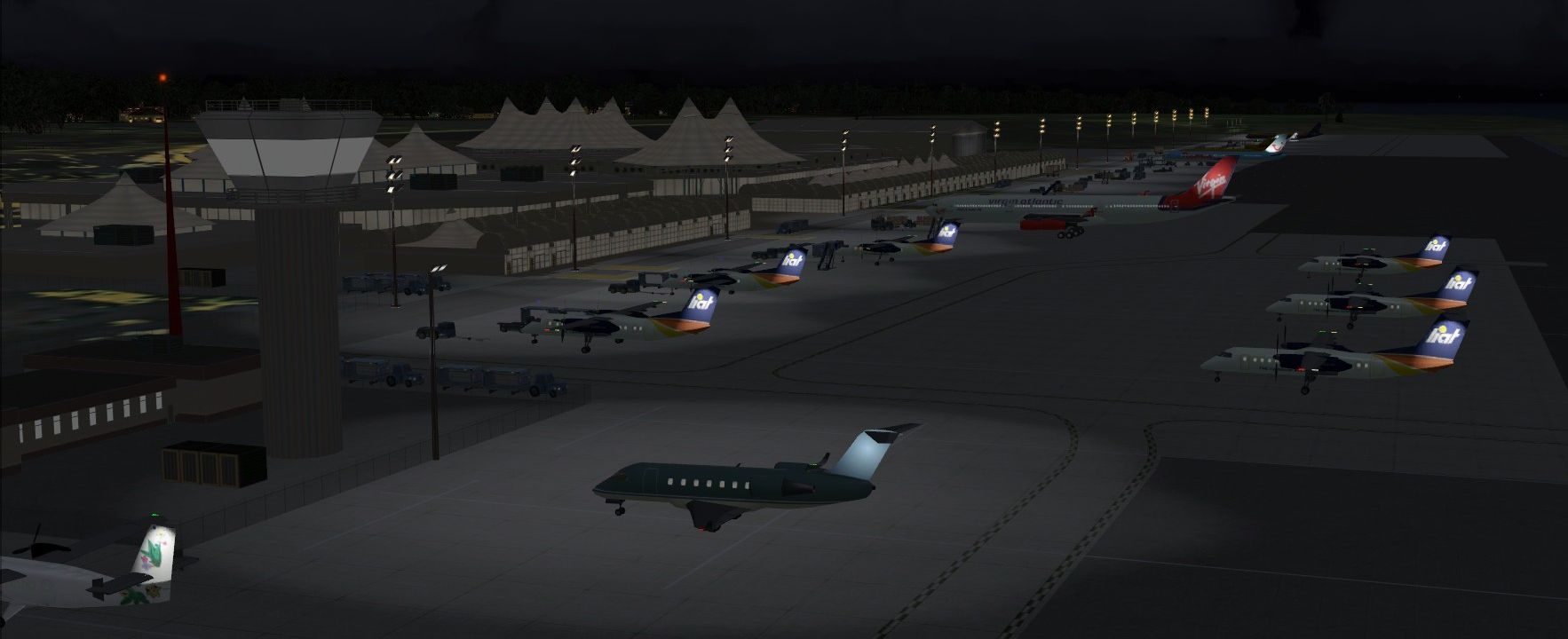
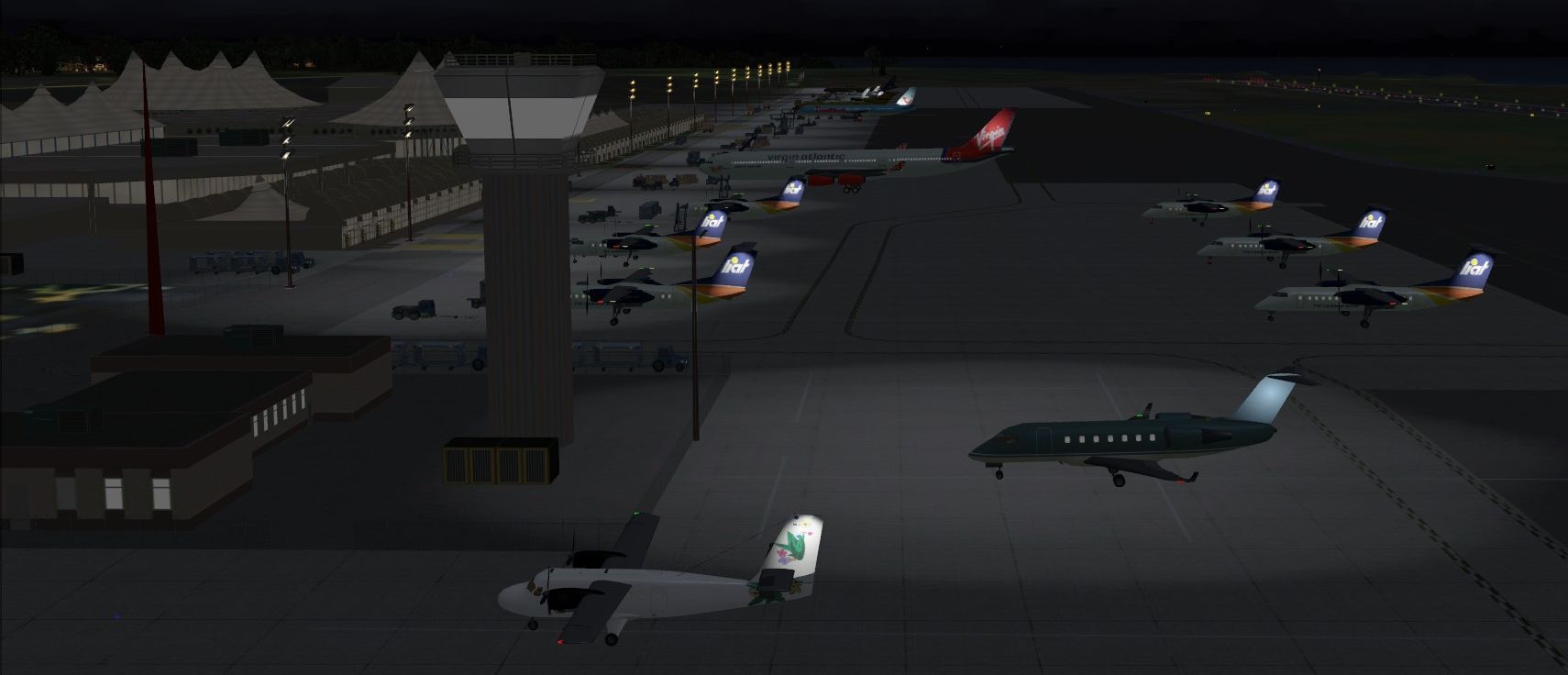
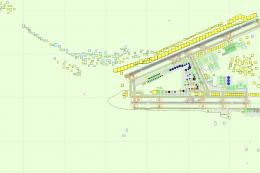
Grantley Adams International Airport - TBPB is an alternative AFCAD file for the freeware release of BluePrint Scenery Simulations TBPB, Barbados G. Adams for FSX. Some of the changes include: updated terminal parking and approach procedures based on 2009 specifications. Reworked vehicle service roads and additional fuel trucks. Accurate taxiway layout and specifications. Airport beacon, hazard beacon, doppler radar and antennas accurately placed. Some scenery requires FSX_LTS and FSXrdrs by Jim Dhaenens. See the Installation file enclosed for more details. By Kambiz Agazi.
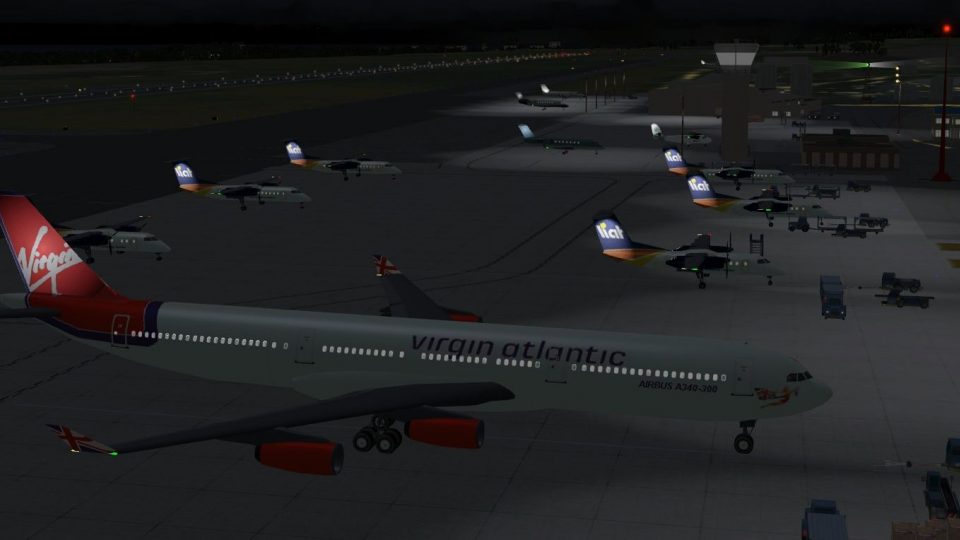
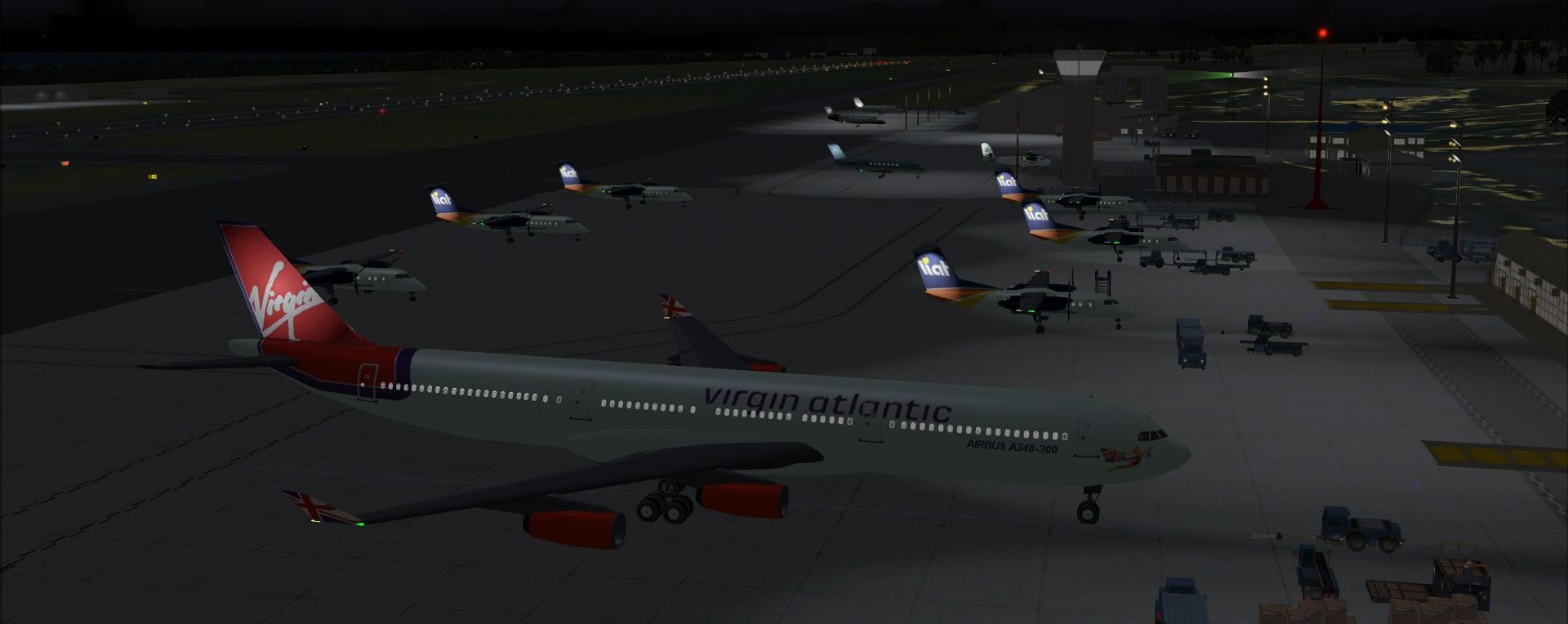
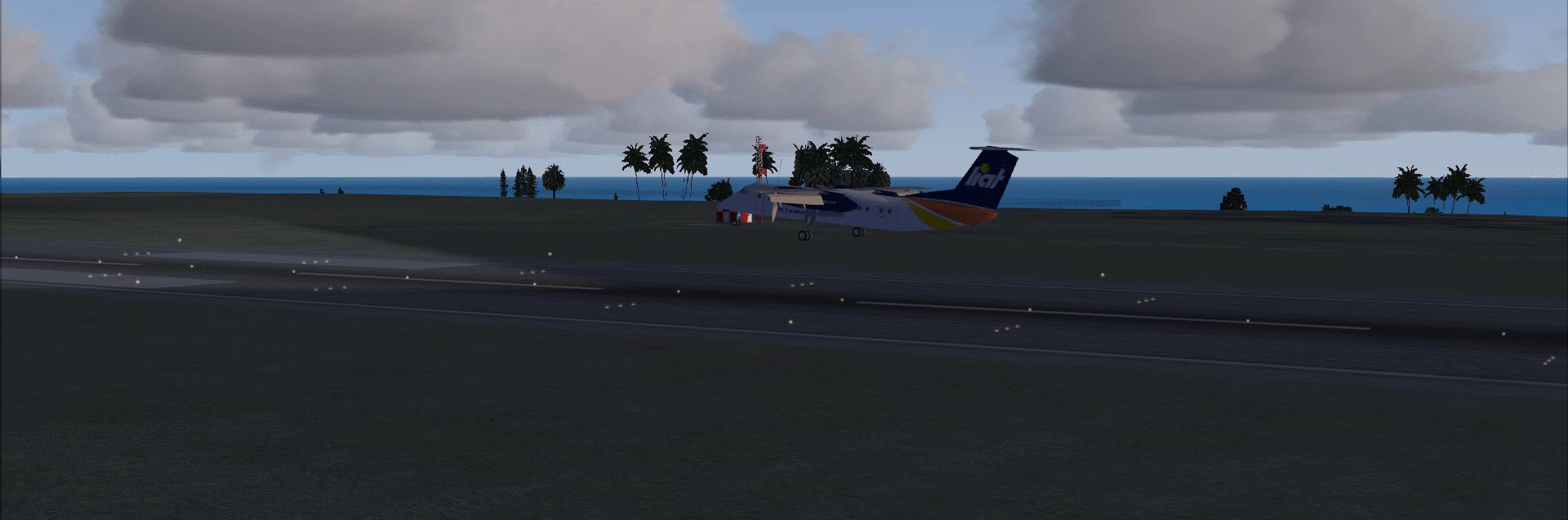
View of Grantley Adams International Airport.
Airport specifications (aerodrome, approach plates, taxiway layout/widths/pavement) dated May 2009 were used to make the following changes:
Installation:
I have tested TBPB_BPS_KA.bgl using FSX sp2, and while I don't anticipate issues with using the earlier versions (RTM and SP1), I cannot guarantee that the visuals will look the same on every setup. While not needed for the scenery to work, I also tested to ensure that TBPB works with Scenery Tech Landclass and FS Genesis Mesh.
CREDITS: TBPB was modified using the powerful airport design utility by Jon Masterson (ADE9X V1.45.6).
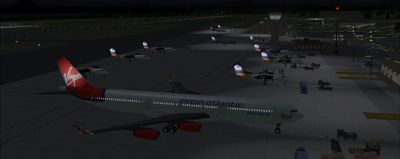
View of Grantley Adams International Airport.
Free for all simmers · 1.49 MB · Scanned clean Nov 2026
Download speed: Free tier is capped at 0.5 Mbps. PRO members download at full line speed.
AF2_*.bgl or AFX_*.bgl) go into FSX\Addon Scenery\Scenery\ or a dedicated AFCAD folder you create.readme.txt or README file. It tells you exactly where files go, what dependencies are needed, and any quirks specific to this add-on.Use these coordinates to fly directly to this location once the mod is installed.
13.07320000,-59.49250000
Launch FSX or Prepar3D and use Flights → Load to open the downloaded .pln file. Your aircraft will be positioned at this location.
The archive tbpb_bps_ka.zip has 10 files and directories contained within it.
This list displays the first 500 files in the package. If the package has more, you will need to download it to view them.
| Filename/Directory | File Date | File Size |
|---|---|---|
| TBPB_KA.BGL | 12.05.09 | 26.62 kB |
| TBPB_KA_CVX.bgl | 12.05.09 | 520 B |
| TBPB_KA_OBJ.BGL | 12.05.09 | 768 B |
| TBPB Installation.txt | 12.05.09 | 5.32 kB |
| LIAT landing TBPB.gif | 11.27.09 | 305.04 kB |
| grab_043.jpg | 11.27.09 | 454.54 kB |
| grab_041.jpg | 11.27.09 | 393.17 kB |
| grab_042.jpg | 11.27.09 | 394.83 kB |
| flyawaysimulation.txt | 10.29.13 | 959 B |
| Go to Fly Away Simulation.url | 01.22.16 | 52 B |
Only PRO members can place votes.
More FSX & P3D add-ons hand-picked based on this download.
FSX AFCAD Files
This AFCAD file represents a modification to the BluePrint Scenery Simulation…
 FSX AFCAD Files
New taxiway designations for Grantley Adams International Airport. Requires T…
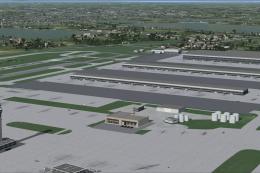 FSX AFCAD Files
London Heathrow International Airport version 2a includes some minor fixes to…
 FSX AFCAD Files
This pack includes every single AFCAD package released by Smith Graphics for …
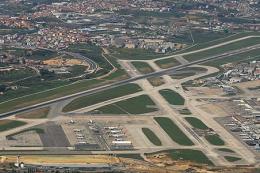 FSX AFCAD Files
Elevate Microsoft Flight Simulator X with a refined rendition of Lisbon Inter…
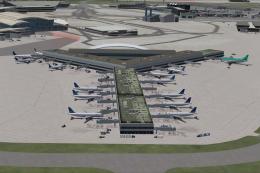 FSX AFCAD Files
John F. Kennedy International Airport, New York, NY, USA, v2. This airport up…
 FSX AFCAD Files
This enhanced AFCAD file updates the runway numbers at Princess Juliana Inter…
 FSX AFCAD Files
Dubai International Airport, United Arab Emirates (UAE). This airport update …
Read what other simmers think, or add your own.

I installed it and its awesome, but the jetway bridges from the old airport are still there. How do I get rid of them?