

 FS2004 Civil Jet Aircraft
Northwest Orient Boeing 747-400
Northwest Orient Boeing 747-400 (old colors), registration N754US. Textures o…
Northwest Airlines’ updated livery arrives on the default Boeing 747-400 with crisp markings, metallic tones, and carefully aligned tail and fuselage graphics, plus subtle panel and engine shading for convincing long-haul screenshots. Built for Microsoft Flight Simulator 2004, it requires the included default 747-400 model.
 Rate
Rate
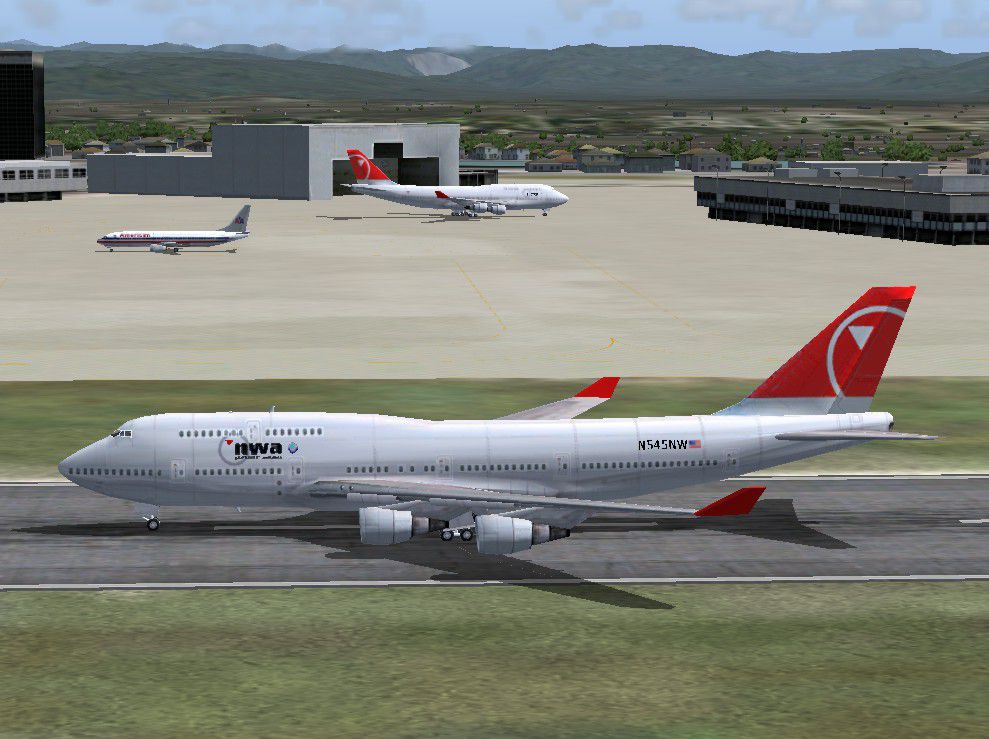
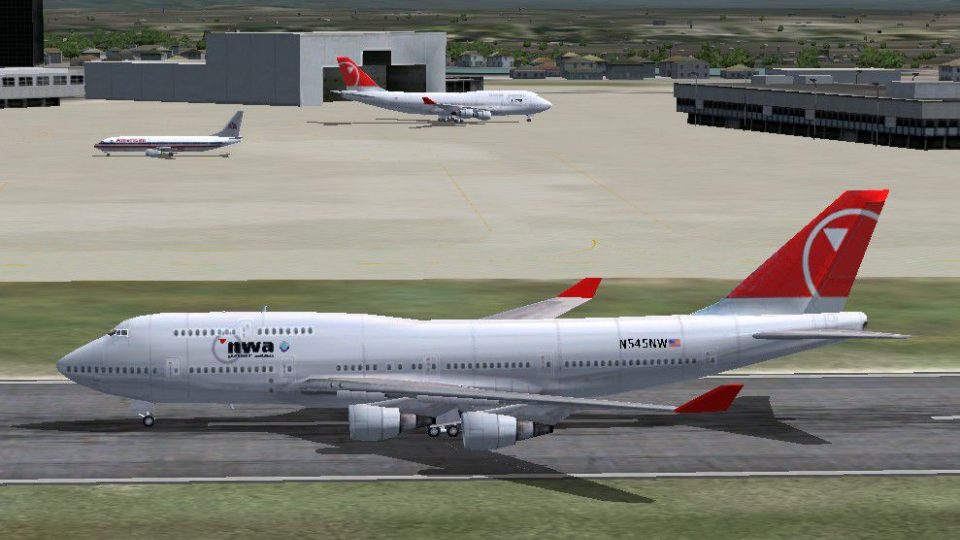
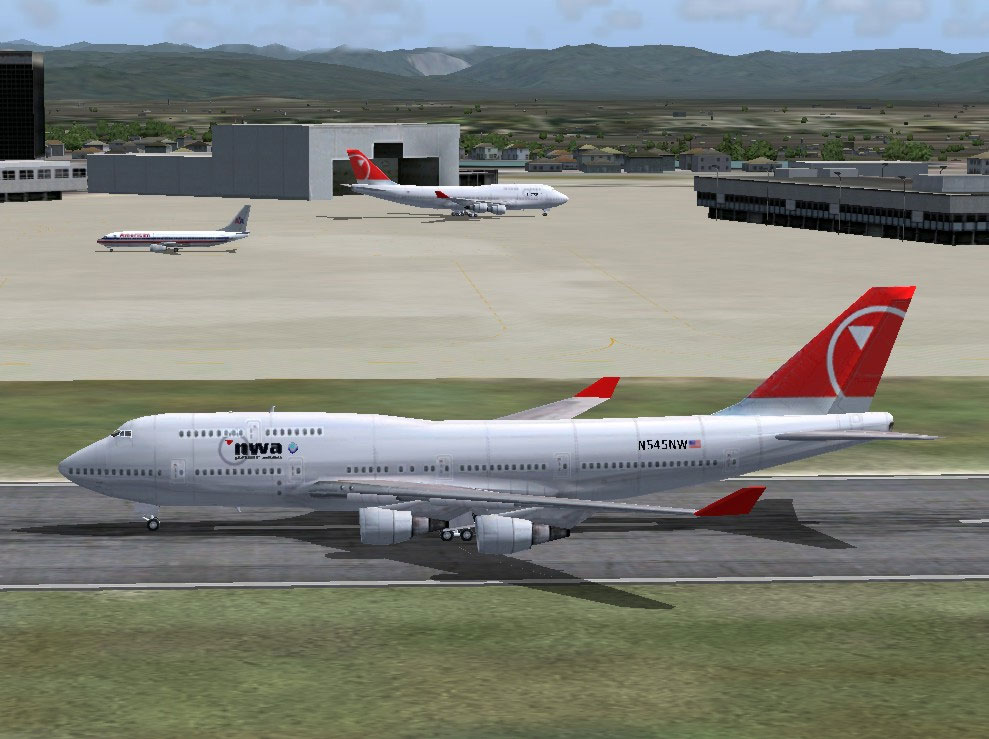
This add-on features a meticulously crafted repaint of the default Boeing 747-400 from Microsoft Flight Simulator 2004, showcasing Northwest Airlines' distinctive livery. Created by Andre Reitter, this free modification brings the airline’s updated color scheme to virtual skies, reflecting signature design elements with accurate placement on the iconic long-haul aircraft. Enthusiasts will appreciate the authentic paintwork, which highlights the airline’s recognizable fuselage markings developed under its new branding approach.
Northwest Airlines maintained a substantial fleet of the Boeing 747-400 for intercontinental routes, leveraging the jet’s extended range and significant payload capacity. This wide-body airliner, introduced in the late 1980s as an advanced version of the “Queen of the Skies,” included modifications such as upgraded avionics, redesigned winglets, and improved fuel efficiency. Northwest’s updated color palette featured here attracts those seeking accurate brand representation, with metallic tones and understated logos placed strategically along the aircraft’s body and tail. The texture set focuses on precise detailing of the fuselage rivets, over-wing shading, and engine cowlings, capturing the subtle gradients that characterize the airline’s final refresh.
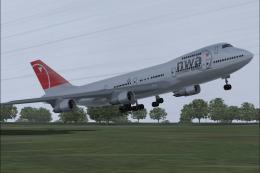
Screenshot of the 747-400 repainted in Northwest Airlines’ livery after touchdown.
[fltsim.x] with the next sequential number to ensure unique listings in your simulator (for example, [fltsim.5] if you already have four entries).This repaint requires the default Boeing 747-400 model, which ships with Microsoft Flight Simulator 2004. The base package is not included here. You will need to acquire the freeware model (accessible in the Fly Away Simulation library) before applying this texture set. The repaint takes advantage of the simulator’s shading engine to reproduce metallic highlights and subtle panel lines accurately, ensuring a realistic depiction of the high-capacity jetliner.
All credit goes to Andre Reitter for producing this high-quality repaint, providing a refined experience for virtual pilots interested in simulating long-haul flights under the Northwest Airlines brand. The attention to detail in the texture files underscores the developer’s commitment to authenticity, matching historical references from one of America’s well-known carriers. Once installed, enjoy flying this classic aircraft design in recognizable Northwest colors.
Free for all simmers · 1.1 MB · Scanned clean Oct 2026
Download speed: Free tier is capped at 0.5 Mbps. PRO members download at full line speed.
FS9\Aircraft\, FS9\Addon Scenery\, FS9\Gauges\, or FS9\Effects\.readme.txt or README file. It tells you exactly where files go, what dependencies are needed, and any quirks specific to this add-on.The archive b744nwn2.zip has 13 files and directories contained within it.
This list displays the first 500 files in the package. If the package has more, you will need to download it to view them.
| Filename/Directory | File Date | File Size |
|---|---|---|
| 747_decal_label_1.bmp | 04.02.03 | 170.74 kB |
| 747_decal_label_2.bmp | 04.02.03 | 42.74 kB |
| b747_400_c.bmp | 10.31.02 | 682.74 kB |
| b747_400_l.bmp | 04.22.03 | 85.40 kB |
| b747_400_t.bmp | 08.24.03 | 1.33 MB |
| decal_b747_400.bmp | 08.24.03 | 10.73 kB |
| texture.nw | 08.24.03 | 0 B |
| b744nwnc.jpg | 08.24.03 | 147.19 kB |
| b744nwnc.gif | 08.24.03 | 10.25 kB |
| aircraft.cfg | 08.24.03 | 17.89 kB |
| Readme.txt | 08.24.03 | 530 B |
| flyawaysimulation.txt | 10.29.13 | 959 B |
| Go to Fly Away Simulation.url | 01.22.16 | 52 B |
Only PRO members can place votes.
More FS2004 add-ons hand-picked based on this download.
FS2004 Civil Jet Aircraft
Northwest Orient Boeing 747-400 (old colors), registration N754US. Textures o…
 FS2004 Civil Jet Aircraft
A fictional repaint of the default B737-400. Features very close attention to…
 FS2004 Civil Jet Aircraft
Northwest Airlines Boeing 747-200 and -400. Original by FSPainter. Livery by …
 FS2004 Civil Jet Aircraft
This package provides a freeware simulation of Northwest Airlines' Boeing 747…
 FS2004 Civil Jet Aircraft
A repaint of the MelJet 747 freighter in Northwest Airlines Cargo livery. By …
 FS2004 Civil Jet Aircraft
Model by Project Open Sky. Livery by Pantee Farhangi. Screenshot of Northwest…
 FS2004 Civil Jet Aircraft
FSPainter's AI model repainted as Northwest Airlines new livery Boeing 747-25…
 FS2004 Civil Jet Aircraft
A repaint of the Project Open Sky B747-200 in Northwest Cargo bare metal live…
Be the first to leave a comment on this download.
Be the first to share your thoughts on this download.