

 FS2004 Civil Jet Aircraft
Northwest Airlines Airbus A330-200
A330-200 PW, registration N852NW. Textures only. Model by Project Open Sky. R…
Northwest Airlines’ A330-200 N332NW repaint brings the carrier’s revised silver-and-red livery to long-haul operations with crisp exterior alignment and authentic proportions for classic fleet building in Microsoft Flight Simulator 2004. The package requires the freeware FSPainter A330-200 base model and suits transatlantic or transpacific route recreations.
 Rate
Rate
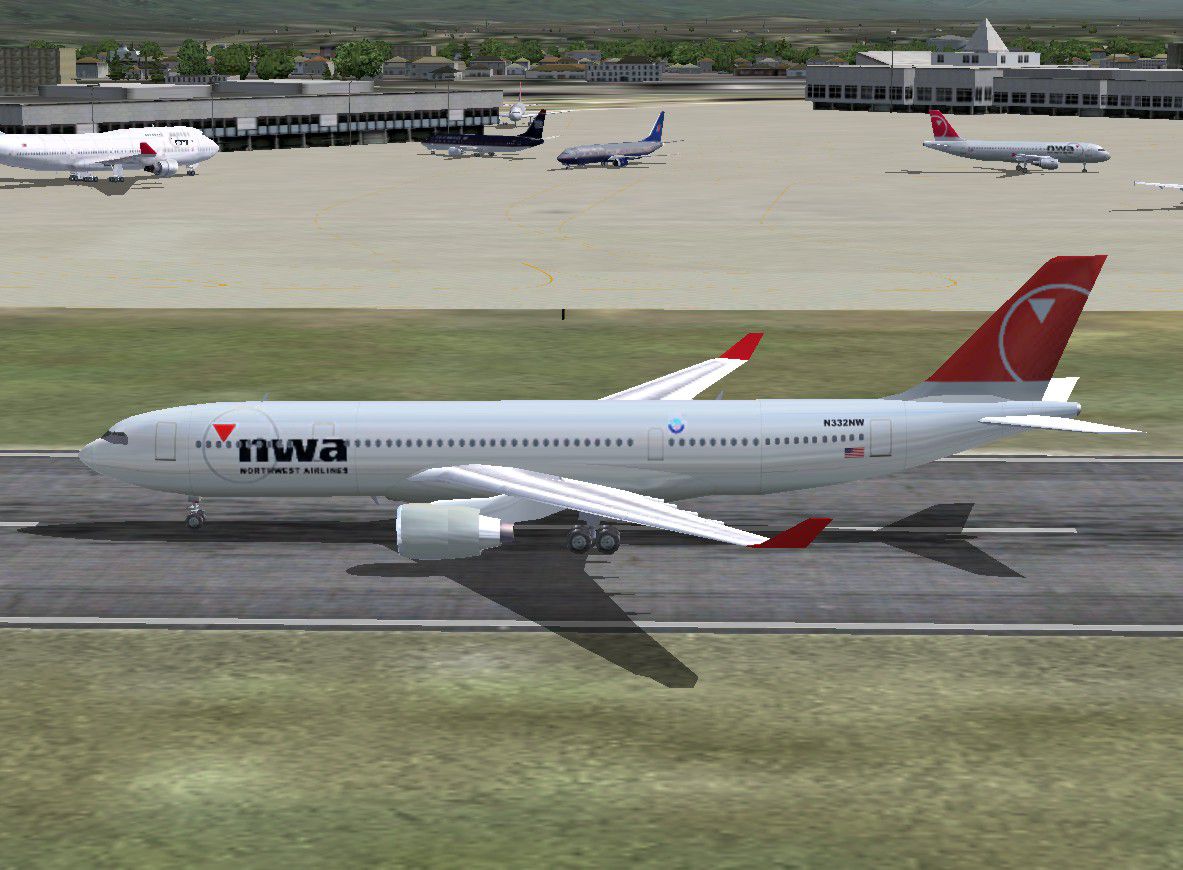
This updated texture set showcases Northwest Airlines’ iconic livery on the Airbus A330-200 (registration N332NW) designed especially for Microsoft Flight Simulator 2004 enthusiasts seeking realistic visuals. Created by developer Andre Reitter, this repaint highlights the airline’s revised color scheme and adds a fresh dimension to any long-haul flight operations within your virtual fleet.
Built upon the FSPainter A330-200 model (base package not included and available separately), this repaint reflects the characteristic silver and red palette once deployed by Northwest Airlines. The real-world A330-200 offers extended-range capabilities and efficient twin-engine performance. Its distinct fuselage shape is carefully depicted here to replicate authentic proportions, while the color alignment mirrors the carrier’s actual style.

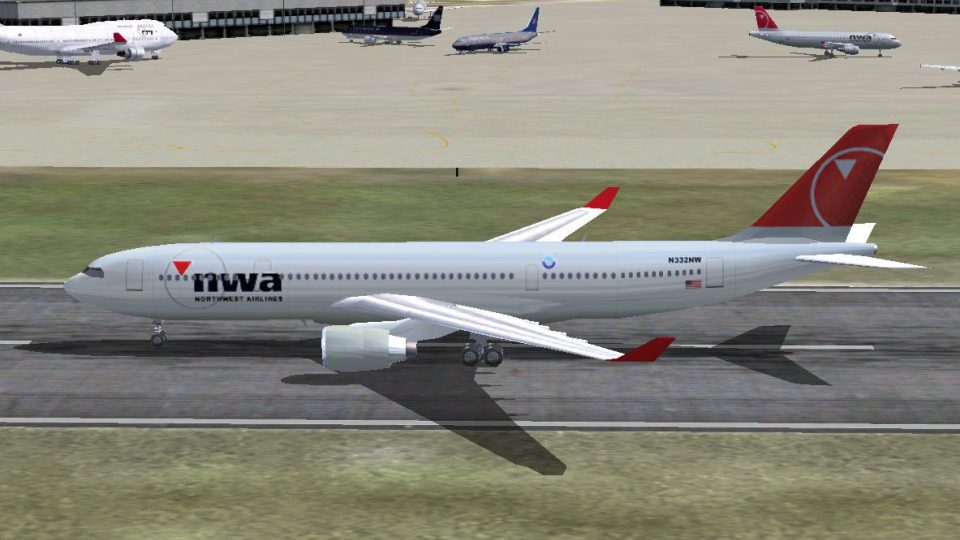
Screenshot of Northwest Airlines A330-200 on the ground.
Northwest Airlines played a significant role in intercontinental travel, operating a vast network across North America, Asia, and beyond. The A330 series became an integral part of its fleet strategy in later years. This particular registration, N332NW, retained distinct Northwest features that made these aircraft recognizable on overseas routes. If you enjoy replicating authentic transatlantic or transpacific schedules, this repaint is an ideal match.
[fltsim.x] entry uses the next sequential numeric index (e.g., [fltsim.5] if it is the fifth livery).Your virtual journeys can now feature a piece of aviation history with an accurate Northwest Airlines repaint. Feel free to carry out transcontinental or worldwide operations under the instantly recognizable red tail. Thanks to Andre Reitter for providing this well-crafted repaint for classic sim pilots everywhere.
Free for all simmers · 536.13 KB · Scanned clean Oct 2026
Download speed: Free tier is capped at 0.5 Mbps. PRO members download at full line speed.
FS9\Aircraft\, FS9\Addon Scenery\, FS9\Gauges\, or FS9\Effects\.readme.txt or README file. It tells you exactly where files go, what dependencies are needed, and any quirks specific to this add-on.The archive fsp332nw.zip has 11 files and directories contained within it.
This list displays the first 500 files in the package. If the package has more, you will need to download it to view them.
| Filename/Directory | File Date | File Size |
|---|---|---|
| fsp_a332_nt_l.bmp | 08.31.03 | 341.40 kB |
| fsp_a332_nt_t.bmp | 09.01.03 | 341.40 kB |
| fsp_a332_pw_l.bmp | 08.31.03 | 1.33 MB |
| fsp_a332_pw_t.bmp | 09.01.03 | 1.33 MB |
| texture.nw | 09.02.03 | 0 B |
| aircraft.cfg | 09.02.03 | 354 B |
| a332nwnc.jpg | 09.02.03 | 206.30 kB |
| a332nwnc.gif | 09.02.03 | 10.57 kB |
| Readme.txt | 09.02.03 | 521 B |
| flyawaysimulation.txt | 10.29.13 | 959 B |
| Go to Fly Away Simulation.url | 01.22.16 | 52 B |
Only PRO members can place votes.
More FS2004 add-ons hand-picked based on this download.
FS2004 Civil Jet Aircraft
A330-200 PW, registration N852NW. Textures only. Model by Project Open Sky. R…
 FS2004 Civil Jet Aircraft
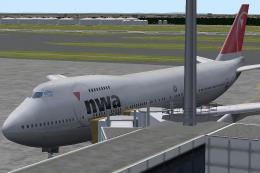
Northwest Airlines Boeing 747-200 and -400. Original by FSPainter. Livery by …
 FS2004 Civil Jet Aircraft
This package provides a freeware simulation of Northwest Airlines' Boeing 747…
 FS2004 Civil Jet Aircraft
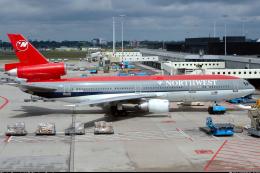
This freeware package offers a faithful reproduction of a Northwest Airlines …
 FS2004 Civil Jet Aircraft
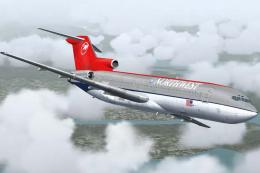
Textures only; requires SB7222.ZIP. Gmax model by Mike Stone. Repaint by Rick…
 FS2004 Civil Jet Aircraft
This freeware repaint package provides a faithful representation of the final…
 FS2004 Civil Jet Aircraft
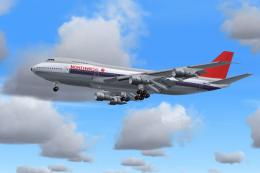
Model by Project Open Sky. Livery by Pantee Farhangi. Screenshot of Northwest…
FS2004 Civil Jet Aircraft
The Boeing 757-200 bearing registration N545US and adorned in Northwest’s mod…
Be the first to leave a comment on this download.
Be the first to share your thoughts on this download.