

 FS2004 Civil Jet Aircraft
All Nippon Airways Boeing 747-400D
This comprehensive freeware package showcases a detailed recreation of the Al…
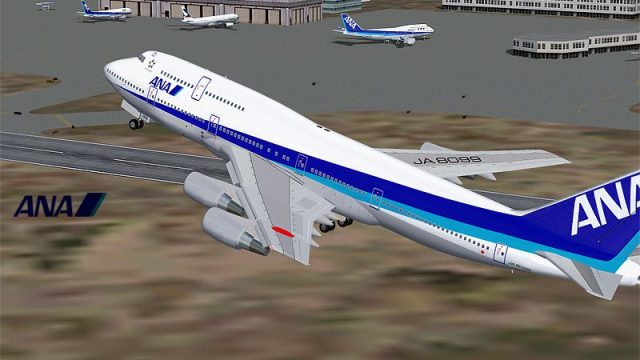
All Nippon Airways Boeing 747-400D JA8099 brings Japan’s high-density domestic Jumbo to Microsoft Flight Simulator 2004 with a polished Project Open Sky model and crisp ANA textures. Enjoy animated flight controls, wing flex, articulated gear with tilting bogies, operable doors, thrust reversers, reflective surfaces, and tuned flight dynamics for convincing handling day or night.
 Rate
Rate
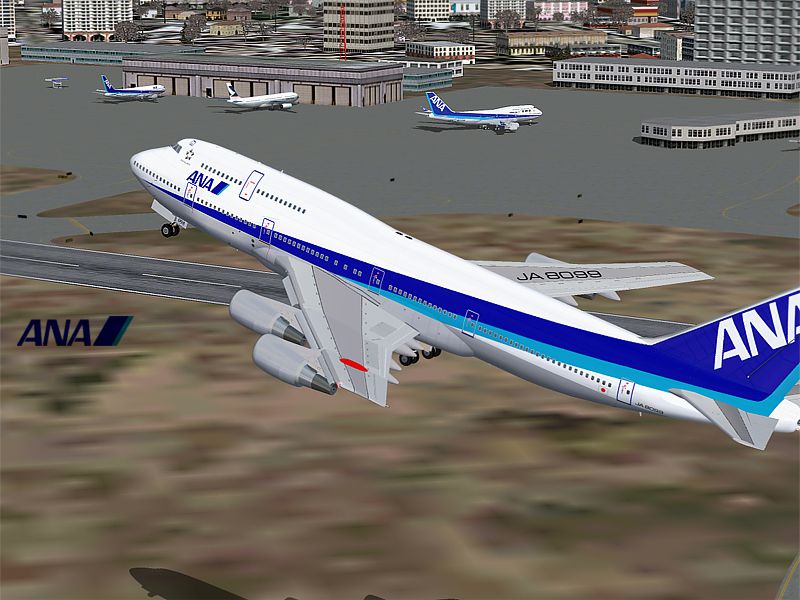
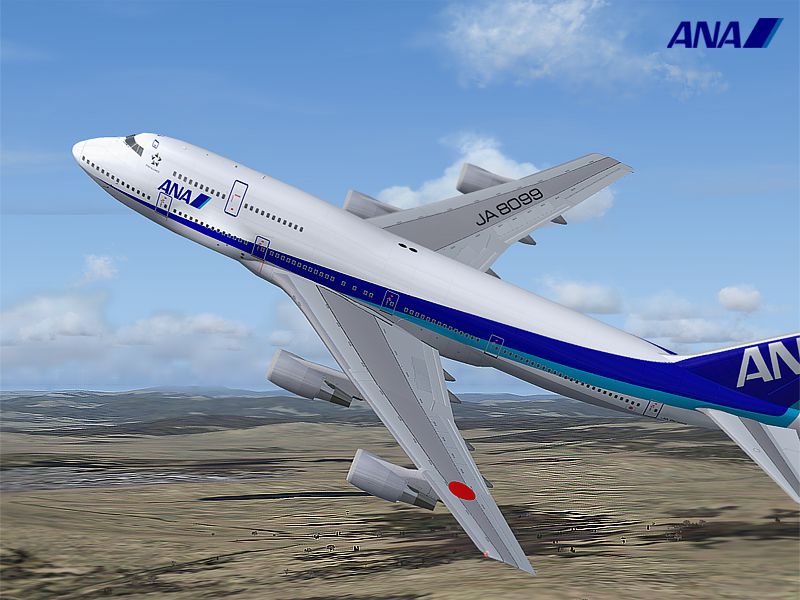
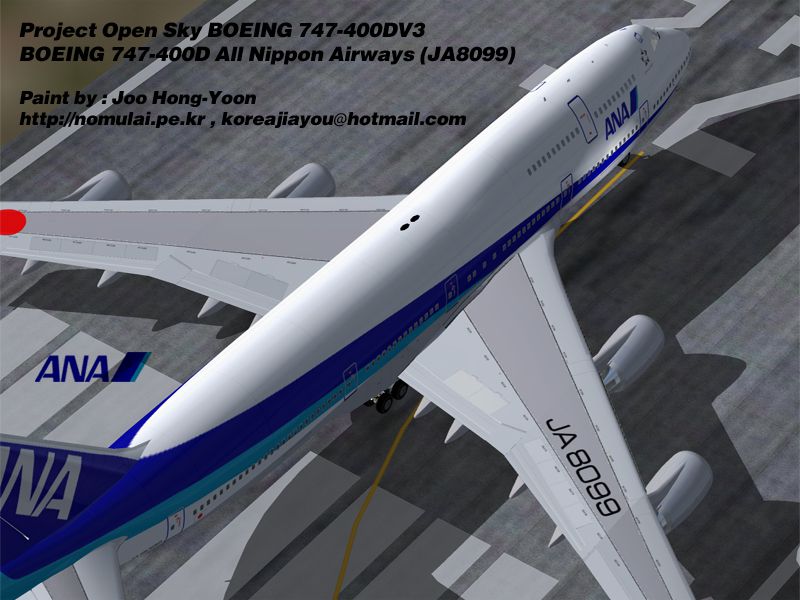
Experience a detailed rendition of the All Nippon Airways Boeing 747-400D, registration JA8099, brought to Microsoft Flight Simulator 2004 by Project Open Sky and expertly repainted by Joo Hong-Yoon. This special "Domestic" variant (the “D” in 747-400D) once furnished high-density short-haul routes in Japan under ANA’s operation. The entire package is freeware and includes a meticulously built visual model, a refined flight dynamic profile, and features that faithfully replicate the real aircraft’s performance.
All Nippon Airways employed these 747-400D models for busy intra-Japanese routes, leveraging the spacious cabin and enhanced passenger capacity. By adapting the standard 747-400 airframe, Boeing ensured efficient operation on shorter segments, retaining most of the recognizable jumbo jet design while optimizing specific components for domestic flights. ANA’s unique livery, as depicted here in JA8099, sets this aircraft apart in any simulator environment.
Screenshot of All Nippon Airways Boeing 747-400D in flight.
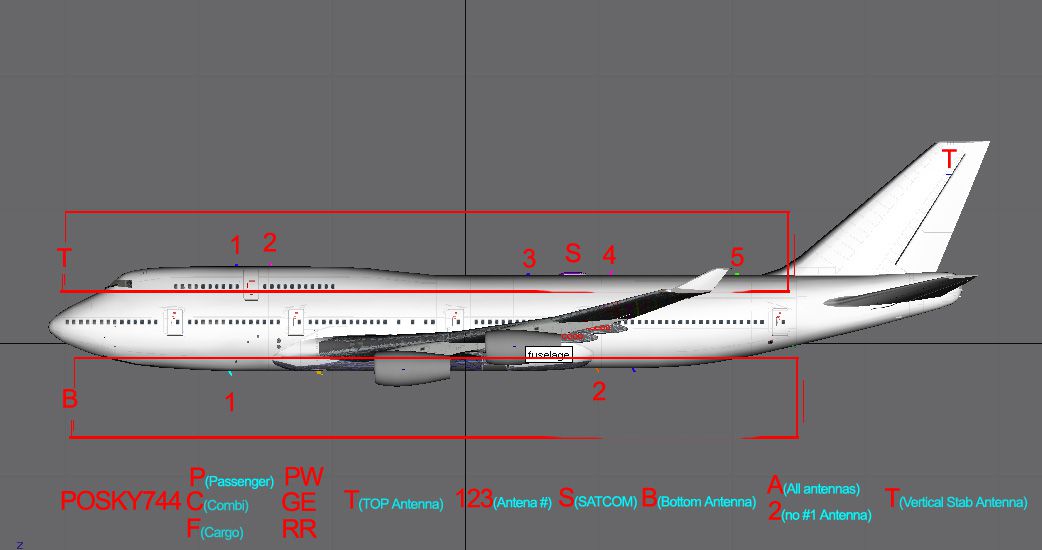
Passenger Door: Use Shift + E
Cargo Bay Door: Use the “Arrest Hook” key
Combi/Cargo Opening Door: Activate the “Folding Wing” command
Screenshot of All Nippon Airways Boeing 747-400D on runway.
This freeware jetliner results from the dedication of Project Open Sky, whose engineering team crafted the visual and aerodynamic model, and Joo Hong-Yoon, who precisely applied the official All Nippon Airways livery. Fly Away Simulation is pleased to host this classic Boeing icon, letting enthusiasts relive domestic Japanese services in a high-capacity jumbo.
Free for all simmers · 3.72 MB · Scanned clean Oct 2026
Download speed: Free tier is capped at 0.5 Mbps (this file takes approximately 1 min at the cap). PRO members download at full line speed.
FS9\Aircraft\, FS9\Addon Scenery\, FS9\Gauges\, or FS9\Effects\.readme.txt or README file. It tells you exactly where files go, what dependencies are needed, and any quirks specific to this add-on.The archive ana74ncg.zip has 41 files and directories contained within it.
This list displays the first 500 files in the package. If the package has more, you will need to download it to view them.
| Filename/Directory | File Date | File Size |
|---|---|---|
| 747-400D-GE-CF6-80C2B1.air | 11.12.02 | 8.99 kB |
| Aircraft.cfg | 12.14.03 | 22.55 kB |
| all_nippon_airways_747D.gif | 12.13.03 | 5.15 kB |
| ana744D-1.jpg | 12.14.03 | 331.95 kB |
| ana744D-2.jpg | 12.14.03 | 420.97 kB |
| ana744D-3.jpg | 12.14.03 | 416.56 kB |
| readme.txt | 12.13.03 | 2.81 kB |
| Thumbs.db | 12.15.03 | 27.00 kB |
| mdlcode.jpg | 10.27.02 | 110.51 kB |
| Model.cfg | 11.11.02 | 34 B |
| POSKY744DGET12BAT.mdl | 11.11.02 | 1.70 MB |
| POSKY744DGET24B2T.mdl | 11.11.02 | 1.69 MB |
| Thumbs.db | 12.15.03 | 7.00 kB |
| panel.cfg | 09.17.02 | 34 B |
| Sound.cfg | 08.26.99 | 32 B |
| posky744fan.bmp | 09.17.02 | 64.68 kB |
| posky744fanfast.bmp | 09.17.02 | 64.82 kB |
| posky744_bodyl_l.bmp | 11.11.02 | 1.00 MB |
| posky744_bodyl_t.bmp | 12.13.03 | 1.00 MB |
| posky744_bodyr_l.bmp | 10.14.02 | 1.00 MB |
| posky744_bodyr_t.bmp | 12.13.03 | 1.00 MB |
| posky744_doors_l.bmp | 10.14.02 | 1.00 MB |
| posky744_doors_t.bmp | 11.15.03 | 1.00 MB |
| posky744_eng_GECF6_l.bmp | 10.14.02 | 64.06 kB |
| posky744_eng_GECF6_t.bmp | 11.15.03 | 1.00 MB |
| posky744_gear_l.bmp | 10.14.02 | 64.07 kB |
| posky744_gear_t.bmp | 12.13.03 | 1.00 MB |
| posky744_misc_l.bmp | 10.14.02 | 1.00 MB |
| posky744_misc_t.bmp | 11.15.03 | 1.00 MB |
| posky744_vertical_l.bmp | 10.14.02 | 256.07 kB |
| posky744_vertical_t.bmp | 11.15.03 | 256.07 kB |
| posky744_window_t.bmp | 09.09.02 | 170.75 kB |
| posky744_wingbottom_l.bmp | 10.14.02 | 64.06 kB |
| posky744_wingbottom_t.bmp | 12.13.03 | 1.00 MB |
| posky744_wingtop_l.bmp | 10.14.02 | 64.06 kB |
| posky744_wingtop_t.bmp | 12.13.03 | 1.00 MB |
| posky_tire1.bmp | 03.19.02 | 16.92 kB |
| posky_tire2.bmp | 03.19.02 | 16.68 kB |
| Thumbs.db | 12.15.03 | 40.00 kB |
| flyawaysimulation.txt | 10.29.13 | 959 B |
| Go to Fly Away Simulation.url | 01.22.16 | 52 B |
Only PRO members can place votes.
More FS2004 add-ons hand-picked based on this download.
FS2004 Civil Jet Aircraft
This comprehensive freeware package showcases a detailed recreation of the Al…
 FS2004 Civil Jet Aircraft
This freeware package adds a meticulously rendered All Nippon Airways (ANA) B…
 FS2004 Civil Jet Aircraft
All Nippon Airways Boeing 737-800 with winglets, registration JA999K. Texture…
 FS2004 Civil Jet Aircraft
All Nippon Airways Boeing 777-300, registration JA751A (new colors). Model by…
 FS2004 Civil Jet Aircraft
Boeing 737-900 (fictional). Textures only. Model by PMDG. ANA repaint by Yasu…
 FS2004 Civil Jet Aircraft
All Nippon Airways Boeing 777-300, registration JA751A (special color-wind). …
 FS2004 Civil Jet Aircraft
Vistaliners SilverJet B727 ANA textures. Textures only for Vistaliners latest…
 FS2004 Civil Jet Aircraft
Boeing 747-400D in All Nippon Airways' "Marine Jumbo" livery. Model by AI Aar…
Be the first to leave a comment on this download.
Be the first to share your thoughts on this download.