

 FS2004 Civil Jet Aircraft
United Airlines Boeing 767-300
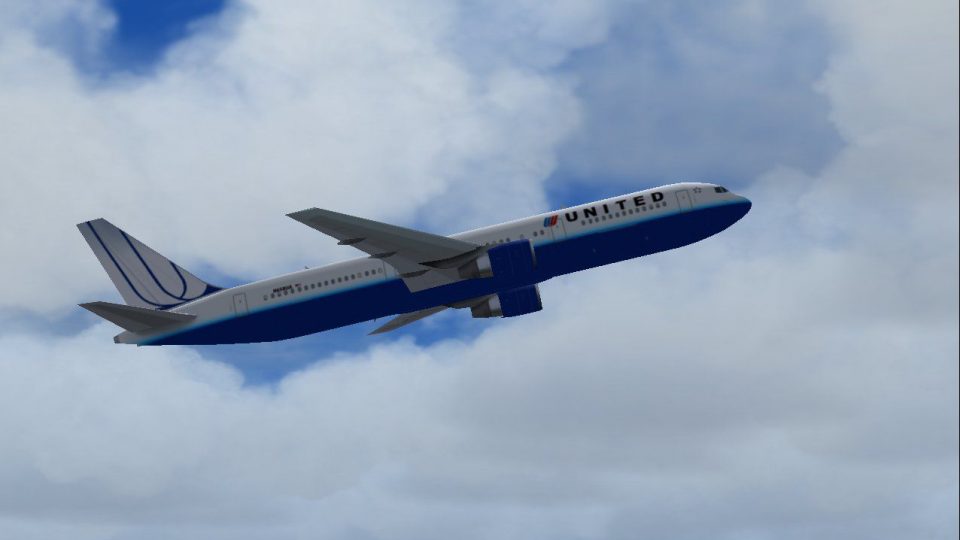
This add-on features a detailed rendition of the United Airlines Boeing 767-3…
United Airlines’ Boeing 767-300 brings a crisp, modern fleet look with 32-bit high-resolution textures and the efficient AI Aardvark model, tuned for smooth performance as AI traffic or a flyable airliner. Built for Microsoft Flight Simulator 2004, it captures the 767’s widebody lines, nacelle shaping, and updated paintwork with clean logo alignment.
 Rate
Rate
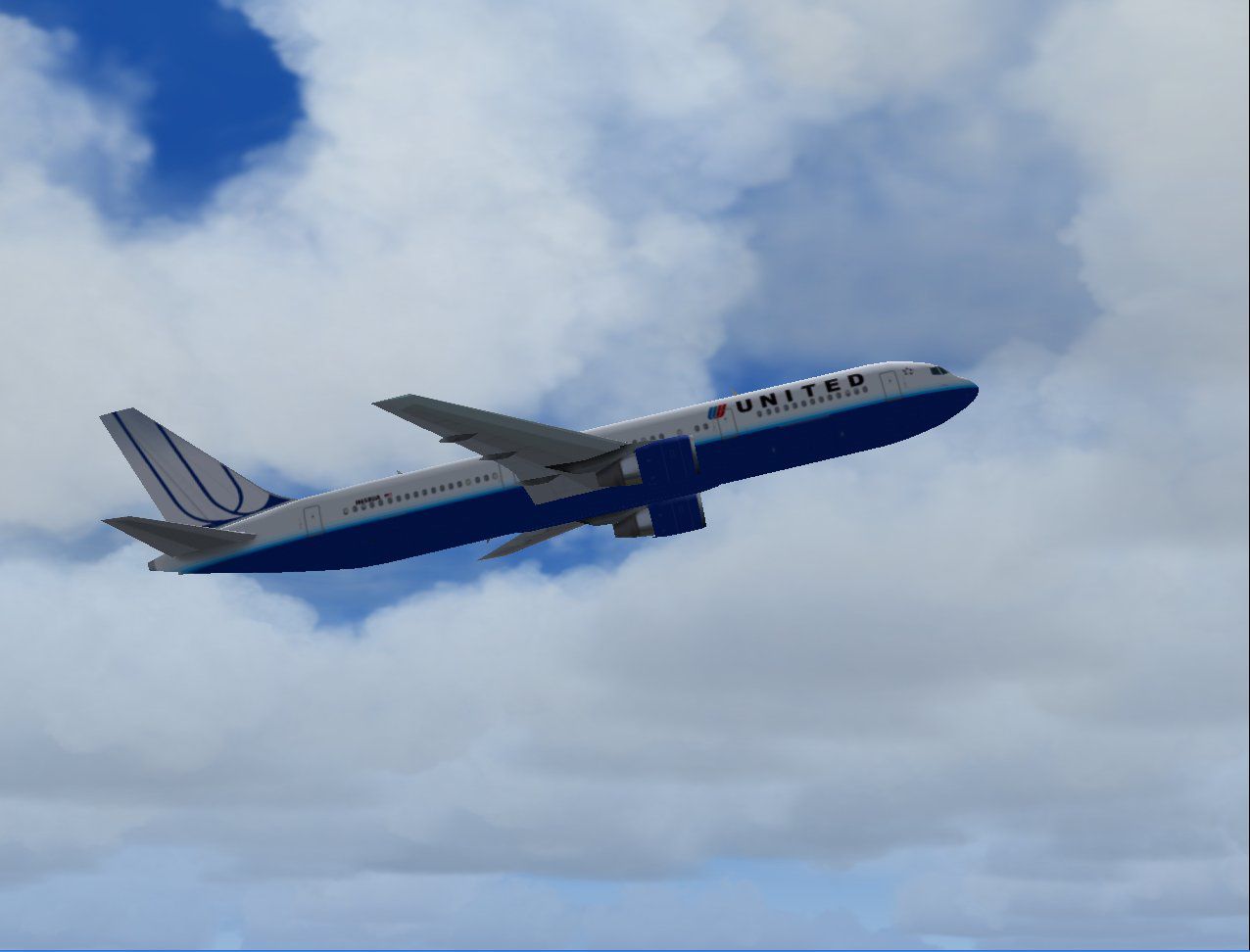
Experience a refined Boeing 767-300 rendition in a fresh United Airlines color scheme, all bundled in a freeware release for Microsoft Flight Simulator 2004. This package combines a reliable base model with high-resolution textures, making it perfect for fans seeking both AI traffic integration and hands-on piloting. The aircraft accurately reflects the airline’s newest paintwork and includes detailed design touches to capture subtle shape nuances.
The underlying model is provided by AI Aardvark (a group well known for optimizing frame rates), and it uses 32-bit textures to enhance visual clarity. These textures balance performance and graphical fidelity by drawing upon uncompressed bitmap files, which preserve crisp details on fuselage curves and engine nacelles without excessively taxing system resources. Such an approach is suitable for users wanting to push graphic settings, even on older hardware.
As a recognized widebody twin-engine jetliner, the 767-300 variant offers extended range capabilities, which made it a mainstay in medium-to-long-haul routes worldwide. In real-world service, it often features a two- or three-class cabin configuration, although cargo conversions are also prevalent. This virtual edition retains the hallmark design lines seen in the real aircraft, ensuring an authentic look that matches the actual jet flown by many commercial carriers, including United Airlines.
Although originally designed with traffic operations in mind, this add-on can also handle virtual cockpit maneuvers in the right hands. Thanks to carefully tuned air files, it stays agile at various flight levels, a characteristic that makes or breaks realism when simulating commercial aviation. Its stability in approach and cruise phases allows for effective AI scheduling, so airports appear alive with accurately painted fleets.
All credit for the distinct United Airlines livery goes to Mike Pearson, who meticulously applied subtle gradients and metallic touches to match the airline’s newly unveiled design language. Precise alignment of logo and titles ensures continuity across fuselage sections, providing a polished impression of the brand’s updated look on your simulator ramp.
Screenshot of United Airlines Boeing 767-300 in flight.
This release includes a complete base model along with the new textures, reducing the need for additional installations. Its suitability for Microsoft Flight Simulator 2004 ensures a straightforward setup procedure, especially if you utilize AI timetables to populate gates and taxiways with matching airline fleets. By introducing this updated livery into your collection, you can reinforce a more contemporary feel in your virtual skies, all while keeping performance overhead modest.
Free for all simmers · 1.13 MB · Scanned clean Oct 2026
Download speed: Free tier is capped at 0.5 Mbps. PRO members download at full line speed.
FS9\Aircraft\, FS9\Addon Scenery\, FS9\Gauges\, or FS9\Effects\.readme.txt or README file. It tells you exactly where files go, what dependencies are needed, and any quirks specific to this add-on.The archive av76pwua.zip has 23 files and directories contained within it.
This list displays the first 500 files in the package. If the package has more, you will need to download it to view them.
| Filename/Directory | File Date | File Size |
|---|---|---|
| aav b763 ual nc readme.txt | 02.22.04 | 347 B |
| aav b763pw ual nc small.gif | 02.22.04 | 11.45 kB |
| aav b763pw ual nc.jpg | 02.22.04 | 69.15 kB |
| aia_767_300_pw.air | 10.22.03 | 8.69 kB |
| Aircraft.cfg | 02.22.04 | 13.69 kB |
| model.pw | 02.22.04 | 0 B |
| non-reflective | 02.22.04 | 0 B |
| aia_767_300_pw.mdl | 10.22.03 | 527.14 kB |
| model.cfg | 10.22.03 | 31 B |
| reflective | 02.22.04 | 0 B |
| aia_767_300_pw.mdl | 10.22.03 | 531.83 kB |
| model.cfg | 10.22.03 | 31 B |
| panel | 02.22.04 | 0 B |
| panel.cfg | 11.18.03 | 30 B |
| sound | 02.22.04 | 0 B |
| sound.cfg | 10.22.03 | 40 B |
| texture.ual nc | 02.22.04 | 0 B |
| aia_767_300_pw_l.bmp | 10.28.03 | 1.33 MB |
| aia_767_300_pw_t.bmp | 02.22.04 | 4.00 MB |
| Thumbs.db | 02.22.04 | 22.00 kB |
| Thumbs.db | 02.22.04 | 14.50 kB |
| flyawaysimulation.txt | 10.29.13 | 959 B |
| Go to Fly Away Simulation.url | 01.22.16 | 52 B |
Only PRO members can place votes.
More FS2004 add-ons hand-picked based on this download.
FS2004 Civil Jet Aircraft
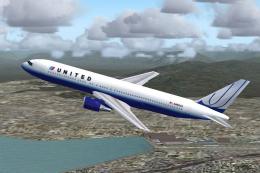
This add-on features a detailed rendition of the United Airlines Boeing 767-3…
 FS2004 Civil Jet Aircraft
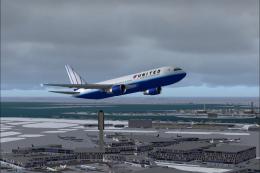
A repaint of FSPainter's B767-300 in United Airlines' new color scheme. By An…
 FS2004 Civil Jet Aircraft
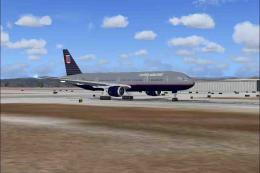
Experience a meticulous representation of United Airlines’ latest color schem…
 FS2004 Civil Jet Aircraft
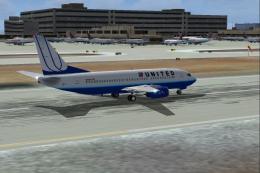
A repaint of the default B777-300 in United Airlines livery. Includes reflect…
 FS2004 Civil Jet Aircraft
This freeware package for Microsoft Flight Simulator 2004 introduces a meticu…
 FS2004 Civil Jet Aircraft
Textures only; requires the AIS-AS Baby Boeings pack created by Jon Murchinso…
 FS2004 Civil Jet Aircraft
The following download is compatible with Flight Simulator 2004. This downloa…
 FS2004 Civil Jet Aircraft
Australian Airlines Boeing 767-300, registration VH-OGJ. Model by Sunny Xia. …
Be the first to leave a comment on this download.
Be the first to share your thoughts on this download.