

 FS2004 Civil Jet Aircraft
United Airlines Airbus A320 (NL)
Experience a high-fidelity rendition of United Airlines’ freshly introduced c…
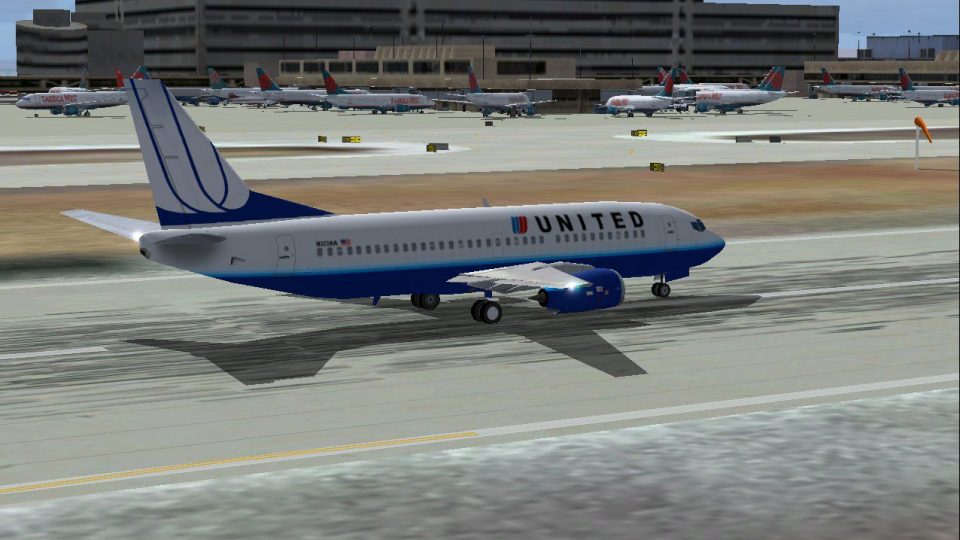
United Airlines’ Boeing 737-300 brings convincing classic-jet traffic and easy manual flying to Microsoft Flight Simulator 2004, using AI Aardvark’s frame-rate-friendly model with an accurate Mike Pearson repaint. Crisp 32-bit textures and believable lighting detail the fuselage, engines, and tail, helping busy hubs look authentic without taxing typical hardware.
 Rate
Rate
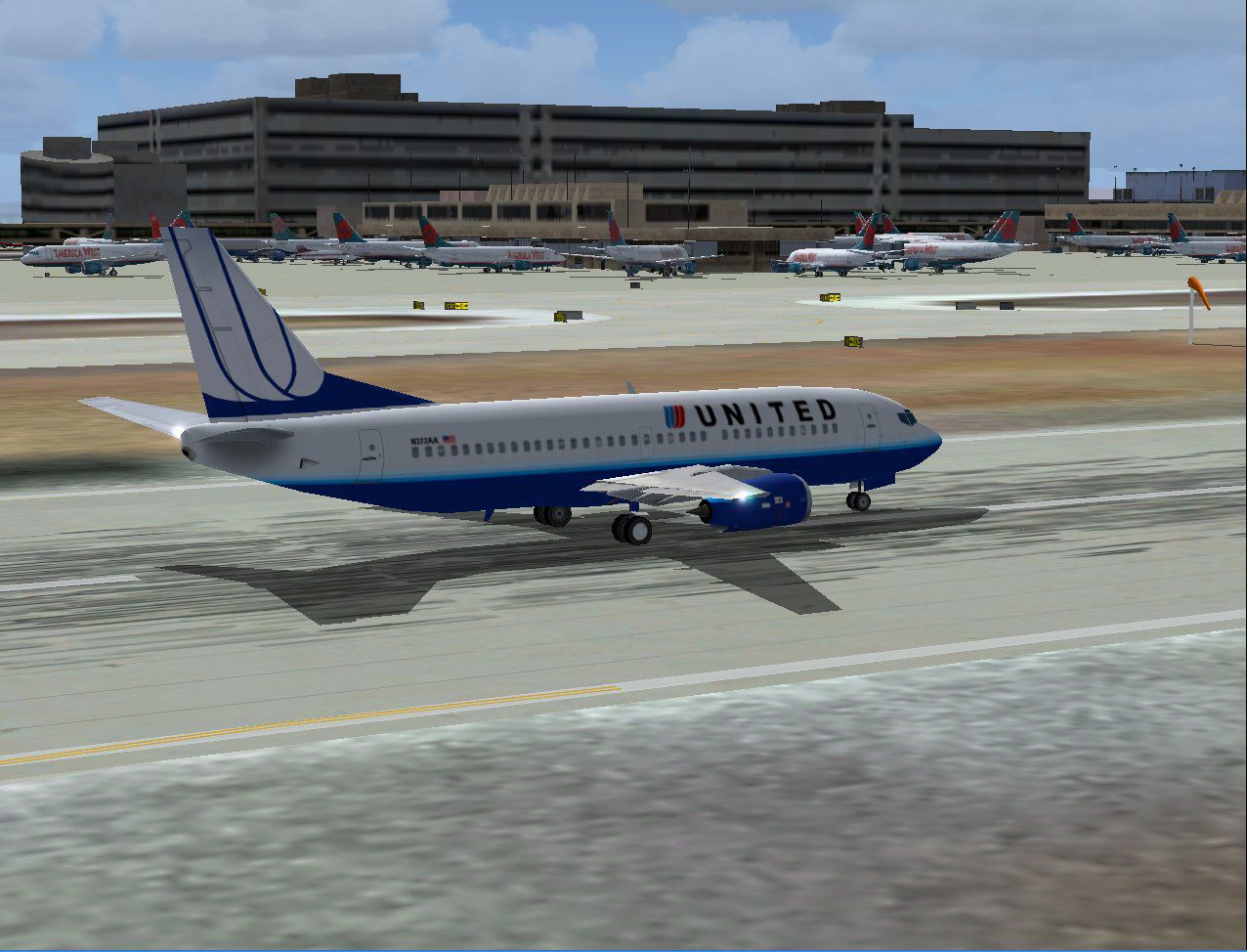
This freeware package for Microsoft Flight Simulator 2004 introduces a meticulously developed Boeing 737-300 in the United Airlines livery. It includes AI configurations for enhanced traffic realism, yet it is also suitable for manual flying if one prefers hands-on control. Created by AI Aardvark and given a detailed repaint by Mike Pearson, this complete add-on offers a smooth experience without burdening system resources.
The United Airlines branding on this 737-300 faithfully reflects the legacy of one of America’s long-standing carriers. The fuselage features the signature color scheme recognized worldwide, capturing the airline’s identity with accurately placed lettering and logo details. This variant of the 737 lineage originally debuted with enhanced CFM56 engines, allowing carriers like United to operate efficient domestic routes throughout the United States and beyond.
-fs2004-1.jpg)
United Airlines Boeing 737-300 parked on the runway.
Although this aircraft was initially intended for AI traffic, it can also be piloted directly by those seeking a simplified yet authentic flight platform. Because it utilizes a lightweight model, it proves especially valuable for simmers who operate with moderate hardware, ensuring smooth performance even when scenery settings are increased.
The repaint includes high-quality, 32-bit textures that enhance visual accuracy. These textures highlight the aircraft’s windows, engine cowlings, wing surfaces, and vertical stabilizer. The reflective properties shine through at various angles, capturing a convincing representation of light across the fuselage. Moreover, the tail section is reproduced with striking color tones linked to the airline’s real-world fleet.
Enthusiasts receive an all-in-one freeware package that includes AI Aardvark’s original base model and textures, along with the newly refined repaint. This ensures immediate compatibility and swift integration into existing collections. The resulting aircraft can elevate domestic flight simulations, particularly for those focusing on authentic AI traffic scenarios revolving around major United hubs.
Overall, this model stands as a solid choice for sim pilots seeking to expand United Airlines routes in their virtual environment while retaining resource-friendly performance. Immerse yourself in the skies with this beautiful tribute to Boeing’s classic narrow-body series, created with dedication by AI Aardvark and repainted with care by Mike Pearson.
Free for all simmers · 932.36 KB · Scanned clean Oct 2026
Download speed: Free tier is capped at 0.5 Mbps. PRO members download at full line speed.
FS9\Aircraft\, FS9\Addon Scenery\, FS9\Gauges\, or FS9\Effects\.readme.txt or README file. It tells you exactly where files go, what dependencies are needed, and any quirks specific to this add-on.The archive av73ualn.zip has 19 files and directories contained within it.
This list displays the first 500 files in the package. If the package has more, you will need to download it to view them.
| Filename/Directory | File Date | File Size |
|---|---|---|
| aav b733 ual nc readme.txt | 02.22.04 | 343 B |
| aav b733 ual nc small.gif | 02.22.04 | 12.77 kB |
| aav b733 ual nc.jpg | 02.22.04 | 175.85 kB |
| aia_737_300.air | 11.09.02 | 9.63 kB |
| Aircraft.cfg | 02.22.04 | 10.31 kB |
| model | 02.22.04 | 0 B |
| aia_737_300.mdl | 12.11.02 | 152.54 kB |
| model.cfg | 11.19.02 | 28 B |
| panel | 02.22.04 | 0 B |
| panel.cfg | 06.27.03 | 38 B |
| sound | 02.22.04 | 0 B |
| sound.cfg | 06.27.03 | 42 B |
| texture.ual nc | 02.22.04 | 0 B |
| aia_737_300_l.bmp | 12.15.02 | 1.00 MB |
| AIA_737_300_t.bmp | 02.22.04 | 4.00 MB |
| Thumbs.db | 02.22.04 | 18.00 kB |
| Thumbs.db | 02.22.04 | 17.50 kB |
| flyawaysimulation.txt | 10.29.13 | 959 B |
| Go to Fly Away Simulation.url | 01.22.16 | 52 B |
Only PRO members can place votes.
More FS2004 add-ons hand-picked based on this download.
FS2004 Civil Jet Aircraft
Experience a high-fidelity rendition of United Airlines’ freshly introduced c…
 FS2004 Civil Jet Aircraft
The first B747-400 delivered to Aerolineas Argentinas. Model by Melvin Rafi. …
 FS2004 Civil Jet Aircraft
Textures only, requires Dreamwings ERJ-145 base package. This is the first ai…
 FS2004 Civil Jet Aircraft
Textures only; requires the AIS-AS Baby Boeings pack created by Jon Murchinso…
 FS2004 Civil Jet Aircraft
A repaint of the default B777-300 in United Airlines livery. Includes reflect…
 FS2004 Civil Jet Aircraft
This add-on features a detailed rendition of the United Airlines Boeing 767-3…
 FS2004 Civil Jet Aircraft
Experience a refined Boeing 767-300 rendition in a fresh United Airlines colo…
 FS2004 Civil Jet Aircraft
A repaint of FSPainter's B767-300 in United Airlines' new color scheme. By An…
Read what other simmers think, or add your own.
