

 FS2004 Civil Jet Aircraft
Air Pacific Boeing 737-700
Air Pacific Boeing 737-700 and -800 (next generation). Includes two complete …
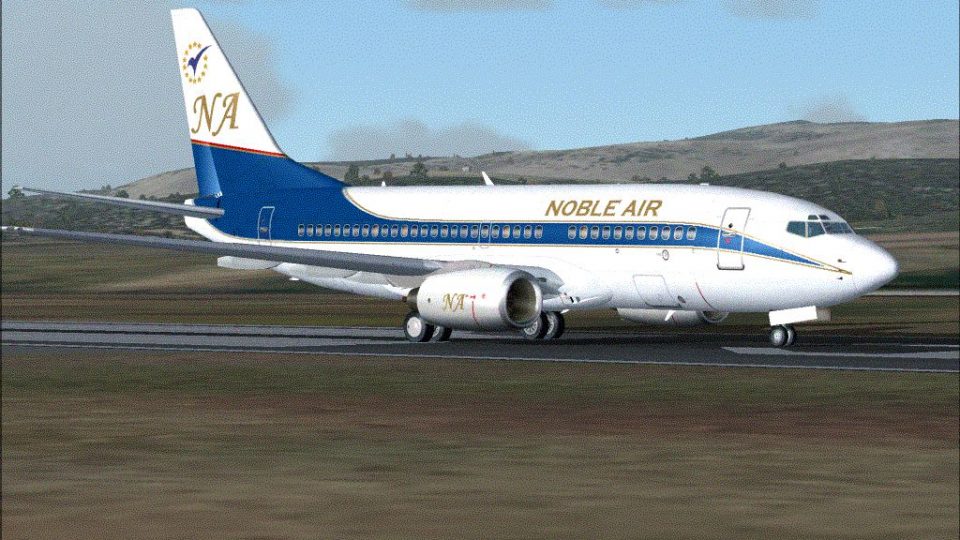
Noble Air Boeing 737-700 repaint brings a fictional tribute livery to the Kittyhawk 737-700, inspired by the short-lived charter carrier from Germany and the UK to Turkey and Northern Cyprus. Designed for FS2004, it adds clean textures and authentic airline identity cues, and requires the Kittyhawk B737-700 base model.
 Rate
Rate
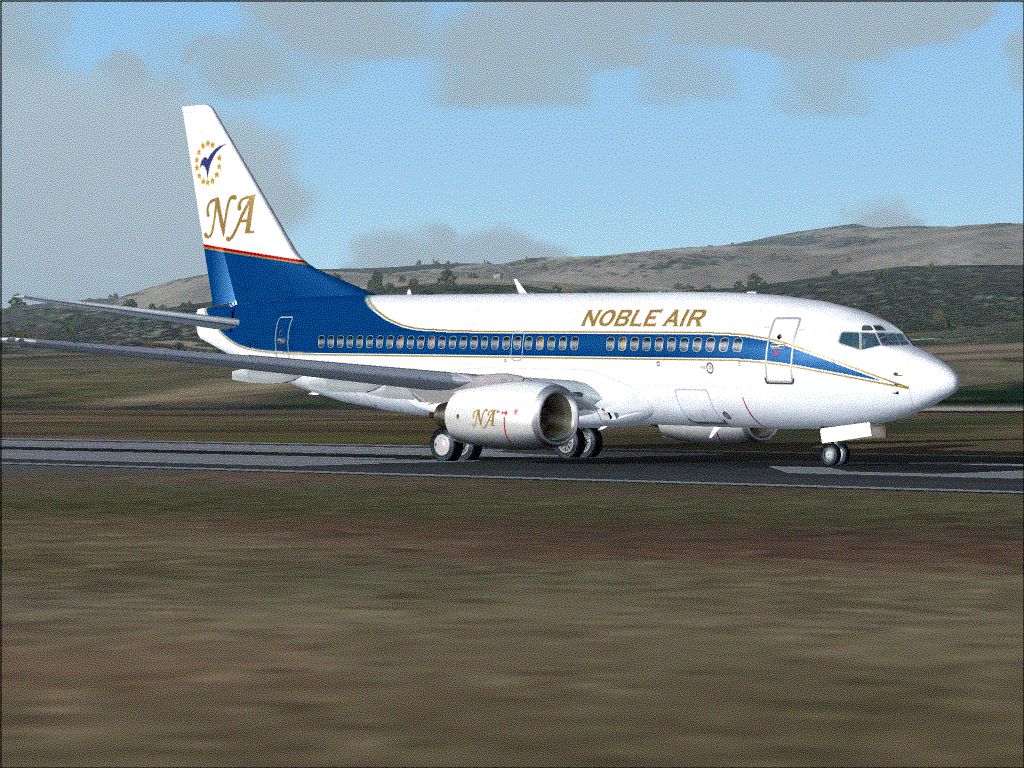
A repaint of the Kittyhawk B737-700 in a livery derived from the former airline Noble Air. Repainted by Colin Baker.
Screenshot of Noble Air Boeing 737-700 on runway.
This is my first published attempt of a repaint and was done with the most basic of materials using the default Microsoft Paint program.
Thanks to the great quality work of the team at Kittyhawk Productions it has been a pleasing result for me and I hope you like it?
Ok a bit of background of the repaint!
Noble Air was Formed initially to fly inclusive-tours from points in Germany and the UK to Turkey and Northern Cyprus. A scheduled service from Istanbul to London Gatwick began in November 1989. Nobel Air ceased operations in 1991.
From what I understand Noble Air used mainly 727 aircraft. This is my tribute to them and a fictional look at what they may have evolved into becoming.
[fltsim.XXXX]

	title=Boeing 737-700_NA

	sim=737700

	model=

	panel=

	sound=

	texture=noble

	kb_checklists=Boeing737-400_check

	kb_reference=Boeing737-400_ref

	atc_id=

	atc_airline=Noble Air

	atc_flight_number=2004

	ui_manufacturer=Boeing

	ui_type=737-700

	ui_variation=Noble Air

	description=Kittyhawk Studios 737-700

	atc_heavy=0

	visual_damage=1
I have left any country Markings or registration numbers of this model as I feel that is a international model that should be enjoyed by everyone. Please feel free to contact me if you would like a Flag or Markings added to the Aircraft!
Free for all simmers · 2.1 MB · Scanned clean Oct 2026
Download speed: Free tier is capped at 0.5 Mbps. PRO members download at full line speed.
FS9\Aircraft\, FS9\Addon Scenery\, FS9\Gauges\, or FS9\Effects\.readme.txt or README file. It tells you exactly where files go, what dependencies are needed, and any quirks specific to this add-on.The archive nbl737.zip has 14 files and directories contained within it.
This list displays the first 500 files in the package. If the package has more, you will need to download it to view them.
| Filename/Directory | File Date | File Size |
|---|---|---|
| FILE_ID.DIZ.txt | 05.09.04 | 259 B |
| noble_737.GIF | 05.09.04 | 275.72 kB |
| README FIRST.txt | 05.09.04 | 1.46 kB |
| Readme.doc | 05.05.04 | 28.50 kB |
| texture.noble.zip | 05.09.04 | 667.32 kB |
| noble_737 | 05.11.04 | 0 B |
| aircraft.cfg | 05.10.04 | 13.22 kB |
| FILE_ID.DIZ.txt | 05.09.04 | 259 B |
| noble_737.GIF | 05.09.04 | 275.72 kB |
| README FIRST.txt | 05.11.04 | 1.98 kB |
| Readme.original.doc | 05.05.04 | 28.50 kB |
| texture.zip | 05.11.04 | 933.04 kB |
| flyawaysimulation.txt | 10.29.13 | 959 B |
| Go to Fly Away Simulation.url | 01.22.16 | 52 B |
Only PRO members can place votes.
More FS2004 add-ons hand-picked based on this download.
FS2004 Civil Jet Aircraft
Air Pacific Boeing 737-700 and -800 (next generation). Includes two complete …
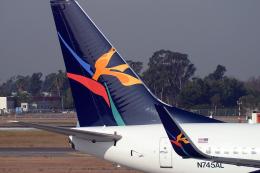 FS2004 Civil Jet Aircraft
Aloha Airlines repaint of the B737-700 with photoreal winglets. Features incl…
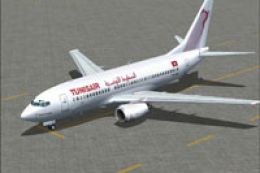 FS2004 Civil Jet Aircraft
This freeware repaint delivers a detailed Tunis Air Boeing 737-700 for Micros…
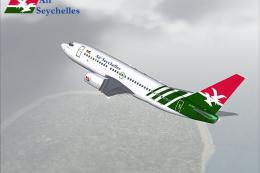 FS2004 Civil Jet Aircraft
A repaint of PMDG's B737-700 model in the Air Seychelles livery. The aircraft…
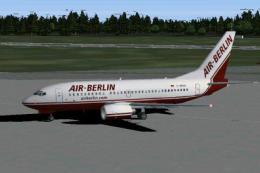 FS2004 Civil Jet Aircraft
This package provides a meticulously crafted Boeing 737-700 in Air Berlin’s d…
 FS2004 Civil Jet Aircraft
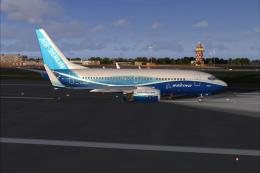
"Dreamliner" Boeing 737-700 with CMF56-7B24 engines. Textures only. Model by …
 FS2004 Civil Jet Aircraft
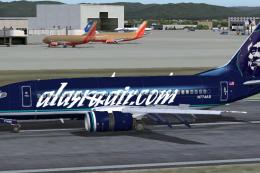
Boeing 737-700, registration N774AS, in Alaska Air dot Com blue color scheme.…
 FS2004 Civil Jet Aircraft
A highly detailed paint of Air Berlin's 7E7 scheme on the Kittyhawk B737-700.…
Be the first to leave a comment on this download.
Be the first to share your thoughts on this download.