

 FS2004 Civil Jet Aircraft
Transaero Boeing 737-400
The AI Aardvark model repainted as Transaero Boeing 737-400's (EI-CXK, EI-CZK…
Transaero Boeing 737-400 EI-DDK brings a period-correct AI repaint and summer 2004 traffic package to FS2004, with two flightplan options covering published schedules alone or expanded charter-style routes for busier holiday operations. Textures are designed for the AI Aardvark 737-400 model and requires that base aircraft.
 Rate
Rate
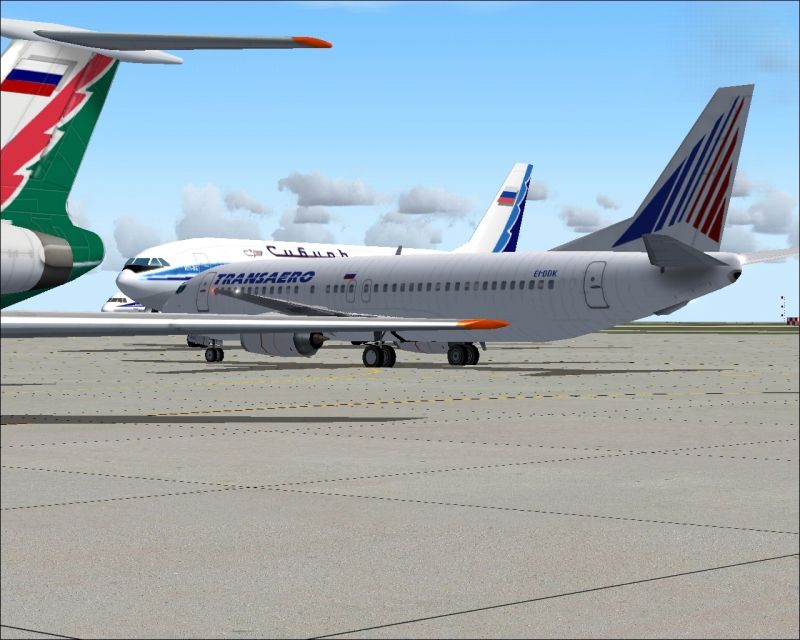
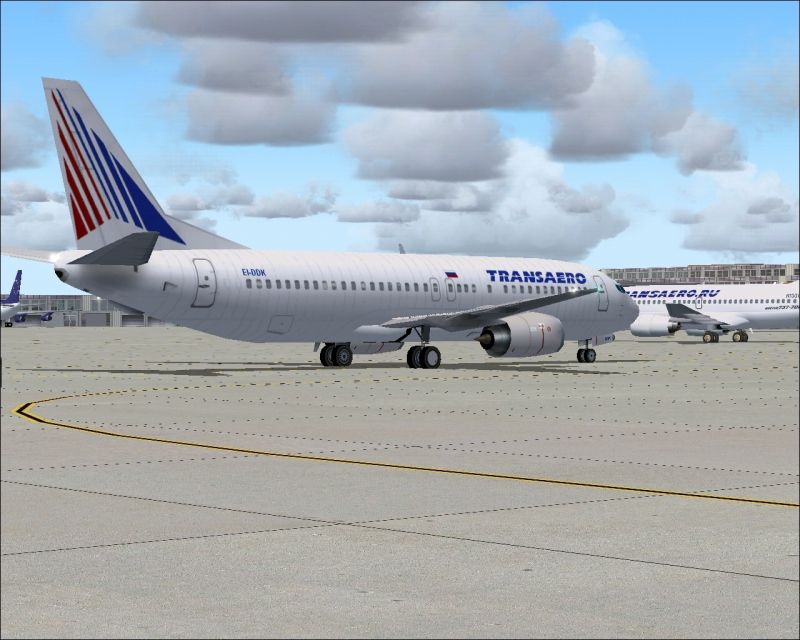
Textures only. A repaint of the AI Aardvark model for AI and 100% accurate flight plan for summer 2004. By Billy Rutherford.
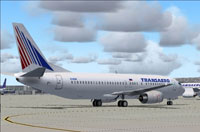
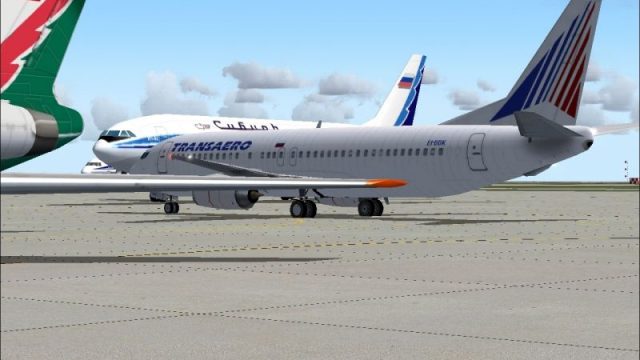
Screenshot of Transaero Boeing 737-400 on the ground.
This is 'yet another' amendment to Transaero's Summer 2004 FP. I have included the Airline's latest aircraft: - Boeing 737-400 EI-DDK to compliment my Aardvark repaint.
Transaero also operate a huge number of charter flights to Holiday destinations and City breaks. I have 'padded' this FP out with some flights they "may" operate. This is fictitious, but more than likely where they fly to. I have been scouring Aviation sites checking charter destinations!
I have made 2 FP's, one with charter (fictitious) and correct schedules, the other correct schedules only. Information is a little vague. From the website, there is no mention of 732/4 aircraft. Although, the B732's are listed as still active?, which would make sense trying to fit all these "B733" flights in! Also, I can only find 2 737NG's:- N100UN "Bavaria" and N101UN "Seattle", however the website shows 3 B737NG's! Therefore, if you are a stickler for detail use the FP without charter flights.
Free for all simmers · 925 KB · Scanned clean Oct 2026
Download speed: Free tier is capped at 0.5 Mbps. PRO members download at full line speed.
FS9\Aircraft\, FS9\Addon Scenery\, FS9\Gauges\, or FS9\Effects\.readme.txt or README file. It tells you exactly where files go, what dependencies are needed, and any quirks specific to this add-on.The archive tso734.zip has 9 files and directories contained within it.
This list displays the first 500 files in the package. If the package has more, you will need to download it to view them.
| Filename/Directory | File Date | File Size |
|---|---|---|
| texture.Transaero | 07.04.04 | 0 B |
| aia_737_400_l.bmp | 03.27.03 | 1.00 MB |
| aia_737_400_t.bmp | 07.04.04 | 1.00 MB |
| Transaero EI-DDK b.jpg | 07.05.04 | 340.39 kB |
| Transaero EI-DDK.jpg | 07.05.04 | 348.02 kB |
| Transaero2004.txt | 07.05.04 | 20.28 kB |
| Transaero 2004 | 07.05.04 | 0 B |
| flyawaysimulation.txt | 10.29.13 | 959 B |
| Go to Fly Away Simulation.url | 01.22.16 | 52 B |
Only PRO members can place votes.
More FS2004 add-ons hand-picked based on this download.
FS2004 Civil Jet Aircraft
The AI Aardvark model repainted as Transaero Boeing 737-400's (EI-CXK, EI-CZK…
 FS2004 Civil Jet Aircraft
Registration EI-CLM, utilizing Project Open Sky's B757-200 aircraft. This is …
 FS2004 Civil Jet Aircraft
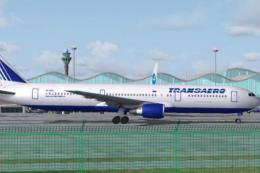
The AI Aardvark model as Transaero Boeing 767-300ER (EI-DFS) new livery for A…
 FS2004 Civil Jet Aircraft
Experience Aer Lingus colors on a fully realized Boeing 767-400 that blends h…
 FS2004 Civil Jet Aircraft
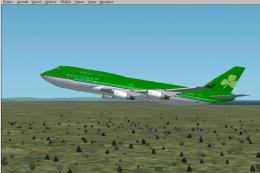
This freeware package features Aer Lingus’s Boeing 747-400 registration EI-DF…
 FS2004 Civil Jet Aircraft
This complete freeware package for Microsoft Flight Simulator 2004 features a…
 FS2004 Civil Jet Aircraft
Ryanair Boeing 737-800, registration EI-DCM, in "shark tail" livery. Model by…
 FS2004 Civil Jet Aircraft
Boeing 737-800 with winglets, registration EI-INN. Textures only Includes spl…
Be the first to leave a comment on this download.
Be the first to share your thoughts on this download.