

 FS2004 Civil Jet Aircraft
PSA Boeing 727-200 N8856E
This freeware release features a detailed repaint of the Vistaliners Boeing 7…
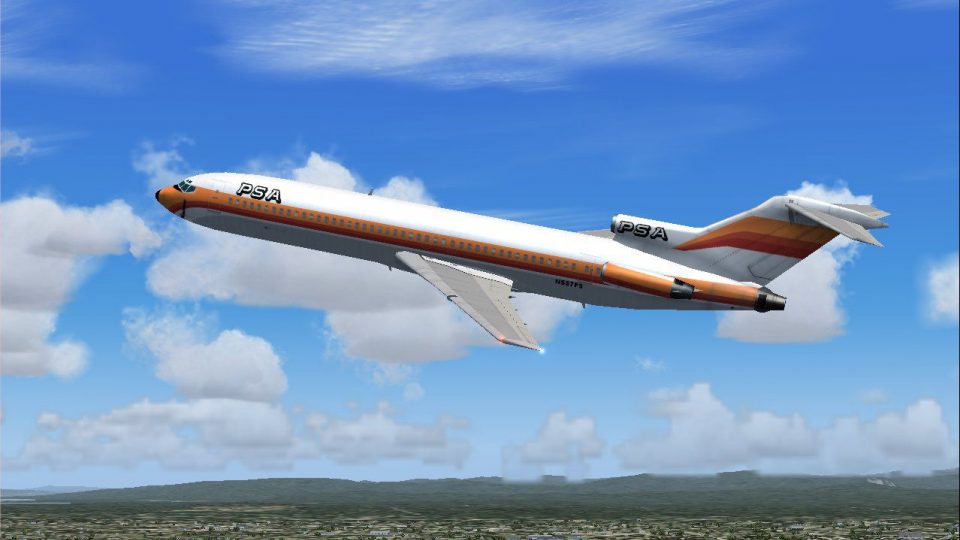
Pacific Southwest Airlines’ 1980s Boeing 727-200 arrives as a complete freeware aircraft package for Microsoft Flight Simulator 2004, pairing an efficient AI Aardvark tri-jet model with crisp 32-bit textures. Smooth animations for flaps, gear, and control surfaces deliver an authentic classic airliner look in flight or AI traffic.
 Rate
Rate
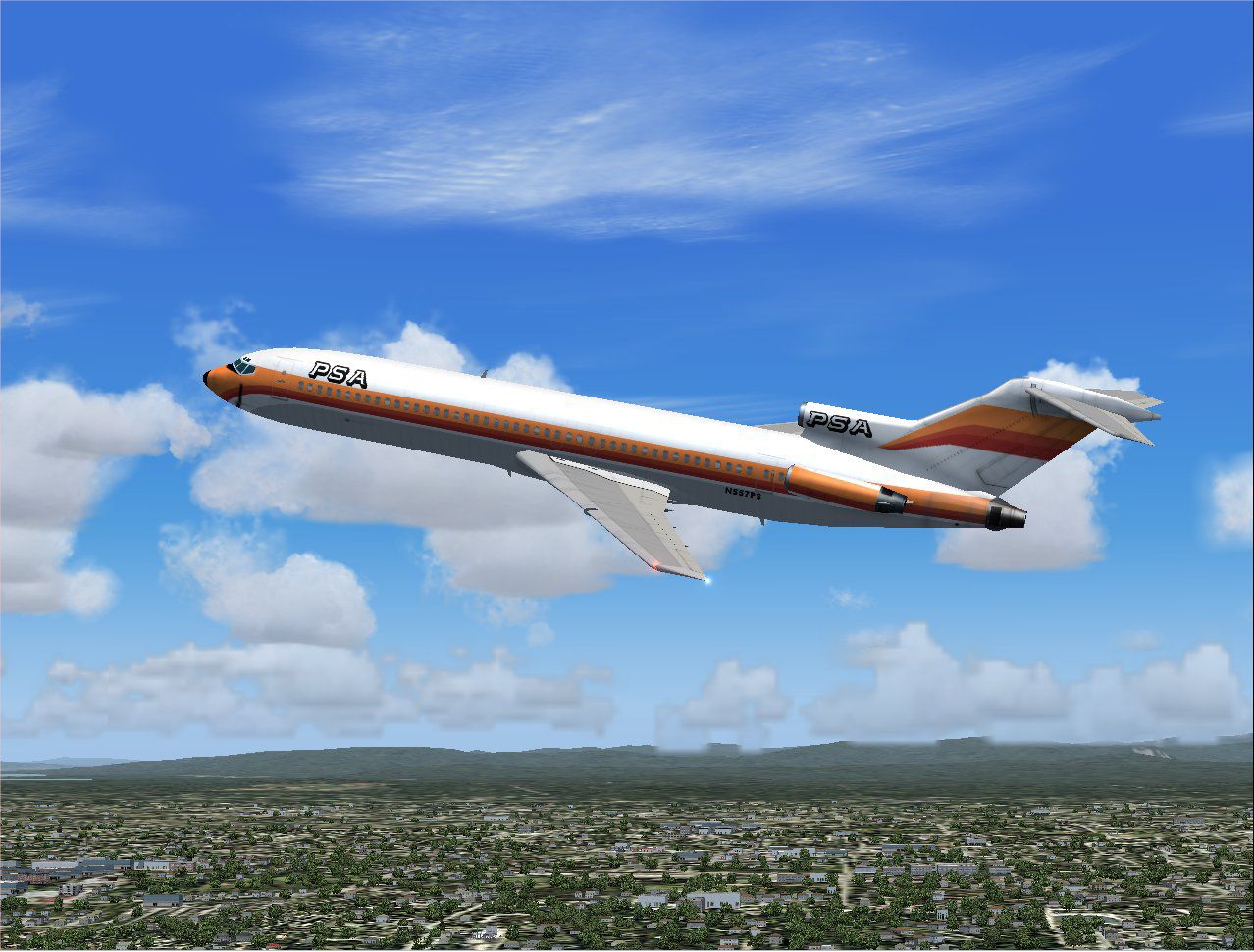
This download offers a complete Boeing 727-200 package for Microsoft Flight Simulator 2004, featuring Pacific Southwest Airlines’ classic 1980s look, accurately reproduced with high-resolution textures and numerous animations. It is entirely freeware and designed for seamless performance on modern systems.
Pacific Southwest Airlines (often abbreviated as PSA) was highly recognizable for its lively liveries and unique branding across the western United States. This repaint mirrors the vibrant design from the early 1980s, using 32-bit textures (a term denoting the color depth, which allows for more detailed shading). These textures capture the airline’s classic hues in a way that complements every angle of the aircraft, both externally and in simulated flight environments.
The Boeing 727 is a tri-engine airliner, a configuration that positions three turbofan engines at the rear fuselage. It earned a reputation for dependable service across short- to medium-range routes. This design also influenced airline operations of that era, as it minimized airport noise impact and streamlined maintenance processes. Users who appreciate historical jetliners will find the handling characteristics and unique silhouette especially rewarding.
Designed with frame rate optimization in mind, the underlying model delivers smooth performance when deployed as AI traffic or flown manually. The attention to detail includes numerous moving surfaces, such as trailing-edge flaps and landing gear components, delivering a realistic appearance during all phases of flight. The 32-bit color depth ensures crisp, vivid paintwork while retaining efficient rendering.
All required components come packaged here for convenience, meaning flight sim enthusiasts can integrate it quickly without searching for additional files. Notable features include:
Preview of the Boeing 727-200 showcasing the PSA livery during flight.
The aircraft model and default textures were engineered by AI Aardvark to meet rigorous standards of visual accuracy. In addition, Michael Pearson meticulously adjusted the paint scheme to reflect the distinctive style that PSA was known for. Both creators have contributed to a freeware release that flight simulation fans can enjoy without complexity, maintaining a balance between visual fidelity and resources.
Free for all simmers · 1.15 MB · Scanned clean Oct 2026
Download speed: Free tier is capped at 0.5 Mbps. PRO members download at full line speed.
FS9\Aircraft\, FS9\Addon Scenery\, FS9\Gauges\, or FS9\Effects\.readme.txt or README file. It tells you exactly where files go, what dependencies are needed, and any quirks specific to this add-on.The archive av722psa.zip has 20 files and directories contained within it.
This list displays the first 500 files in the package. If the package has more, you will need to download it to view them.
| Filename/Directory | File Date | File Size |
|---|---|---|
| aav b722 psa readme.txt | 07.20.04 | 387 B |
| aav b722 psa small.gif | 07.20.04 | 11.10 kB |
| aav b722 psa.jpg | 07.20.04 | 191.10 kB |
| aia_727_200.air | 06.16.04 | 9.63 kB |
| Aircraft.cfg | 07.20.04 | 10.82 kB |
| model | 07.20.04 | 0 B |
| aia_727_200.mdl | 09.16.03 | 548.12 kB |
| model.cfg | 09.16.03 | 34 B |
| panel | 07.20.04 | 0 B |
| panel.cfg | 06.02.04 | 42 B |
| Thumbs.db | 06.13.03 | 9.50 kB |
| sound | 07.20.04 | 0 B |
| Sound.cfg | 06.02.04 | 40 B |
| texture.psa | 07.20.04 | 0 B |
| aia_727_200_l.bmp | 08.11.03 | 256.07 kB |
| aia_727_200_t.bmp | 07.20.04 | 4.00 MB |
| Thumbs.db | 07.20.04 | 12.00 kB |
| Thumbs.db | 07.20.04 | 8.00 kB |
| flyawaysimulation.txt | 10.29.13 | 959 B |
| Go to Fly Away Simulation.url | 01.22.16 | 52 B |
Only PRO members can place votes.
More FS2004 add-ons hand-picked based on this download.
FS2004 Civil Jet Aircraft
This freeware release features a detailed repaint of the Vistaliners Boeing 7…
 FS2004 Civil Jet Aircraft
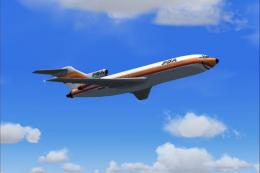
This freeware Boeing 727-100 package, featuring a Pacific Southwest Airlines …
 FS2004 Civil Jet Aircraft
A repaint of the B737-200 in the colors of Pacific Southwest Airlines. Model …
 FS2004 Civil Jet Aircraft
Textures only. The Kittyhawk B737-700 model in PSA livery. Repaint by James W…
 FS2004 Civil Jet Aircraft
An MD80 created for AI use, but flyable also. Model by FSPainter. Repainted b…
 FS2004 Civil Jet Aircraft
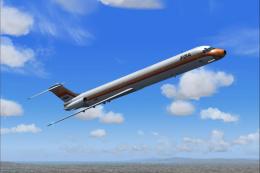
The iconic Pacific Southwest Airlines (PSA) color scheme from the 1980s comes…
 FS2004 Civil Jet Aircraft
This freeware repaint set brings the classic Pacific Southwest Airlines (PSA)…
 FS2004 Civil Jet Aircraft
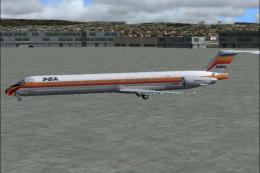
Textures only; requires MD80AZA.ZIP. Repainted by James Waters. Model designe…
Be the first to leave a comment on this download.
Be the first to share your thoughts on this download.