

 FSX Helicopters
Bell 206 Black/Gold Textures
This repaint provides a refined black-and-gold exterior for the default Bell …
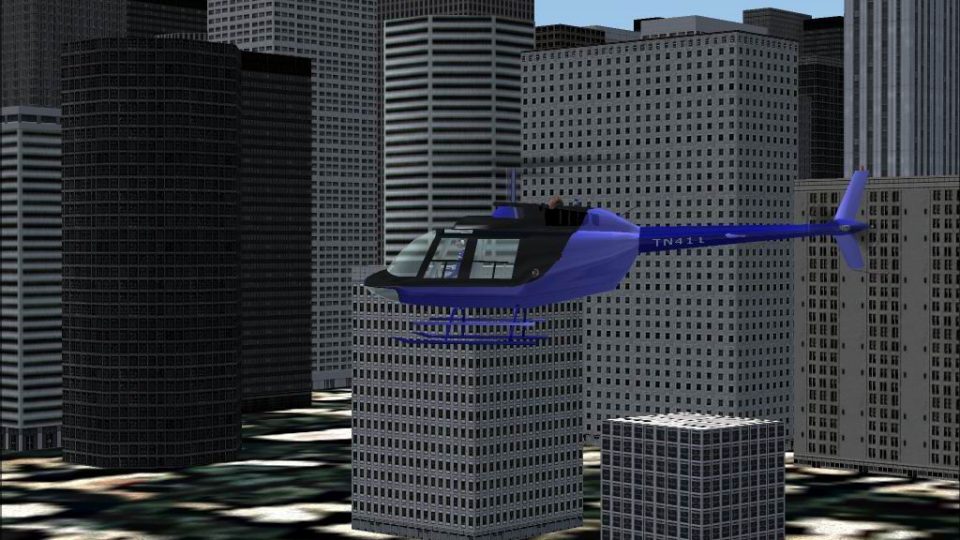
Bell 206 JetRanger blue-and-black repaint refreshes the default helicopter with crisp panel shading, clean contrast, and subtle tail accents that emphasize the airframe’s lines in Microsoft Flight Simulator X. It preserves clear areas for registration markings and requires the stock Bell 206 model for use.
 Rate
Rate
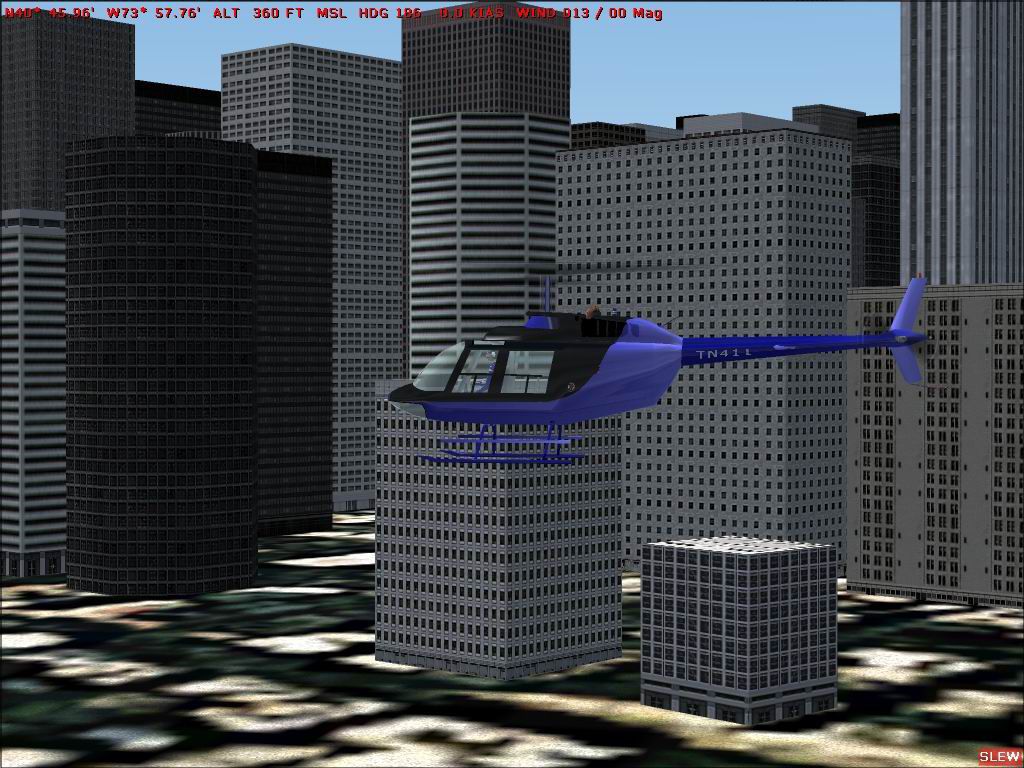
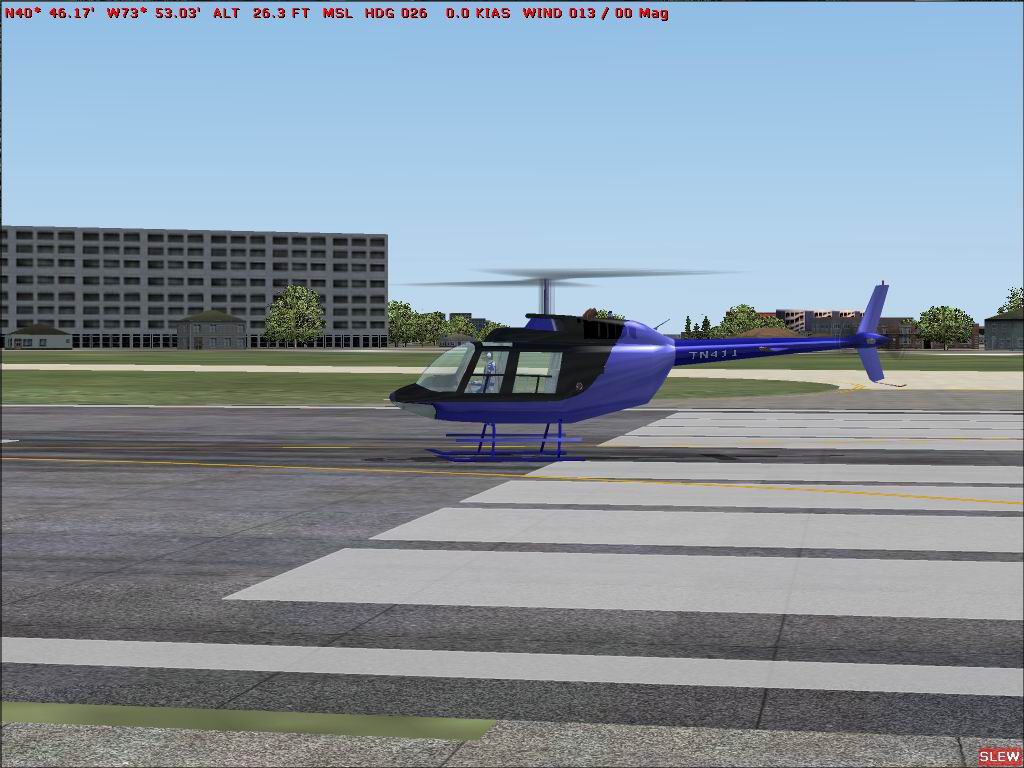
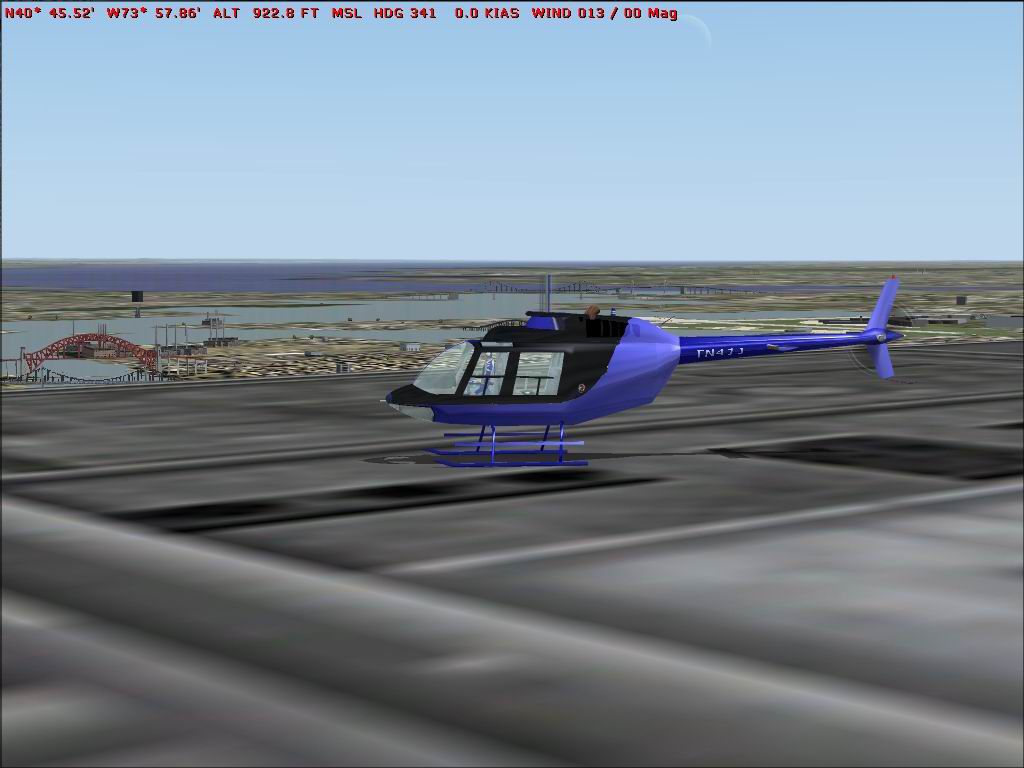
Enhance your simulation experience with a sleek blue-and-black paint scheme created by Jeff Smith, designed specifically for the default Bell 206 Jetranger. This freeware modification offers a refined look for rotorcraft enthusiasts who want to bring a modern touch to their Microsoft Flight Simulator X flights.
The exterior surfaces feature a balanced combination of deep blue panels and contrasting black sections. This arrangement highlights the Bell 206’s streamlined shape and brings out vital details around the engine cowling and fuselage doors. By integrating subtle shading techniques, the new skin minimizes color banding for crisp and consistent coverage on all major panels.
Bell Helicopter’s 206 series is well known for reliable single-turbine performance, and operators worldwide rely on this helicopter for sightseeing flights, law enforcement missions, and VIP transport. Drawing on that heritage, Jeff Smith designed these textures to reflect the spirit of an agile and versatile rotorcraft. The custom paint lines echo the aerodynamic contours featured on full-scale commercial models.
This repaint is intended for the default Bell 206 Jetranger model included with Microsoft Flight Simulator X. It will not function as a standalone product; you must have the base helicopter already installed. The freeware Bell 206 base model can typically be found in the Fly Away Simulation add-on library for easy access.
Free for all simmers · 1.47 MB · Scanned clean Oct 2026
Download speed: Free tier is capped at 0.5 Mbps. PRO members download at full line speed.
texture.{airline}) inside FSX\SimObjects\Airplanes\{base-aircraft}\.aircraft.cfg in Notepad. Add a new [fltsim.X] section per the readme.readme.txt or README file. It tells you exactly where files go, what dependencies are needed, and any quirks specific to this add-on.The archive bell206bblugld.zip has 11 files and directories contained within it.
This list displays the first 500 files in the package. If the package has more, you will need to download it to view them.
| Filename/Directory | File Date | File Size |
|---|---|---|
| READ ME.txt | 10.27.06 | 1.28 kB |
| Bell_206B_C.bmp | 11.21.02 | 682.74 kB |
| Bell_206B_d.bmp | 04.08.02 | 682.74 kB |
| Bell_206B_T.bmp | 10.27.06 | 1.33 MB |
| damage.bmp | 07.10.01 | 42.74 kB |
| prop_bell_206.bmp | 04.08.02 | 341.40 kB |
| At New York.JPG | 10.28.06 | 109.45 kB |
| 1.JPG | 10.28.06 | 169.21 kB |
| 2.JPG | 10.28.06 | 66.96 kB |
| flyawaysimulation.txt | 10.29.13 | 959 B |
| Go to Fly Away Simulation.url | 01.22.16 | 52 B |
Only PRO members can place votes.
More FSX & P3D add-ons hand-picked based on this download.
FSX Helicopters
This repaint provides a refined black-and-gold exterior for the default Bell …
 FSX Helicopters
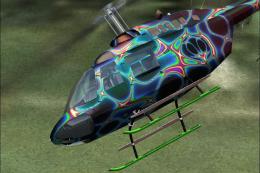
for the default B206. A fictional paint scheme for the FSX Bell 206B JetRange…
 FSX Helicopters
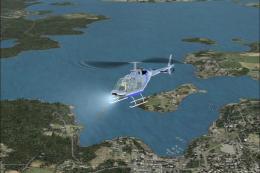
FSX Bell 206 JetRanger helicopter, converted from FS2004. Includes many updat…
 FSX Helicopters
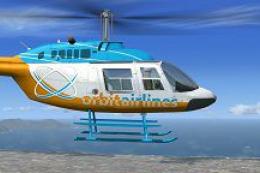
Orbit Airlines Bell 206 Helicopter. Textures only for the default helicopter.…
 FSX Helicopters
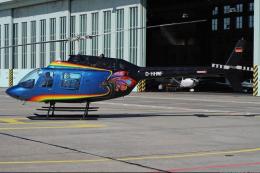
FSX Bell 206 JetRanger Helicopter with dragon butterfly livery. A real paint …
 FSX Helicopters
FSX Brazilian Bell 206 JetRanger helicopter. The stock 206 painted to tribute…
 FSX Helicopters
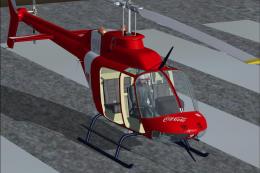
Bell 206. Textures only for the Dodosim B206 helicopter. Includes four liveri…
 FSX Helicopters
Bell 206 Repaint Pack. Repaint pack featuring TV2 news of Denmark, Android/Go…
Be the first to leave a comment on this download.
Be the first to share your thoughts on this download.