

 FSX General Aviation Aircraft
Green/White Cessna 414 Chancellor
An FSX green and white N7435Y repaint texture for the Premier Aircraft Design…
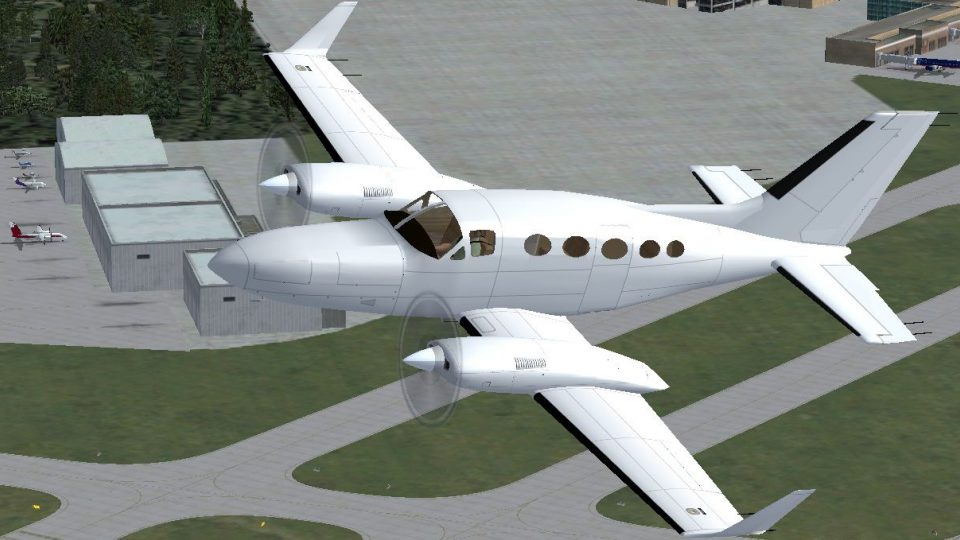
Blank white repaint for the Premier Aircraft Design Cessna 414A Chancellor in Microsoft Flight Simulator X delivers a clean, paint-ready exterior for custom markings, virtual airline branding, or minimalist flying. It preserves the look and feel of a pressurized turbocharged piston twin built for efficient regional cruising and requires the freeware base aircraft model.
 Rate
Rate
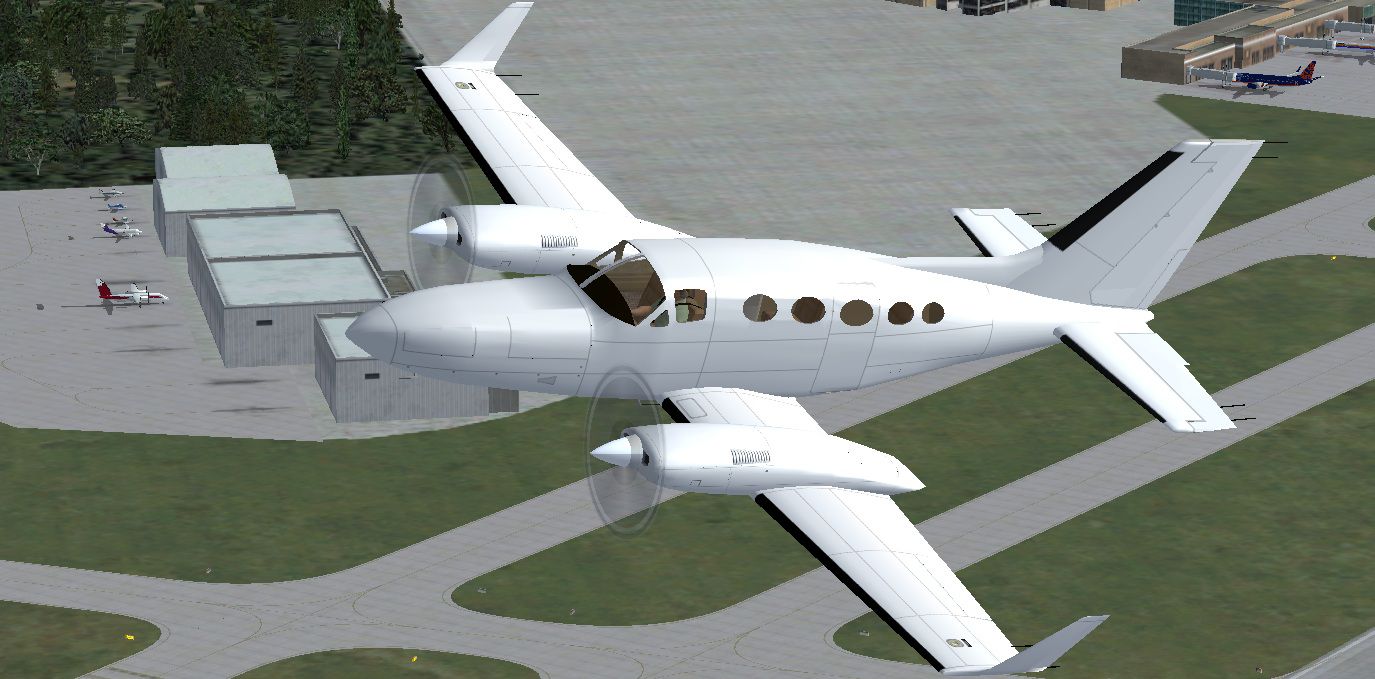
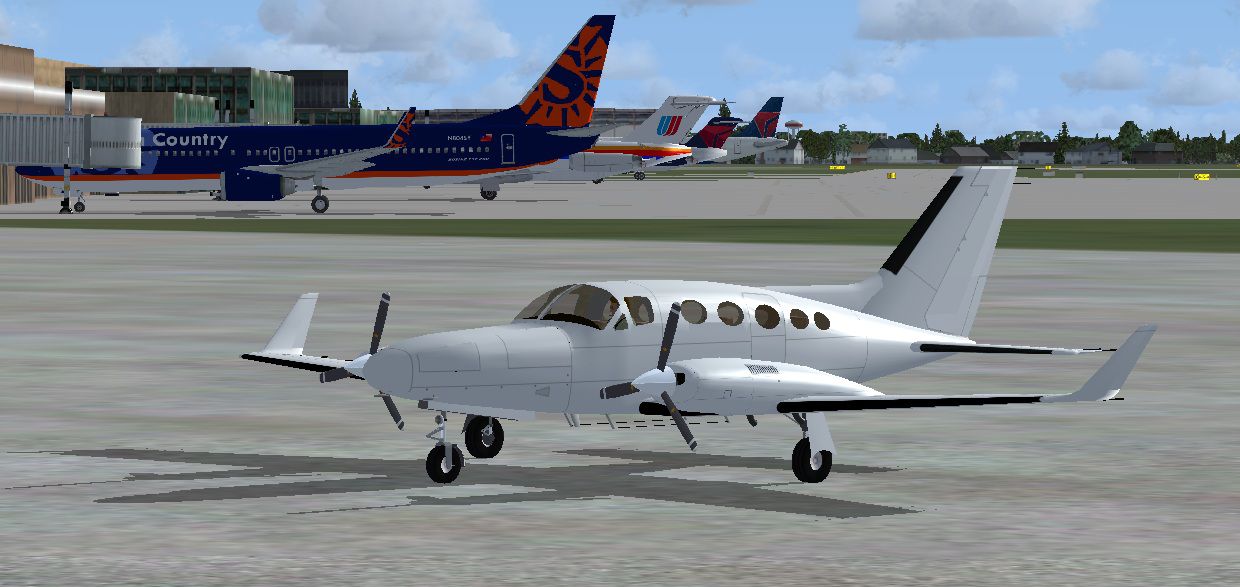
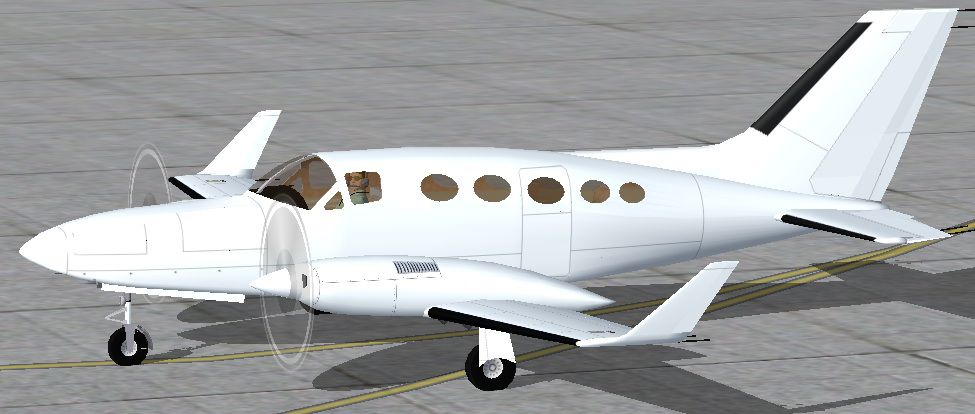
This free, white texture set offers a fresh, paintable option for your Cessna 414 Chancellor in Microsoft Flight Simulator X. Created by Tom Tiedman, the files integrate seamlessly with the high-quality freeware model from Premier Aircraft Design. Sim enthusiasts who want to design custom markings and liveries for this twin-engine aircraft will find this blank canvas useful for personal creativity, while also enjoying the characteristic performance features of a pressurized piston twin.
This repaint has been carefully structured to provide you with a completely unmarked exterior, enabling quick additions of unique logos or virtual airline branding. The Cessna 414 Chancellor, initially introduced to the real world as a 6-to-8-seat pressurized platform, demonstrates strong flight abilities through its turbocharged engines at altitude, often achieving around 170 knots indicated airspeed at approximately 24,000 feet. Around that flight level, ground speeds generally hover near 270 mph, ensuring swift regional trips.
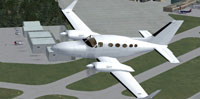
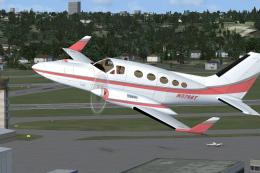
Showcasing the pristine blank exterior for tailored repainting.
aircraft.cfg document within your 414A folder. Insert the following segment, adjusting the X to match the next available entry. Afterward, save the file.
[fltsim.X]
title=Cessna 414A Blank White
sim=C414A
model=
panel=c414
sound=bigtwin
texture=Blank White
kb_checklists=C414A_check
kb_reference=C414A_ref
atc_airline=
atc_id=
atc_flight_number
ui_manufacturer=Cessna
ui_type=414A Chancellor
ui_variation=Blank White
description=Aircraft by the P.A.D. team. Blank White repaint by Tom Tiedman. The Cessna 414A Chancellor is a 6/8 place pressurized twin with turbocharged engines.
A typical cruise speed is 170 Kts (indicated airspeed) at 24,000 ft. (approx 270 mph ground speed)
prop_anim_ratio=0.9985
Please remember that this download is only a texture set and does not include the base aircraft itself. You will need to obtain the freeware Premier Aircraft Design Cessna 414A Chancellor from the Fly Away Simulation library to fully enjoy this repaint. Once installed, the blank white scheme will give you ample freedom to create personalized liveries or simple minimalist aesthetics for your virtual flights.
Free for all simmers · 1.5 MB · Scanned clean Oct 2026
Download speed: Free tier is capped at 0.5 Mbps. PRO members download at full line speed.
This file is a repaint — the package below is the base model it paints onto. Install it first, or the textures will have nothing to load onto.
texture.{airline}) inside FSX\SimObjects\Airplanes\{base-aircraft}\.aircraft.cfg in Notepad. Add a new [fltsim.X] section per the readme.readme.txt or README file. It tells you exactly where files go, what dependencies are needed, and any quirks specific to this add-on.The archive fsx_cessna_414a_blank_white_paintable_texture.zip has 25 files and directories contained within it.
This list displays the first 500 files in the package. If the package has more, you will need to download it to view them.
| Filename/Directory | File Date | File Size |
|---|---|---|
| file_id.diz | 05.31.12 | 218 B |
| READ ME and INSTALLATION.txt | 05.31.12 | 1.21 kB |
| screenshot 2.jpg | 05.31.12 | 247.74 kB |
| screenshot.jpg | 05.31.12 | 188.22 kB |
| Texture.Blank White | 05.31.12 | 0 B |
| c414_cockpit.bmp | 05.26.12 | 512.07 kB |
| C414_Engines.bmp | 05.30.12 | 4.00 MB |
| C414_fuse.bmp | 05.30.12 | 4.00 MB |
| C414_Interiors.bmp | 05.30.12 | 4.00 MB |
| c414_wings.bmp | 05.30.12 | 4.00 MB |
| chrome.bmp | 05.25.12 | 64.07 kB |
| Elevator.bmp | 05.29.12 | 1.00 MB |
| lights.bmp | 05.25.12 | 32.07 kB |
| lights_L.bmp | 05.25.12 | 65.05 kB |
| misc.bmp | 05.25.12 | 512.07 kB |
| paneldbleVC.bmp | 05.25.12 | 512.07 kB |
| pilote.bmp | 05.25.12 | 8.07 kB |
| prop2_TBX.bmp | 05.25.12 | 1.00 MB |
| roue2.bmp | 05.25.12 | 65.07 kB |
| Seats.bmp | 05.25.12 | 128.07 kB |
| thumbnail.jpg | 05.26.12 | 108.43 kB |
| Yoke.bmp | 05.25.12 | 512.07 kB |
| thumbnail.jpg | 05.26.12 | 108.43 kB |
| flyawaysimulation.txt | 10.29.13 | 959 B |
| Go to Fly Away Simulation.url | 01.22.16 | 52 B |
Only PRO members can place votes.
More FSX & P3D add-ons hand-picked based on this download.
FSX General Aviation Aircraft
An FSX green and white N7435Y repaint texture for the Premier Aircraft Design…
 FSX General Aviation Aircraft
This repaint offers a striking red and white color scheme for Premier Aircraf…
 FSX General Aviation Aircraft
This freeware repaint merges a classic red and white color layout with the Pr…
 FSX General Aviation Aircraft
This repaint showcases a distinctive pink, gray, and white scheme for the wel…
 FSX General Aviation Aircraft
Cessna 414A Chancellor 6/8 place business and touring airplane. With custom p…
 FSX General Aviation Aircraft
This carefully crafted repaint brings a distinctive blue and white fuselage f…
 FSX General Aviation Aircraft
Cessna 152 flyable blank white textures for the Just Flight/FS Insider freewa…
 FSX General Aviation Aircraft
This release offers a specialized blank white repaint for a freeware Rancho J…
Be the first to leave a comment on this download.
Be the first to share your thoughts on this download.