

 FSX Military Aircraft
General Dynamics F-111 Aardvark
Aardvark v2 for AI. "E", "F" and "Raven" models from v1, plus FB-111A and F-1…
SHRS’s General Dynamics F-111 Aardvark package for FSX delivers fast, low-level strike flying with a true Terrain Following Radar that scans ahead and integrates with the autopilot for stabilized pitch and roll. Multiple F-111 variants include four custom 2D and virtual cockpit panels, 16 liveries, 110+ working gauges and switches, and custom sounds; requires FSUIPC.
 Rate
Rate
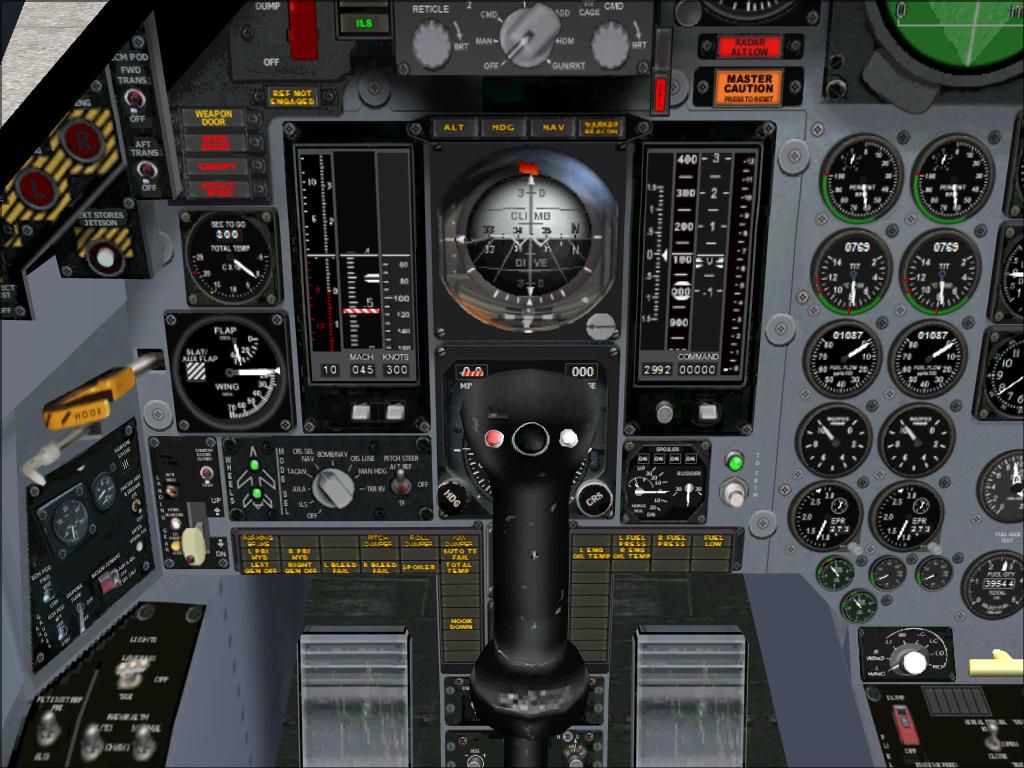
If you ever wanted to fly the F-111 skimming the tree tops at high speeds and whip around a mountain in a 60 degree bank while the autopilot does all the work, then this is the aircraft package for you. This update has the only True Terrain Following Radar system with pitch and roll stabilization that looks ahead of the aircraft to avoid mountains. It is integrated into the autopilot and instrument systems for auto or manual TF operation. The autopilot system models the real F111 autopilot Stability Augmentation Modes with pitch and roll sub-channels. Control stick steering uses pitch and/or roll control stick input to override the pitch and/or roll autopilot channel(s) without disengaging the autopilot settings. The autopilot settings are re-engaged using a button on your control stick returning the aircraft to autopilot control.
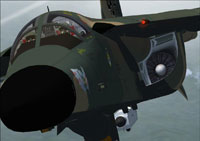
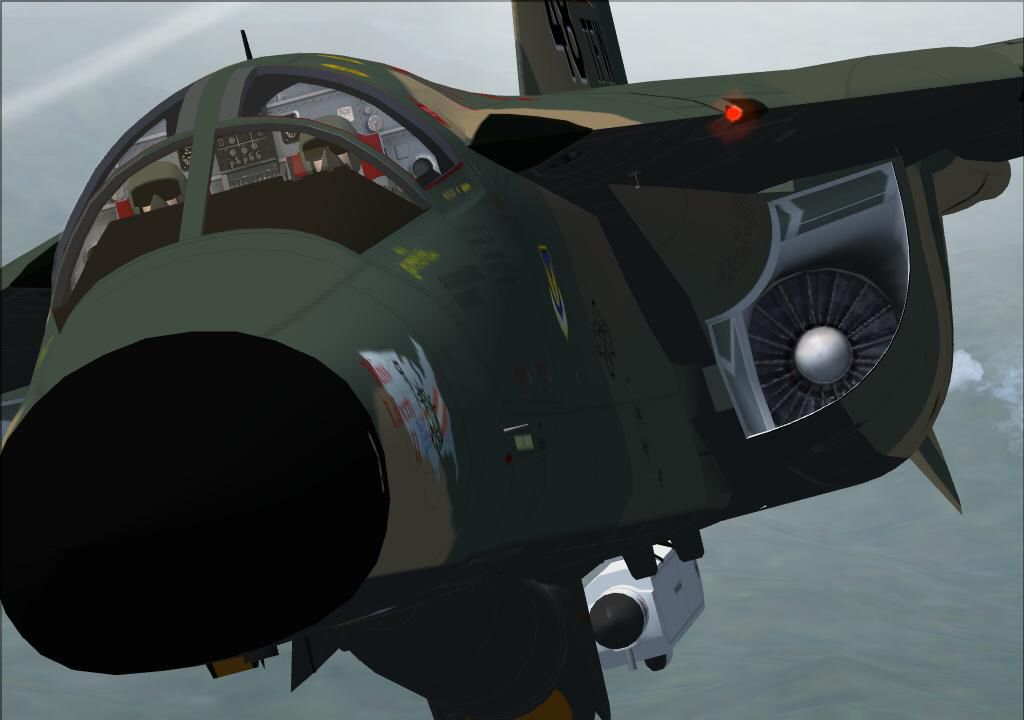
Screenshot of F-111 Aircraft in flight.
There are four different custom 2D and VC cockpits. Aircraft included are F-111E, F-111F, F-111G, FB-111A, FB-111A with pre AMPS avionics, and YFB-111A. Sixteen custom textures with a description for that tail number in the aircraft details menu. Over 110 functional gauges and switches. Included is a custom sound package. See the features doc for more details.
This package is based on the Alphasim F-111 freeware aircraft and is highly modified for FSX SP2 and Acceleration. You must have at least the unregistered version of FSUIPC. By Steve Hess and Roman Stoviak.
For maximum enjoyment, I recommend any of the Low Level Flight Plans by Bill McClellan
Installation:
NOTE: If you have any additional repaint textures for the ALPHA F-111 Aardvark you will need to copy the 111ckpit3_l.bmp, 111ckpit3.bmp, 111ckpit.bmp, 111ckpit2.bmp and 111ckpit3_t.bmp files from one of the seven default texture folders to each of your added texture folders for the virtual cockpit to have the updated graphics and for the gauges to be in their correct places. You will also have to add the texture data into the new aircraft.cfg file.
NOTE: In the Settings/Display/Hardware tab the Global Max Texture Size must be set to HIGH or greater or the Virtual Cockpit will appear blurred.
Free for all simmers · 45.49 MB · Scanned clean Oct 2026
Download speed: Free tier is capped at 0.5 Mbps (this file takes approximately 13 mins at the cap). PRO members download at full line speed.
FSX\SimObjects\Airplanes\. The folder must contain an aircraft.cfg file. Effects go into FSX\Effects\; gauges go into FSX\Gauges\.readme.txt or README file. It tells you exactly where files go, what dependencies are needed, and any quirks specific to this add-on.The archive fsx_shrs_f-111_aircraft_110712.zip has 24 files and directories contained within it.
This list displays the first 500 files in the package. If the package has more, you will need to download it to view them.
| Filename/Directory | File Date | File Size |
|---|---|---|
| Archive created by free jZip.url | 01.04.11 | 58 B |
| Flight Plans | 04.14.12 | 0 B |
| Read Me.txt | 04.14.12 | 255 B |
| TFR Amberley Military to East Sale (Military).PLN | 03.30.12 | 18.02 kB |
| TFR Pease Intl Tradeport to Bangor Intl.PLN | 12.10.11 | 12.30 kB |
| TFR Pease Intl Tradeport to Plattsburgh Intl 2.PLN | 01.03.12 | 7.79 kB |
| Manuals | 07.24.12 | 0 B |
| Autopilot Operation.doc | 07.03.12 | 36.50 kB |
| F-111 Panel.doc | 07.06.12 | 719.00 kB |
| How to Fly the F-111.doc | 07.24.12 | 51.50 kB |
| TACAN DOC | 05.04.12 | 51.50 kB |
| TACAN.doc | 05.03.12 | 77.50 kB |
| TACAN.HTML | 05.03.12 | 18.15 kB |
| EULA.txt | 07.07.12 | 946 B |
| Features.doc | 09.10.12 | 30.50 kB |
| Known Bugs.txt | 10.14.12 | 105 B |
| discription.txt | 10.14.12 | 1.37 kB |
| MUST READ INSTALLATION.doc | 11.04.12 | 109.00 kB |
| MUST READ INSTALLATION.txt | 11.04.12 | 3.97 kB |
| F-111F Thumbnail.jpg | 07.22.12 | 150.24 kB |
| PILOT thumbnail.jpg | 06.08.12 | 134.91 kB |
| FSX_SHRS_F-111_Aircraft_110712..exe | 11.07.12 | 44.83 MB |
| flyawaysimulation.txt | 10.29.13 | 959 B |
| Go to Fly Away Simulation.url | 01.22.16 | 52 B |
Only PRO members can place votes.
More FSX & P3D add-ons hand-picked based on this download.
FSX Military Aircraft
Aardvark v2 for AI. "E", "F" and "Raven" models from v1, plus FB-111A and F-1…
 FSX Military Aircraft
General Dynamics FB111A Aardvark for SP1, SP2 and Acceleration. This is Mike …
 FSX Military Aircraft
FSX General Dynamics YF-16. A repaint of Kirk Olsson's F-16 Viper for Flight …
 FSX Military Aircraft
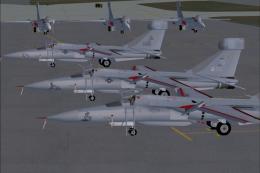
General Dynamics F-111E, F-111F and EF-111A Raven models. Features four F-111…
 FSX Military Aircraft
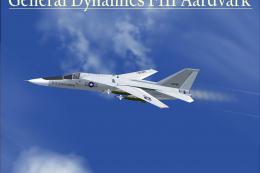
Textures only for John Young's AI EF-111A Raven. Fourteen aircraft of the 42n…
 FSX Military Aircraft
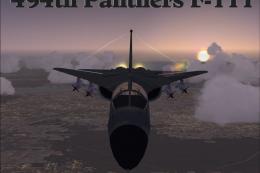
FSX F-111 Aardvark, tail #63-9766.A repaint of Mike Stone's F-111 Aardvark, m…
 FSX Military Aircraft
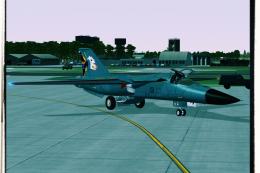
FSX F-111 Aardvark 494th Panthers A repaint of Mike Stone's General Dynamics …
 FSX Military Aircraft
RAAF 6SQN anniversary livery. Model by Virtavia. Repaint by Zsolt Beleznay. S…
Read what other simmers think, or add your own.

The graphics are amazing. Only issue I had when trying to figure out the autopilot which i still can't figure out it froze everything.

It says it is compatible with fsx steam, but it only configs to fsx acceleration or sp2???

HOW THE (expletive) DO I TURN OVERSPEED SOUND OFF?!?
other than that, amazing download