

 FSX Military Aircraft
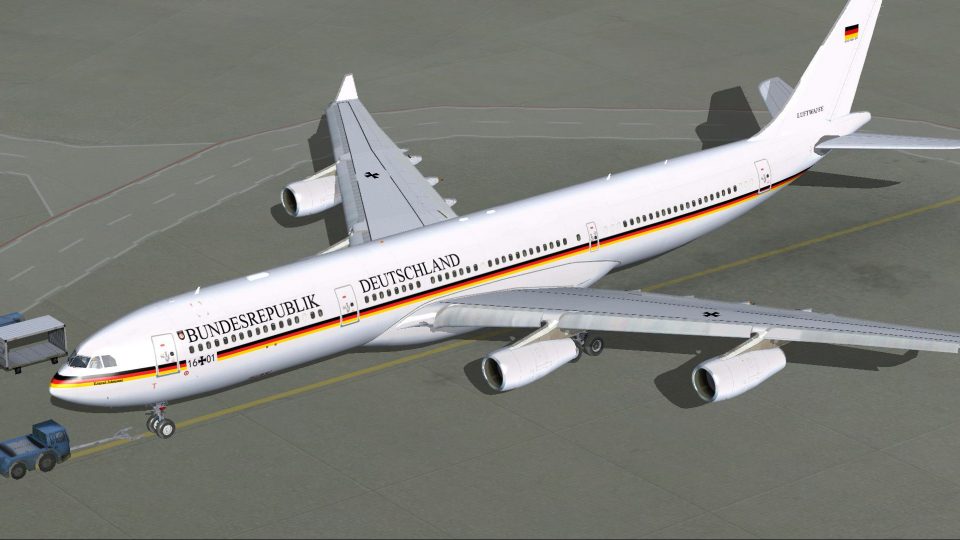
German Air Force VIP Airbus A340-313X
This is a complete package for two Airbus A340-313X, Federal Republic of Germ…
German Air Force Airbus A340-313X repaint correction for FSX repairs the “texture.LW16+01” folder so the aircraft displays properly in sim, with accurate external markings and consistent surface mapping. Requires the A340-313X German Airforce base package, and replaces the existing texture folder with the fixed version.
 Rate
Rate

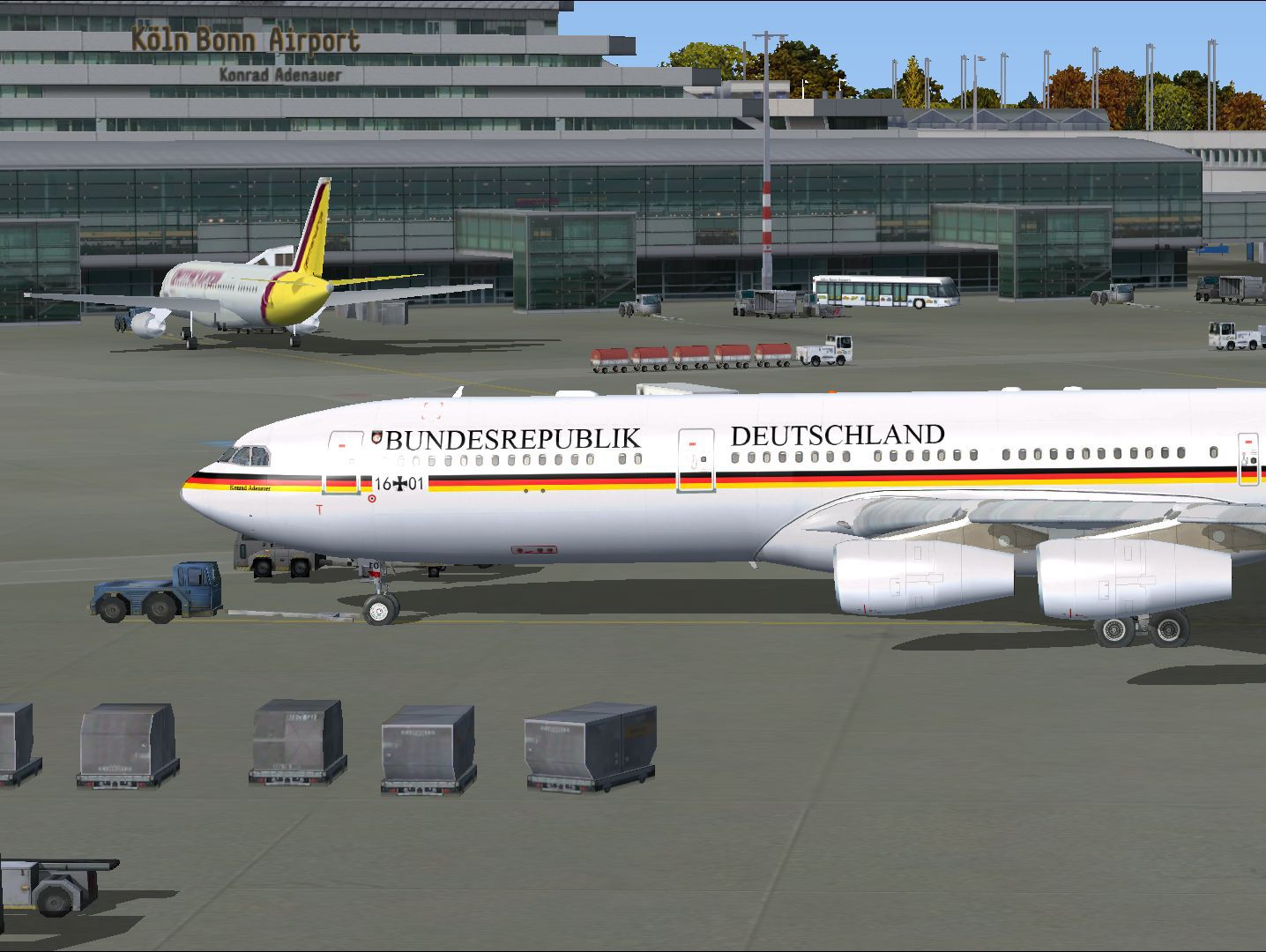
For use with A340-313X_GERMAN_AIRFORCE.ZIP. This is a correction of the texture folder of "texture.LW16+01". By Thomas Salega.
Screenshot of German Air Force Airbus A340-313X on the ground.
Installation:
Unzip The Folder "texture.LW16+01.zip" and copy the "Texture.LW16+01" in your FSX "SimObjects/Airplanes/A340-313X_German_Airforce" folder. Say "yes" to overwrite the exist folder. Sorry for that!
Thanks to Thomas S. for the tip.
For the complete aircraft's you need file "a340-313x_german_airforce.Zip". You must also change texture-folder.
Free for all simmers · 3.76 MB · Scanned clean Oct 2026
Download speed: Free tier is capped at 0.5 Mbps (this file takes approximately 1 min at the cap). PRO members download at full line speed.
This add-on may require the following files to function properly. If this is a repaint, the dependency below is likely the base aircraft package.
FSX\SimObjects\Airplanes\. The folder must contain an aircraft.cfg file. Effects go into FSX\Effects\; gauges go into FSX\Gauges\.readme.txt or README file. It tells you exactly where files go, what dependencies are needed, and any quirks specific to this add-on.The archive texture_lw16-01.zip has 30 files and directories contained within it.
This list displays the first 500 files in the package. If the package has more, you will need to download it to view them.
| Filename/Directory | File Date | File Size |
|---|---|---|
| texture.LW16+01 | 10.28.12 | 0 B |
| A321_1_L.dds | 03.24.09 | 1.00 MB |
| A321_2_L.dds | 02.21.09 | 256.12 kB |
| A330_VC01L.dds | 03.24.09 | 1.00 MB |
| A340_VC01.dds | 03.19.09 | 1.00 MB |
| Airbus_A321_1_C.dds | 10.17.12 | 1.00 MB |
| Airbus_A321_1_L.dds | 02.19.09 | 1.00 MB |
| Airbus_A321_2_C.dds | 10.17.12 | 1.00 MB |
| Airbus_A321_2_L.dds | 02.19.09 | 1.00 MB |
| Airbus_A321_3_C.dds | 10.17.12 | 1.00 MB |
| Airbus_A321_3_L.dds | 02.19.09 | 4.12 kB |
| Airbus_A321_4_C.dds | 10.17.12 | 1.00 MB |
| Airbus_A321_4_L.dds | 02.19.09 | 1.00 MB |
| glass.dds | 03.02.09 | 64.12 kB |
| glass_spec.dds | 11.24.08 | 4.12 kB |
| main.dds | 10.23.12 | 4.00 MB |
| main_bump.dds | 04.12.09 | 4.00 MB |
| main_light.dds | 10.23.12 | 4.00 MB |
| main_spec.dds | 03.23.09 | 64.12 kB |
| texture.cfg | 10.26.12 | 145 B |
| thumbnail.jpg | 10.23.12 | 461.59 kB |
| VCblend.dds | 02.09.09 | 1.12 kB |
| wing_bump.dds | 03.17.09 | 1.00 MB |
| wing_l.dds | 10.23.12 | 1.00 MB |
| wing_r.dds | 10.23.12 | 1.00 MB |
| wing_spec.dds | 11.21.08 | 64.12 kB |
| Readme_lies_mich.txt | 11.04.12 | 1.23 kB |
| LW_16+01.jpg | 11.01.12 | 187.79 kB |
| flyawaysimulation.txt | 10.29.13 | 959 B |
| Go to Fly Away Simulation.url | 01.22.16 | 52 B |
Only PRO members can place votes.
More FSX & P3D add-ons hand-picked based on this download.
FSX Military Aircraft
This is a complete package for two Airbus A340-313X, Federal Republic of Germ…
 FSX Military Aircraft
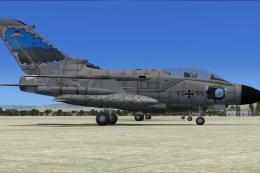
These replacement textures fix the opaque Panavia Tornado cockpit in FSX for …
 FSX Military Aircraft
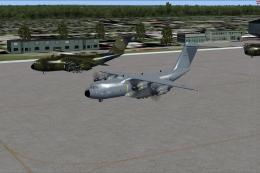
A repaint in the grey colors of the German Forces "Luftwaffe" for the militar…
 FSX Military Aircraft
These AI replacement textures fix the opaque Mirage 2000 cockpit in FSX for t…
 FSX Military Aircraft
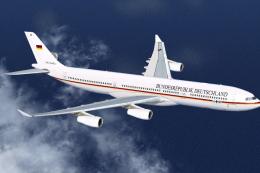
German Luftwaffe A340-300. Textures for the two new Airbus A340-300's from th…
 FSX Military Aircraft
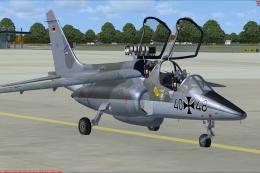
A full working Dassault/Dornier Alphajet with German Luftwaffe textures, Repa…
 FSX Military Aircraft
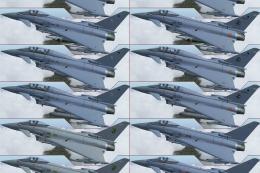
The German Air Force Eurofighter is a highly maneuverable, twin-engine fighte…
 FSX Military Aircraft
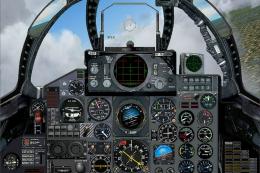
FSX German Air Force F-4F Phantom, "Bundeswehr Jagdgeschwader 71", for FSX. D…
Be the first to leave a comment on this download.
Be the first to share your thoughts on this download.