

 FS2004 Civil Jet Aircraft
Air Europa Boeing 767-300
This freeware Boeing 767-300 package for FS2004 features a detailed Air Europ…
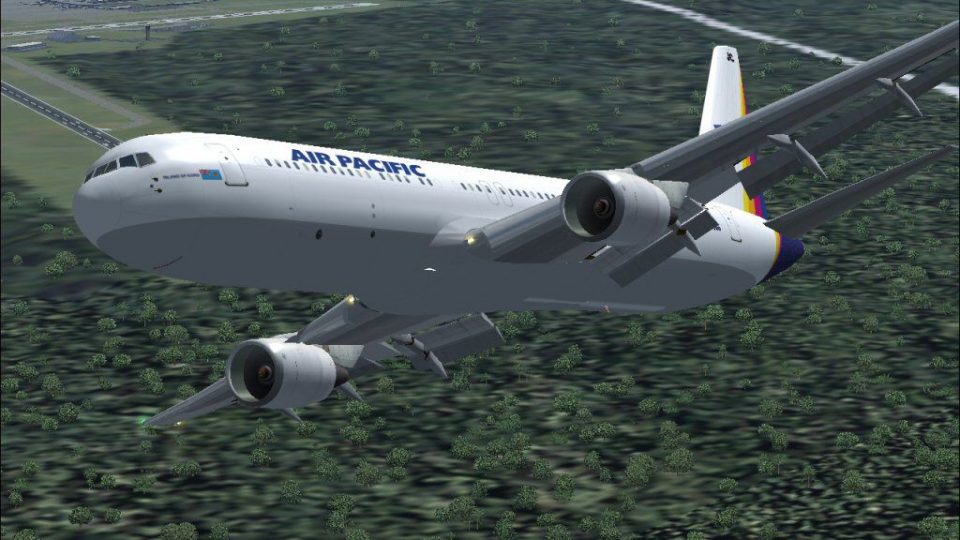
Air Pacific’s Boeing 767-300 DQ-FJC brings a complete, ready-to-fly widebody to FS2004 with a detailed Project Open Sky exterior model, authentic island-carrier livery, reflective textures, smooth animations, a purpose-built panel, custom sounds, and tuned effects for immersive long-haul operations; requires FSSound.dll for the audio module.
 Rate
Rate
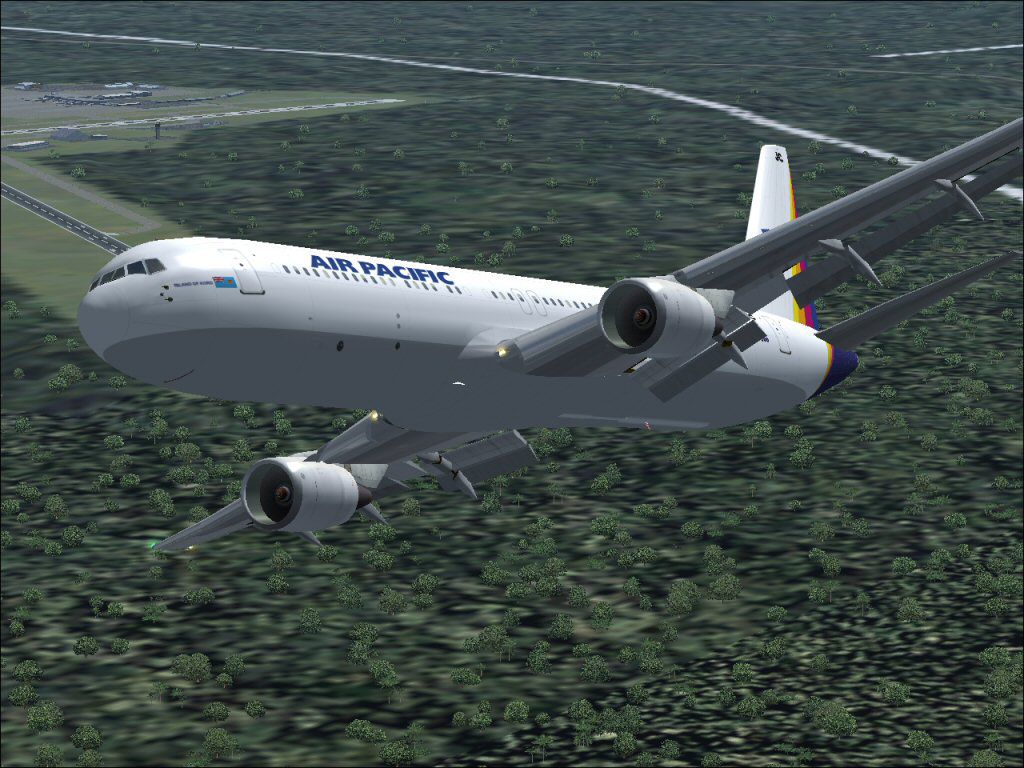
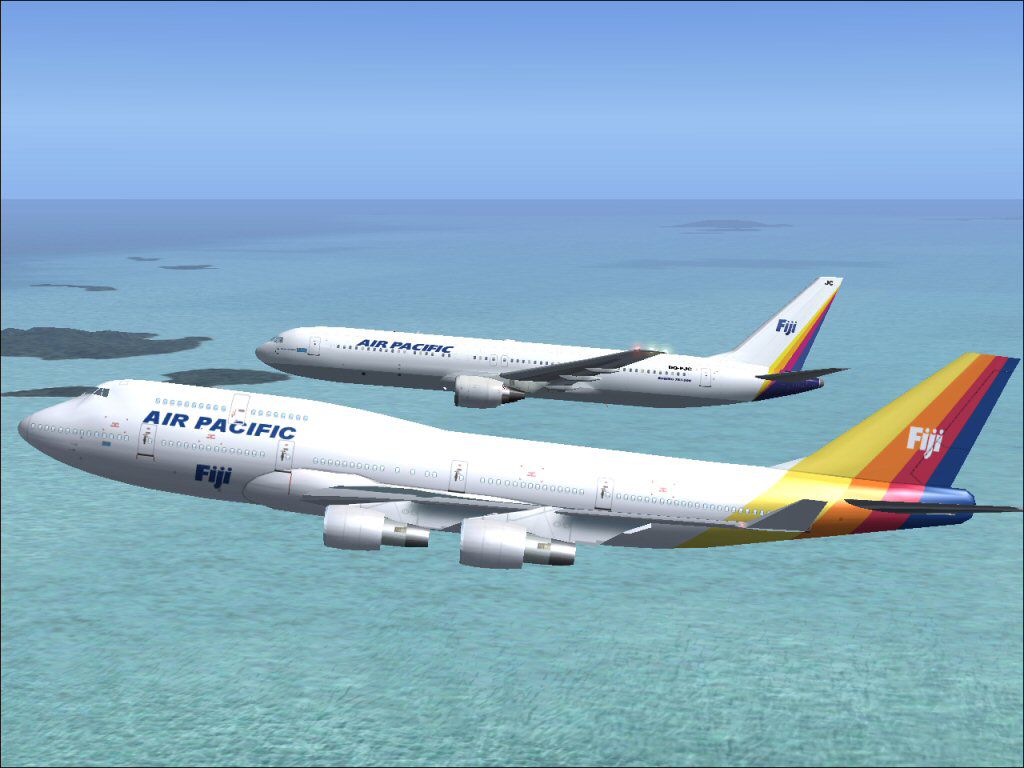
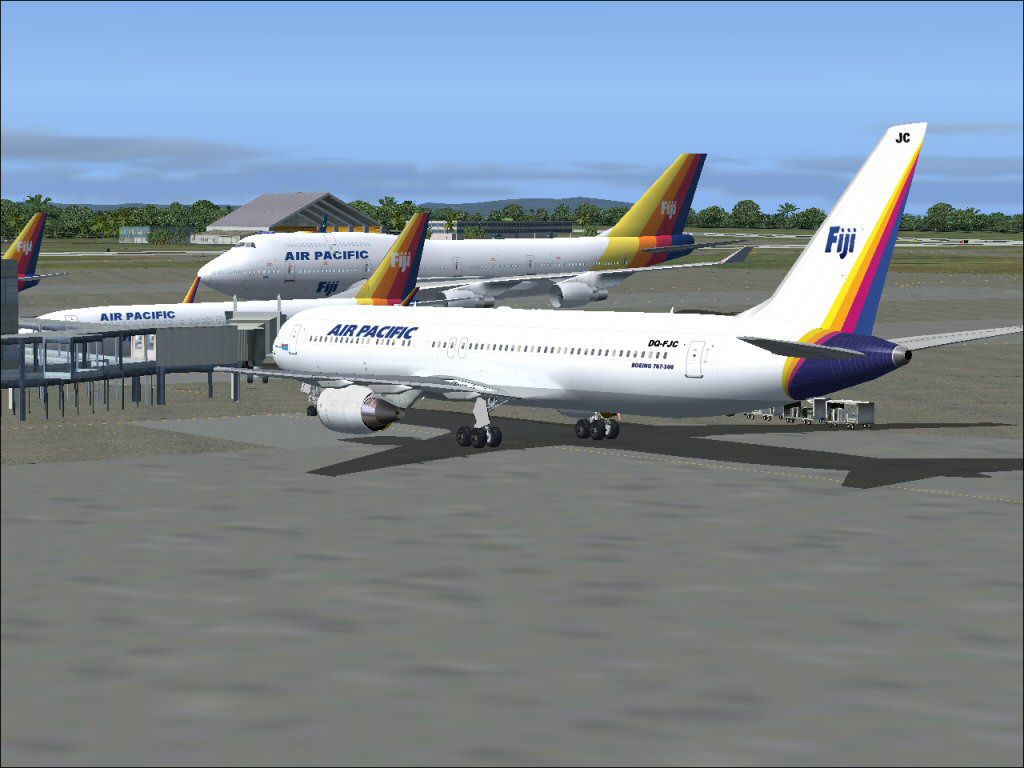
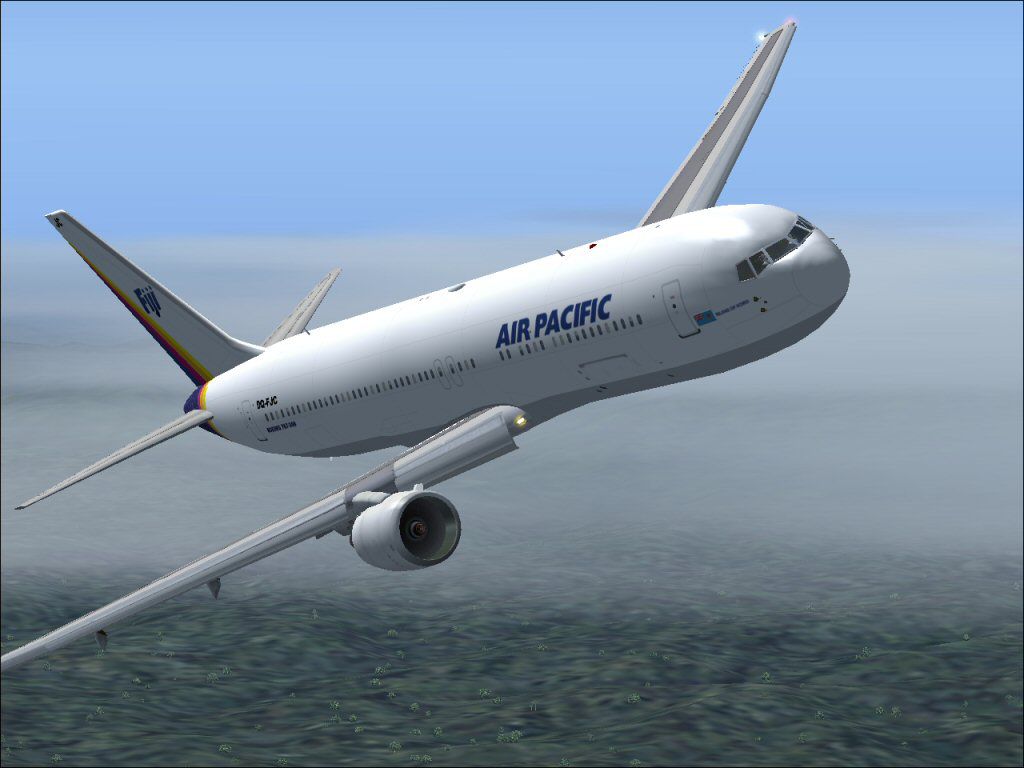
This freeware package features a fully integrated Air Pacific Boeing 767-300 (registration DQ-FJC) for FS2004 that encompasses all essential elements, including the aircraft model, custom sound pack, effects, and a specialized panel. It includes contributions from several creators: Project Open Sky designed the core model, John J. Schumacher provided the panel configuration, and Jean Francois Colombain compiled the complete installation files. Additionally, the well-known iFDG team contributed key Boeing 767 elements that enhance visual realism and flight dynamics.
The Boeing 767-300 is a twin-engine, medium-to-long-range airliner known for its efficient performance and comfortable cabin layout. Air Pacific, the national carrier of Fiji operating under the famous island-friendly branding, typically uses such aircraft for transoceanic routes. This add-on adheres to the real-world livery details, showcasing reflective textures and precise animations (for example, flaps and flaperons). The primary model boasts advanced materials, and the flight deck reflects the typical digital avionics suite one might expect in the 767 family.
Depiction of the Air Pacific Boeing 767-300 in cruising configuration.
The 767 series, which also includes the 767-200ER and 767-400ER, has established a reputation for reliability and versatility in the 200- to 300-seat market. This release incorporates various design improvements taken directly from the real-world variants. For instance, the freighter model and extended-range (ER) features are reflected in the included configuration, demonstrating low noise output, improved fuel efficiency, and distinctive flight deck technology.
The installer streamlines configuration by placing effects, sounds, and other necessary files into their correct directories. After running the installer, add the sound.dll to the “FS2004\modules” folder to ensure compatibility with the custom audio environment. The following adjustment in the FS9.cfg file is also required to allow older modules to run without error:
[OLDMODULES]
FSSound.dll=1
Locate your FS9.cfg in C:\Documents and Settings\[Your Windows Login]\Application Data\Microsoft\FS9 and insert these lines using a text editor such as Notepad. Once this step is completed, you can enjoy seamless in-flight audio, visuals, and performance reflective of a real Boeing 767-300 in Air Pacific colors.
Free for all simmers · 21.84 MB · Scanned clean Oct 2026
Download speed: Free tier is capped at 0.5 Mbps (this file takes approximately 6 mins at the cap). PRO members download at full line speed.
FS9\Aircraft\, FS9\Addon Scenery\, FS9\Gauges\, or FS9\Effects\.readme.txt or README file. It tells you exactly where files go, what dependencies are needed, and any quirks specific to this add-on.The archive if763apa.zip has 11 files and directories contained within it.
This list displays the first 500 files in the package. If the package has more, you will need to download it to view them.
| Filename/Directory | File Date | File Size |
|---|---|---|
| ORIGINAL README.txt | 11.18.04 | 4.16 kB |
| B767-300 Air Pacific.exe | 11.18.04 | 21.59 MB |
| Modules Modification.txt | 11.18.04 | 315 B |
| jpeg | 11.18.04 | 0 B |
| fsscr001.jpg | 11.18.04 | 97.92 kB |
| fsscr008.jpg | 11.18.04 | 163.70 kB |
| fsscr009.jpg | 11.18.04 | 80.01 kB |
| fsscr013.jpg | 11.18.04 | 103.01 kB |
| Thumbs.db | 11.18.04 | 20.00 kB |
| flyawaysimulation.txt | 10.29.13 | 959 B |
| Go to Fly Away Simulation.url | 01.22.16 | 52 B |
Only PRO members can place votes.
More FS2004 add-ons hand-picked based on this download.
FS2004 Civil Jet Aircraft
This freeware Boeing 767-300 package for FS2004 features a detailed Air Europ…
 FS2004 Civil Jet Aircraft
This complete freeware package offers flight simulation enthusiasts a faithfu…
 FS2004 Civil Jet Aircraft
Air Canada Boeing 767-300 GE (new colors). Model by AI Aardvark. Repaint by B…
 FS2004 Civil Jet Aircraft
This freeware package delivers a faithful Gulf Air Boeing 767-300 rendition f…
 FS2004 Civil Jet Aircraft
ARNZ AIS-AI model by Jon Murchison. Repainted by Jonathan Youngman. Screensho…
 FS2004 Civil Jet Aircraft
This freeware release showcases a meticulously crafted Gulf Air Boeing 767-30…
 FS2004 Civil Jet Aircraft
Air Canada unveiled this new livery on 19 October 2004 at a gala event which …
 FS2004 Civil Jet Aircraft
This complete freeware package features an Air Canada Boeing 767-300 designed…
Be the first to leave a comment on this download.
Be the first to share your thoughts on this download.