

 FSX Panels & Gauges
Glass Cockpit Mini Panel
Glass Cockpit Mini Panel version 2.1. The glass cockpit mini panel has been u…
Glass cockpit panel upgrade for the Alphasim Westland Future Lynx refreshes the 2D panel to match the modified virtual cockpit, with updated textures, tuned configuration, and reworked camera definitions for smoother viewing. Built for FSX, it requires LYNXUPDATE.ZIP and integrates cleanly with Army and Navy texture sets.
 Rate
Rate
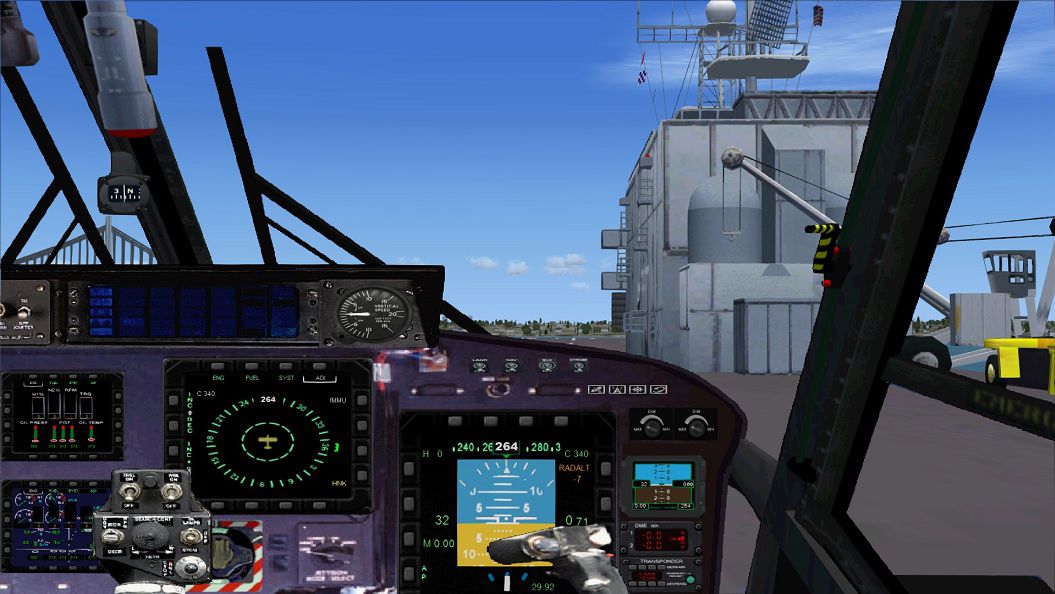
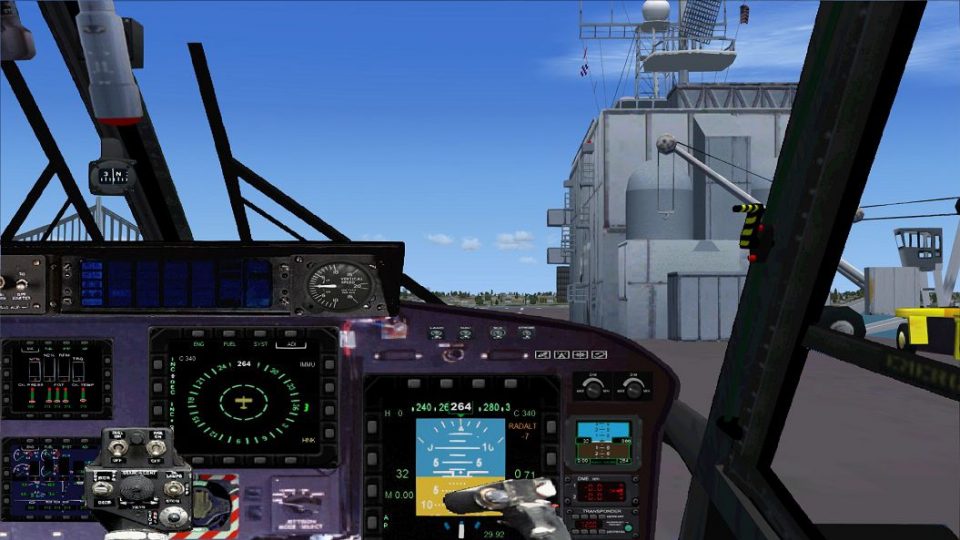
For use with Alphasim Westland Future Lynx helicopters (LYNXUPDATE.ZIP required). The 2D panel is matches the modified Alphasim VC. Included are reworked camera definitions. Panel and texture rework and configuration by Erwin Welker.
Screenshot of Westland Lynx with glass cockpit.
Installation:
Credits:
Many thanks to Alphasim for those great aircrafts.Many thanks to all of the creative persons, who do such a great work like creating gauges, effects, sounds and other stuff.
Free for all simmers · 1.99 MB · Scanned clean Oct 2026
Download speed: Free tier is capped at 0.5 Mbps. PRO members download at full line speed.
FSX\SimObjects\Airplanes\{aircraft}\panel\. Back up the existing panel folder first.readme.txt or README file. It tells you exactly where files go, what dependencies are needed, and any quirks specific to this add-on.The archive lynx-glasscockpit-asim.zip has 17 files and directories contained within it.
This list displays the first 500 files in the package. If the package has more, you will need to download it to view them.
| Filename/Directory | File Date | File Size |
|---|---|---|
| File_ID.diz | 12.17.12 | 260 B |
| FSX-cameras.cfg | 12.17.12 | 4.09 kB |
| Lynx Glasscockpit.jpg | 12.17.12 | 197.77 kB |
| modified textures | 12.17.12 | 0 B |
| superlynxpanels.bmp | 12.17.12 | 1.00 MB |
| superpanelleft.bmp | 12.17.12 | 257.05 kB |
| superpanelrght.bmp | 12.17.12 | 257.05 kB |
| Panel | 12.17.12 | 0 B |
| ALPHA_FLynx.cab | 07.10.06 | 223.68 kB |
| COLLECTIVE24.bmp | 12.14.12 | 257.26 kB |
| Lynx_classic.bmp | 12.14.12 | 2.25 MB |
| Lynx_glasscockpit.bmp | 12.17.12 | 2.25 MB |
| lynx-Sticks.bmp | 12.16.12 | 769.05 kB |
| Panel.cfg | 12.17.12 | 3.47 kB |
| Readme.txt | 12.17.12 | 1.15 kB |
| flyawaysimulation.txt | 10.29.13 | 959 B |
| Go to Fly Away Simulation.url | 01.22.16 | 52 B |
Only PRO members can place votes.
More FSX & P3D add-ons hand-picked based on this download.
FSX Panels & Gauges
Glass Cockpit Mini Panel version 2.1. The glass cockpit mini panel has been u…
 FSX Panels & Gauges
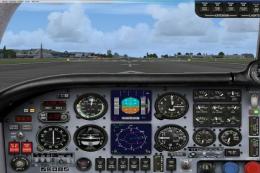
Mooney Default Panel Partial Glass. This is a Mooney Bravo default panel with…
 FSX Panels & Gauges
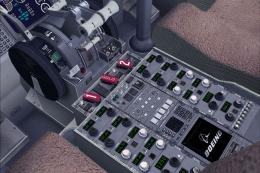
This package contains repaint textures that will make the default B737-800 co…
 FSX Panels & Gauges
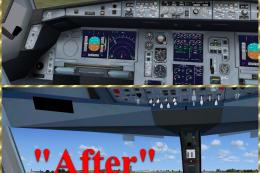
Virtual cockpit textures upgrade for Airbus A321, A330-200/300, A340-200/300/…
 FSX Panels & Gauges
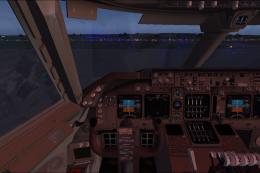
POSKY Boeing 747-400 Virtual Cockpit. This files enables you to use the FSX d…
 FSX Panels & Gauges
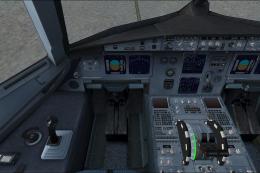
Default FSX Airbus A321 VC for the Project Airbus A320 and A321 series; may a…
 FSX Panels & Gauges
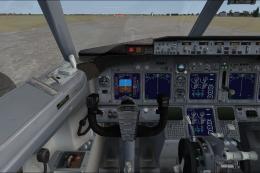
Default FSX B737-800 VC for the Project Open Sky Boeing 737-800 only. By Paul…
 FSX Panels & Gauges
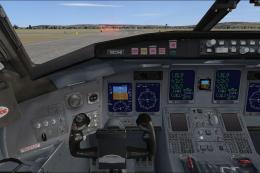
Default FSX Bombardier CRJ700 VC for the Project Open Sky Bombardier CRJ-700 …
Be the first to leave a comment on this download.
Be the first to share your thoughts on this download.