

 FS2004 Propeller Aircraft
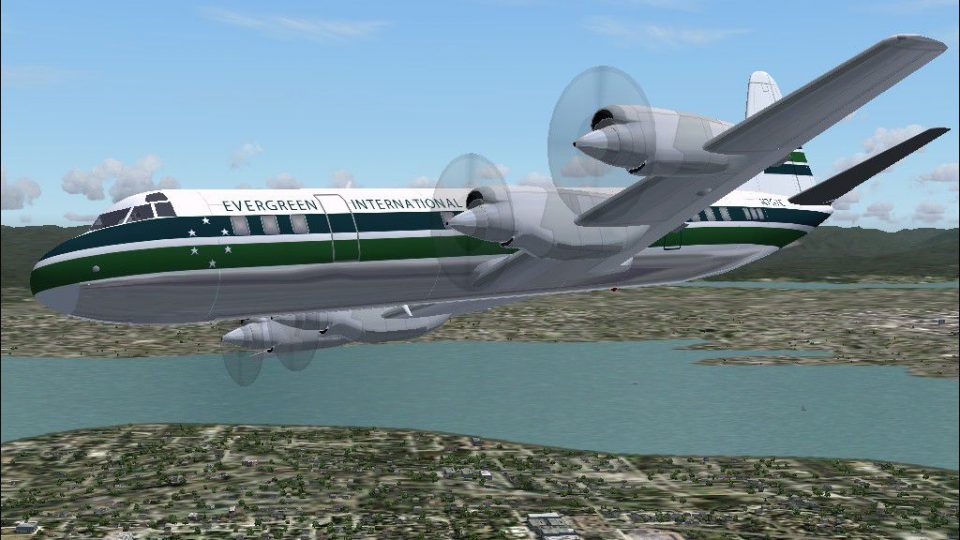
Aerocondor Colombia Lockheed L-188 HK-777
Textures only; requires ELEC-CB.ZIP. This aircraft crashed in Bogota, Colombi…
Evergreen International’s Lockheed L-188 Electra livery brings authentic cargo-operator markings and correct registration N6118A to the classic turboprop, enhancing ramp presence and period immersion in Microsoft Flight Simulator 2004. The repaint uses Mike Stone’s Electra model and requires the freeware base aircraft to display properly, complete with matching aircraft.cfg identifiers.
 Rate
Rate
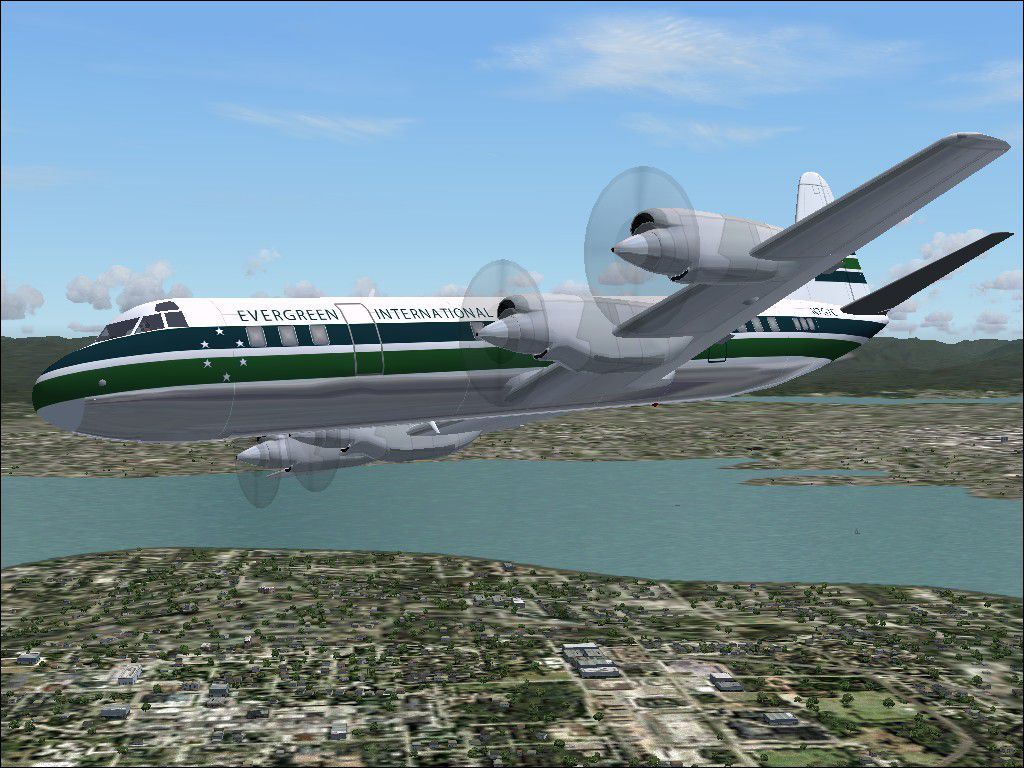
This repaint add-on showcases the distinctive Evergreen International livery for the Lockheed L-188 analyzed in Microsoft Flight Simulator 2004. By integrating authentic markings and an accurate registration number (N6118A), it highlights a significant chapter in turboprop history. The dedicated creators—Mike Stone (original model) and Randy Short (repaint)—offer a freeware contribution that enriches the immersion for enthusiasts who fly this pioneering airliner in FS2004.
The Lockheed L-188, often referred to as the Electra (a name used in some documentation), was notable for being among the earliest commercial turboprops. Its design was initially overshadowed by structural concerns, yet modifications made it a reliable medium-range performer. Evergreen International, known primarily for cargo operations, employed various aircraft to expand its global logistics network, reflecting a past legacy of versatility.
Screenshot of this repaint in flight.
[fltsim.X]

title=Lockheed L188 Evergreen International

sim=L188

model=

panel=

sound=

texture=eve

kb_checklists=

kb_reference=

atc_id=N6118A

atc_airline=

atc_flight_number=201

atc_parking_types=GATE,RAMP

ui_manufacturer=Lockheed

ui_type=L188

ui_variation=Evergreen International

description=The L188 was one of the first turboprop airliners, eventually becoming a dependable aircraft.

atc_heavy=0

visual_damage=1
[fltsim.X] entry into your aircraft.cfg. Remember to replace “X” with the next available number.The repaint files originate from freeware content and have been tested by Randy Short on his own system. Although these materials are not expected to harm a PC, they are offered “as is,” and users should install them with typical caution. Neither the repaint artist nor the base model developer accepts liability for any unforeseen issues. Since this is a repaint only, you will need the freeware base aircraft to fully enjoy the experience.
Both Mike Stone and Randy Short contribute significantly to the flight simulation community, and this collaborative effort—the visually compelling Evergreen International repaint—adds authentic style to your Microsoft Flight Simulator 2004 environment without any cost. This addition is best suited for enthusiasts seeking to explore the unique historical placement of a commercial turboprop that forged modern propeller-driven transport.
Free for all simmers · 294.56 KB · Scanned clean Oct 2026
Download speed: Free tier is capped at 0.5 Mbps. PRO members download at full line speed.
This file is a repaint — the package below is the base model it paints onto. Install it first, or the textures will have nothing to load onto.
FS9\Aircraft\, FS9\Addon Scenery\, FS9\Gauges\, or FS9\Effects\.readme.txt or README file. It tells you exactly where files go, what dependencies are needed, and any quirks specific to this add-on.The archive l-188pac.zip has 24 files and directories contained within it.
This list displays the first 500 files in the package. If the package has more, you will need to download it to view them.
| Filename/Directory | File Date | File Size |
|---|---|---|
| FILE_ID.DIZ | 07.01.05 | 108 B |
| Readme.txt | 07.01.05 | 1.51 kB |
| texture.eve | 07.01.05 | 0 B |
| cowl_l.bmp | 11.16.04 | 257.05 kB |
| cowl_t.bmp | 11.12.04 | 341.43 kB |
| fuslg_l.bmp | 11.16.04 | 1.00 MB |
| fuslg_t.bmp | 07.01.05 | 1.00 MB |
| lwing_l.bmp | 11.16.04 | 1.00 MB |
| lwing_t.bmp | 11.12.04 | 1.33 MB |
| propdisk_t.bmp | 08.03.03 | 65.05 kB |
| prop_l.bmp | 11.16.04 | 65.05 kB |
| prop_t.bmp | 06.29.05 | 64.07 kB |
| rwing_l.bmp | 11.16.04 | 1.00 MB |
| rwing_t.bmp | 11.12.04 | 1.33 MB |
| spinner_l.bmp | 11.16.04 | 17.05 kB |
| spinner_t.bmp | 11.12.04 | 21.43 kB |
| stab_l.bmp | 11.16.04 | 257.05 kB |
| stab_t.bmp | 06.29.05 | 768.07 kB |
| tail_l.bmp | 11.16.04 | 257.05 kB |
| tail_t.bmp | 06.29.05 | 256.07 kB |
| Evergreen.jpg | 07.01.05 | 196.65 kB |
| L-188_pac | 07.01.05 | 0 B |
| flyawaysimulation.txt | 10.29.13 | 959 B |
| Go to Fly Away Simulation.url | 01.22.16 | 52 B |
Only PRO members can place votes.
More FS2004 add-ons hand-picked based on this download.
FS2004 Propeller Aircraft
Textures only; requires ELEC-CB.ZIP. This aircraft crashed in Bogota, Colombi…
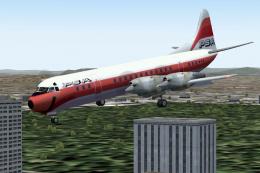 FS2004 Propeller Aircraft
Modern pink photoreal textures for Chris Buff's Gmax L188 (ELEC-CB.ZIP). Live…
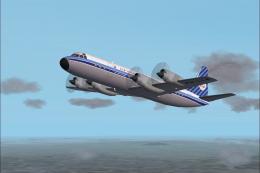 FS2004 Propeller Aircraft
Circa 1963. Textures only; requires SL188.ZIP. Model by Mike Stone. Repainted…
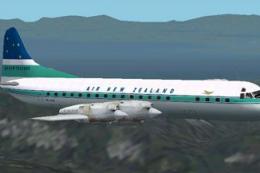 FS2004 Propeller Aircraft
Textures for Chris Buff's L188 Electra in the colors of Air New Zealand. Requ…
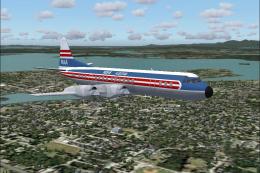 FS2004 Propeller Aircraft
Textures only; requires SL188.ZIP. Model by Mike Stone. Reeve Aleutian Airway…
 FS2004 Propeller Aircraft
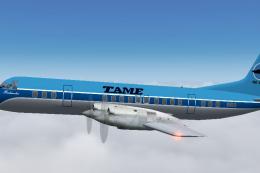
This repaint provides a detailed TAME Ecuador livery (registration HC-AZJ) fo…
 FS2004 Propeller Aircraft
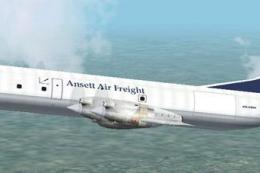
Textures for Chris Buff's L188 Electra in the colors of Ansett Air Freight. R…
 FS2004 Propeller Aircraft
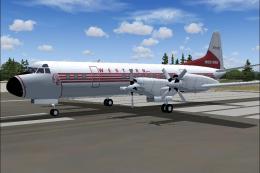
Step back into a late 1950s flight deck atmosphere with this carefully recrea…
Be the first to leave a comment on this download.
Be the first to share your thoughts on this download.