

 FS2004 Propeller Aircraft
Delta Airlines Douglas DC-7 1959
This livery was painted on Delta Douglas DC-8 in 1959 but is purely fictional…
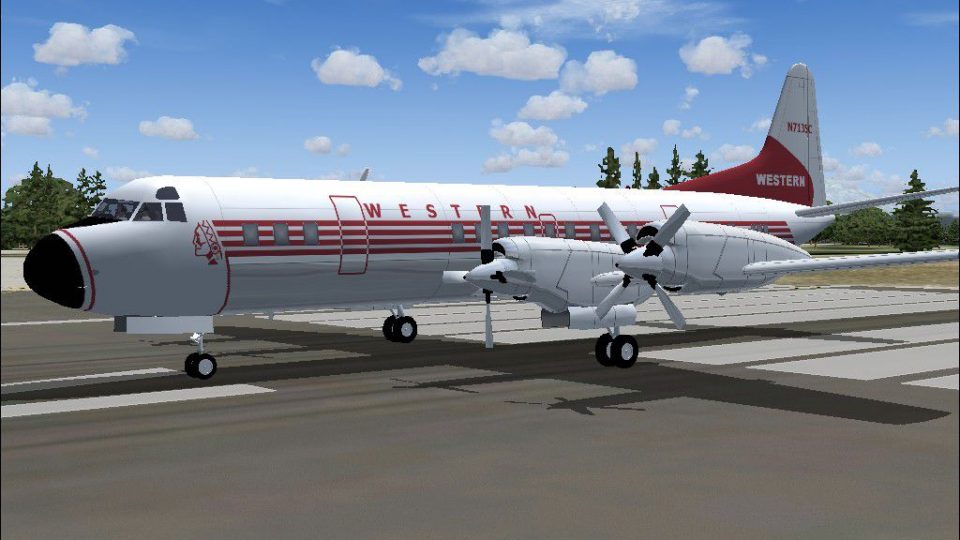
Western Airlines’ 1959 Lockheed L-188 Electra livery brings a late‑1950s propliner look to Microsoft Flight Simulator 2004 with period-correct titles, striping, and logos that suit the pioneering turboprop’s character. The repaint requires Mike Stone’s L-188 base model (SL188.ZIP) and includes textures only.
 Rate
Rate
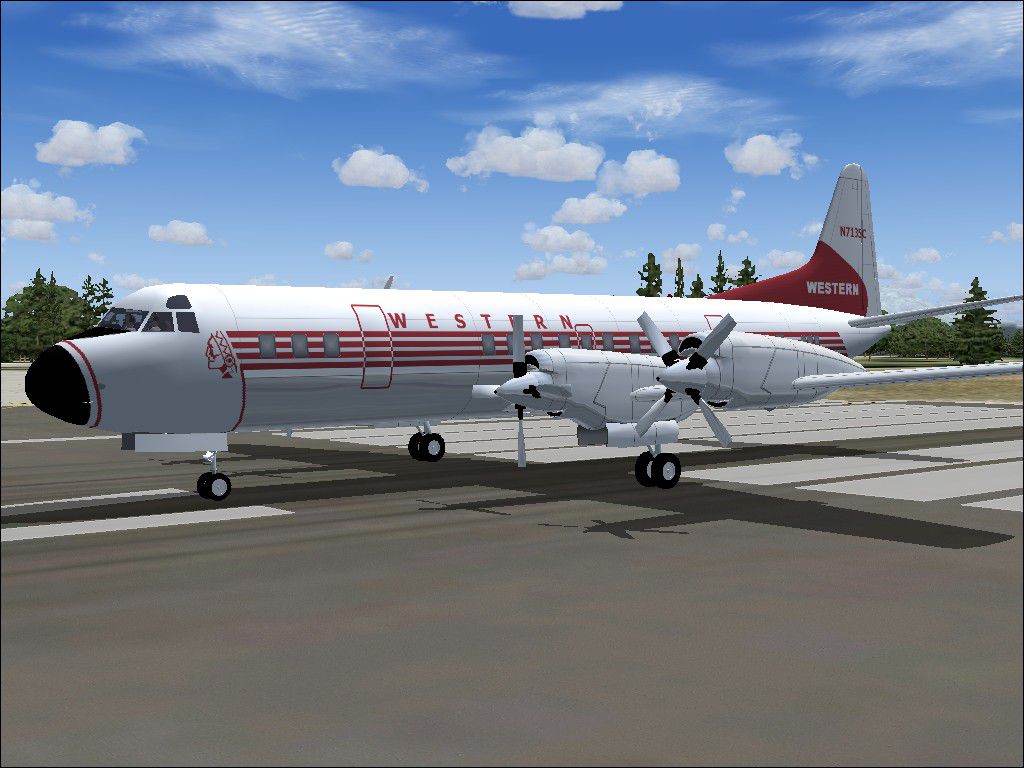
Step back into a late 1950s flight deck atmosphere with this carefully recreated Western Airlines Lockheed L-188 texture package. Built exclusively for Microsoft Flight Simulator 2004, this repaint captures the look of Western Airlines’ aircraft in 1959. It pays special homage to the Lockheed L-188, a pioneering turboprop that set a new standard for commercial aviation in its era. This package requires the base model by Mike Stone (file name SL188.ZIP) and does not include the original aircraft model. The repaint is the work of Randy Short, who has meticulously recreated its authentic details.
In-simulator glimpse of the Western Airlines Lockheed L-188 parked on the runway.
For reference, an aircraft.cfg entry is provided below. Replace “[fltsim.X]” with the next available sequence in the file:
[fltsim.X]
title=Lockheed L188 Western Airlines 1959
sim=L188
model=
panel=
sound=
texture=wal2
kb_checklists=
kb_reference=
atc_id=N700PS
atc_airline=Western
atc_flight_number=779
atc_parking_types=GATE,RAMP
ui_manufacturer=Lockheed
ui_type=L188 Electra
ui_variation=Western Airlines 1959
description=The L188 was the first of the turboprop propliners. Initially having structure problems, it later became a very successful aircraft.
atc_heavy=0
visual_damage=1
These textures have been tested in FS9 (Microsoft Flight Simulator 2004) on the author’s own setup. The files themselves should not introduce any harmful effects to your system. Nonetheless, you install them at your own discretion, and neither the repaint creator nor the original model developer can accept liability for potential issues. The texture set is fully freeware, upholding the community tradition of sharing and enhancing flight simulation experiences without charge.
All recognition goes to Mike Stone for producing and sharing the Lockheed L-188 base model, and to Randy Short for applying his expertise to create a faithful Western Airlines rendition. This project stands as a testament to the collaborative vision of flight sim developers and repainters, celebrating the golden age of turboprop aviation.
Free for all simmers · 285.88 KB · Scanned clean Oct 2026
Download speed: Free tier is capped at 0.5 Mbps. PRO members download at full line speed.
This file is a repaint — the package below is the base model it paints onto. Install it first, or the textures will have nothing to load onto.
FS9\Aircraft\, FS9\Addon Scenery\, FS9\Gauges\, or FS9\Effects\.readme.txt or README file. It tells you exactly where files go, what dependencies are needed, and any quirks specific to this add-on.The archive wal_v2.zip has 25 files and directories contained within it.
This list displays the first 500 files in the package. If the package has more, you will need to download it to view them.
| Filename/Directory | File Date | File Size |
|---|---|---|
| Readme.txt | 07.28.05 | 1.52 kB |
| Western 59.jpg | 07.28.05 | 144.37 kB |
| texture.wal2 | 07.28.05 | 0 B |
| cowl_l.bmp | 11.16.04 | 257.05 kB |
| cowl_t.bmp | 07.23.05 | 1.00 MB |
| fuslg_l.bmp | 11.16.04 | 1.00 MB |
| fuslg_t.bmp | 07.28.05 | 4.00 MB |
| lwing_l.bmp | 11.16.04 | 1.00 MB |
| lwing_t.bmp | 07.23.05 | 4.00 MB |
| propdisk_t.bmp | 07.22.05 | 256.07 kB |
| prop_l.bmp | 11.16.04 | 65.05 kB |
| prop_t.bmp | 07.23.05 | 256.07 kB |
| rwing_l.bmp | 11.16.04 | 1.00 MB |
| rwing_t.bmp | 07.23.05 | 4.00 MB |
| spinner_l.bmp | 11.16.04 | 17.05 kB |
| spinner_t.bmp | 07.23.05 | 64.07 kB |
| stab_l.bmp | 11.16.04 | 257.05 kB |
| stab_t.bmp | 07.23.05 | 1.00 MB |
| tail_l.bmp | 11.16.04 | 257.05 kB |
| tail_t.bmp | 07.28.05 | 1.00 MB |
| Thumbs.db | 07.28.05 | 36.00 kB |
| FILE_ID.DIZ | 07.01.05 | 108 B |
| wal_v2_pac | 07.28.05 | 0 B |
| flyawaysimulation.txt | 10.29.13 | 959 B |
| Go to Fly Away Simulation.url | 01.22.16 | 52 B |
Only PRO members can place votes.
More FS2004 add-ons hand-picked based on this download.
FS2004 Propeller Aircraft
This livery was painted on Delta Douglas DC-8 in 1959 but is purely fictional…
 FS2004 Propeller Aircraft
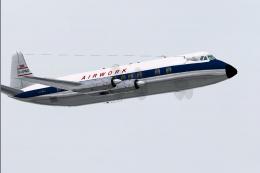
A long establish company, Airwork became one of the main constituents of Brit…
 FS2004 Propeller Aircraft
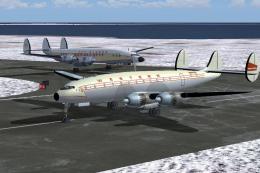
Textures only for the payware Alphasim L-049 Constellation. Acquired followin…
 FS2004 Propeller Aircraft
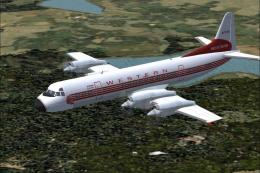
Registration N7139C (s/n 1094), in 1959 livery. Ideal as AI as well as flying…
 FS2004 Propeller Aircraft
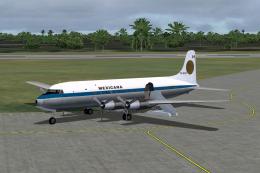
For AI traffic. A repaint of Tom Gibson's DC6. Flight plans for Mexicana, 197…
 FS2004 Propeller Aircraft
For AI traffic. A repaint of Tom Gibson's DC-3. Flight plans for Iran Air 197…
 FS2004 Propeller Aircraft
A repaint of Tom Gibson's DC6B for AI traffic. Flight plans for Iran Air, 197…
 FS2004 Propeller Aircraft
One of many Dakotas that used to ply the "Airbridge" between Southend and the…
Be the first to leave a comment on this download.
Be the first to share your thoughts on this download.