
 FS2004 Propeller Aircraft
Air Ferry Vickers Viking 1B G-AIVF
Air Ferry started up in 1961 and early equipment saw a small fleet of Vikings…
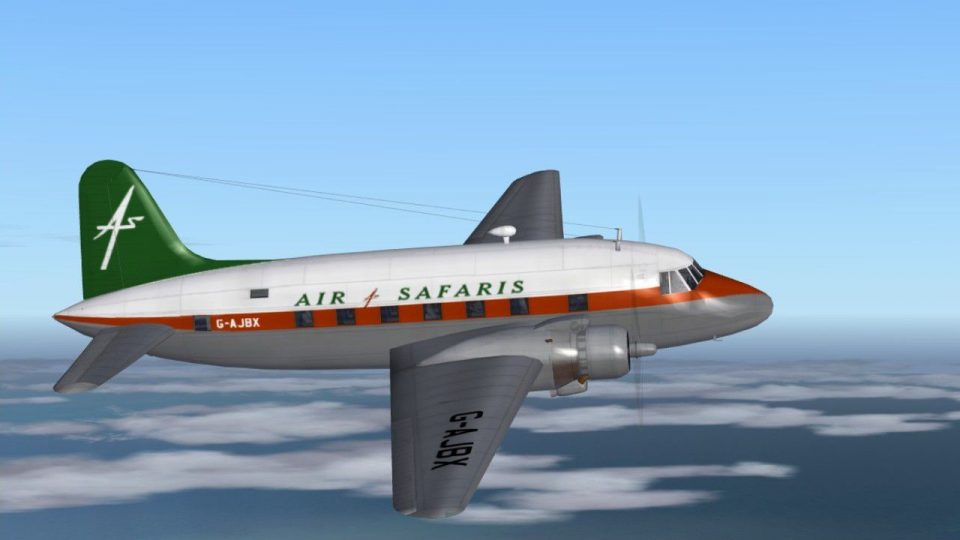
Air Safaris Vickers Viking 1B G-AJBX brings a clean, period-appropriate livery to the classic twin, capturing one of the airline’s simpler paint schemes for FS2004 with authentic markings and registration. It requires Rick Piper’s FSDS Viking model and includes a ready-to-use texture set tailored for the aircraft’s virtual cockpit.
 Rate
Rate
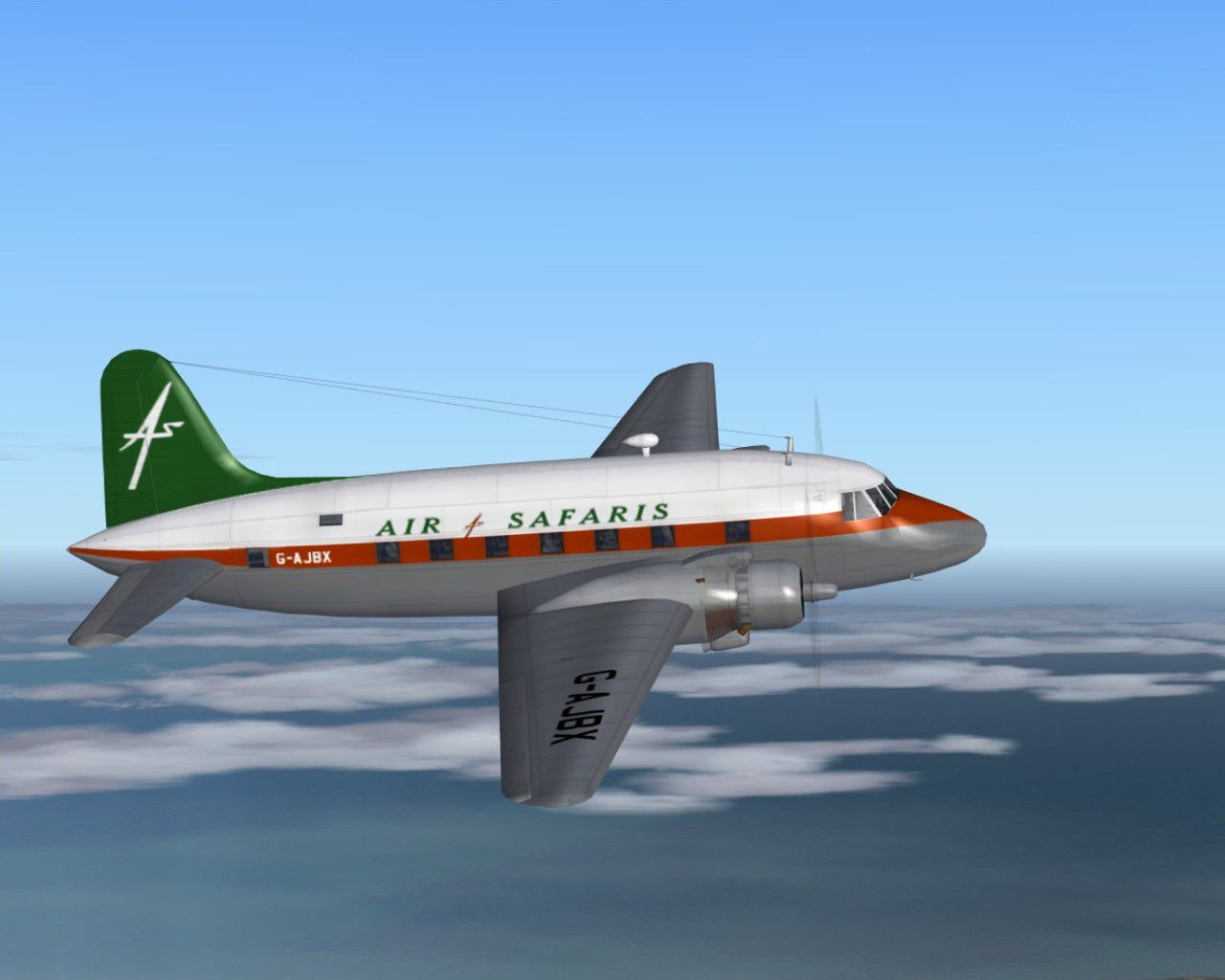
Air Safaris used several different liveries. G-AJBX is shown in one of the simpler versions. Requires the FSDS Viking model by Rick Piper. Repaint by Garry Russell.
Screenshot of Air Safaris Vickers Viking 1B in flight.
Installation:
Place the unzipped texture folder into the FSDS Viking folder and paste the above text into the aircraft config renumbering to the next available.
[fltsim.xx]

	title=Vickers Viking Air SafariBX

	sim=FSDS2 Vickers Viking

	model=

	panel=

	sound=

	texture=SafarisBX

	kb_checklists=

	description=Air Safaris used several different liveries. G-AJBX is shown in one of the simpler versions.//Model by Rick Piper. Repaint by Garry Russell.

	ui_manufacturer=Vickers

	ui_type=Viking

	ui_variation=Air Safaris G-AJBX

	visual_damage=1

	atc_heavy=0

	atc_id=G-AJBX

	atc_airline=

	atc_flight_number=BX

	atc_type=Vickers

	atc_model=BL17

	prop_anim_ratio=0.9
Free for all simmers · 941.72 KB · Scanned clean Nov 2026
Download speed: Free tier is capped at 0.5 Mbps. PRO members download at full line speed.
FS9\Aircraft\, FS9\Addon Scenery\, FS9\Gauges\, or FS9\Effects\.readme.txt or README file. It tells you exactly where files go, what dependencies are needed, and any quirks specific to this add-on.The archive vc1safbx.zip has 13 files and directories contained within it.
This list displays the first 500 files in the package. If the package has more, you will need to download it to view them.
| Filename/Directory | File Date | File Size |
|---|---|---|
| Read me.txt | 11.17.06 | 1.98 kB |
| texture.SafarisBX | 11.17.06 | 0 B |
| 4blade1.bmp | 08.24.01 | 65.05 kB |
| cyl_16.bmp | 08.10.03 | 17.05 kB |
| Fuse.bmp | 11.17.06 | 2.00 MB |
| Glass.bmp | 09.04.03 | 4.07 kB |
| prop.bmp | 04.27.03 | 65.05 kB |
| Thumbs.db | 11.17.06 | 51.50 kB |
| wing.bmp | 11.17.06 | 2.00 MB |
| Thumbs.db | 11.17.06 | 4.50 kB |
| Viking 32.jpg | 11.17.06 | 102.12 kB |
| flyawaysimulation.txt | 10.29.13 | 959 B |
| Go to Fly Away Simulation.url | 01.22.16 | 52 B |
Only PRO members can place votes.
More FS2004 add-ons hand-picked based on this download.
FS2004 Propeller Aircraft
Air Ferry started up in 1961 and early equipment saw a small fleet of Vikings…
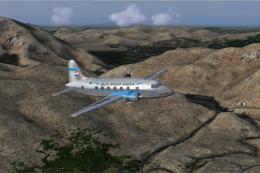 FS2004 Propeller Aircraft
South African Airways purchased three new Viking 1B's during September 1947 f…
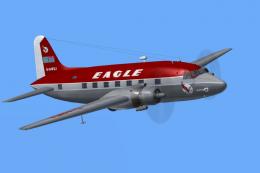 FS2004 Propeller Aircraft
(Red top). Eagle broke away from the basic souped up BEA livery with this dra…
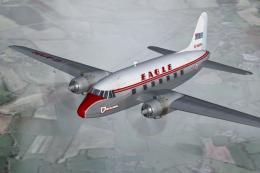 FS2004 Propeller Aircraft
(First livery). G-AIVH wearing the airline's first Viking livery. Based on th…
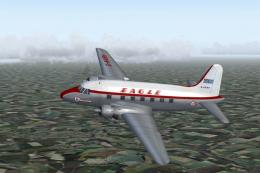 FS2004 Propeller Aircraft
(Later variation). G-AKBH in the last variation of the BEA type livery with t…
 FS2004 Propeller Aircraft
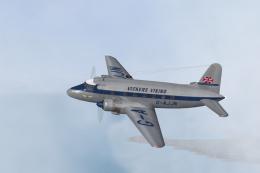
Vickers used this aircraft as a demonstrator for two years before delivery to…
 FS2004 Propeller Aircraft
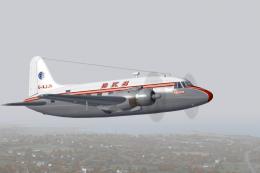
Like many British independents, BKS used the Viking extensively during the 19…
 FS2004 Propeller Aircraft
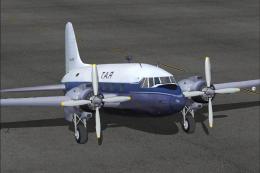
Textures only. These photorealistic textures for the Vickers Viking 1B repres…
Be the first to leave a comment on this download.
Be the first to share your thoughts on this download.