

 FSX Business Jet Aircraft
Canadair CRJ-200ER
FSX Canadair CRJ-200ER PS2 party plane. Original model by Project Open Sky. A…
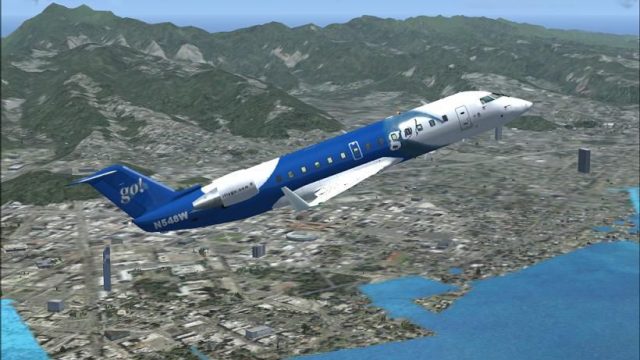
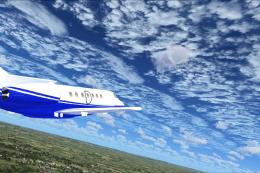
Go! Canadair CRJ-200 in Hawaiian regional colors brings a fresh island-hopper look to the jet with crisp markings and clean detailing across the exterior and virtual cockpit in FSX. The repaint uses the Project Open Sky model and requires that base aircraft for proper textures and animations.
 Rate
Rate
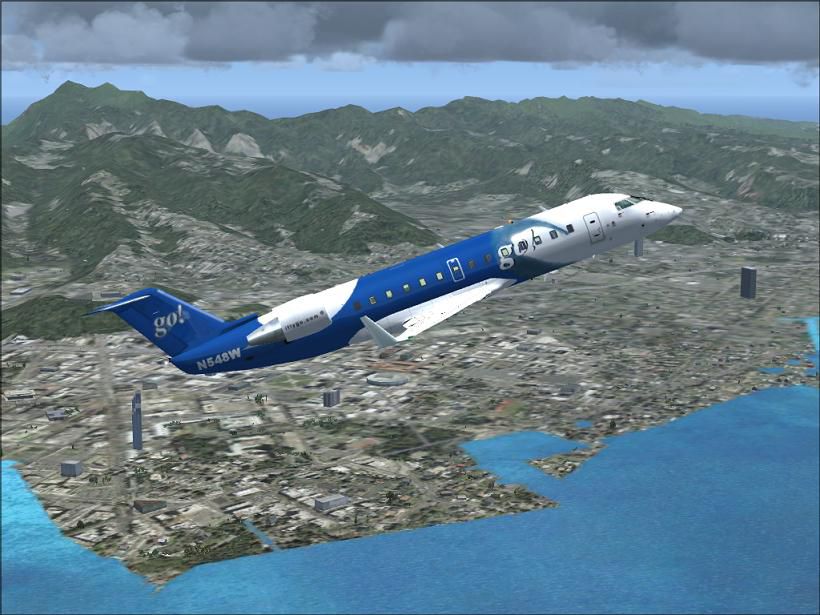
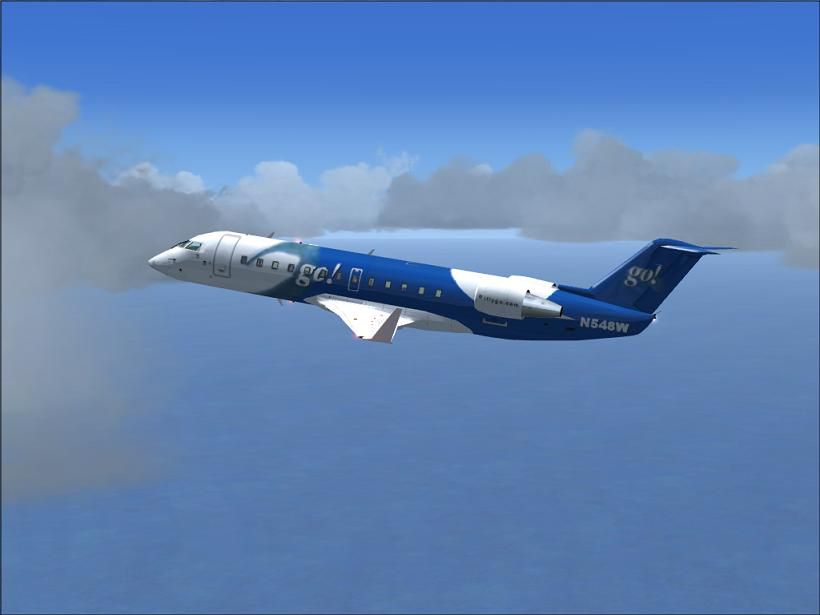
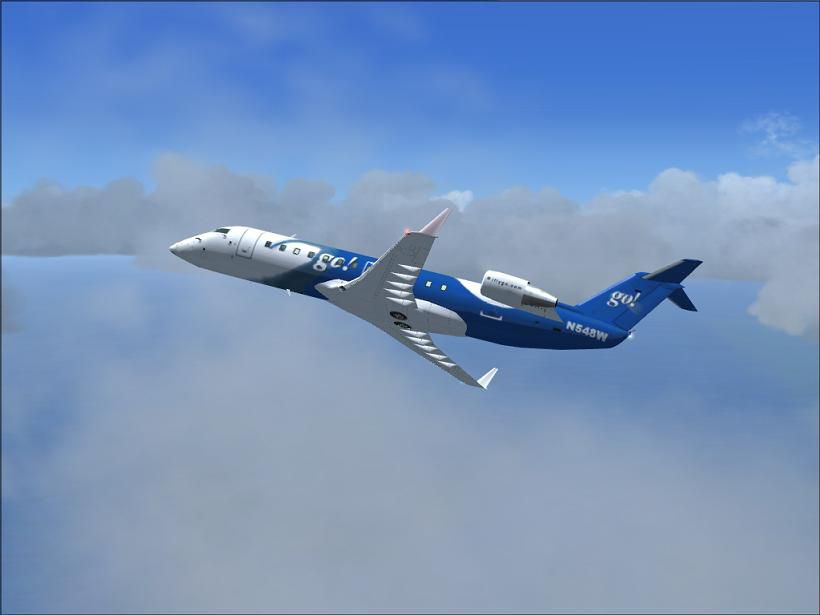
FSX Go! Canadair CRJ-200 (Hawaiian regional repaint). Model by Proejct Open Sky. Painted by Ike Kalva.
Free for all simmers · 5.31 MB · Scanned clean Oct 2026
Download speed: Free tier is capped at 0.5 Mbps (this file takes approximately 1 min at the cap). PRO members download at full line speed.
texture.{airline}) inside FSX\SimObjects\Airplanes\{base-aircraft}\.aircraft.cfg in Notepad. Add a new [fltsim.X] section per the readme.readme.txt or README file. It tells you exactly where files go, what dependencies are needed, and any quirks specific to this add-on.The archive go!fsx.zip has 87 files and directories contained within it.
This list displays the first 500 files in the package. If the package has more, you will need to download it to view them.
| Filename/Directory | File Date | File Size |
|---|---|---|
| panel1_l.bmp | 08.09.02 | 5.40 kB |
| panel2_l.bmp | 08.09.02 | 5.40 kB |
| panel3_l.bmp | 08.09.02 | 5.40 kB |
| panel4_l.bmp | 08.09.02 | 5.40 kB |
| posky747_P_uniform_l.bmp | 07.11.02 | 64.07 kB |
| posky747_P_uniform_t.bmp | 05.13.02 | 17.05 kB |
| posky_crj200_panel_l.bmp | 08.25.02 | 4.00 MB |
| posky_crj200_panel_t.bmp | 08.25.02 | 4.00 MB |
| posky_crj2bdy_l.bmp | 07.21.02 | 4.00 MB |
| posky_crj2bdy_t.bmp | 03.31.07 | 5.33 MB |
| posky_crj2eng_l.bmp | 07.21.02 | 1.00 MB |
| posky_crj2eng_t.bmp | 03.31.07 | 1.33 MB |
| posky_crj2wingL_l.bmp | 07.21.02 | 1.00 MB |
| posky_crj2wingL_t.bmp | 07.21.02 | 1.00 MB |
| posky_crj2wingR_l.bmp | 07.21.02 | 1.00 MB |
| posky_crj2wingR_t.bmp | 07.21.02 | 1.00 MB |
| posky_crj2_cabin.bmp | 03.31.07 | 1.33 MB |
| posky_crj2_cabin2_l.bmp | 08.16.02 | 256.07 kB |
| posky_crj2_cabin2_t.bmp | 07.21.02 | 1.00 MB |
| posky_crj2_cabin_l.bmp | 09.08.02 | 64.07 kB |
| posky_crj2_ckpt_l.bmp | 08.16.02 | 256.07 kB |
| posky_crj2_ckpt_t.bmp | 08.25.02 | 1.00 MB |
| posky_crj2_fanspin_t.bmp | 05.18.02 | 65.05 kB |
| posky_crj2_fan_t.bmp | 05.13.02 | 65.05 kB |
| posky_crj2_fr1_l.bmp | 07.21.02 | 1.00 MB |
| posky_crj2_fr1_t.bmp | 07.21.02 | 1.00 MB |
| posky_crj2_fr2_l.bmp | 07.21.02 | 1.00 MB |
| posky_crj2_fr2_t.bmp | 07.21.02 | 1.00 MB |
| posky_crj2_nlt_l.bmp | 08.31.02 | 410 B |
| posky_crj2_nlt_t.bmp | 08.31.02 | 410 B |
| posky_crj2_stab_l.bmp | 09.11.02 | 1.00 MB |
| posky_crj2_stab_t.bmp | 03.30.07 | 1.33 MB |
| posky_crj2_visor.bmp | 07.19.02 | 256.07 kB |
| Thumbs.db | 04.04.07 | 46.00 kB |
| your_face1_l.bmp | 07.21.02 | 64.07 kB |
| your_face1_t.bmp | 07.21.02 | 64.07 kB |
| your_face2_l.bmp | 07.21.02 | 64.07 kB |
| your_face2_t.bmp | 07.21.02 | 64.07 kB |
| texture | 04.04.07 | 0 B |
| aircraft.cfg | 04.04.07 | 11.60 kB |
| readme.txt | 04.04.07 | 2.61 kB |
| FILE ID.txt | 04.04.07 | 108 B |
| panel1_l.bmp | 08.09.02 | 5.40 kB |
| panel2_l.bmp | 08.09.02 | 5.40 kB |
| panel3_l.bmp | 08.09.02 | 5.40 kB |
| panel4_l.bmp | 08.09.02 | 5.40 kB |
| posky747_P_uniform_l.bmp | 07.11.02 | 64.07 kB |
| posky747_P_uniform_t.bmp | 05.13.02 | 17.05 kB |
| posky_crj200_panel_l.bmp | 08.25.02 | 4.00 MB |
| posky_crj200_panel_t.bmp | 08.25.02 | 4.00 MB |
| posky_crj2bdy_l.bmp | 07.21.02 | 4.00 MB |
| posky_crj2bdy_t.bmp | 03.31.07 | 5.33 MB |
| posky_crj2eng_l.bmp | 07.21.02 | 1.00 MB |
| posky_crj2eng_t.bmp | 03.31.07 | 1.33 MB |
| posky_crj2wingL_l.bmp | 07.21.02 | 1.00 MB |
| posky_crj2wingL_t.bmp | 07.21.02 | 1.00 MB |
| posky_crj2wingR_l.bmp | 07.21.02 | 1.00 MB |
| posky_crj2wingR_t.bmp | 07.21.02 | 1.00 MB |
| posky_crj2_cabin.bmp | 03.31.07 | 1.33 MB |
| posky_crj2_cabin2_l.bmp | 08.16.02 | 256.07 kB |
| posky_crj2_cabin2_t.bmp | 07.21.02 | 1.00 MB |
| posky_crj2_cabin_l.bmp | 09.08.02 | 64.07 kB |
| posky_crj2_ckpt_l.bmp | 08.16.02 | 256.07 kB |
| posky_crj2_ckpt_t.bmp | 08.25.02 | 1.00 MB |
| posky_crj2_fanspin_t.bmp | 05.18.02 | 65.05 kB |
| posky_crj2_fan_t.bmp | 05.13.02 | 65.05 kB |
| posky_crj2_fr1_l.bmp | 07.21.02 | 1.00 MB |
| posky_crj2_fr1_t.bmp | 07.21.02 | 1.00 MB |
| posky_crj2_fr2_l.bmp | 07.21.02 | 1.00 MB |
| posky_crj2_fr2_t.bmp | 07.21.02 | 1.00 MB |
| posky_crj2_nlt_l.bmp | 08.31.02 | 410 B |
| posky_crj2_nlt_t.bmp | 08.31.02 | 410 B |
| posky_crj2_stab_l.bmp | 09.11.02 | 1.00 MB |
| posky_crj2_stab_t.bmp | 03.30.07 | 1.33 MB |
| posky_crj2_visor.bmp | 07.19.02 | 256.07 kB |
| Thumbs.db | 04.04.07 | 46.00 kB |
| your_face1_l.bmp | 07.21.02 | 64.07 kB |
| your_face1_t.bmp | 07.21.02 | 64.07 kB |
| your_face2_l.bmp | 07.21.02 | 64.07 kB |
| your_face2_t.bmp | 07.21.02 | 64.07 kB |
| texture.go | 04.04.07 | 0 B |
| fsscr004.JPG | 04.04.07 | 84.54 kB |
| fsscr008.JPG | 04.04.07 | 27.78 kB |
| fsscr006.JPG | 04.04.07 | 28.45 kB |
| gif.TIF | 04.04.07 | 35.82 kB |
| flyawaysimulation.txt | 10.29.13 | 959 B |
| Go to Fly Away Simulation.url | 01.22.16 | 52 B |
Only PRO members can place votes.
More FSX & P3D add-ons hand-picked based on this download.
FSX Business Jet Aircraft
FSX Canadair CRJ-200ER PS2 party plane. Original model by Project Open Sky. A…
 FSX Business Jet Aircraft
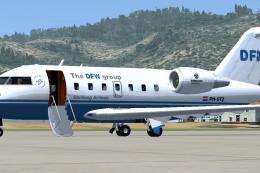
Stellweg Airlines Canadair CL-604. This is the corporate aircraft of The DFW …
 FSX Business Jet Aircraft
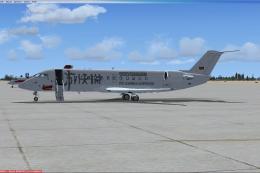
This model is www.ali213.net virtual business jet Model is made by POSKY gMax…
 FSX Business Jet Aircraft
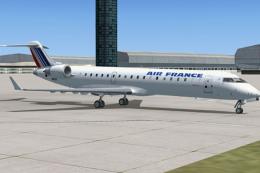
FSX Air France Bombardier CRJ-700, registration F-GAJU. Textures only for the…
 FSX Business Jet Aircraft
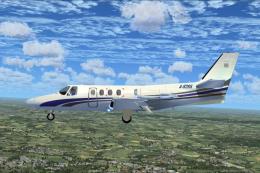
FSX/SP2 Cessna Citation 500. The highly popular Cessna 500 Citation and 500 …
 FSX Business Jet Aircraft
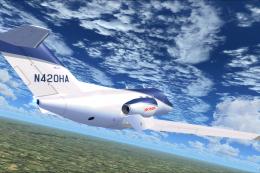
A reasonably featured Honda Jet add-on (officially known as Honda HA-420 Hon…
 FSX Business Jet Aircraft
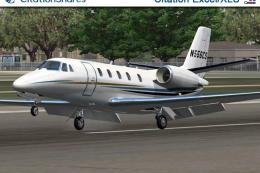
Aryus Cessna 56X FSX/P3D complete with virtual cockpit. Converted by Bigmike.…
 FSX Business Jet Aircraft
The HS-125-700 and Hawker 800 are two more recent versions of the world's lon…
Read what other simmers think, or add your own.

I have downloads that will appear, such as Air Canada b787, but since this one doesn`t have a regular file while the main one is not zipped, it will appear on the SimObjectsAirplanes screen with the files that make this up, which basically disables the download. You may try your luck if you wish, but it didn`t work for me.