

 FS2004 Propeller Aircraft
Bristol 170 Freighter
Ugly, but functional, the 170 was designed to be simple, rugged and reliable.…
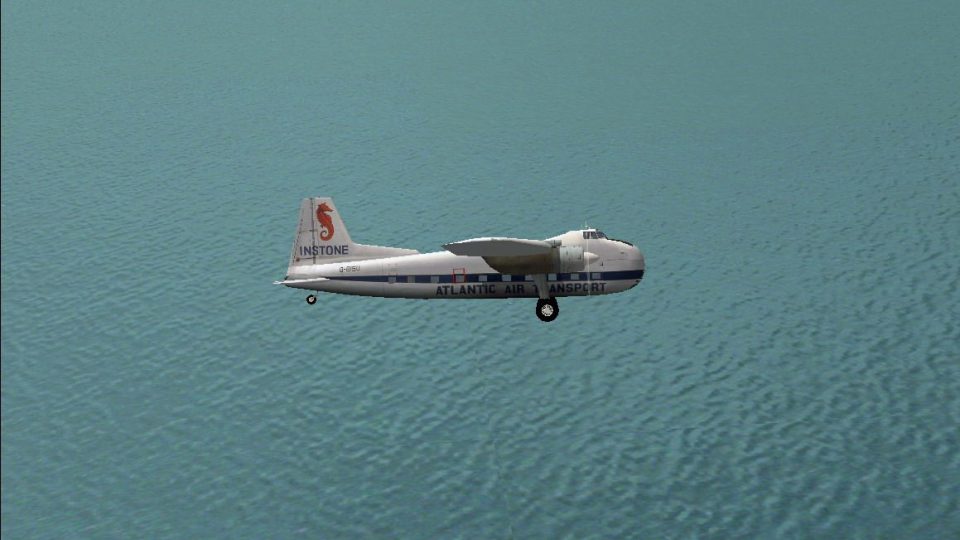
Instone Atlantic Air Transport’s Bristol 170 Freighter brings photoreal textures and an authentic period cargo-hauler feel to FS2004, recreating the channel-crossing workhorse that moved vehicles and freight in style. The package includes Mike Stone’s complete freeware aircraft model with a detailed virtual cockpit and dedicated Instone livery, tuned for a true-to-life look.
 Rate
Rate
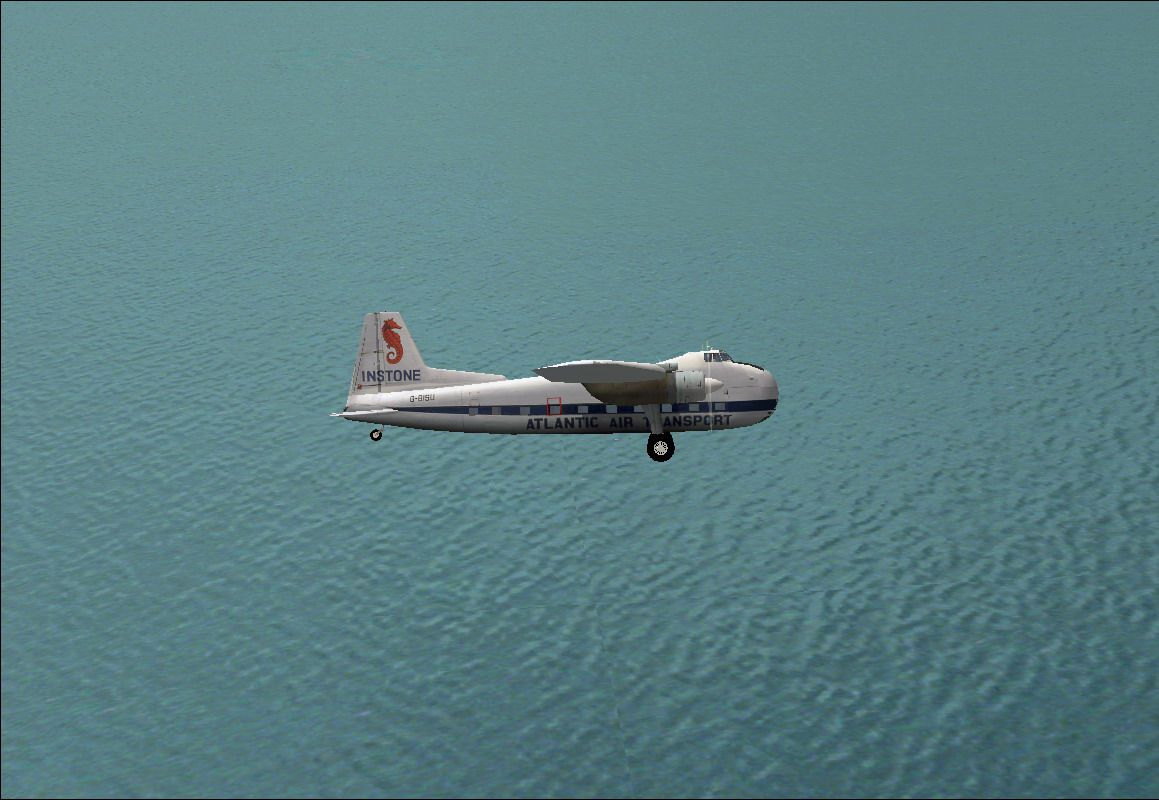
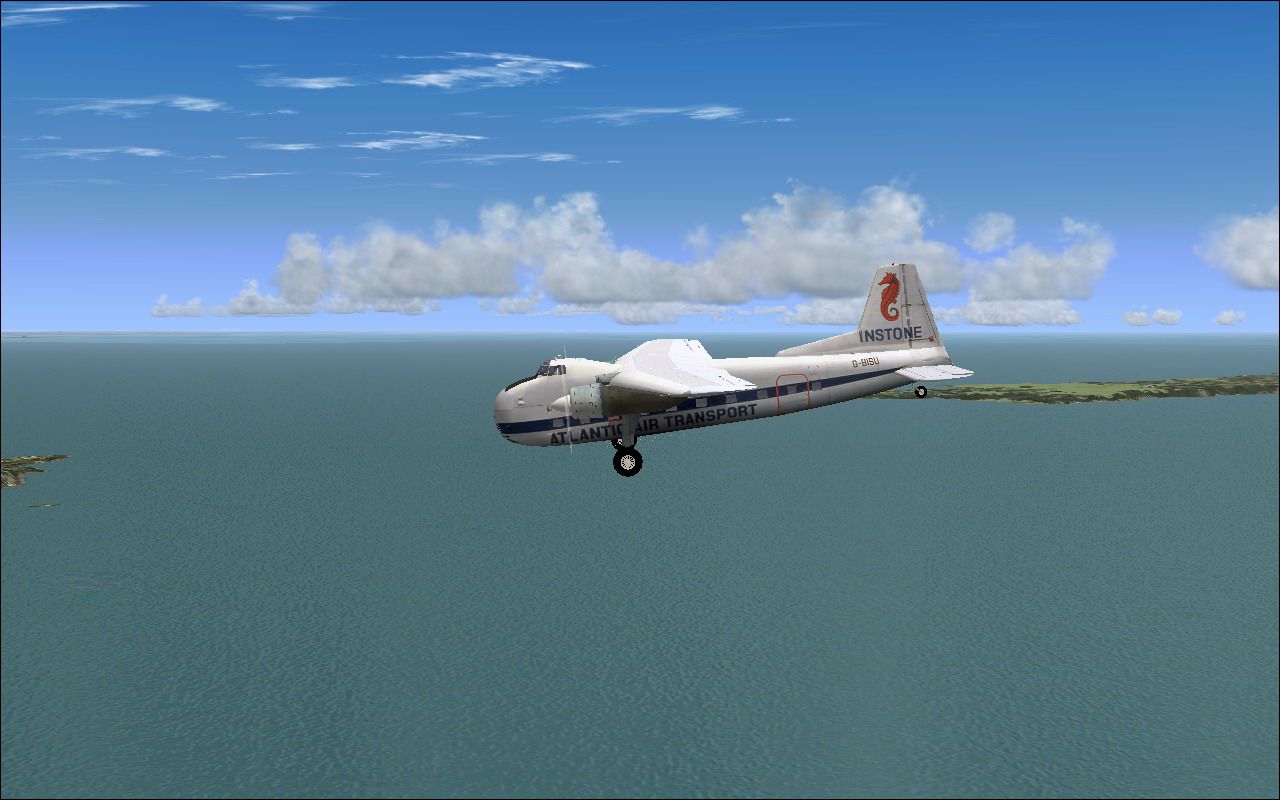
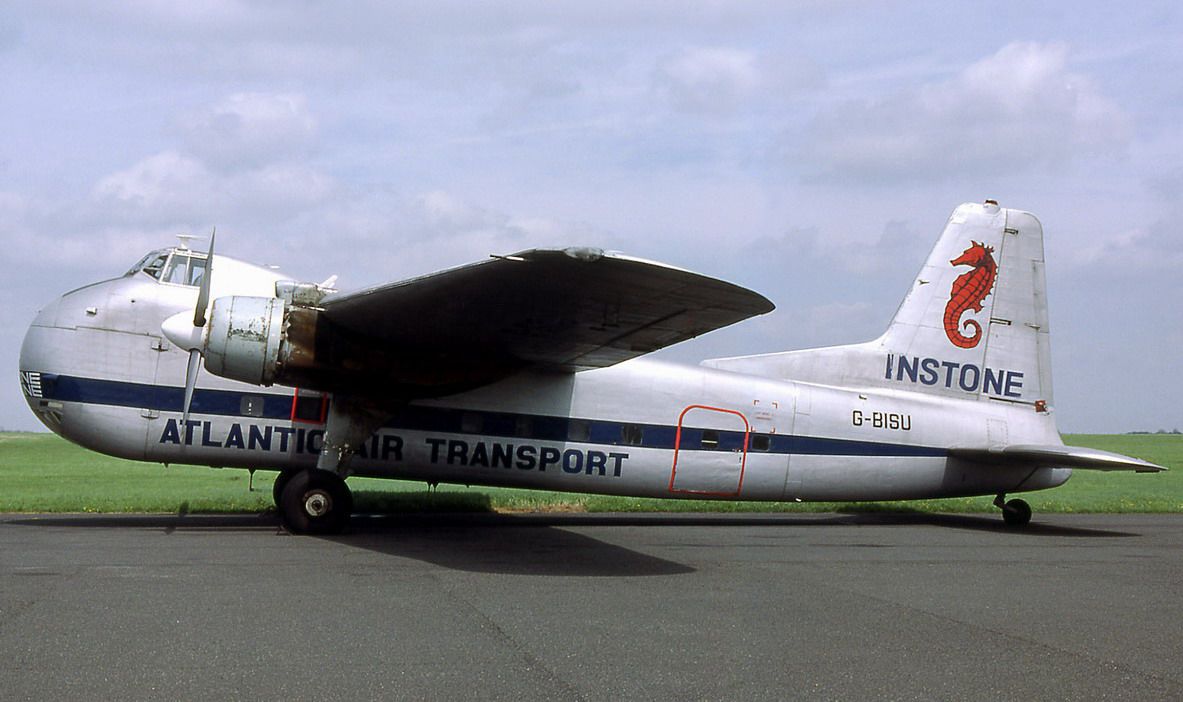
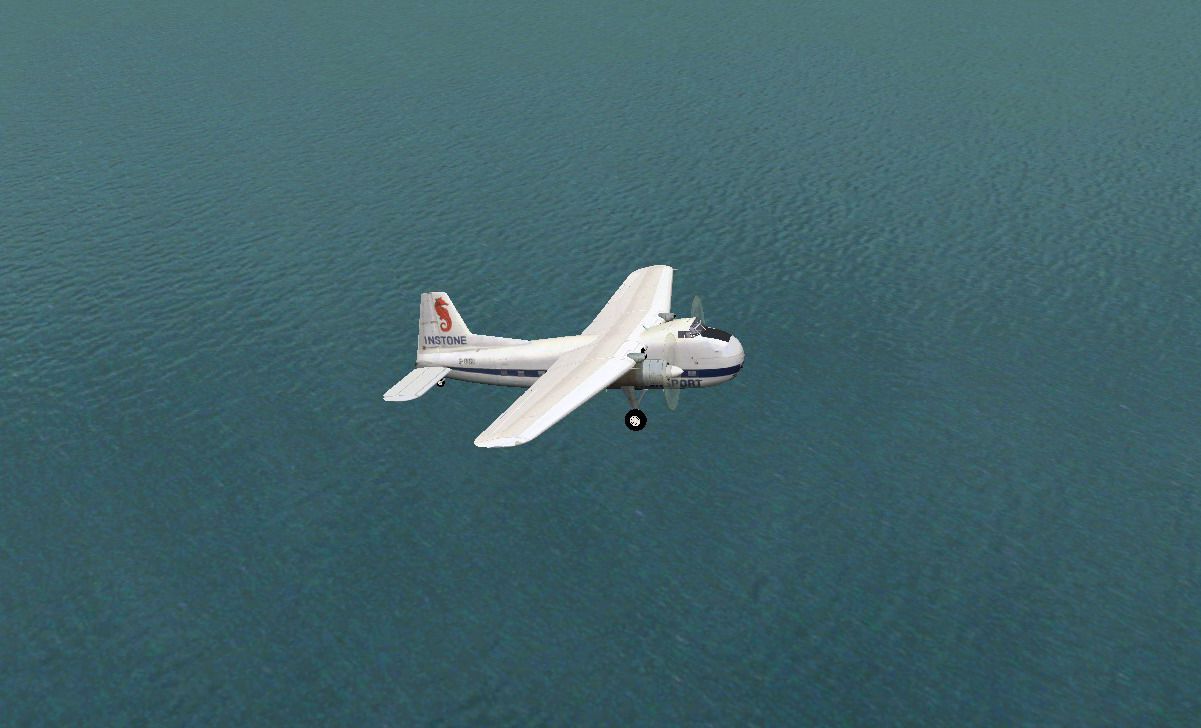
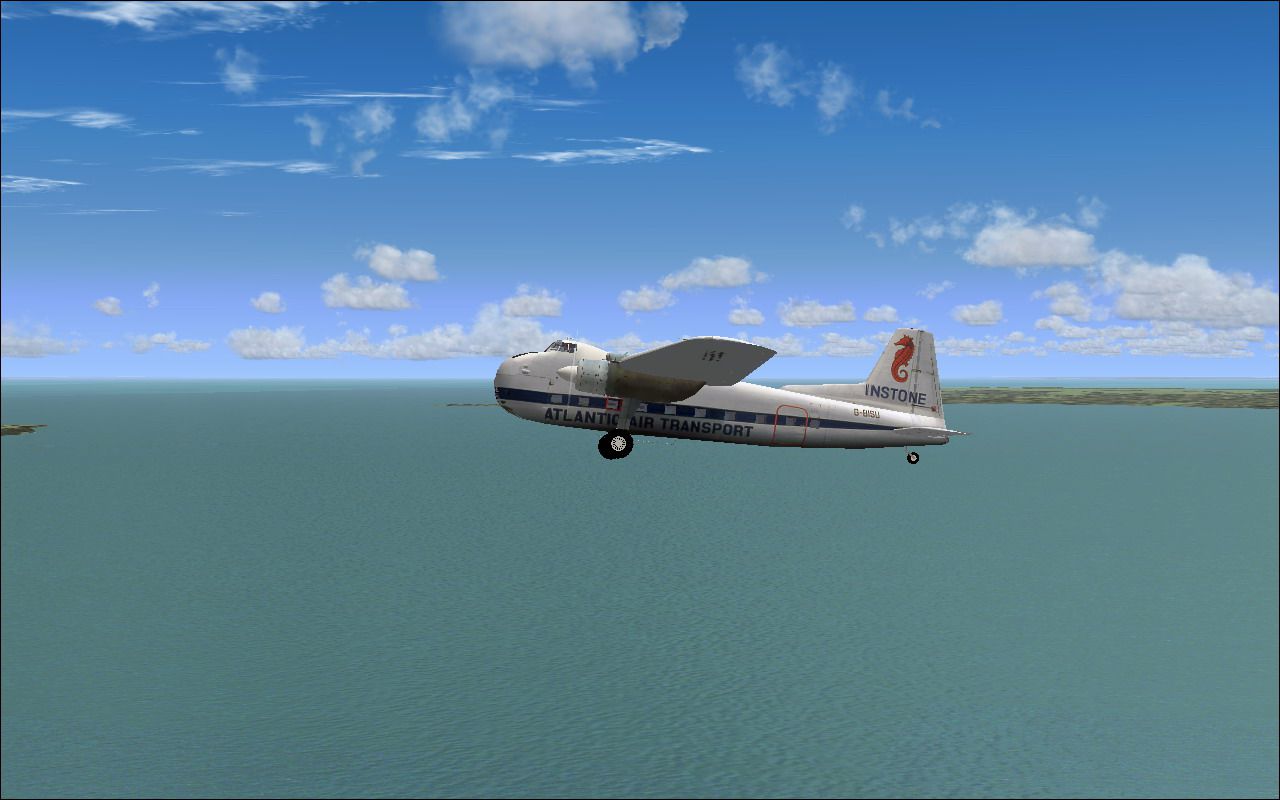
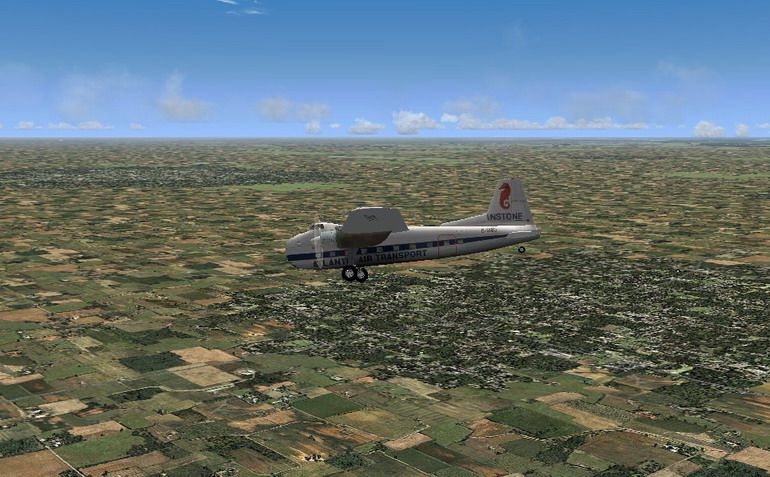
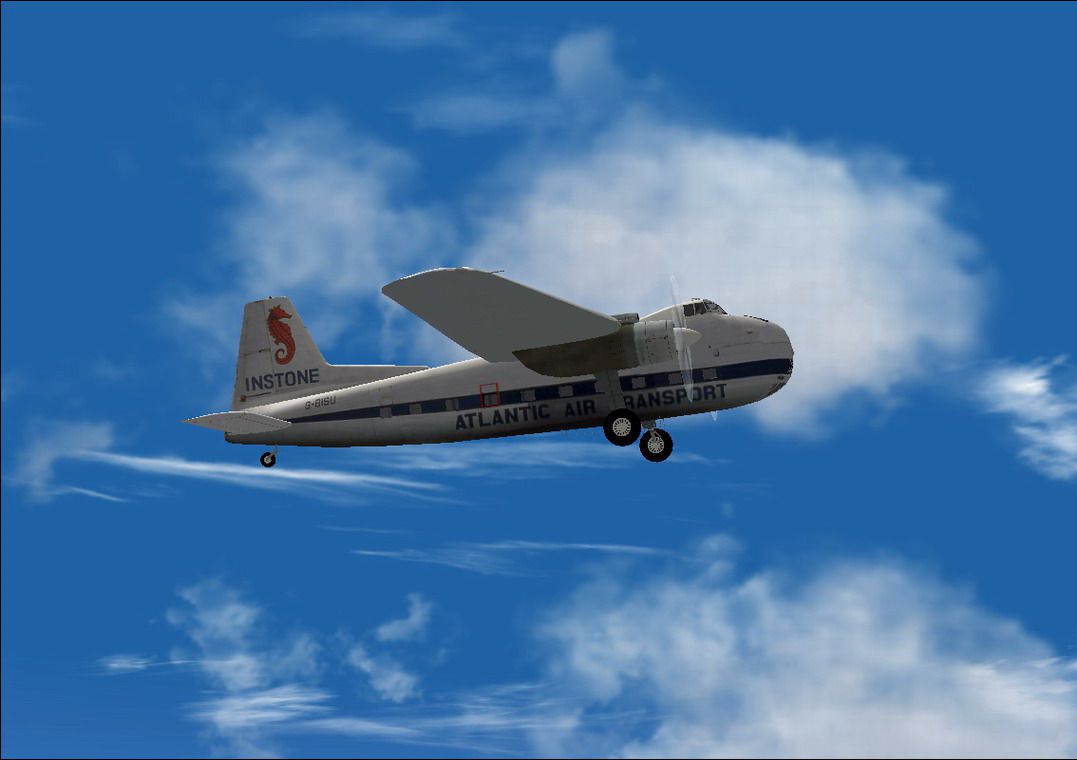
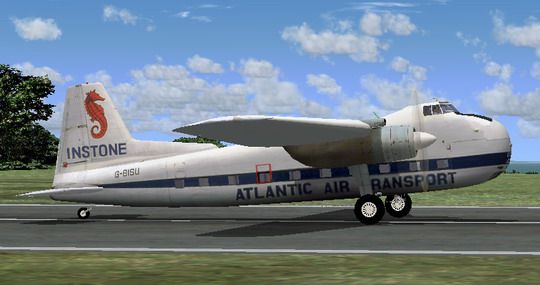
Bristol 170 photoreal. This package includes the full freeware aircraft model by their creator Mike Stone. The textures were made to achieve a look close to the real airplane as possible. This aircraft is dedicated to all the pilots who made this aircraft a legendary Freighter during those years when flying through channel was the most original way to transport vehicles. The textures were made to achieve a look close to the real airplane as possible. By Shadmith Manzo.
Screenshot of Instone Atlantic Bristol 170 on runway.
[fltsim.0]

title=Instone Bristol 170 MK31

sim=b170

model=

panel=

sound=

texture=instone

kb_checklists=

kb_reference=

atc_id=G-BISU

ui_manufacturer=Bristol

ui_type=170 Freighter

ui_variation=Instone Atlantic Air Transport

description=

atc_heavy=0

atc_airline=Instone airline

atc_flight_number=
Free for all simmers · 5.08 MB · Scanned clean Sep 2026
Download speed: Free tier is capped at 0.5 Mbps (this file takes approximately 1 min at the cap). PRO members download at full line speed.
FS9\Aircraft\, FS9\Addon Scenery\, FS9\Gauges\, or FS9\Effects\.readme.txt or README file. It tells you exactly where files go, what dependencies are needed, and any quirks specific to this add-on.The archive b170.zip has 43 files and directories contained within it.
This list displays the first 500 files in the package. If the package has more, you will need to download it to view them.
| Filename/Directory | File Date | File Size |
|---|---|---|
| aircraft.cfg | 07.14.08 | 10.82 kB |
| b170.air | 11.27.04 | 7.26 kB |
| Instone Bristol 170 Thumb.gif | 07.14.08 | 11.03 kB |
| Instone Bristol 170-1.jpg | 07.14.08 | 92.43 kB |
| Instone Bristol 170-2.jpg | 07.14.08 | 42.81 kB |
| Instone Bristol 170-3.jpg | 07.14.08 | 137.75 kB |
| Instone Bristol 170-4.jpg | 07.14.08 | 158.20 kB |
| Instone Bristol 170-5.jpg | 07.14.08 | 193.44 kB |
| Instone Bristol 170-6.jpg | 07.14.08 | 180.48 kB |
| Instone Bristol 170-7.jpg | 07.14.08 | 171.21 kB |
| Instone Bristol 170-8.jpg | 07.14.08 | 175.52 kB |
| model | 07.12.08 | 0 B |
| b170.mdl | 11.29.04 | 704.83 kB |
| model.cfg | 11.21.04 | 23 B |
| panel | 07.12.08 | 0 B |
| b170.cab | 11.27.04 | 4.12 kB |
| Douglas_DC3.cab | 06.12.03 | 1.31 MB |
| main.bmp | 07.10.08 | 2.25 MB |
| panel.CFG | 11.27.04 | 3.11 kB |
| Read_me.txt | 07.14.08 | 1.23 kB |
| sound | 07.12.08 | 0 B |
| sound.cfg | 10.09.03 | 35 B |
| texture.instone | 07.12.08 | 0 B |
| cowl_l.bmp | 11.27.04 | 257.05 kB |
| cowl_t.bmp | 07.10.08 | 341.43 kB |
| fuslg_l.bmp | 11.27.04 | 1.00 MB |
| fuslg_t.bmp | 07.12.08 | 5.33 MB |
| interior_l.bmp | 11.27.04 | 1.00 MB |
| interior_t.bmp | 07.10.08 | 1.33 MB |
| lwing_l.bmp | 11.27.04 | 1.00 MB |
| lwing_t.bmp | 07.12.08 | 1.33 MB |
| propdisk_t.bmp | 07.12.08 | 341.40 kB |
| prop_l.bmp | 11.27.04 | 65.05 kB |
| prop_t.bmp | 11.21.04 | 65.05 kB |
| rwing_l.bmp | 11.27.04 | 1.00 MB |
| rwing_t.bmp | 07.12.08 | 1.33 MB |
| spinner_l.bmp | 11.27.04 | 17.05 kB |
| spinner_t.bmp | 07.08.08 | 21.43 kB |
| stab_l.bmp | 11.27.04 | 257.05 kB |
| stab_t.bmp | 07.10.08 | 170.75 kB |
| B170 | 07.14.08 | 0 B |
| flyawaysimulation.txt | 10.29.13 | 959 B |
| Go to Fly Away Simulation.url | 01.22.16 | 52 B |
Only PRO members can place votes.
More FS2004 add-ons hand-picked based on this download.
FS2004 Propeller Aircraft
Ugly, but functional, the 170 was designed to be simple, rugged and reliable.…
 FS2004 Propeller Aircraft
These textures depict C-GYQS (c/n 1360) used by Hawkair Aviation from 1994 un…
 FS2004 Propeller Aircraft
Iberia Bristol 170 Mk. 21 freighter using Mike Stone's model. Textures only; …
 FS2004 Propeller Aircraft
Model by Mike Stone. Textures by Mark Dring. Please paste Douglas DC3.CAB as …
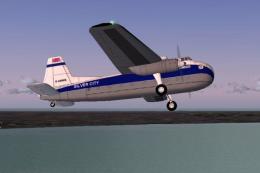 FS2004 Propeller Aircraft
Textures only; requires SB170.ZIP. Model by Mike Stone. Repaint by Jim Cartne…
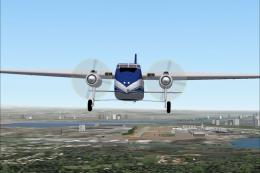 FS2004 Propeller Aircraft
A repaint for the Bristol 170 freighter aircraft by Mike Stone. Textures only…
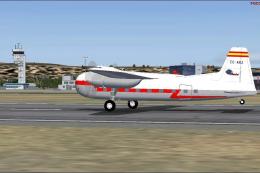 FS2004 Propeller Aircraft
Iberia (1954) Bristol 170 MK31-E, registration EC-AHJ. Texture only; requires…
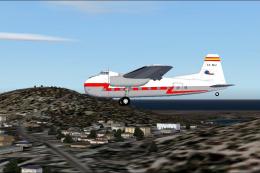 FS2004 Propeller Aircraft
Iberia 1954 Bristol 170 MK 31 E textures for Mike Stone's Bristol 170. Requir…
Be the first to leave a comment on this download.
Be the first to share your thoughts on this download.