

 FS2004 Propeller Aircraft
Air France SuperStarliner F-BHBN
This repaint, titled "La Motte Cadillac," brings an authentic Air France live…
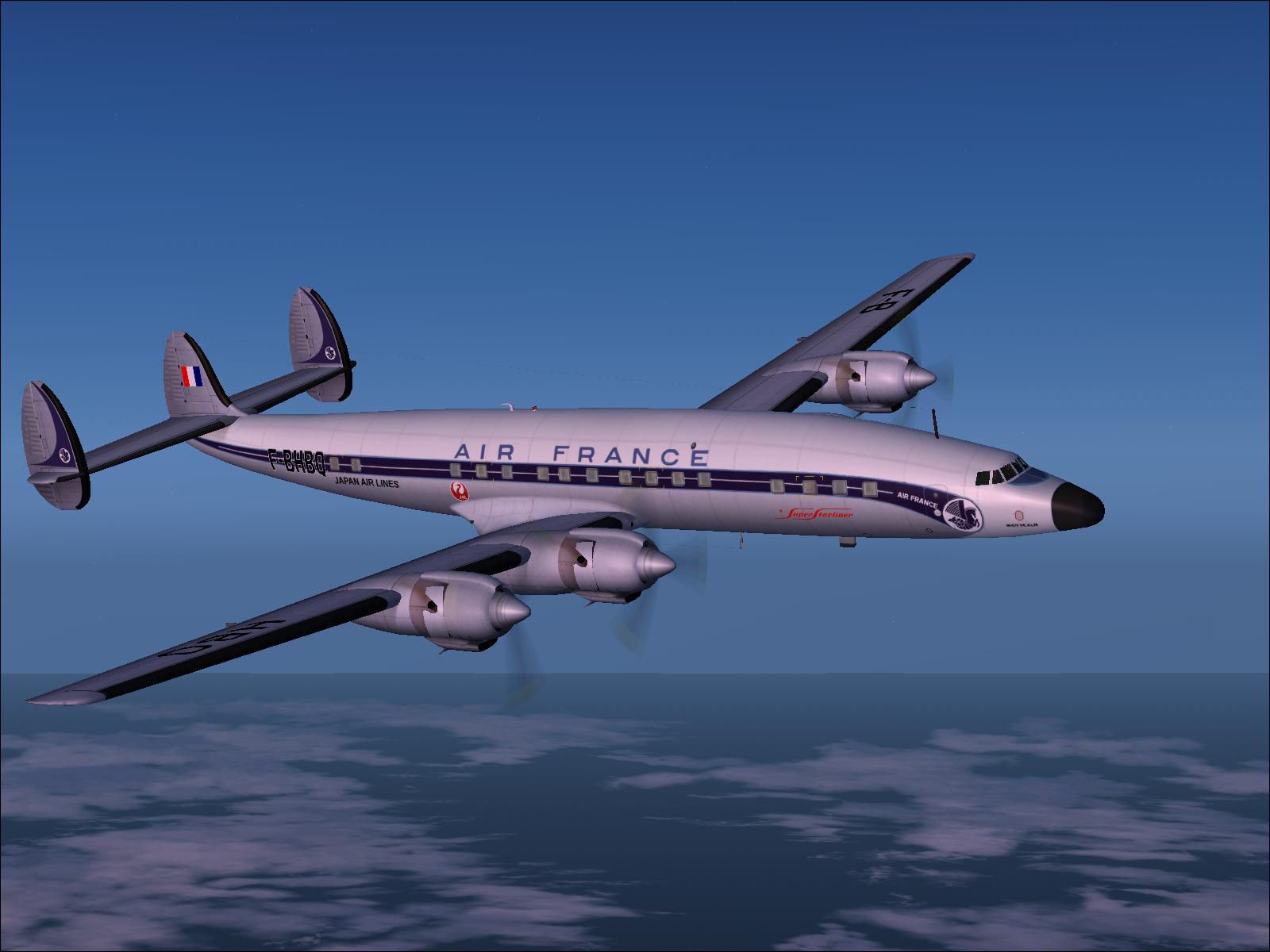
Air France “Montcalm” Super Starliner repaint brings registration F-BHBQ to the Lockheed L-1649A Constellation for Microsoft Flight Simulator 2004, capturing period-correct titles, tail markings, and refined engine cowl details for classic long-haul atmosphere. Requires Manfred Jahn’s freeware L-1649A base package plus the L1649-11 and L164911A updates.
 Rate
Rate
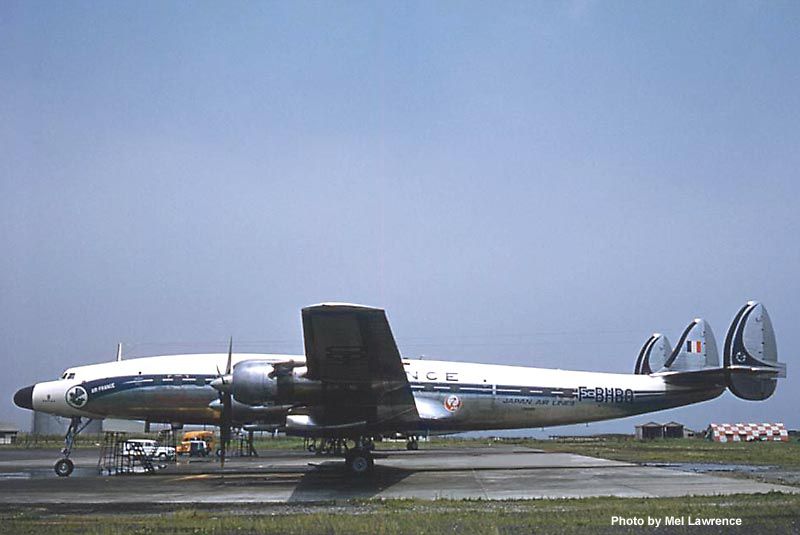
This add-on delivers a carefully crafted repaint of Air France’s “Montcalm” Super Starliner, specifically designed for the freeware Lockheed L-1649A Constellation by Manfred Jahn and team. It targets Microsoft Flight Simulator 2004 enthusiasts seeking an authentic vintage operating experience. Below is a set of instructions detailing how to implement these textures, along with essential reference data to ensure a smooth installation. Created by Alex Carry, this package seamlessly delivers the classic Air France color scheme while leaving the aircraft’s signature lines intact.
L1649-11.ZIP and the subsequent update L164911A.ZIP.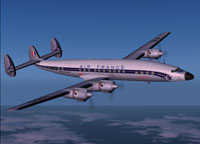
In-flight view of the Air France L-1649A “Montcalm” shining under daylight conditions.
L1649-11.ZIP and L164911A.ZIP), which can be found in the Fly Away Simulation library.texture.afjal folder and move it into your Lockheed_L1649A directory nested in Fs9/AIRCRAFT.aircraft.cfg file in any text editor (for instance, Notepad). Copy the entire block of code provided below, paste it within the aircraft listings, and replace all XX placeholders with the next sequential fltsim number to ensure correct indexing:[fltsim.xx]
title=Lockheed L-1649A Starliner Japan Air Lines
sim=L1649A
model=
panel=
sound=
texture=afjal
kb_checklists=Doc\L-1649A_check
kb_reference=Doc\L-1649A_ref
atc_id=F-BHBQ
atc_id_enable=1
ui_manufacturer=Lockheed
ui_type=L-1649A Starliner
ui_variation=japan air lines
description="The Starliner was the last of the long-range piston-engine airliners. Designed to fly Los Angeles-London or Paris-Tokyo in around 20 hours non-stop, it established numerous long-distance records, many of them still current today. Providing accommodation for twenty-six first-class and forty-five tourist-class passengers, the Starliner entered service with TWA in May 1957. Other operators were Air France and Lufthansa."
atc_flight_number=270
atc_airline=japan air
atc_heavy=0
visual_damage=1
atc_parking_codes=
atc_parking_types=GATE,RAMP
prop_anim_ratio=0.99 //avoid frozen propdisks
atc_id_color=0x00000000
atc_id_font=Verdana,-11,1,600,0
This “Montcalm” scheme showcases subtle fuselage lettering, iconic Air France tail markings, and a detailed engine cowl design faithful to the 1950s aesthetic. Alex Carry has meticulously reproduced each distinctive feature, ensuring an immersive look and feel similar to the aircraft’s service days. Enjoy the classic silhouette under all flight conditions and bring back the nostalgia of long-distance, piston-driven travel.
Free for all simmers · 2.49 MB · Scanned clean Oct 2026
Download speed: Free tier is capped at 0.5 Mbps. PRO members download at full line speed.
FS9\Aircraft\, FS9\Addon Scenery\, FS9\Gauges\, or FS9\Effects\.readme.txt or README file. It tells you exactly where files go, what dependencies are needed, and any quirks specific to this add-on.The archive 1649jal.zip has 23 files and directories contained within it.
This list displays the first 500 files in the package. If the package has more, you will need to download it to view them.
| Filename/Directory | File Date | File Size |
|---|---|---|
| AF Super Starliner F-BHBQ MONTCALM.txt | 08.04.08 | 472 B |
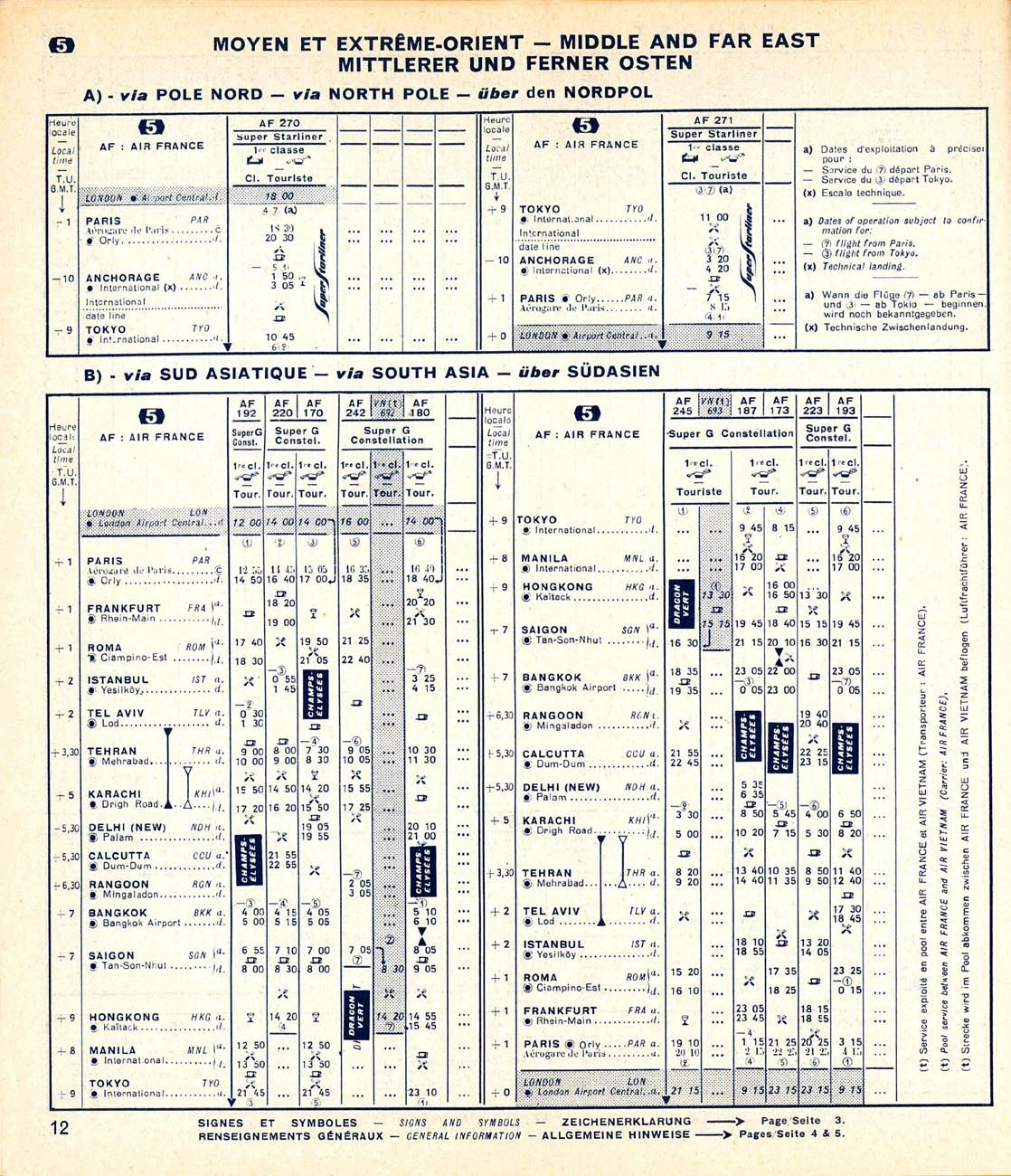
| Air France PARIS TOKYO via North Pole.JPG | 08.01.08 | 1.02 MB |
| F-BHBQ-Jun60.jpg | 07.19.08 | 44.90 kB |
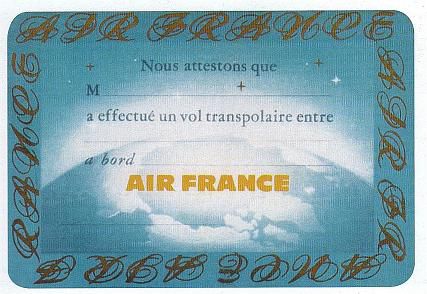
| Transpolar passenger certificate.jpg | 08.03.08 | 32.30 kB |
| Doc | 08.04.08 | 0 B |
| decal_121.bmp | 08.02.08 | 16.07 kB |
| fuse_l.bmp | 07.26.08 | 128.08 kB |
| fuse_t.bmp | 07.31.08 | 1.00 MB |
| leather2.bmp | 06.12.08 | 17.05 kB |
| propdisk.bmp | 07.26.08 | 64.07 kB |
| skin.bmp | 06.11.08 | 17.05 kB |
| vc01.bmp | 06.12.08 | 1.00 MB |
| wings2_l.bmp | 03.20.07 | 1.07 kB |
| wings2_t.bmp | 07.31.08 | 1.00 MB |
| wings_l.bmp | 03.20.07 | 1.07 kB |
| wings_t.bmp | 08.02.08 | 1.00 MB |
| xx1cal.bmp | 08.02.08 | 16.07 kB |
| xxcal_121.bmp | 07.24.08 | 8.07 kB |
| texture.afjal | 08.03.08 | 0 B |
| Montcalm F-BHBQ.JPG | 08.03.08 | 110.21 kB |
| Readme.txt.txt | 08.04.08 | 1.59 kB |
| flyawaysimulation.txt | 10.29.13 | 959 B |
| Go to Fly Away Simulation.url | 01.22.16 | 52 B |
Only PRO members can place votes.
More FS2004 add-ons hand-picked based on this download.
FS2004 Propeller Aircraft
This repaint, titled "La Motte Cadillac," brings an authentic Air France live…
 FS2004 Propeller Aircraft
An updated set of textures for the Breguet Deux Ponts. Photorealistic texture…
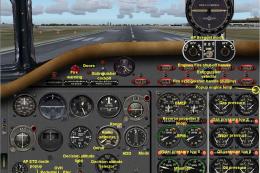 FS2004 Propeller Aircraft
"Deux Ponts" Provence. Flight model and 2D panel by Christian Daboudet. 3D mo…
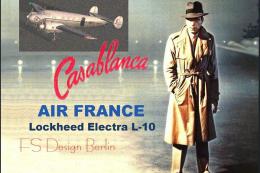 FS2004 Propeller Aircraft
We know Air France never used the Electra, but in the legendary movie Casabla…
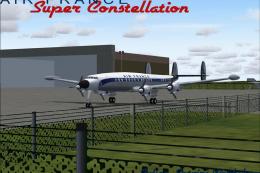 FS2004 Propeller Aircraft
Model by Mike Stone. Textures by Julien Scavini. View from above of Air Franc…
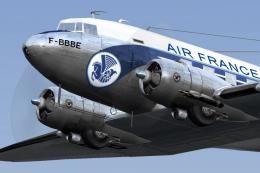 FS2004 Propeller Aircraft
A repaint (textures only) of the MAAM-SIM R4D/DC-3 in Air France colors. Repa…
 FS2004 Propeller Aircraft
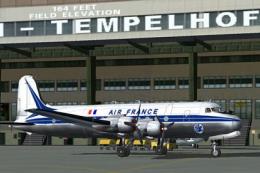
Textures only. From 1946 to 1973 Air France used together 16 DC-4 / C-54. F-B…
 FS2004 Propeller Aircraft
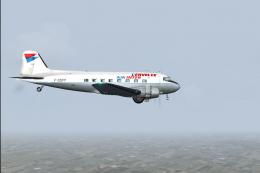
L'Envolee Air Inter Douglas DC-3 (C-47A-DL), registration F-GDPP, C/N 9172, e…
Be the first to leave a comment on this download.
Be the first to share your thoughts on this download.