

 FS2004 Propeller Aircraft
World Wide Lockheed L-1049G
Super Constellation. Textures only. Model by Manfred Jahn. Repaint by Gary Ha…
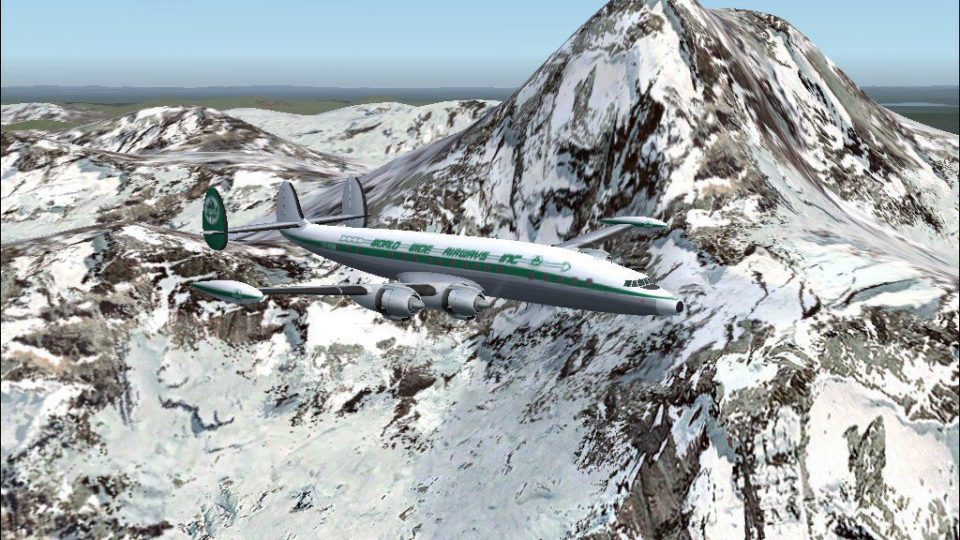
World Wide Airways textures for the Lockheed L-1049G Super Constellation recreate CF-RNR as it appeared around 1964, bringing period-correct markings, refined rivet lines, and carefully aligned details to Manfred Jahn’s classic propliner model in Microsoft Flight Simulator 2004. Requires the freeware L1049G.ZIP base package for full integration.
 Rate
Rate
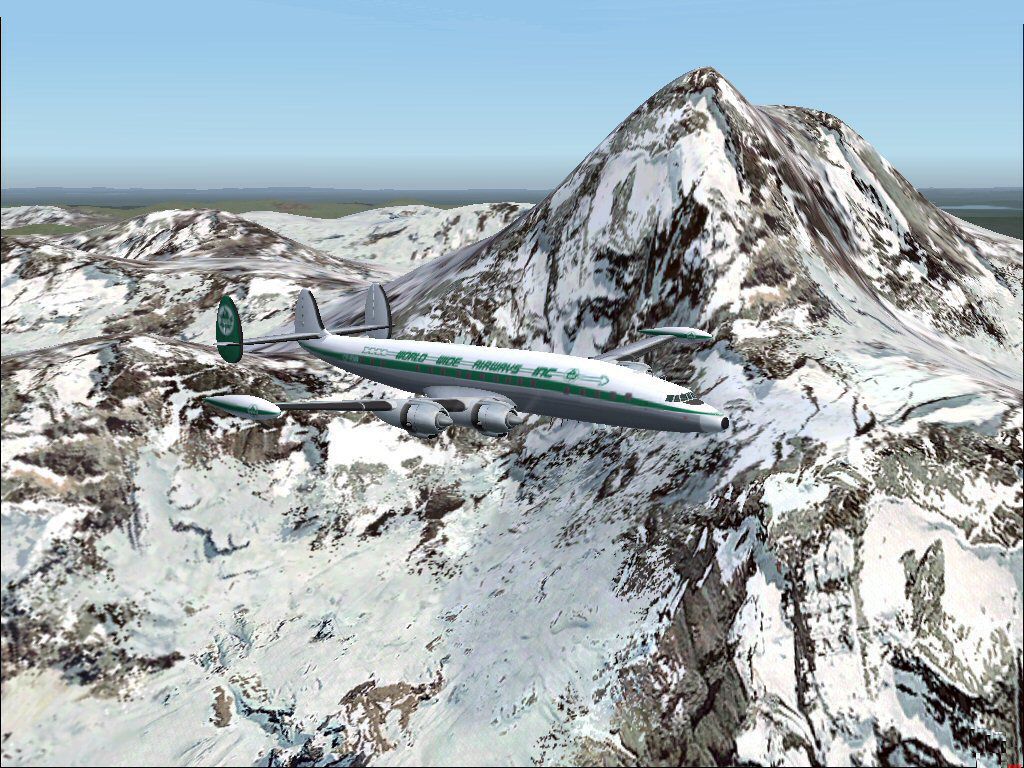
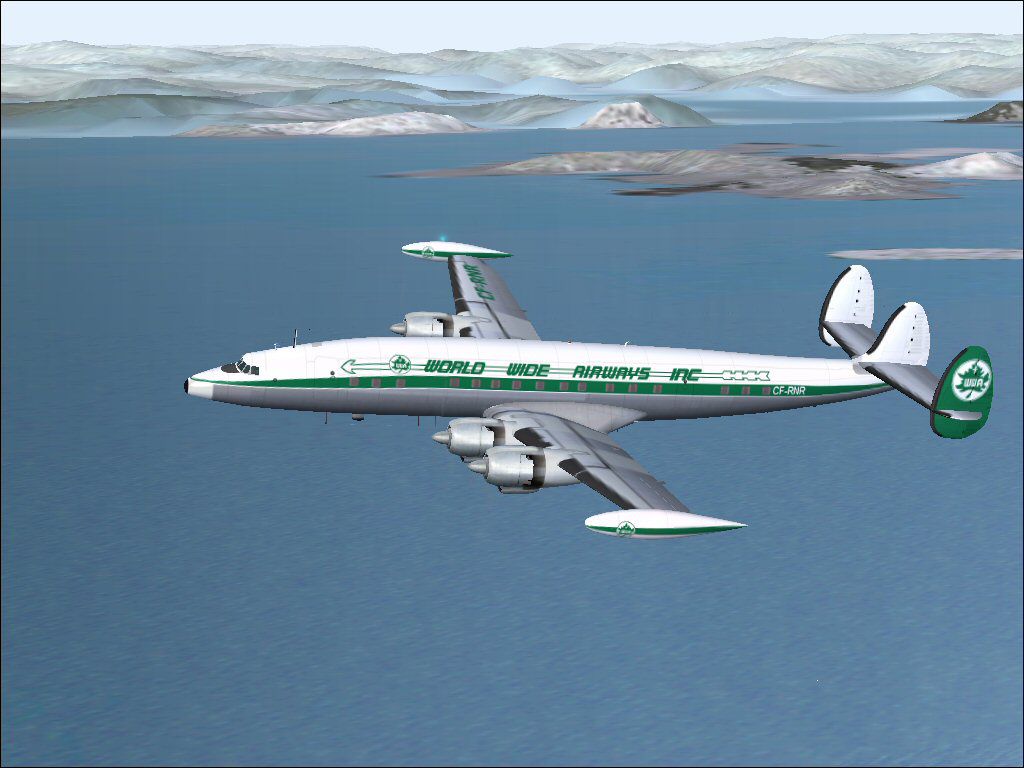
This repaint package brings the elegant Lockheed L-1049G Super Constellation to life in Microsoft Flight Simulator 2004 with World Wide Airways markings on airframe CF-RNR circa 1964. It showcases historically inspired textures that highlight the unique lines and detail of this iconic propliner. Gary Harper has meticulously updated the visual layer for the newest model revision, while Manfred Jahn’s original freeware design underpins the technical engineering. The base model requires the L1049G.ZIP download (freely available in the Fly Away Simulation library) before installing these textures.
The Lockheed L-1049G Super Constellation stood out as a long-range airliner from the 1950s, featuring powerful radial engines and an unmistakable triple-tail design. This variant’s extended capability allowed airlines to operate transoceanic routes more efficiently. World Wide Airways, although less storied than major carriers of that era, nonetheless employed eye-catching liveries that add to the historical atmosphere in virtual skies. By applying these textures, enthusiasts can recreate the original exterior appearance of CF-RNR as it might have looked in 1964, complete with all the subtle markings that distinguish this airframe.
Each rivet line and fuselage contour has been carefully adapted to properly match Manfred Jahn’s superb freeware model, thereby preserving the hallmark features of the Super Constellation. The distinctive engine cowling outlines, cockpit windows, and empennage surfaces are depicted in a way that accurately reflects the look of real-life Connies. Incorporating real-world references helped refine every aspect of the livery, from the placement of logos to the weathering patterns across the wings.
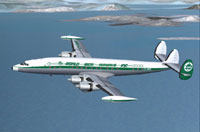
Screenshot of World Wide Super G Constellation in flight.
Installation requires placing these repaint textures into your existing Lockheed L-1049G folder. Make sure you already have Manfred Jahn’s Freeware L1049G base model (L1049G.ZIP package). Once the textures are copied, open the aircraft.cfg file within your aircraft folder and insert the following text block—just replace the xx with the next valid [flightsim] entry number.
[fltsim.xx]

title=Lockheed L-1049G World Wide Airways

sim=L1049G

model=1049vc_rst

panel=

sound=

texture=WW

kb_checklists=L1049_check

kb_reference=L1049G_ref

atc_id=689

atc_id_enable=1

ui_manufacturer=Lockheed

ui_type=L-1049G Super Constellation

ui_variation=World Wide CF-RNR

description="Super G Constellation CF-RNR"

atc_flight_number=101

atc_heavy=0

atc_airline=World Wide

atc_parking_codes=

atc_parking_types=GATE

prop_anim_ratio=0.99

atc_id_color=0x00000000

atc_id_font=Verdana,-11,1,600,0
Free for all simmers · 2.85 MB · Scanned clean Oct 2026
Download speed: Free tier is capped at 0.5 Mbps. PRO members download at full line speed.
This file is a repaint — the package below is the base model it paints onto. Install it first, or the textures will have nothing to load onto.
FS9\Aircraft\, FS9\Addon Scenery\, FS9\Gauges\, or FS9\Effects\.readme.txt or README file. It tells you exactly where files go, what dependencies are needed, and any quirks specific to this add-on.The archive ww1049g-1.zip has 14 files and directories contained within it.
This list displays the first 500 files in the package. If the package has more, you will need to download it to view them.
| Filename/Directory | File Date | File Size |
|---|---|---|
| File_ID.DIZ.diz | 03.28.09 | 168 B |
| Readme.txt | 05.04.09 | 1.01 kB |
| texture.WW | 03.28.09 | 0 B |
| fins_t.bmp | 03.26.09 | 5.33 MB |
| fuse_t.bmp | 03.28.09 | 5.33 MB |
| propdisk.bmp | 02.28.09 | 256.07 kB |
| Thumbs.db | 03.24.09 | 18.00 kB |
| wings_t.bmp | 03.28.09 | 5.33 MB |
| xx1cal.bmp | 10.14.08 | 16.07 kB |
| xxcal_121.bmp | 12.02.07 | 8.07 kB |
| WW1049G-2.jpg | 05.04.09 | 231.00 kB |
| WWG-1.jpg | 03.27.09 | 97.20 kB |
| flyawaysimulation.txt | 10.29.13 | 959 B |
| Go to Fly Away Simulation.url | 01.22.16 | 52 B |
Only PRO members can place votes.
More FS2004 add-ons hand-picked based on this download.
FS2004 Propeller Aircraft
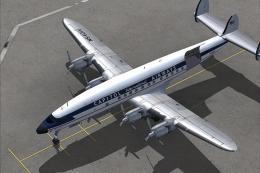
Super Constellation. Textures only. Model by Manfred Jahn. Repaint by Gary Ha…
 FS2004 Propeller Aircraft
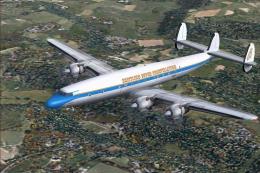
The L1049H was a convertible passenger/cargo version of the Super Constellati…
 FS2004 Propeller Aircraft
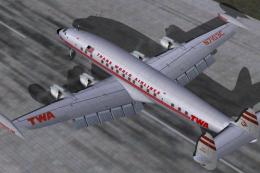
Reflexive and weathered textures and complete aircraft with accurate latest .…
 FS2004 Propeller Aircraft
Pre-Release Paint Kit (Flying). This paintkit contains Photoshop (.psd) maste…
 FS2004 Propeller Aircraft
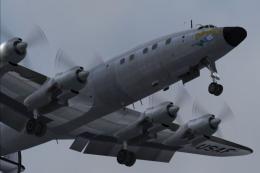
Super Constellation Columbine III, President Eisenhower's personal aircraft 1…
 FS2004 Propeller Aircraft
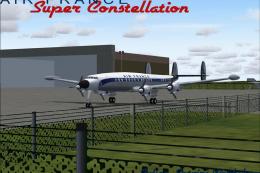
Model by Mike Stone. Textures by Julien Scavini. View from above of Air Franc…
 FS2004 Propeller Aircraft
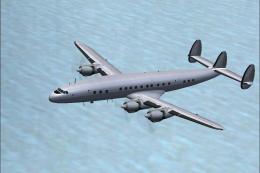
This paintkit is a supplement for the FS2004 Lockheed Super Constellation ser…
 FS2004 Propeller Aircraft
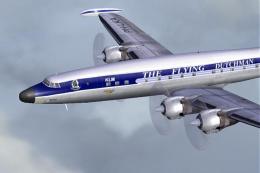
Textures only for Mike Stone's model, depicting KLM Lockheed Super Connie PH-…
Be the first to leave a comment on this download.
Be the first to share your thoughts on this download.