

 FS2004 Propeller Aircraft
1956 Real Aerovias Convair 340 PP-YRD
Registration PP-YRD, circa 1956. Fifty years ago this aircraft was flying mai…
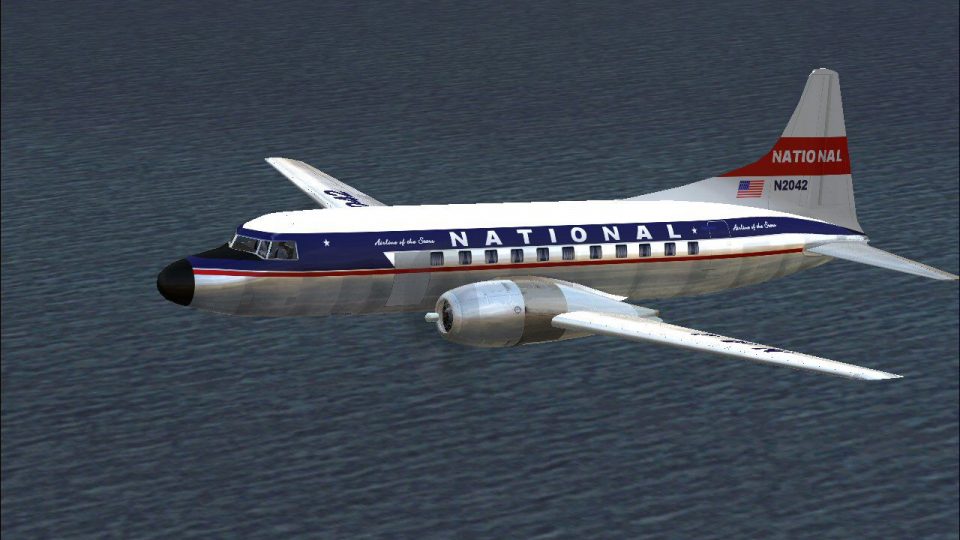
National Airlines Convair 340 livery recreates aircraft N2042 in circa-1959 markings, bringing a period-correct look to classic propliner routes in FS2004. The repaint targets the Tom Gibson and Greg Pepper Convair 340 model and includes matching registration and airline details to complement vintage flight plans and cockpit immersion.
 Rate
Rate
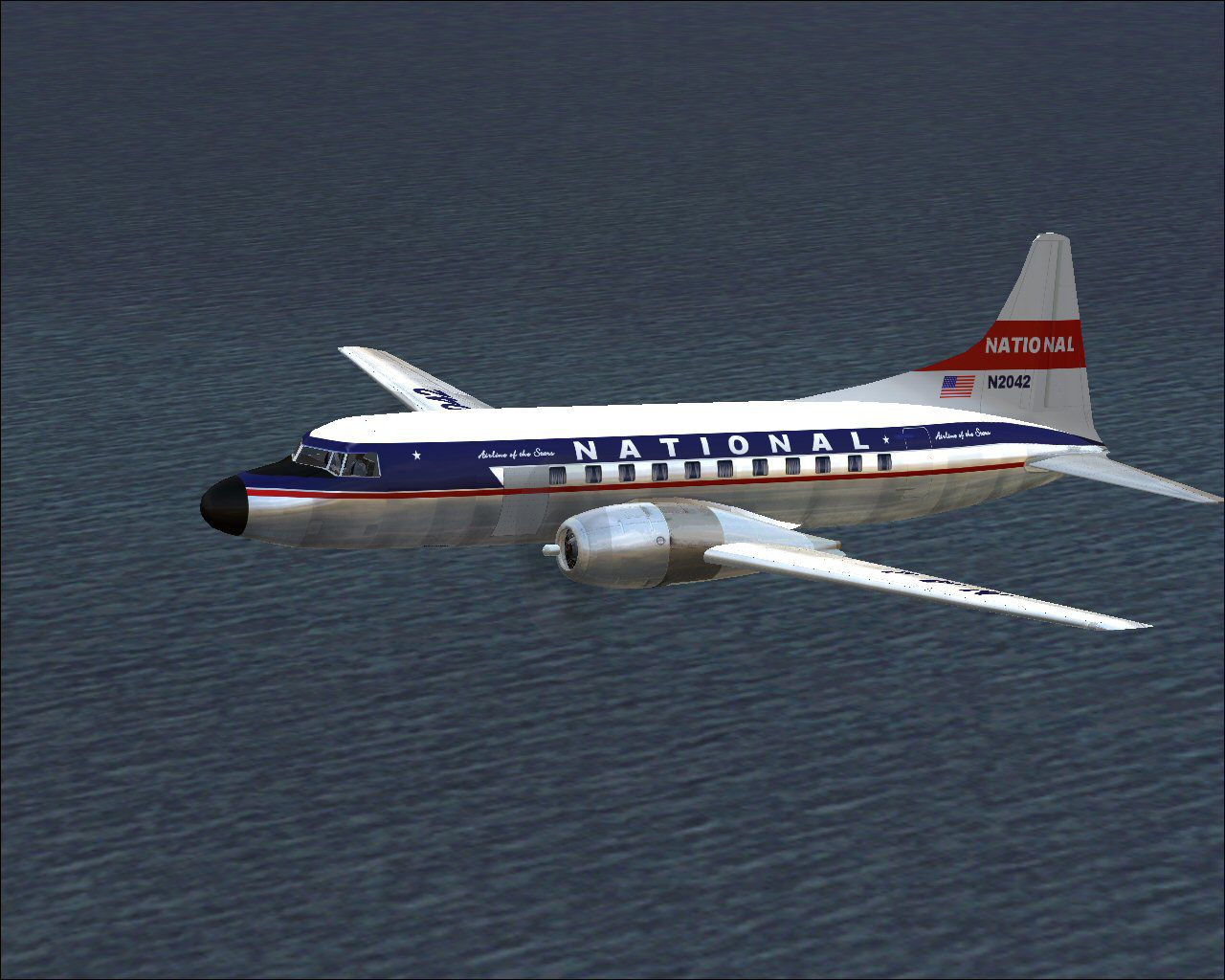
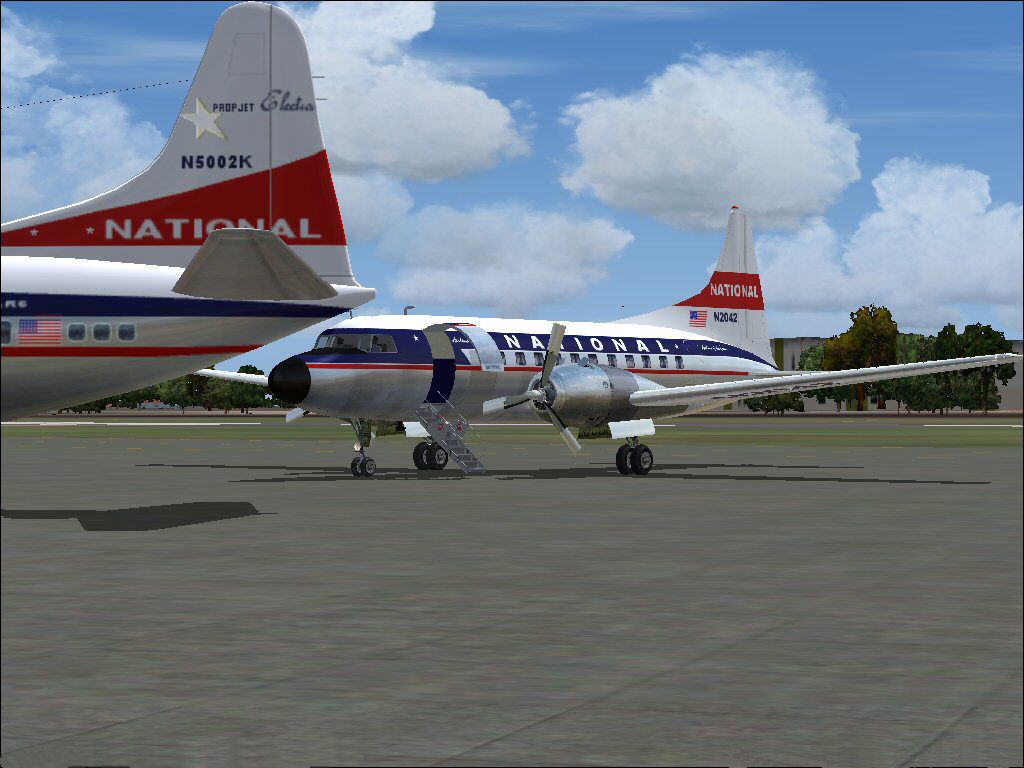
Textures for Tom Gibson/ Greg Pepper Convair 340. These textures depict N2042 about 1959. Textures by Gary Harper.
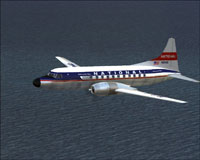
Screenshot of National Airlines Convair 340 in flight.
Copy the text below and paste in your aircraft config. file substituting your next consecutive [flightsim.__] number for "xx".
[fltsim.xx]

title=CV-440 National

sim=cv44

model= //<<<<panel=

sound=

texture=national

kb_checklists=

kb_reference=CV440_ref

ui_manufacturer=Convair

ui_type=CV-440 Metropolitan

ui_variation=National

atc_heavy=0

atc_id=N2042

atc_airline=National

atc_flight_number=433

prop_anim_ratio=0.9

description=Belatedly intended to compete with the Vickers Viscount, the CV-440 Metropolitan made its airline debut with Continental in March 1956. Slowly increasing understanding of transonic issues allowed a further increase in Mach limits. When combined with a significant maximum weight increase this allowed the CV-440 to make full use of 145 Octane AVGAS in R-2800 engines configured as CB-17s. Weather radar in an extended nose became optional. The earlier, less than fully successful and noisy, twin exhaust thrust augmentation system gave way to a much quieter single wide exhaust. Of the 199 built just over 150 went to airlines. Military and naval designations were C-131D/E/F and R4Y-2. One hundred civilian and military CV-340s were then upgraded to a similar standard.
Free for all simmers · 2.78 MB · Scanned clean Oct 2026
Download speed: Free tier is capped at 0.5 Mbps. PRO members download at full line speed.
FS9\Aircraft\, FS9\Addon Scenery\, FS9\Gauges\, or FS9\Effects\.readme.txt or README file. It tells you exactly where files go, what dependencies are needed, and any quirks specific to this add-on.The archive na440.zip has 29 files and directories contained within it.
This list displays the first 500 files in the package. If the package has more, you will need to download it to view them.
| Filename/Directory | File Date | File Size |
|---|---|---|
| File_ID.DIZ.diz | 10.28.09 | 149 B |
| NA-4.jpg | 10.28.09 | 182.36 kB |
| nas2.jpg | 10.27.09 | 113.42 kB |
| Readme.txt | 10.28.09 | 1.60 kB |
| texture.national | 10.28.09 | 0 B |
| cockpit.bmp | 05.27.09 | 1.00 MB |
| cv440cowl_L.bmp | 05.08.03 | 64.07 kB |
| cv440cowl_t.bmp | 10.28.09 | 256.07 kB |
| cv440cowl2_L.bmp | 05.08.03 | 64.07 kB |
| cv440cowl2_t.bmp | 10.28.09 | 256.07 kB |
| cv440leftaft_L.bmp | 04.03.05 | 1.00 MB |
| cv440leftaft_t.bmp | 10.28.09 | 1.00 MB |
| cv440leftfwd_L.bmp | 04.03.05 | 1.00 MB |
| cv440leftfwd_t.bmp | 10.28.09 | 1.00 MB |
| cv440rightaft_L.bmp | 10.28.09 | 1.00 MB |
| cv440rightaft_t.bmp | 10.28.09 | 1.00 MB |
| cv440rightfwd_L.bmp | 10.28.09 | 1.00 MB |
| cv440rightfwd_t.bmp | 10.28.09 | 1.00 MB |
| Glass.bmp | 09.04.03 | 4.07 kB |
| Metallic_L.bmp | 12.13.05 | 64.07 kB |
| Metallic_T.bmp | 09.30.06 | 64.07 kB |
| pan1_L.bmp | 05.21.09 | 1.00 MB |
| pan2_L.bmp | 05.17.09 | 1.00 MB |
| spin_prop.bmp | 09.25.02 | 64.07 kB |
| Thumbs.db | 10.09.09 | 7.50 kB |
| virtual cockpit 1.bmp | 05.25.09 | 1.00 MB |
| virtual cockpit 2.bmp | 05.17.09 | 1.33 MB |
| flyawaysimulation.txt | 10.29.13 | 959 B |
| Go to Fly Away Simulation.url | 01.22.16 | 52 B |
Only PRO members can place votes.
More FS2004 add-ons hand-picked based on this download.
FS2004 Propeller Aircraft
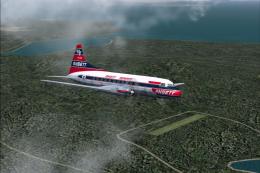
Registration PP-YRD, circa 1956. Fifty years ago this aircraft was flying mai…
 FS2004 Propeller Aircraft
This is a repaint (textures and model only) of Greg Pepper's and Tom Gibson's…
 FS2004 Propeller Aircraft
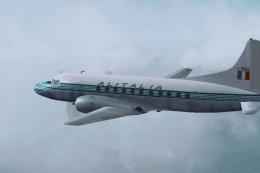
This Italian airline flies this plane along medium range routes. Repainted te…
 FS2004 Propeller Aircraft
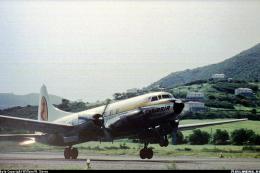
Texture update by Carlos Marrero. Screenshot of Caribair Convair CV-340 takin…
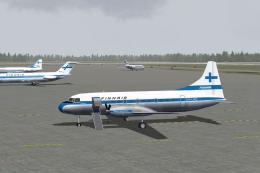 FS2004 Propeller Aircraft
Circa 1974 for AI traffic. A repaint of Tom Gibson's CV440. Flight plans for …
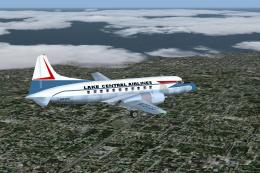 FS2004 Propeller Aircraft
These textures depict N73151 about 1962. Textures for Tom Gibson / Greg Peppe…
 FS2004 Propeller Aircraft
This is a repaint of the California Classic Convair CV340 aircraft by Tom Gib…
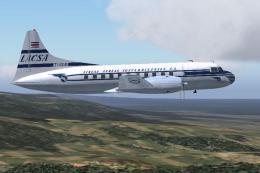 FS2004 Propeller Aircraft
Circa 1957. Textures only for the model by Tom Gibson, Greg Pepper, Alan Jenn…
Be the first to leave a comment on this download.
Be the first to share your thoughts on this download.