

 FS2004 Propeller Aircraft
Orange Lockheed L749 Constellation (Faded)
Registration F-ZVMV. Note: This is the second paint for this plane but in "fa…
Chicago and Southern Airlines colors bring the Lockheed L-749 Constellation to life with crisp period markings and faithful fuselage striping for classic propliner routes in Microsoft Flight Simulator 2004. The repaint pairs with the Team 749 freeware aircraft and requires the LOCKHEED749.ZIP base model, while keeping the original flight dynamics and virtual cockpit.
 Rate
Rate
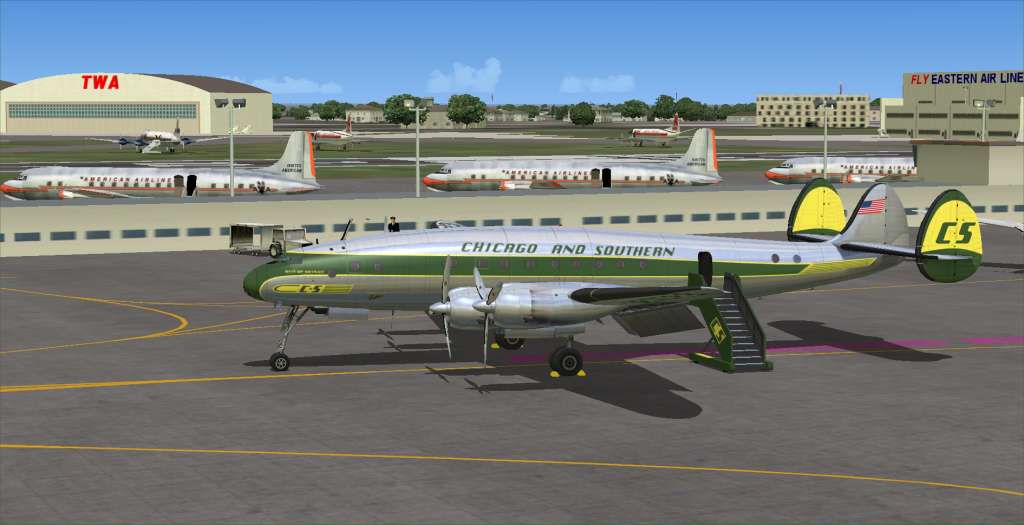
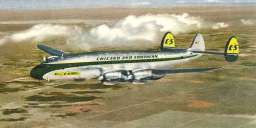
This repaint brings the classic Chicago and Southern Airlines livery to the Lockheed L-749 Constellation, carefully crafted by Dave McQueen. It was developed for use with the freeware package by Manfred Jahn and Co. (Team 749). This update requires the base LOCKHEED749.ZIP model for Microsoft Flight Simulator 2004, which is available in the Fly Away Simulation library. Enthusiasts of vintage aircraft will appreciate the hallmark lines of the L-749, renowned for its pressurized cabin and distinctive triple-tail design.
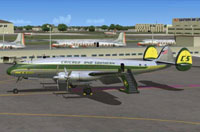
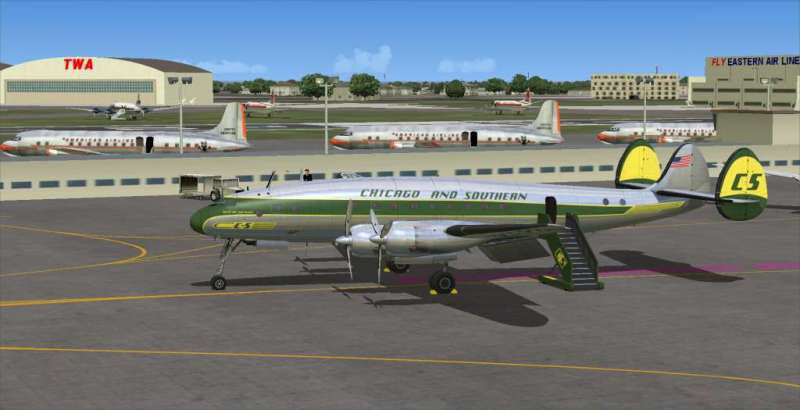
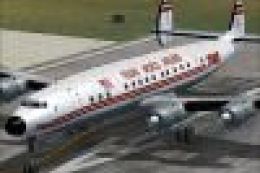
Screenshot of C&S Lockheed L-749 Constellation on the ground.
This specific repaint replicates an aircraft once flown by Chicago and Southern Airlines, an operator that served routes across the central and southern United States before merging with a larger carrier. The Lockheed Constellation was prized for long-haul journeys and introduced numerous travelers to comfortable high-altitude flight. The subtle details of the fuselage lines and the corporate insignia capture that era’s aesthetic, adding an engaging option for those who enjoy retro airline operations in their virtual hangar.
Use a plain-text editor (for example, WordPad) to open the enclosed aircraftconfig.txt file. You will see entries similar to:
[fltsim.X]
title=L-749 C&S
sim=749
model=EAL
panel=
sound=
texture=CS
kb_checklists=L749_check
kb_reference=
ui_manufacturer=Lockheed
ui_type=L-749 Constellation
ui_variation=C&S N86523
atc_heavy=0
atc_id=N86523
atc_id_enable=1
atc_airline=CHICAGO SOUTHERN
atc_flight_number=523
description=New FS2k4 FD for L749 Connie. Beta v1.2 23-11/2009
prop_anim_ratio=0.99
atc_id_color=0x00000000
atc_id_font=Verdana,-11,1,600,0
Copy and paste these segments into the “aircraft.cfg” file found in the Lockheed_L749_0 folder. Ensure that each [fltsim.X] entry is incremented correctly so that if the previous item was [fltsim.7], you adjust the newly added line to [fltsim.8], and so on.
Free for all simmers · 2.79 MB · Scanned clean Oct 2026
Download speed: Free tier is capped at 0.5 Mbps. PRO members download at full line speed.
This file is a repaint — the package below is the base model it paints onto. Install it first, or the textures will have nothing to load onto.
FS9\Aircraft\, FS9\Addon Scenery\, FS9\Gauges\, or FS9\Effects\.readme.txt or README file. It tells you exactly where files go, what dependencies are needed, and any quirks specific to this add-on.The archive cs749.zip has 32 files and directories contained within it.
This list displays the first 500 files in the package. If the package has more, you will need to download it to view them.
| Filename/Directory | File Date | File Size |
|---|---|---|
| Readme.txt | 12.28.09 | 3.06 kB |
| aircraftconfig.txt | 12.28.09 | 445 B |
| CS.gif | 12.28.09 | 6.35 kB |
| upcsmdw.jpg | 12.28.09 | 33.82 kB |
| _dcal_01.bmp | 11.19.09 | 64.07 kB |
| csmdw.jpg | 12.28.09 | 54.16 kB |
| fins_L.bmp | 05.18.03 | 2.05 kB |
| fins_t.bmp | 12.23.09 | 1.00 MB |
| floor_2.bmp | 10.08.08 | 65.05 kB |
| fuse_l.bmp | 12.28.09 | 1.00 MB |
| fuse_t.bmp | 12.23.09 | 1.00 MB |
| propdisk.bmp | 12.16.09 | 256.07 kB |
| shade_01.bmp | 08.14.08 | 64.07 kB |
| thumbnail.jpg | 12.26.09 | 5.80 kB |
| Thumbs.db | 12.09.09 | 17.50 kB |
| vc01.BMP | 10.01.09 | 1.00 MB |
| vc01_l.bmp | 10.24.08 | 64.07 kB |
| vc01a_l.bmp | 11.05.09 | 64.07 kB |
| vc02.bmp | 09.24.09 | 64.07 kB |
| vc02_l.bmp | 11.05.09 | 64.07 kB |
| vc03.bmp | 11.30.09 | 1.00 MB |
| vc03_l.bmp | 10.23.08 | 64.07 kB |
| vc04.bmp | 09.24.09 | 1.00 MB |
| vc04_l.bmp | 10.24.08 | 64.07 kB |
| vc05.bmp | 11.24.09 | 1.00 MB |
| vc05_l.bmp | 10.24.08 | 64.07 kB |
| vc06.bmp | 10.02.09 | 1.00 MB |
| vc06_l.bmp | 10.24.08 | 64.07 kB |
| wings_l.bmp | 05.18.03 | 2.05 kB |
| wings_t.bmp | 12.28.09 | 1.00 MB |
| flyawaysimulation.txt | 10.29.13 | 959 B |
| Go to Fly Away Simulation.url | 01.22.16 | 52 B |
Only PRO members can place votes.
More FS2004 add-ons hand-picked based on this download.
FS2004 Propeller Aircraft
Registration F-ZVMV. Note: This is the second paint for this plane but in "fa…
 FS2004 Propeller Aircraft
This particular Lockheed Constellation (C/n 2503) had as registration N86520,…
 FS2004 Propeller Aircraft
This paint kit is a supplement for the FS2004 Lockheed L-749 project by Team …
 FS2004 Propeller Aircraft
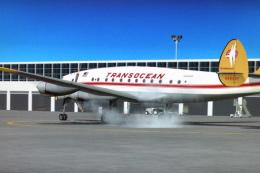
This repaint showcases Transocean Airlines markings adapted specifically for …
 FS2004 Propeller Aircraft
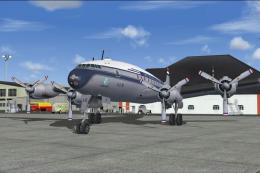
Included in this sim package are seven models and five textures. Panel textur…
 FS2004 Propeller Aircraft
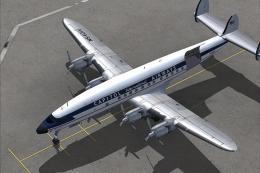
The L1049H was a convertible passenger/cargo version of the Super Constellati…
 FS2004 Propeller Aircraft
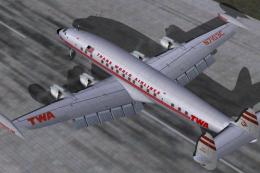
Pre-Release Paint Kit (Flying). This paintkit contains Photoshop (.psd) maste…
 FS2004 Propeller Aircraft
Alphasim Constellation Set. Alpha Simulations is releasing some of their clas…
Be the first to leave a comment on this download.
Be the first to share your thoughts on this download.