

 FSX Civil Aircraft
Kestrel Douglas DC-10-30 G-BYDA
This freeware repaint showcases a distinctive livery for the Douglas DC-10-30…
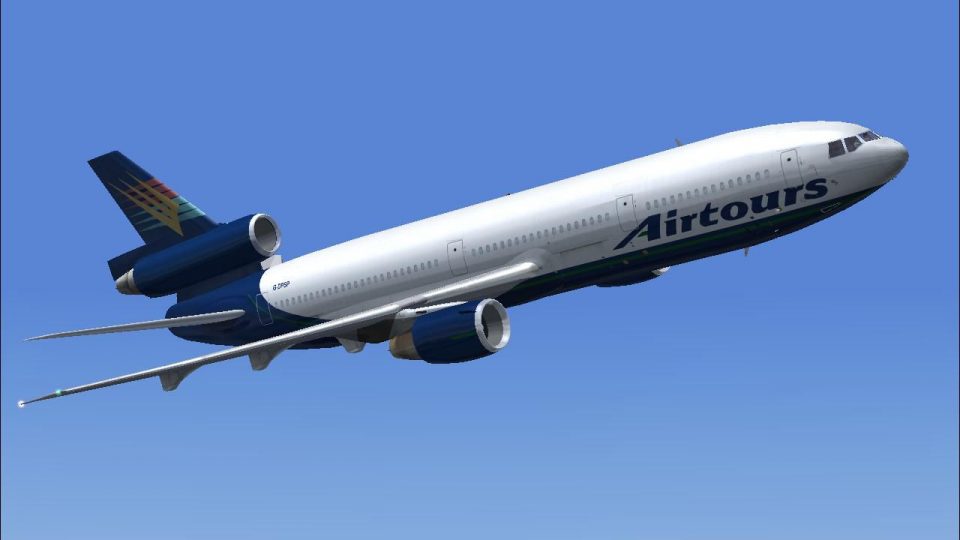
Kestrel-liveried Douglas DC-10-10 registration G-DPSP brings a distinctive wide-body tri-jet look with crisp exterior textures, refined panel lines, and detailed control-surface and leading-edge work. Built for Microsoft Flight Simulator X, it preserves the original virtual cockpit and core files, and requires the payware CLS DC10-10 model.
 Rate
Rate
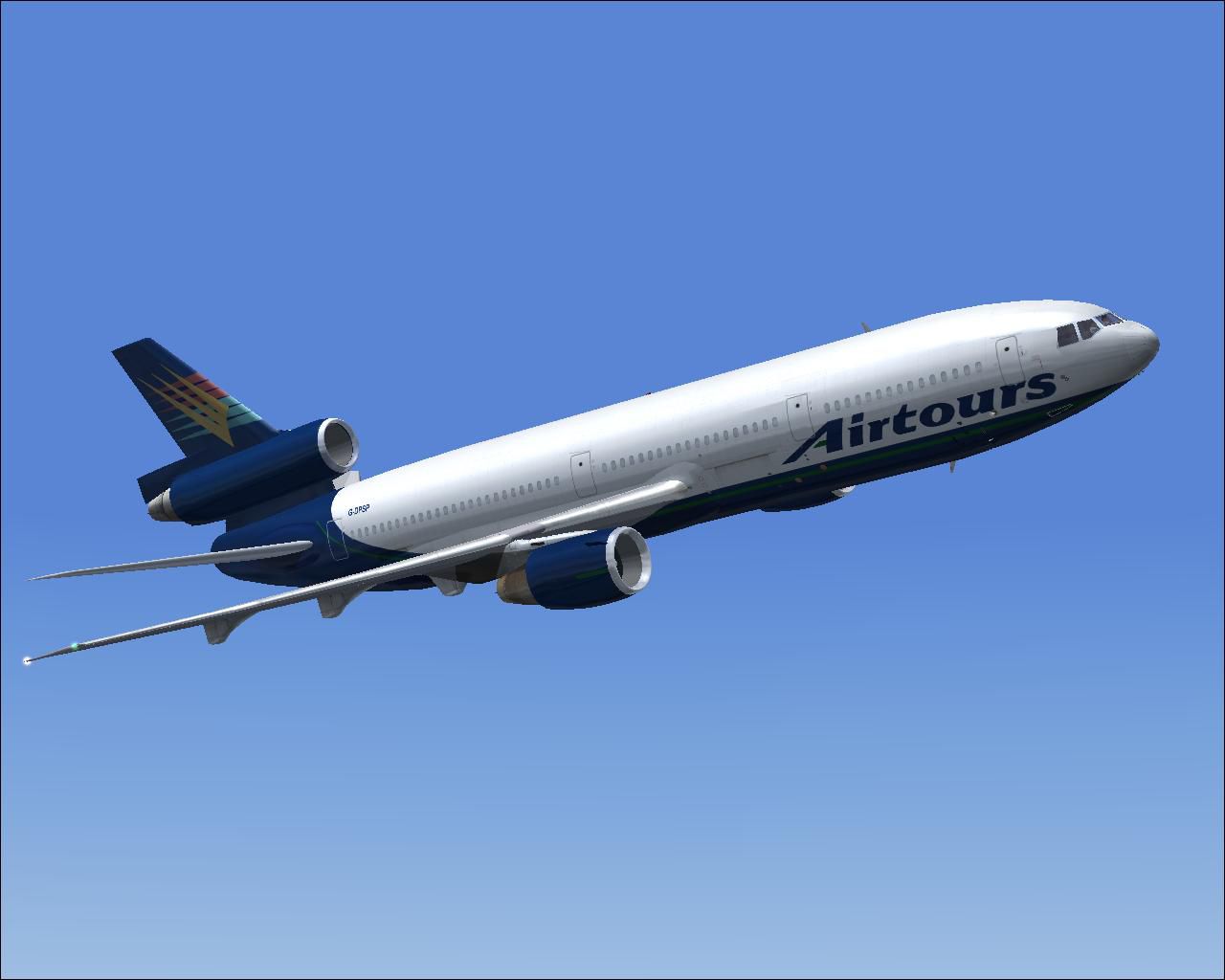

This freeware repaint incorporates a distinctive Kestrel Douglas DC-10-10 G-DPSP livery created by Bonnie Windsor for users of the payware Commercial Level Simulations (CLS) DC10-10 package in Microsoft Flight Simulator X. It modifies the exterior textures to showcase a unique look while retaining the original cockpit and essential files. This package does not include the payware model itself, which must be acquired separately from a reputable source, such as a dedicated add-on store.
The DC-10, recognized for its trijet configuration with two wing-mounted turbofans and one tail-mounted engine, revolutionized wide-body operations during its era. This Kestrel-themed finish underscores the aircraft’s structural lines while highlighting its clean fuselage design and distinct registration G-DPSP. By applying these textures, aficionados can enjoy a realistic paint scheme that honors the aircraft’s robust performance and reliability.
Screenshot showcasing the newly painted DC-10-10 in flight.
For proper recognition, add the following lines to your aircraft.cfg. Replace XX with the subsequent appropriate number within the [fltsim] sections:
[fltsim.XX]

title = Commercial Level Simulations - DC-10-10 CF6-6 Airtours Int Airways LTD G-DPSP

sim = CLS-DC10-10-GE-CF6-6D

model = 6D6K

panel =

sound =

texture = AIH G-DPSP KESTREL

atc_airline = KESTREL

atc_flight_number = 6D6K

atc_heavy = 1

atc_id = G-DPSP

atc_parking_types = GATE, RAMP

atc_parking_code = AIH

ui_typerole = "Commercial Airliner"

ui_createdby = "Commercial Level Simulations"

ui_manufacturer = "McDonnell Douglas"

ui_type = DC-10-10

ui_variation = Airtours Int Airways LTD G-DPSP

description = Commerical Level Simulations\nBoeing / McDonnell Douglas DC-10-10\nVersion - Version-2005.1.1\n\nFS2004 Only\n\nEngine Type: GE CF6-6D\n\nFor proper operation: See DC-10 manual and performance documentation.

visual_damage = 1
This repaint was developed by Bonnie Windsor, who meticulously captured the refined lines and color patterns of the Kestrel livery. The textures are designed exclusively for the payware CLS DC10-10 model. Users seeking a heightened trijet experience will find this repaint adds a distinctive aesthetic layer to their virtual hangar.
Free for all simmers · 2.86 MB · Scanned clean Oct 2026
Download speed: Free tier is capped at 0.5 Mbps. PRO members download at full line speed.
texture.{airline}) inside FSX\SimObjects\Airplanes\{base-aircraft}\.aircraft.cfg in Notepad. Add a new [fltsim.X] section per the readme.readme.txt or README file. It tells you exactly where files go, what dependencies are needed, and any quirks specific to this add-on.The archive aihgdpsp.zip has 15 files and directories contained within it.
This list displays the first 500 files in the package. If the package has more, you will need to download it to view them.
| Filename/Directory | File Date | File Size |
|---|---|---|
| AIH G-DPSP KESTREL.gif | 04.09.07 | 5.90 kB |
| AIH G-DPSP KESTREL.JPG | 04.09.07 | 61.55 kB |
| AIH G-DPSP KESTREL.txt | 05.30.07 | 315 B |
| dc10_cf650_t.bmp | 04.09.07 | 4.00 MB |
| fspap_dc10fuseL_l.bmp | 04.09.07 | 1.00 MB |
| fspap_dc10fuseL_t.bmp | 04.09.07 | 4.00 MB |
| fspap_dc10fuseR_l.bmp | 04.09.07 | 1.00 MB |
| fspap_dc10fuseR_t.bmp | 04.09.07 | 4.00 MB |
| fspap_dc10misc_t.bmp | 04.09.07 | 1.00 MB |
| fspap_dc10tail_cf6_t.bmp | 04.09.07 | 4.00 MB |
| readme.txt | 05.30.07 | 1.40 kB |
| thumbnail.jpg | 05.27.07 | 18.99 kB |
| TEXTURE.AIH G-DPSP KESTREL | 05.30.07 | 0 B |
| flyawaysimulation.txt | 10.29.13 | 959 B |
| Go to Fly Away Simulation.url | 01.22.16 | 52 B |
Only PRO members can place votes.
More FSX & P3D add-ons hand-picked based on this download.
FSX Civil Aircraft
This freeware repaint showcases a distinctive livery for the Douglas DC-10-30…
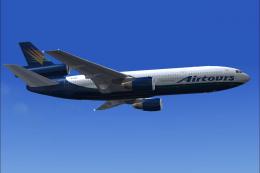 FSX Civil Aircraft
This freeware repaint for Microsoft Flight Simulator X (FSX) adds a Kestrel-t…
 FSX Civil Aircraft
FSX FedEx Douglas DC-10-10F. Textures only for the payware Commercial Level S…
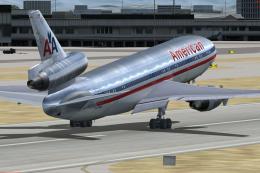 FSX Civil Aircraft
This freeware add-on provides a high-fidelity repaint of an American Airlines…
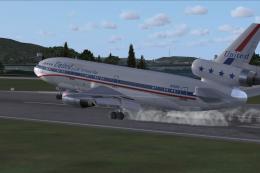 FSX Civil Aircraft
This freeware repaint faithfully captures a United Airlines tri-jet from the …
 FSX Civil Aircraft
Introducing the Delta Airlines Douglas DC-10-10 CLS Repaint Pack by developer…
 FSX Civil Aircraft
Base pack. FSX native DC10 model, needs FSX Service Pack 1 or 2. Version 2, t…
 FSX Civil Aircraft
FSX Douglas DC-10 Livery Package. The official livery package for the Commerc…
Be the first to leave a comment on this download.
Be the first to share your thoughts on this download.