

 FSX Civil Aircraft
Kestrel Douglas DC-10-30 G-TAOS
This freeware repaint for Microsoft Flight Simulator X (FSX) adds a Kestrel-t…
Kestrel’s Douglas DC-10-30 in registration G-BYDA brings a clean, period-correct exterior livery to the CLS tri-jet, with detailed textures that complement the model’s virtual cockpit and long-haul character in Microsoft Flight Simulator X. The repaint requires the payware CLS DC-10-30 package.
 Rate
Rate
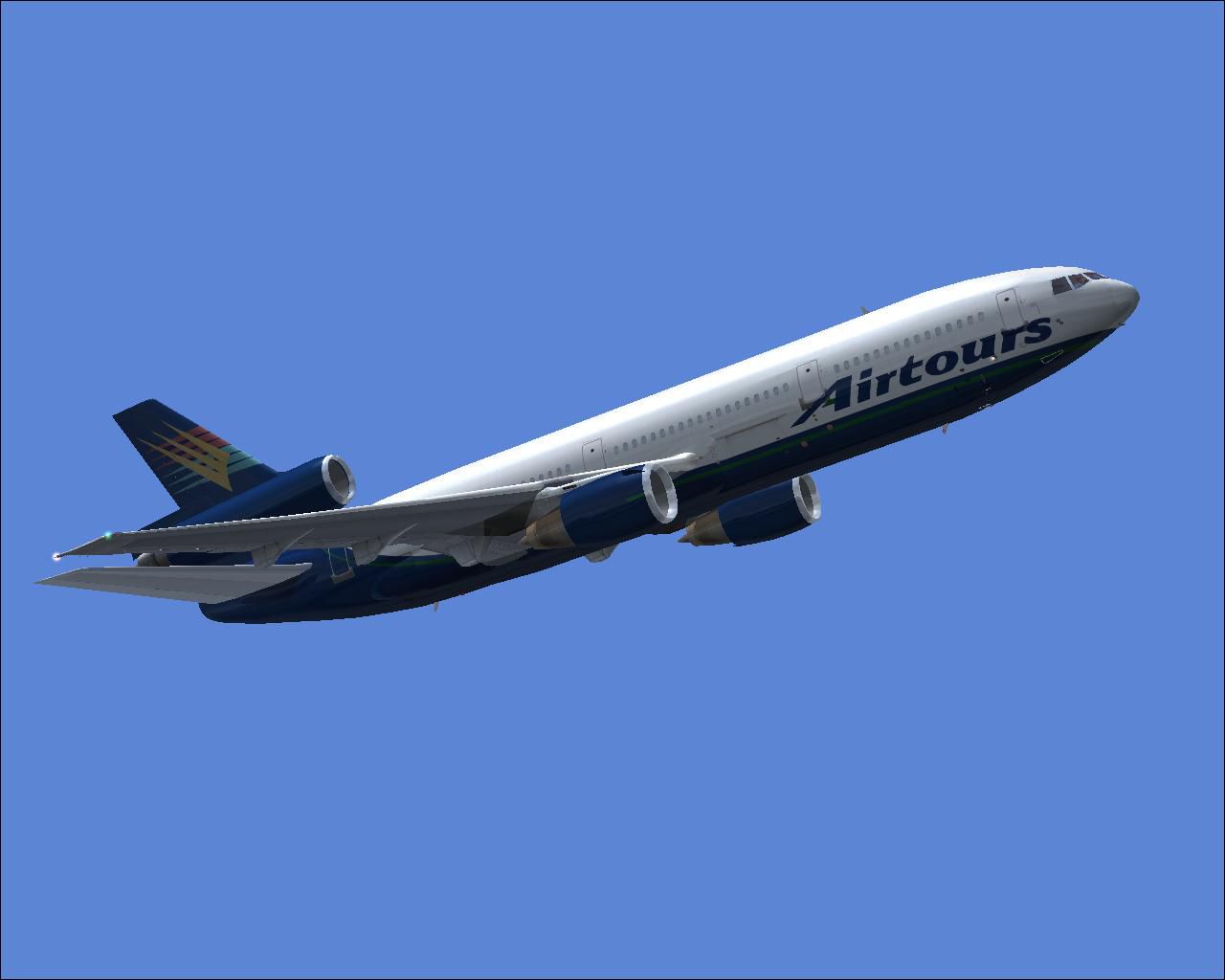

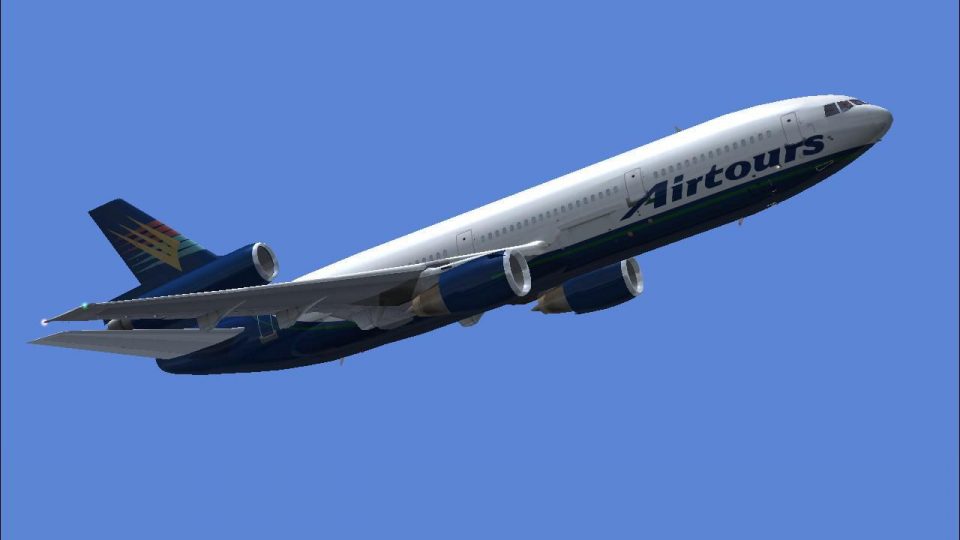
This freeware repaint showcases a distinctive livery for the Douglas DC-10-30, crafted for use in Microsoft Flight Simulator X by Commercial Level Simulations (CLS). It has been carefully prepared by Bonnie Windsor and features the registration G-BYDA. While it provides a faithful representation of Kestrel’s aviation branding, please note that this modification only includes custom textures and requires the payware CLS DC-10-30 package, which must be obtained separately.
The DC-10-30 is a wide-body, three-engined commercial aircraft by McDonnell Douglas. It entered service in the early 1970s and quickly became a cornerstone in long-haul flight operations for various carriers. G-BYDA, represented here, reflects a livery aligned with Kestrel’s visuals, but in reality this particular registration also carried Airtours International Airways LTD markings. The design of this tri-jet emphasizes generous passenger capacity, extended range capabilities, and a distinctive tail-mounted engine. The texture work by Bonnie Windsor captures these external characteristics while seamlessly integrating into the CLS model’s existing interior configurations.

Visual depiction of the Kestrel Douglas DC-10-30 mid-flight.
SimObjects/Airplanes/CLS_DC10_30.CLS_DC10_30 existing repaint. Copy all BMP files found there into Texture.AIH G-BYDA KESTREL, but be sure not to replace any textures that are already included with this repaint.XX index to match the next available [fltsim] entry.[fltsim.XX] title = Commercial Level Simulations - DC-10-30-50C Airtours International Airways LTD G-BYDA sim = CLS-DC10-30-GE-CF6-50C model = 50C2 panel = sound = texture = AIH G-BYDA KESTREL atc_airline = KESTREL atc_flight_number = 50C2 atc_heavy = 1 atc_id = G-BYDA atc_parking_types = GATE, RAMP atc_parking_code = AIH ui_typerole = "Commercial Airliner" ui_createdby = "Commercial Level Simulations" ui_manufacturer = "McDonnell Douglas" ui_type = DC-10-30 ui_variation = Airtours International Airways LTD G-BYDA description = Commerical Level Simulations Boeing / McDonnell Douglas DC-10-30 Version - Version-2005.1.1 FS2004 Only Engine Type: GE CF6-50C2 For proper operation: See DC-10 manual and performance documentation. visual_damage = 1
This texture set is exclusively for the CLS DC-10-30 payware release. It does not contain the base files needed to operate the aircraft. Ensure that you have the commercial product installed beforehand. The files provided here merely replace the exterior livery to replicate the Kestrel appearance on the DC-10-30.
All credits for the repaint go to Bonnie Windsor. If you are interested in flying this wide-body tri-jet with historical realism, consider using these textures in conjunction with the official CLS product, which accurately simulates the DC-10’s operational characteristics.
Free for all simmers · 2.87 MB · Scanned clean Oct 2026
Download speed: Free tier is capped at 0.5 Mbps. PRO members download at full line speed.
texture.{airline}) inside FSX\SimObjects\Airplanes\{base-aircraft}\.aircraft.cfg in Notepad. Add a new [fltsim.X] section per the readme.readme.txt or README file. It tells you exactly where files go, what dependencies are needed, and any quirks specific to this add-on.The archive aihgbydx.zip has 15 files and directories contained within it.
This list displays the first 500 files in the package. If the package has more, you will need to download it to view them.
| Filename/Directory | File Date | File Size |
|---|---|---|
| AIH G-BYDA KESTREL.gif | 04.09.07 | 4.31 kB |
| AIH G-BYDA KESTREL.JPG | 04.09.07 | 55.52 kB |
| AIH G-BYDA KESTREL.txt | 05.30.07 | 330 B |
| dc10_cf650_t.bmp | 04.09.07 | 4.00 MB |
| fspap_dc10fuseL_l.bmp | 04.09.07 | 1.00 MB |
| fspap_dc10fuseL_t.bmp | 04.09.07 | 4.00 MB |
| fspap_dc10fuseR_l.bmp | 04.09.07 | 1.00 MB |
| fspap_dc10fuseR_t.bmp | 04.09.07 | 4.00 MB |
| fspap_dc10misc_t.bmp | 04.09.07 | 1.00 MB |
| fspap_dc10tail_cf6_t.bmp | 04.09.07 | 4.00 MB |
| readme.txt | 05.30.07 | 1.42 kB |
| thumbnail.jpg | 05.27.07 | 17.88 kB |
| TEXTURE.AIH G-BYDA KESTREL | 05.30.07 | 0 B |
| flyawaysimulation.txt | 10.29.13 | 959 B |
| Go to Fly Away Simulation.url | 01.22.16 | 52 B |
Only PRO members can place votes.
More FSX & P3D add-ons hand-picked based on this download.
FSX Civil Aircraft
This freeware repaint for Microsoft Flight Simulator X (FSX) adds a Kestrel-t…
 FSX Civil Aircraft
This freeware repaint incorporates a distinctive Kestrel Douglas DC-10-10 G-D…
 FSX Civil Aircraft
FSX FedEx Douglas DC-10-10F. Textures only for the payware Commercial Level S…
 FSX Civil Aircraft
FSX Swissair Douglas DC-10-30/ER Triple Pack. Includes HB-IHB (1973), HB-IHF …
 FSX Civil Aircraft
FSX Singapore Airlines Douglas DC-10-30, registration 9V-SDB. Model by SGA. R…
 FSX Civil Aircraft
FSX Express One Douglas DC-10-30, registration F-OKBB. Model by SGA. Repaint …
 FSX Civil Aircraft
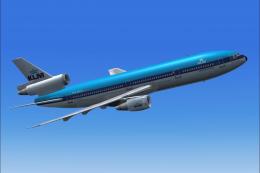
This repaint captures KLM’s iconic Douglas DC-10-30 in its earlier livery, de…
 FSX Civil Aircraft
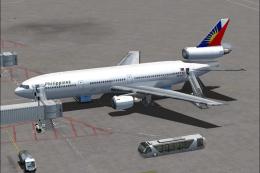
Textures for the Tom Ruth DC10-30 series. Philippine Airlines operated DC-10s…
Be the first to leave a comment on this download.
Be the first to share your thoughts on this download.