

 FSX Propliners
Vickers Viking V1.0
A fully realized freeware package of the classic Vickers Viking, developed by…
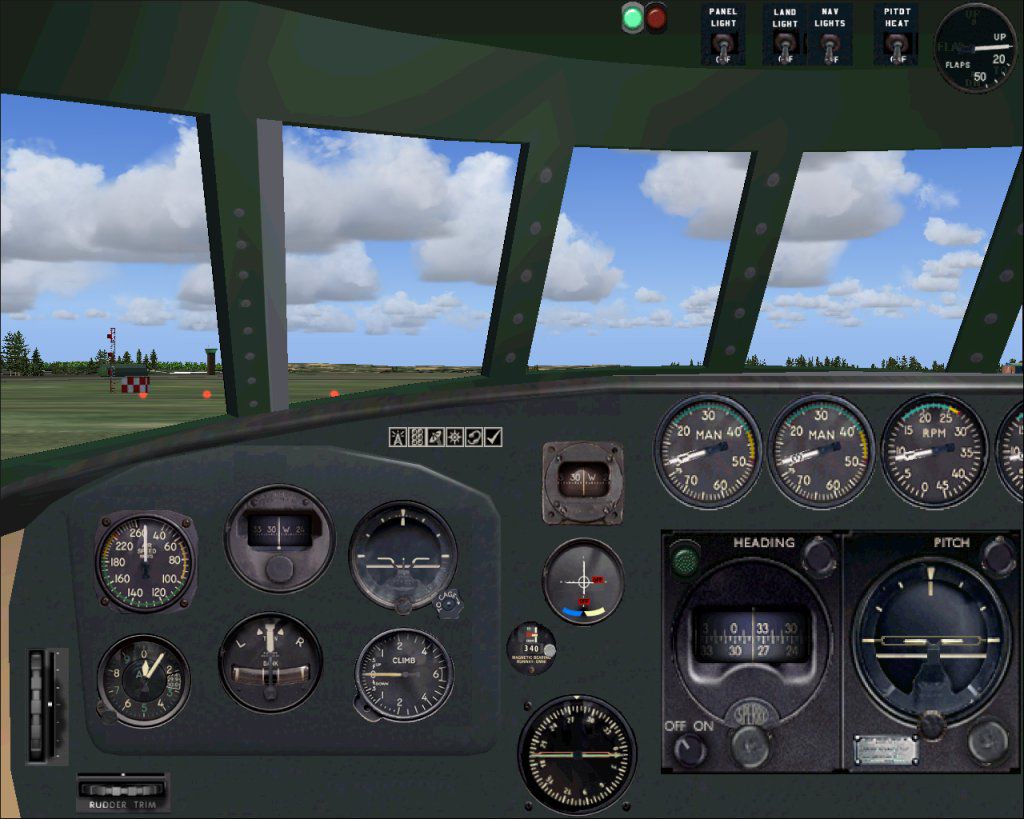
Boeing 307 Stratoliner brings the first pressurized airliner to life with authentic proportions, a detailed virtual cockpit, and five included variants in Pan Am, TWA, Airnautic, and Aigle Azur liveries. Version 1.1 is tuned for stable operation and correct behavior across all Microsoft Flight Simulator X editions.
 Rate
Rate
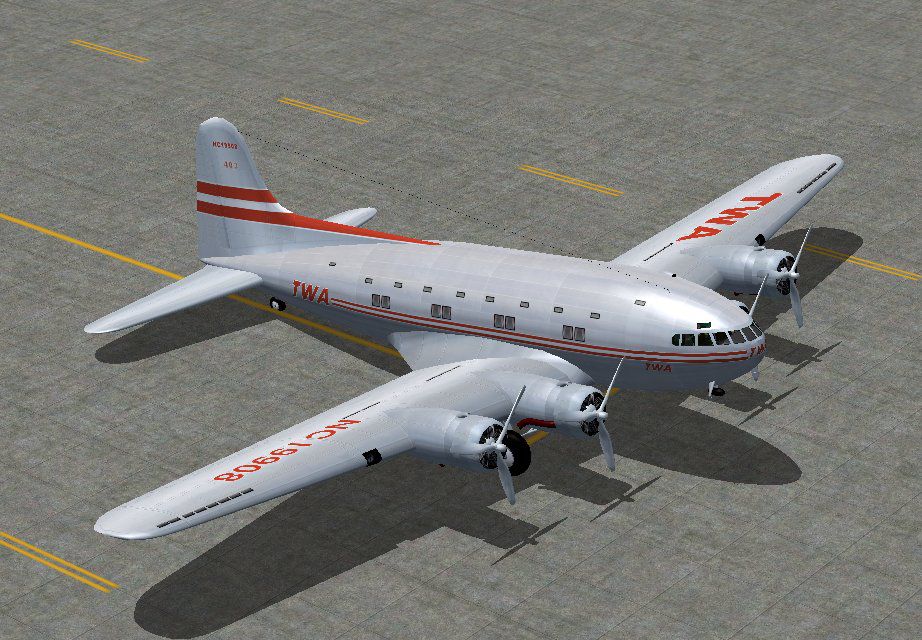
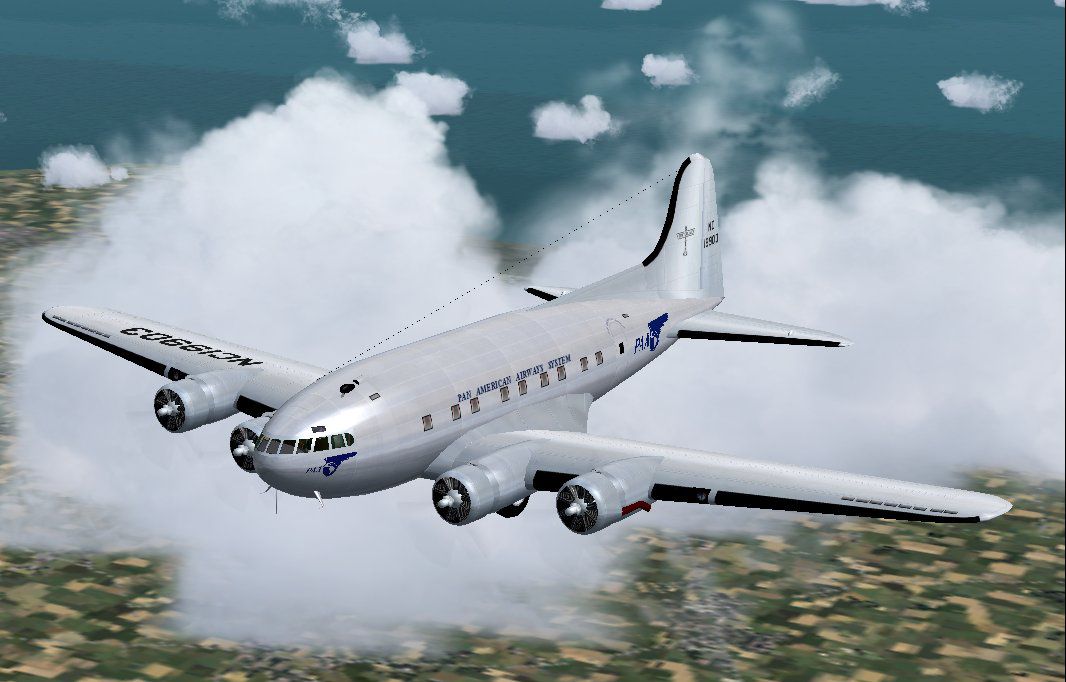
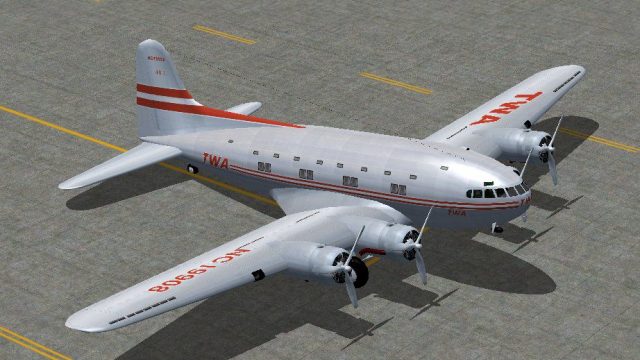
The Boeing 307 was the first pressurized airliner. Because of the war, only ten were built, initially for Pan American and TWA (and a special version for Howard Hughes). Five versions are included here, in Pan Am and TWA colors as well as Airnautic and Aigle Azur. This version 1.1 is for FSX only, and has been modified to work correctly with all versions of FSX. FS2004 users should download B307_V10.ZIP instead. By Jens B. Kristensen.
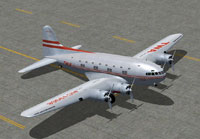
Screenshot of Boeing 307 Stratoliner on the ground.
Free for all simmers · 8.58 MB · Scanned clean Oct 2026
Download speed: Free tier is capped at 0.5 Mbps (this file takes approximately 2 mins at the cap). PRO members download at full line speed.
This add-on may require the following files to function properly. If this is a repaint, the dependency below is likely the base aircraft package.
FSX\SimObjects\Airplanes\. The folder must contain an aircraft.cfg file. Effects go into FSX\Effects\; gauges go into FSX\Gauges\.readme.txt or README file. It tells you exactly where files go, what dependencies are needed, and any quirks specific to this add-on.The archive b307_v11.zip has 11 files and directories contained within it.
This list displays the first 500 files in the package. If the package has more, you will need to download it to view them.
| Filename/Directory | File Date | File Size |
|---|---|---|
| thumbnail.gif | 01.02.07 | 10.38 kB |
| FileID.diz | 11.23.08 | 479 B |
| FileID.txt | 11.23.08 | 479 B |
| Image1.jpg | 01.02.07 | 95.35 kB |
| Image2.jpg | 01.02.07 | 128.85 kB |
| Image3.jpg | 01.02.07 | 148.72 kB |
| Licence.rtf | 11.22.08 | 7.14 kB |
| Readme.txt | 11.23.08 | 2.09 kB |
| setup.exe | 11.23.08 | 8.43 MB |
| flyawaysimulation.txt | 10.29.13 | 959 B |
| Go to Fly Away Simulation.url | 01.22.16 | 52 B |
Only PRO members can place votes.
More FSX & P3D add-ons hand-picked based on this download.
FSX Propliners
A fully realized freeware package of the classic Vickers Viking, developed by…
 FSX Propliners
This freeware release brings the Sud-Est SE161 Languedoc—a notable French air…
 FSX Propliners
Pan Am Boeing B377 in Pan American 1960's livery. Model by California Classic…
 FSX Propliners
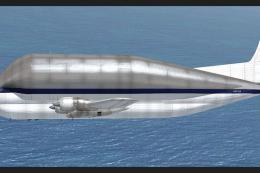
A repaint of the payware a2a Simulations Boeing WoS B377 Pregnant Guppy. Text…
 FSX Propliners
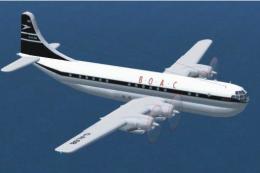
This is an update for FSX Acceleration of the Boeing 377 by Mike Stone. The a…
 FSX Propliners
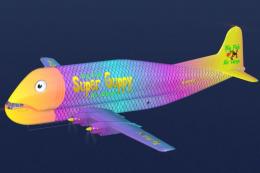
This freeware repaint enriches the A2A Boeing B-377 Guppy in Microsoft Flight…
 FSX Propliners
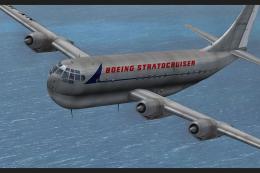
This repaint showcases a meticulously crafted livery designed by Sean Doran f…
 FSX Propliners
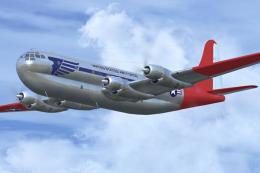
Repaint of a restored Boeing C-97 "Angel of Deliverance" used in the 1948 Ber…
Be the first to leave a comment on this download.
Be the first to share your thoughts on this download.