

 FSX Propliners
Pan Am Convair CV-240 C.1960
Pan Am Convair CV-240 in Pan American 1960's livery. CV240 model by Dave McQu…
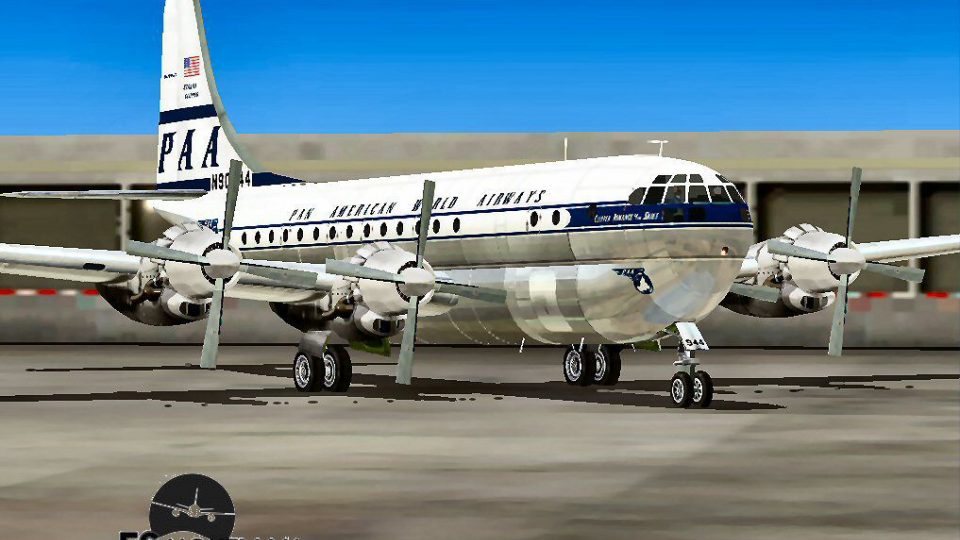
Pan Am Boeing B377 in a classic Pan American early-1960s scheme brings authentic propliner nostalgia to FSX, pairing the California Classics airframe with a clean, period-accurate repaint by David Grindele. The livery complements vintage route flying with faithful markings and a polished exterior finish suited to screenshots and historical schedules.
 Rate
Rate
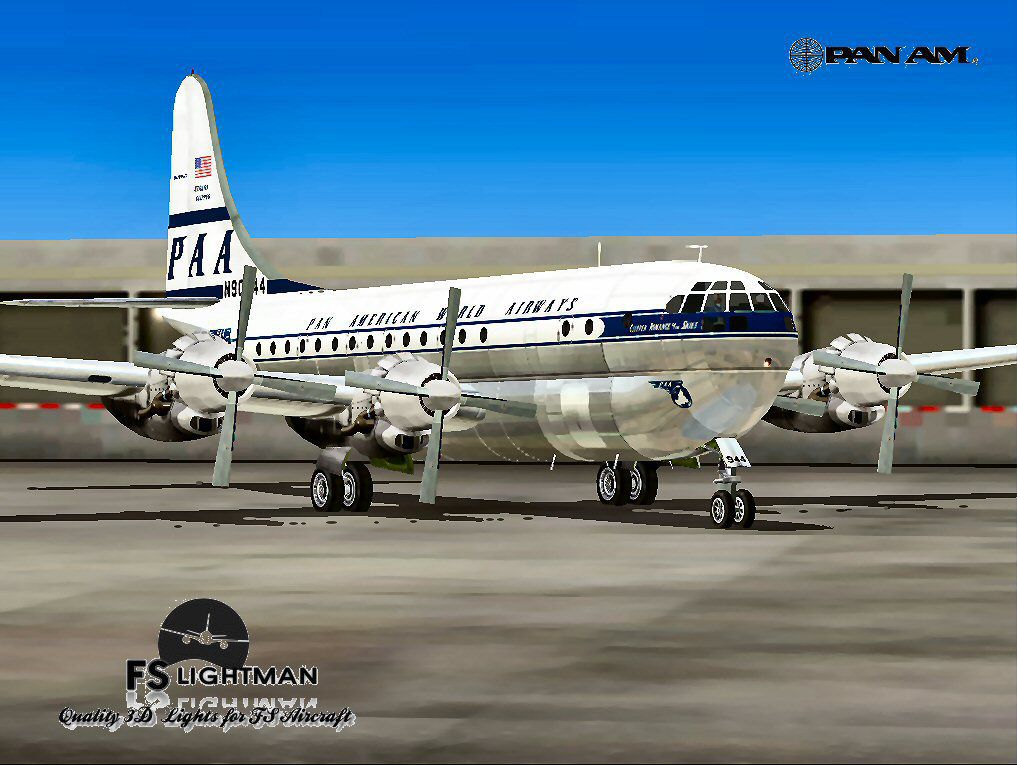
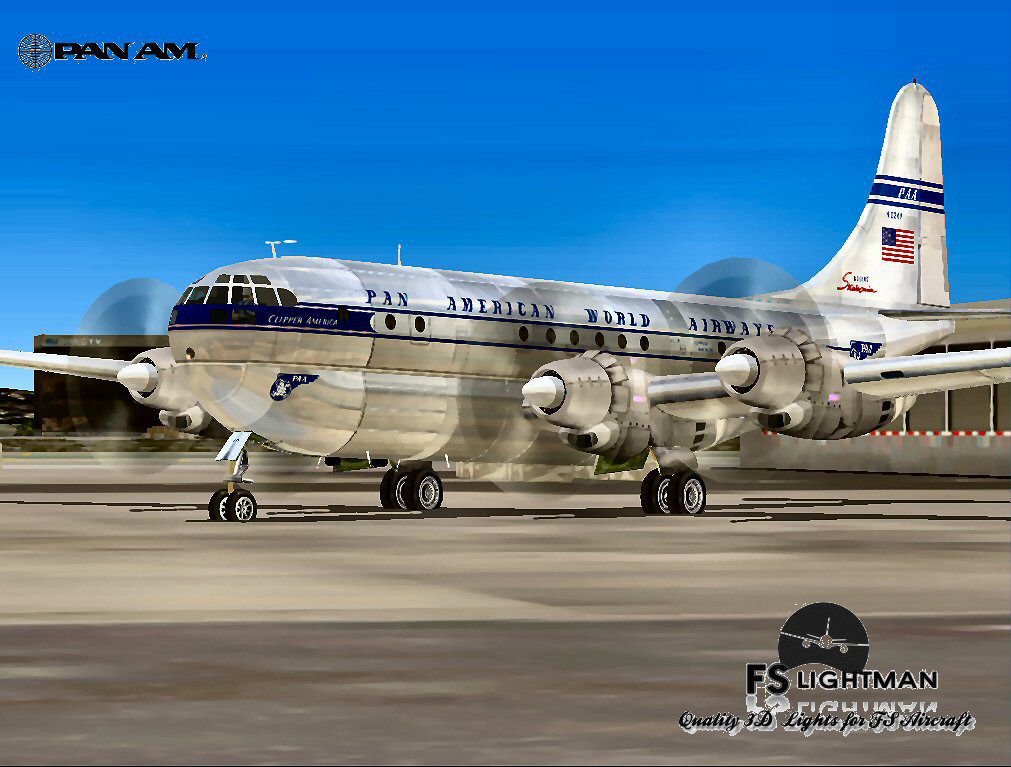
Pan Am Boeing B377 in Pan American 1960's livery. Model by California Classics. Repaint by David Grindele.
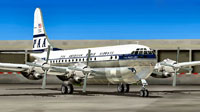
Screenshot of Pan Am Boeing B377 on the ground.
Free for all simmers · 64.92 MB · Scanned clean Oct 2026
Download speed: Free tier is capped at 0.5 Mbps (this file takes approximately 18 mins at the cap). PRO members download at full line speed.
FSX\SimObjects\Airplanes\. The folder must contain an aircraft.cfg file. Effects go into FSX\Effects\; gauges go into FSX\Gauges\.readme.txt or README file. It tells you exactly where files go, what dependencies are needed, and any quirks specific to this add-on.The archive pab377x.zip has 14 files and directories contained within it.
This list displays the first 500 files in the package. If the package has more, you will need to download it to view them.
| Filename/Directory | File Date | File Size |
|---|---|---|
| A2A 3D Lights & Redux Installation.txt | 10.10.10 | 728 B |
| File ID_Diz.txt | 09.09.11 | 1.08 kB |
| FS LIGHTMAN.doc | 08.31.11 | 31.00 kB |
| Legal Notice.doc | 08.31.11 | 30.50 kB |
| Pan Am B377.bmp | 06.12.10 | 2.23 MB |
| Pan Am Bare Metal.jpg | 06.12.10 | 127.03 kB |
| Pan Am Boing B377.exe | 09.09.11 | 63.53 MB |
| Pan Am Long Range.jpg | 06.12.10 | 130.43 kB |
| Read Very Important.txt | 11.12.10 | 987 B |
| Readme.txt | 09.08.11 | 745 B |
| Video Card & Monitor.txt | 11.16.10 | 284 B |
| pab377x | 09.09.11 | 0 B |
| flyawaysimulation.txt | 10.29.13 | 959 B |
| Go to Fly Away Simulation.url | 01.22.16 | 52 B |
Only PRO members can place votes.
More FSX & P3D add-ons hand-picked based on this download.
FSX Propliners
Pan Am Convair CV-240 in Pan American 1960's livery. CV240 model by Dave McQu…
 FSX Propliners
This freeware repaint captures the timeless Pan American Boeing 377 Stratocru…
 FSX Propliners
Dive into this meticulously crafted Pan Am “Clipper Invincible” repaint for t…
 FSX Propliners
Pan Am Douglas DC-7 in Pan American 1990's livery. DC7 model by Classic Airli…
 FSX Propliners
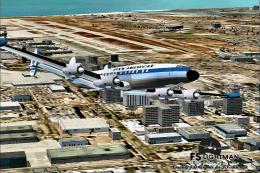
Pan Am Lockheed Super Constellation in Pan American 1980's livery. Model by M…
 FSX Propliners
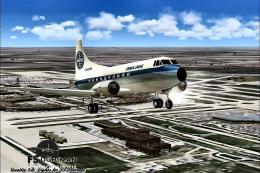
Pan Am Martin M404 CB-16 in Pan American 1980's livery. Model by Dee Waldron.…
 FSX Propliners
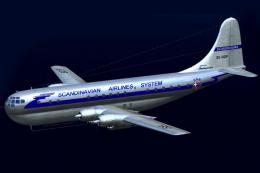
This is a repaint of the a2a Boeing 377 with COTS update. Scandinavian Airlin…
 FSX Propliners
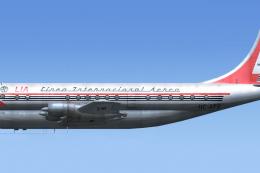
Linea Internacional Aerea de Ecuador operated one Boeing Model 377-10 Stratoc…
Read what other simmers think, or add your own.

The captain's side of the panel is all black, no gauges and nothing else like buttons a.s.o. On the co-pilot side, there are a few gauges. Is there a fix available?

The engines RPM gauges tooltips read: high pressure compressor rpm (N2 percent) This is wrong The CHT gauges tooltips read: interstate turbine temperature. This is wrong and they do not work. The tooltip read -273 degrees centigrate. The Manifold Pressure gauges have no tooltip.
I had to interchange the HP and Temp gauges of engine number 4. What I can not do is to get the Temp gauges to work. They stay at -273 degrees.
