

 FSX General Aviation Aircraft
Realair Citabria Swiss Texture
Real texture for the payware Realair Citabria. By Bertrand Barbe. Screenshot …
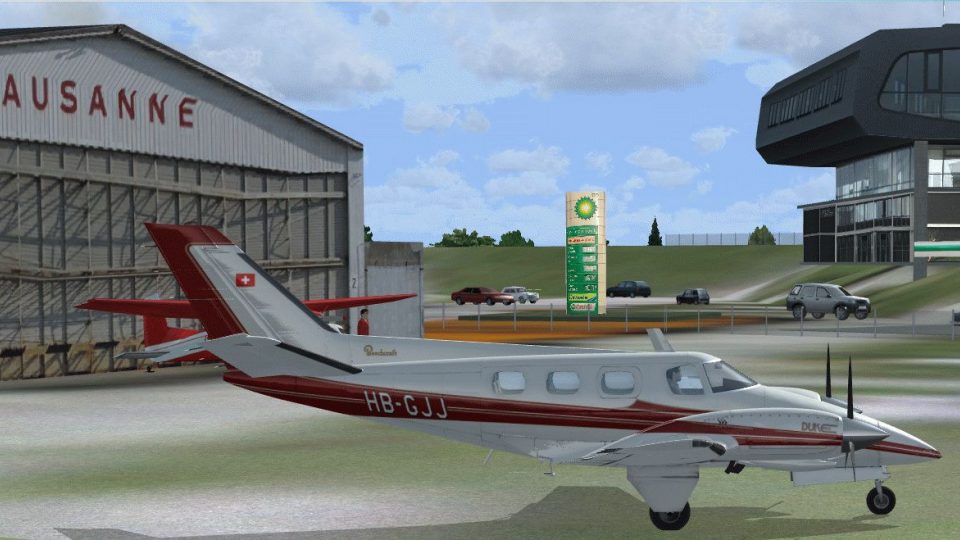
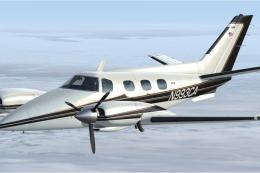
Beechcraft B60 Duke pilots can fly a crisp, authentic Swiss-registered scheme with this HB-GJJ texture set, bringing refined exterior markings that suit the aircraft’s classic twin look. Designed for FSX, it requires the RealAir Duke B60 package and includes matching registration and configuration-ready details for seamless selection in the hangar.
 Rate
Rate
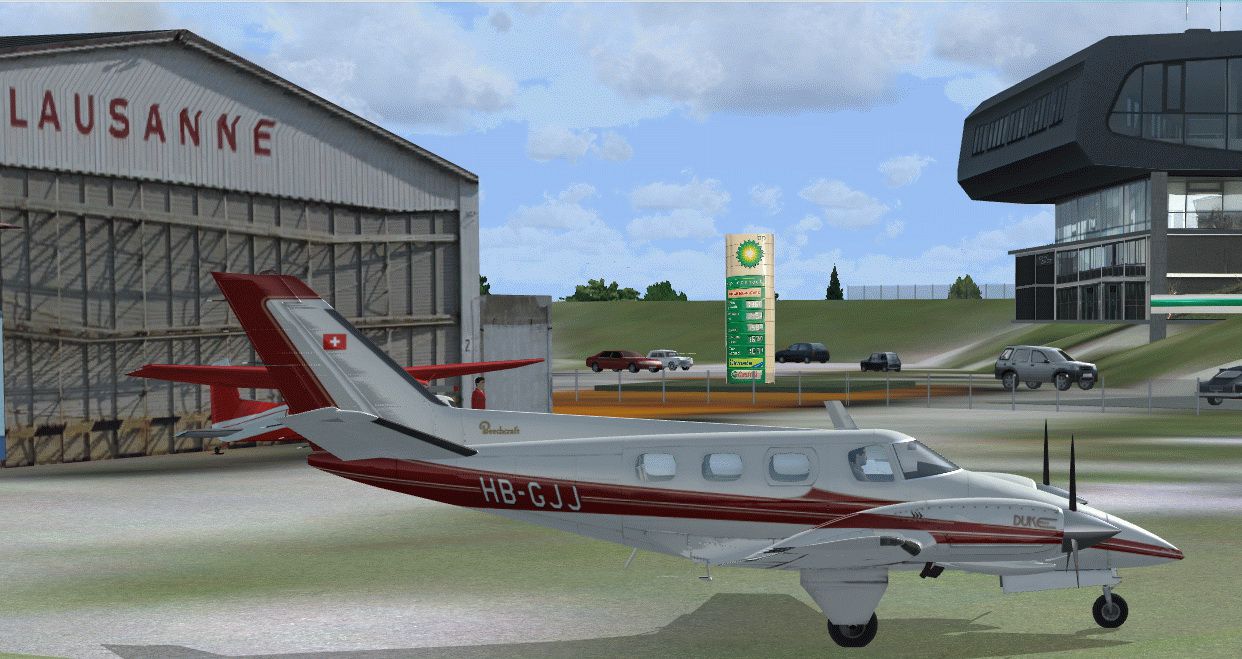
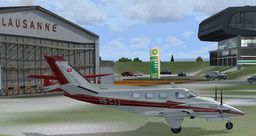
Textures for the Beechcraft B60 Duke from Realair in a real Swiss livery. By Bertrand Barbe.
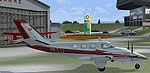
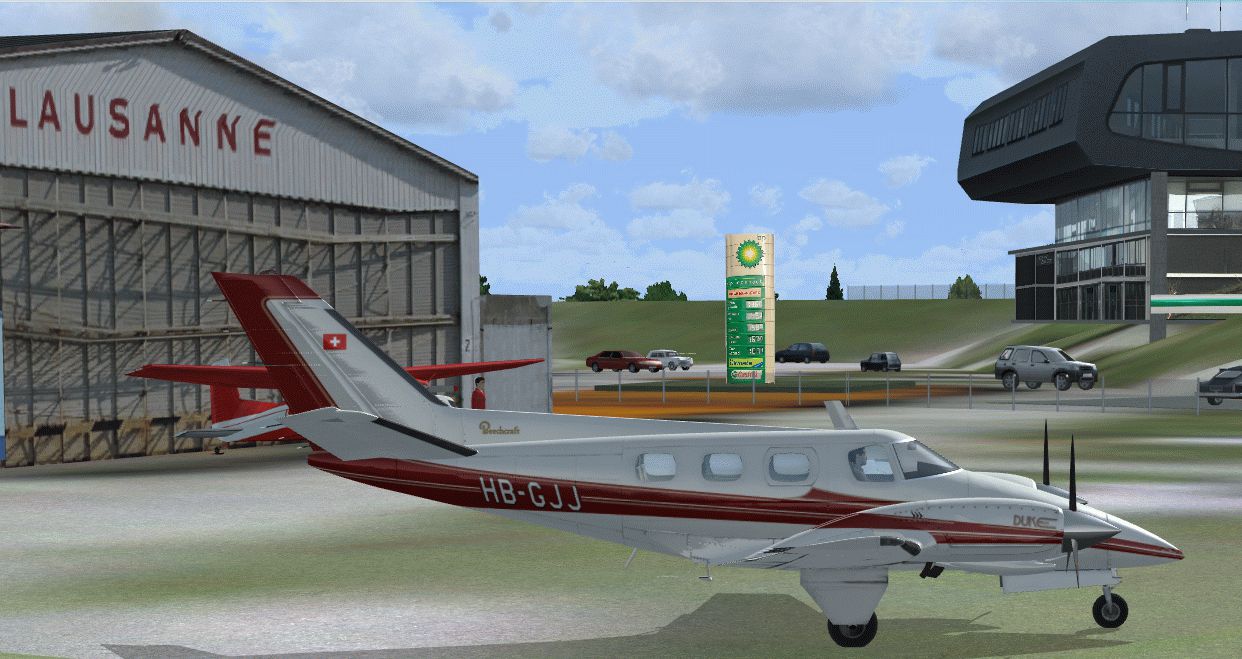
Screenshot of Realair B-60 Duke Swiss Texture on the ground.
[fltsim.XX]

title=RealAir Beech Duke HB-GJJ

sim=RealAir_Duke

model=

panel=

sound=

texture=HB-GJJ

kb_checklists=RASDuke_check

kb_reference=RASDuke_ref

atc_id=HB-GJJ

ui_typerole="Twin Engine Prop"

ui_createdby="RealAir"

ui_manufacturer=Beechcraft

ui_type=Duke B60

ui_variation=HB-GJJ

description= "RealAir Simulations Beechcraft Duke B60 - Please refer to the include documents and Guides in this package"
Free for all simmers · 3.17 MB · Scanned clean Sep 2026
Download speed: Free tier is capped at 0.5 Mbps. PRO members download at full line speed.
texture.{airline}) inside FSX\SimObjects\Airplanes\{base-aircraft}\.aircraft.cfg in Notepad. Add a new [fltsim.X] section per the readme.readme.txt or README file. It tells you exactly where files go, what dependencies are needed, and any quirks specific to this add-on.The archive realair_b60_swiss.zip has 14 files and directories contained within it.
This list displays the first 500 files in the package. If the package has more, you will need to download it to view them.
| Filename/Directory | File Date | File Size |
|---|---|---|
| RASDuke_Ext_T1.dds | 04.14.13 | 5.33 MB |
| RASDuke_Ext_T2.dds | 04.14.13 | 5.33 MB |
| RASDuke_Ext_T3.dds | 04.14.13 | 5.33 MB |
| RASDuke_Ext_T4.dds | 04.14.13 | 1.33 MB |
| RASDuke_VC_11.dds | 04.14.13 | 5.33 MB |
| readme.txt | 04.16.13 | 867 B |
| screenshot.gif | 04.16.13 | 10.73 kB |
| texture.cfg | 04.18.09 | 104 B |
| thumbnail.jpg | 04.16.13 | 16.35 kB |
| Thumbs.db | 04.14.13 | 14.50 kB |
| 2013-4-16_17-44-55-985.gif | 04.16.13 | 357.85 kB |
| thumbnail.jpg | 04.16.13 | 338.62 kB |
| flyawaysimulation.txt | 10.29.13 | 959 B |
| Go to Fly Away Simulation.url | 01.22.16 | 52 B |
Only PRO members can place votes.
More FSX & P3D add-ons hand-picked based on this download.
FSX General Aviation Aircraft
Real texture for the payware Realair Citabria. By Bertrand Barbe. Screenshot …
 FSX General Aviation Aircraft
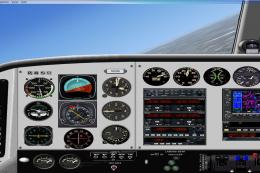
This is an update to the Paul Craig Beechcraft Duke B60. Included are the Sco…
 FSX General Aviation Aircraft
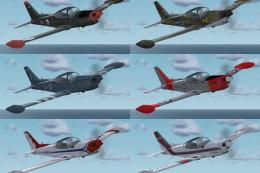
An update of eleven liveries for previous versions of the SF260 revised to wo…
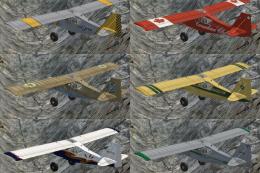 FSX General Aviation Aircraft
An update of thirteen liveries for previous versions of the Decathlon and Sco…
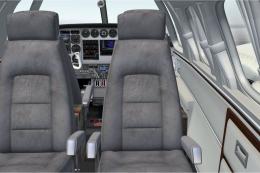 FSX General Aviation Aircraft
This freeware package features a meticulous exterior and interior repaint of …
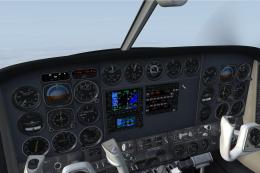 FSX General Aviation Aircraft
A repaint of 1977 aircraft N9743S that was pictured in Beechcraft magazine ad…
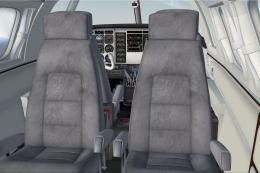 FSX General Aviation Aircraft
This freeware repaint offers a refined blue-and-gold exterior scheme alongsid…
 FSX General Aviation Aircraft
A repaint for the payware RealAir Simulations Beech B60 Duke V2 to represent …
Be the first to leave a comment on this download.
Be the first to share your thoughts on this download.