

 FSX General Aviation Aircraft
Red And White Cessna 172
Red And White Cessna 172. Default Cessna 172SP Skyhawk repaint textures for t…
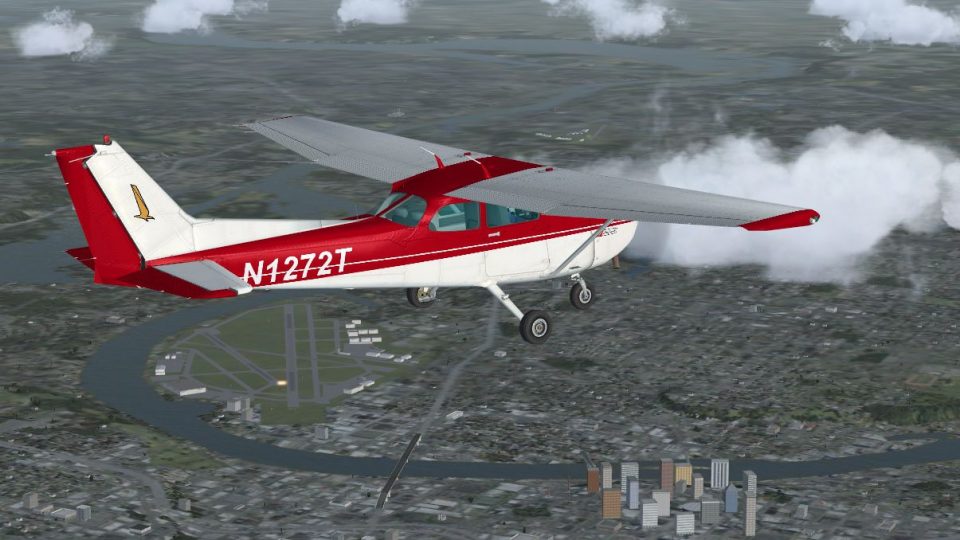
Cessna 172 Skyhawk repaint N1272T brings crisp red-and-white exterior textures to the default aircraft, delivering a clean ramp presence and an easy-to-spot trainer look in Microsoft Flight Simulator X. Requires the stock C172 model and keeps the familiar virtual cockpit, flight dynamics, and menus intact for seamless selection and flying.
 Rate
Rate
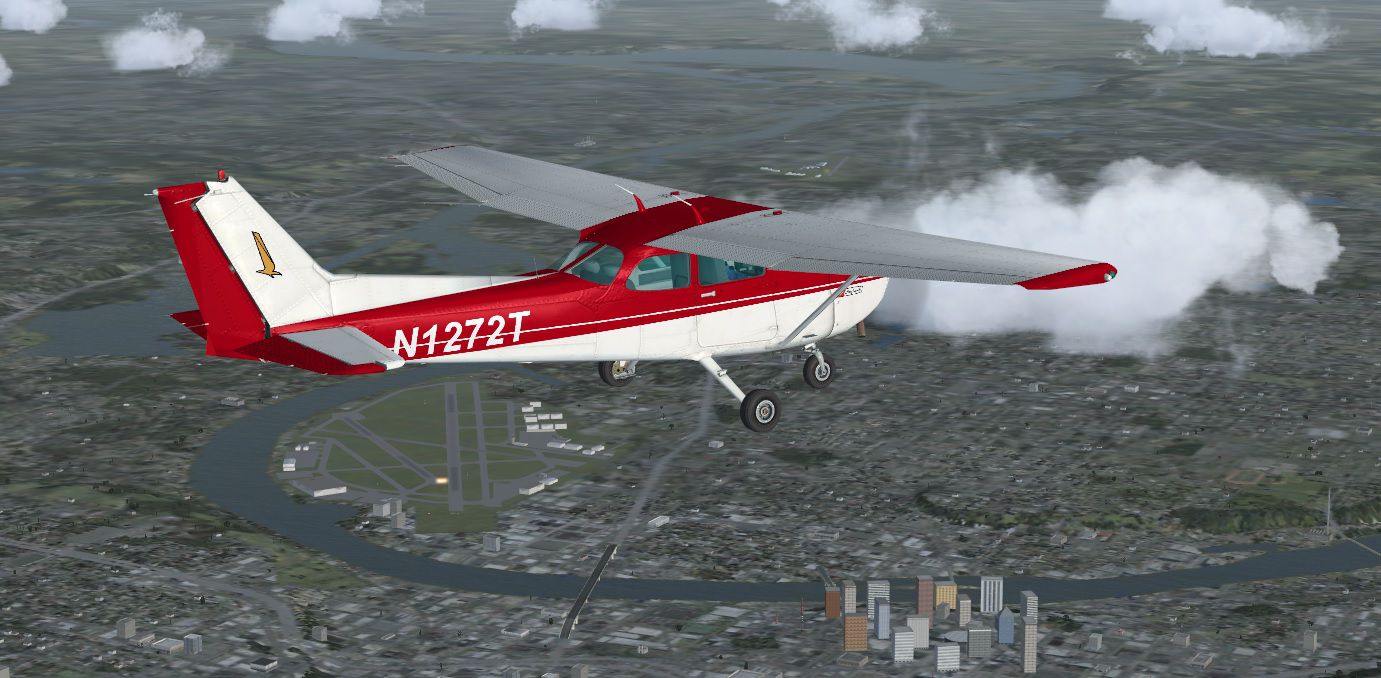
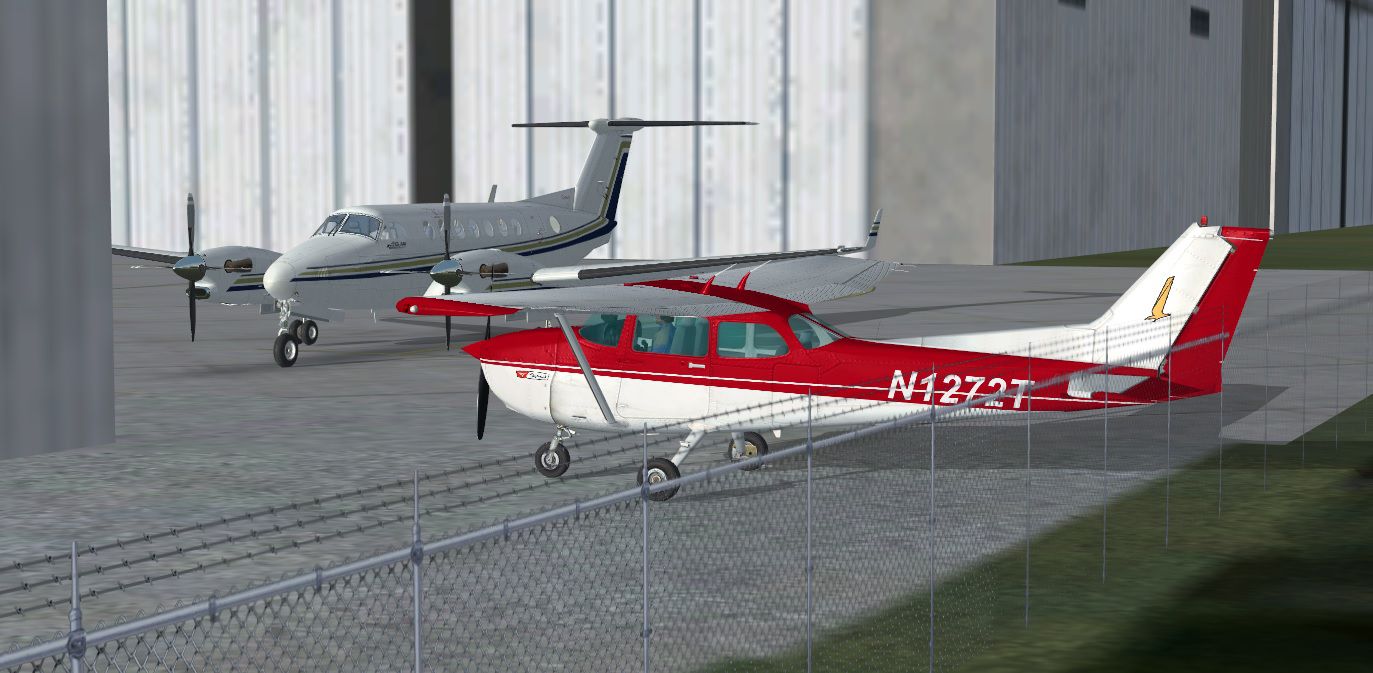
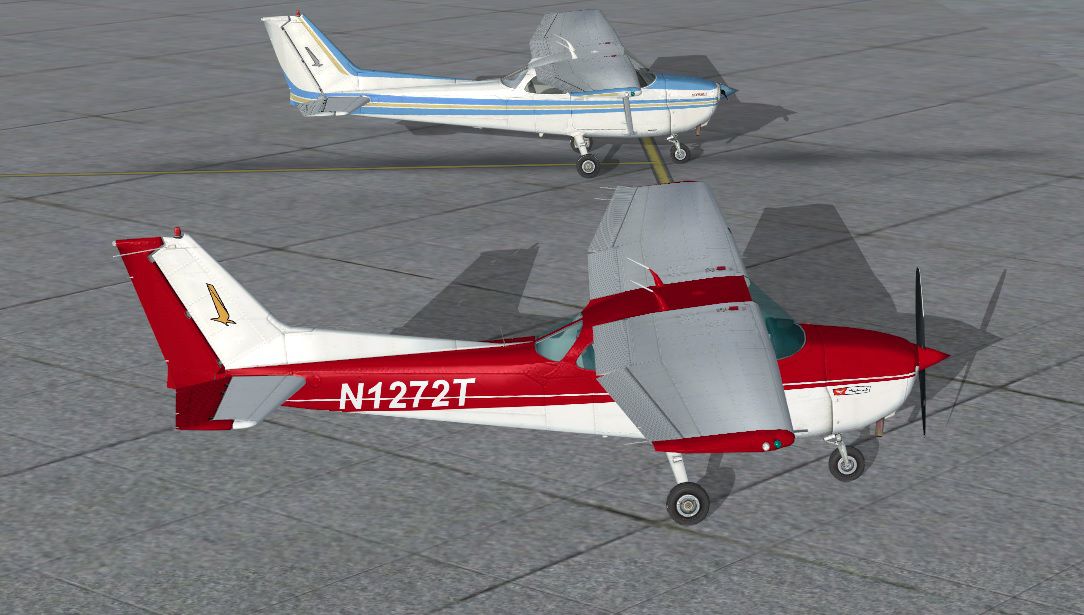
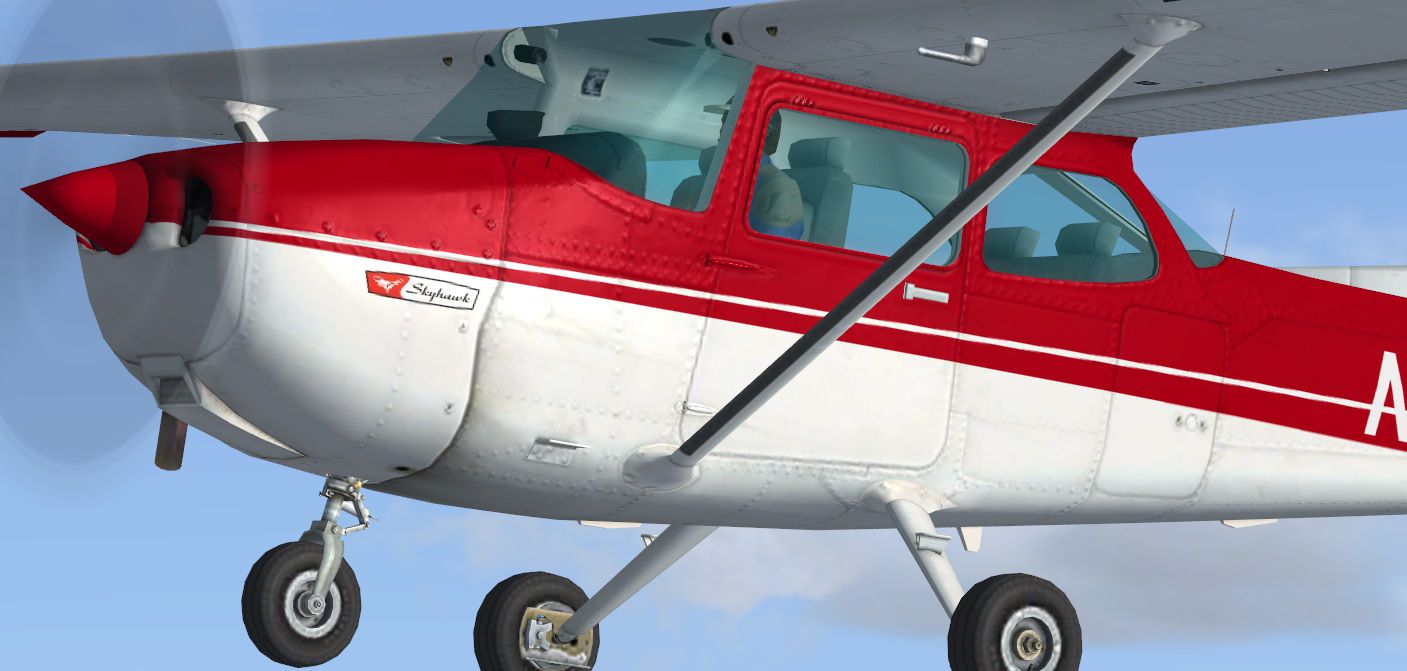
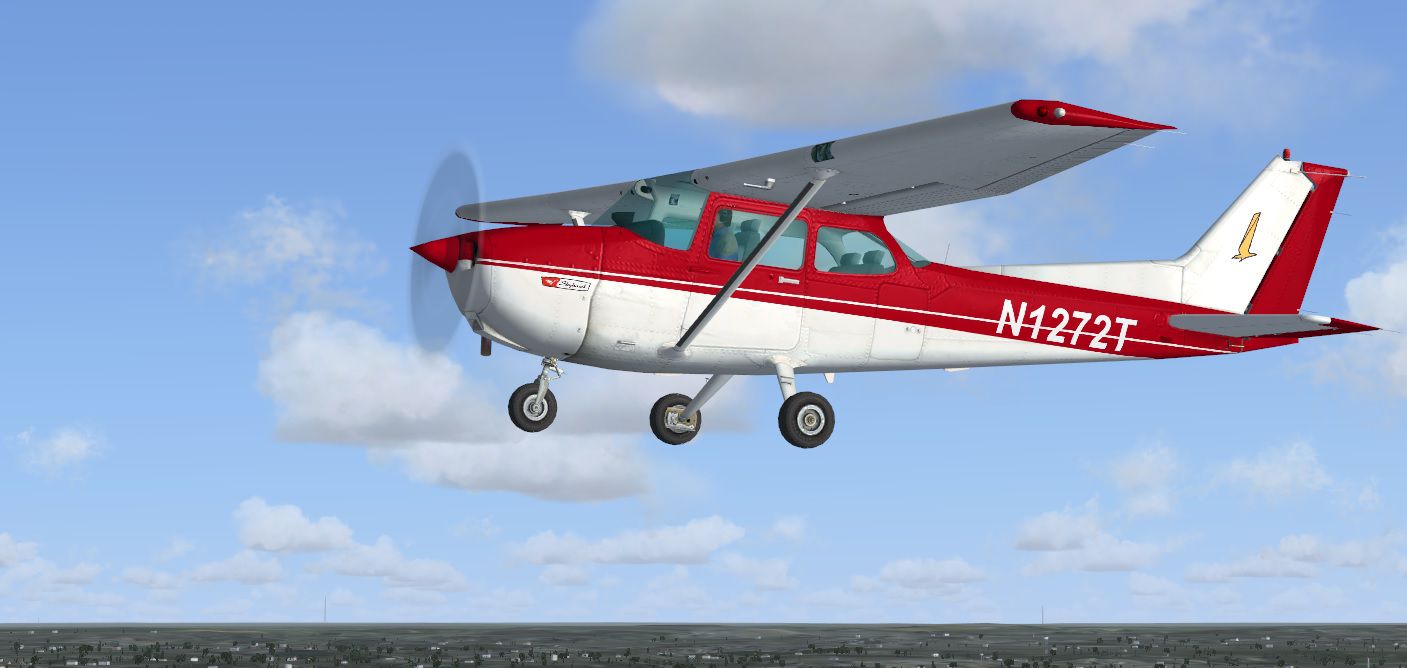
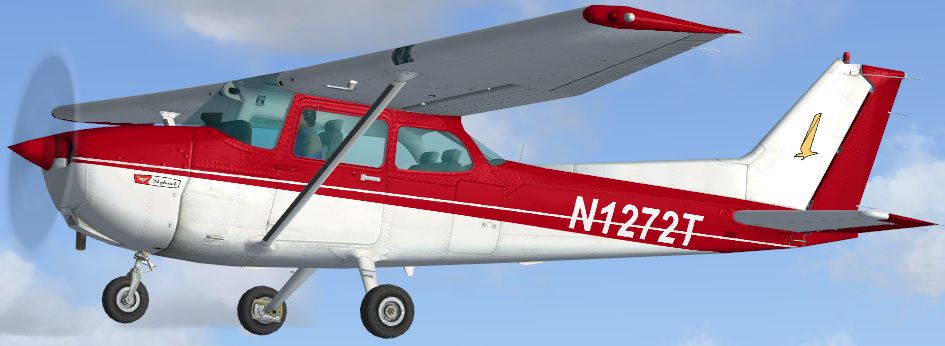
The default C172 with red and white textures as N1272T. Repaint by Tom Tiedman.
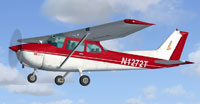
Screenshot of red and white Cessna 172 in flight.
[fltsim.X]

title=Cessna Skyhawk 172SP Red N1272T

sim=Cessna172SP

model=

panel=

sound=

texture=Red N1272T

kb_checklists=Cessna172SP_check

kb_reference=Cessna172SP_ref

atc_id=

ui_manufacturer="Cessna"

ui_type="C172SP Skyhawk"

ui_variation="Red N1272T"

ui_typerole="Single Engine Prop"

ui_createdby="Microsoft Corporation"

description="Repaint by Tom Tiedman 4-21-13."
Free for all simmers · 15.51 MB · Scanned clean Oct 2026
Download speed: Free tier is capped at 0.5 Mbps (this file takes approximately 4 mins at the cap). PRO members download at full line speed.
texture.{airline}) inside FSX\SimObjects\Airplanes\{base-aircraft}\.aircraft.cfg in Notepad. Add a new [fltsim.X] section per the readme.readme.txt or README file. It tells you exactly where files go, what dependencies are needed, and any quirks specific to this add-on.The archive fsx_c172_red_n1272t.zip has 32 files and directories contained within it.
This list displays the first 500 files in the package. If the package has more, you will need to download it to view them.
| Filename/Directory | File Date | File Size |
|---|---|---|
| file_id.diz | 04.21.13 | 274 B |
| READ ME and INSTALLATION.txt | 04.21.13 | 1.17 kB |
| Screenshot 1.jpg | 04.21.13 | 149.80 kB |
| Screenshot 2.jpg | 04.21.13 | 175.04 kB |
| Screenshot 3.jpg | 04.21.13 | 237.20 kB |
| Screenshot 4.jpg | 04.21.13 | 190.63 kB |
| Screenshot 5.jpg | 04.21.13 | 275.28 kB |
| Texture.Red N1272T | 04.21.13 | 0 B |
| C172_1_C.dds | 09.04.06 | 682.79 kB |
| C172_1_night_C.dds | 09.04.06 | 682.79 kB |
| C172_2_C.dds | 09.04.06 | 682.79 kB |
| C172_2_night_C.dds | 09.04.06 | 682.79 kB |
| C172_3_C.dds | 09.04.06 | 682.79 kB |
| C172_3_night_C.dds | 09.04.06 | 682.79 kB |
| C172_4_C.dds | 09.04.06 | 170.79 kB |
| C172_4_night_C.dds | 09.04.06 | 170.79 kB |
| c172_c.bmp | 05.12.06 | 170.74 kB |
| C172_Interior_T.dds | 09.04.06 | 341.45 kB |
| c172_interior_t_night.dds | 09.04.06 | 42.79 kB |
| C172_Pilot.dds | 09.04.06 | 682.79 kB |
| C172_reflection.dds | 09.04.06 | 170.79 kB |
| C172_T.bmp | 04.21.13 | 16.00 MB |
| C172_T.dds | 04.21.13 | 16.00 MB |
| c172_t_bump.dds | 09.04.06 | 1.00 MB |
| c172_t_spec.dds | 09.04.06 | 1.33 MB |
| fresnel_ramp.dds | 09.04.06 | 640 B |
| Prop_C172.dds | 09.04.06 | 85.46 kB |
| texture.cfg | 08.14.06 | 137 B |
| thumbnail.jpg | 04.21.13 | 81.88 kB |
| thumbnail.jpg | 04.21.13 | 81.88 kB |
| flyawaysimulation.txt | 10.29.13 | 959 B |
| Go to Fly Away Simulation.url | 01.22.16 | 52 B |
Only PRO members can place votes.
More FSX & P3D add-ons hand-picked based on this download.
FSX General Aviation Aircraft
Red And White Cessna 172. Default Cessna 172SP Skyhawk repaint textures for t…
 FSX General Aviation Aircraft
Red And White Cessna 182. A repaint of the default C182. By Ahmetandtolga Oza…
 FSX General Aviation Aircraft
This repaint set features a distinctive red-on-white finish for the Cessna 15…
 FSX General Aviation Aircraft
Blue And White Cessna 172. Default Cessna 172SP Skyhawk repaint textures for …
 FSX General Aviation Aircraft
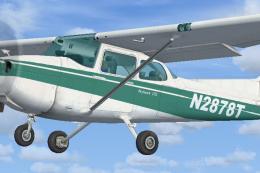
Green And White Cessna 172 Fix, for use with Cessna_172_N2878T.ZIP">FSX_DEFAU…
 FSX General Aviation Aircraft
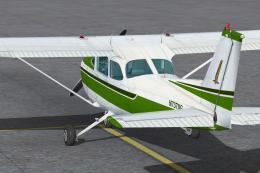
Textures only for the default C172. Easy installation. Screen shots enclosed.…
 FSX General Aviation Aircraft
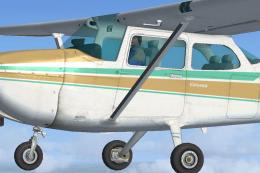
Default Cessna 172SP Skyhawk repaint textures for the fictional N8643L, a tan…
 FSX General Aviation Aircraft
This alluring freeware release, crafted specifically for Microsoft Flight Sim…
Be the first to leave a comment on this download.
Be the first to share your thoughts on this download.