

 FSX General Aviation Aircraft
PZL-104 Wilga Part 2 Skins Pack
Blue Line Mega Pack for Wilga X - Part 2. Three real repaints for payware mod…
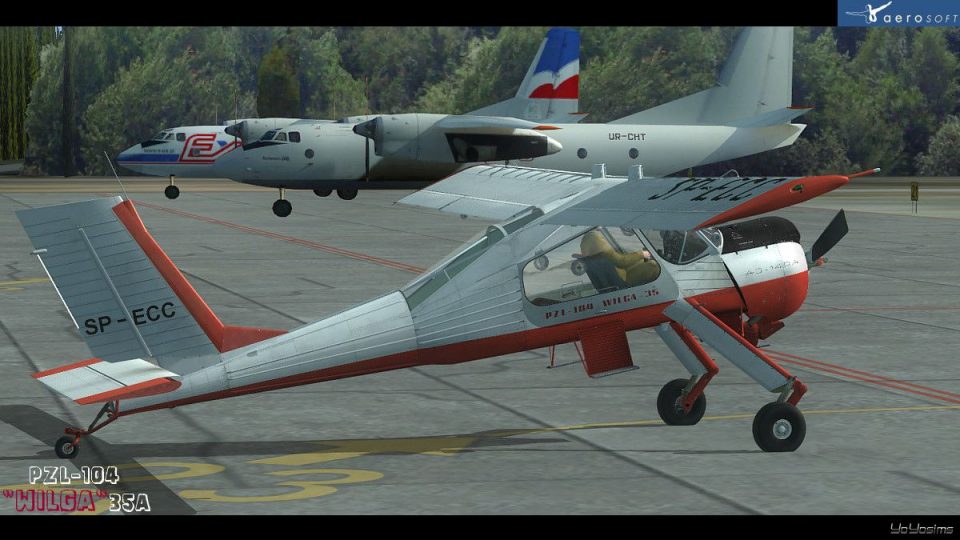
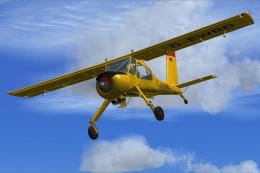
PZL-104 Wilga X pilots can expand their hangar with three authentic Polish aeroclub liveries: SP-ECC (Aeroklub Podhalański), SP-ECN (Aeroklub Białostocki), and SP-AGH (Aeroklub Lubelski), each tuned to the payware model’s texture set. Built for FSX, it requires the Aerosoft Wilga X.
 Rate
Rate
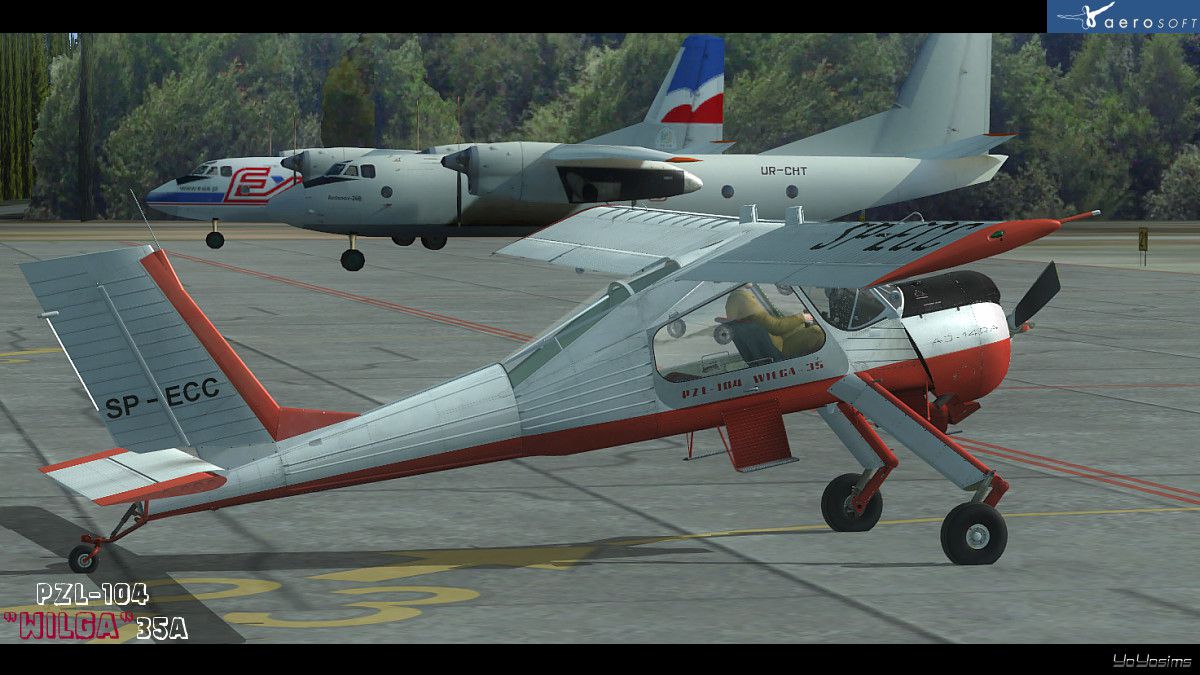
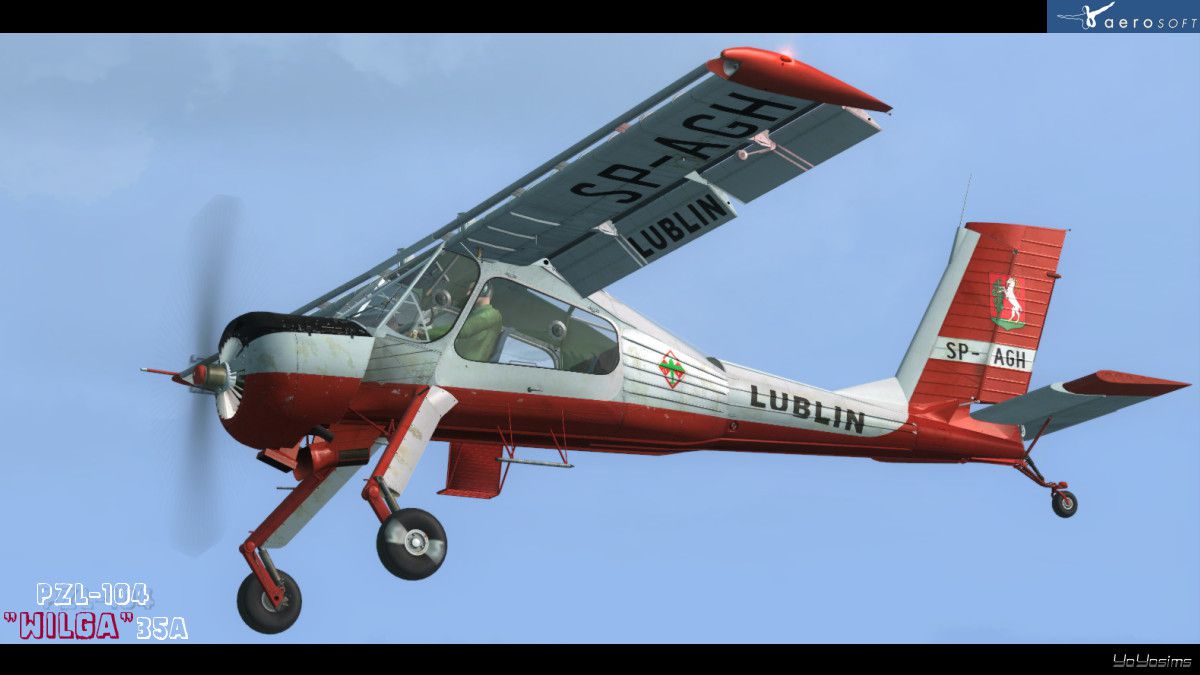
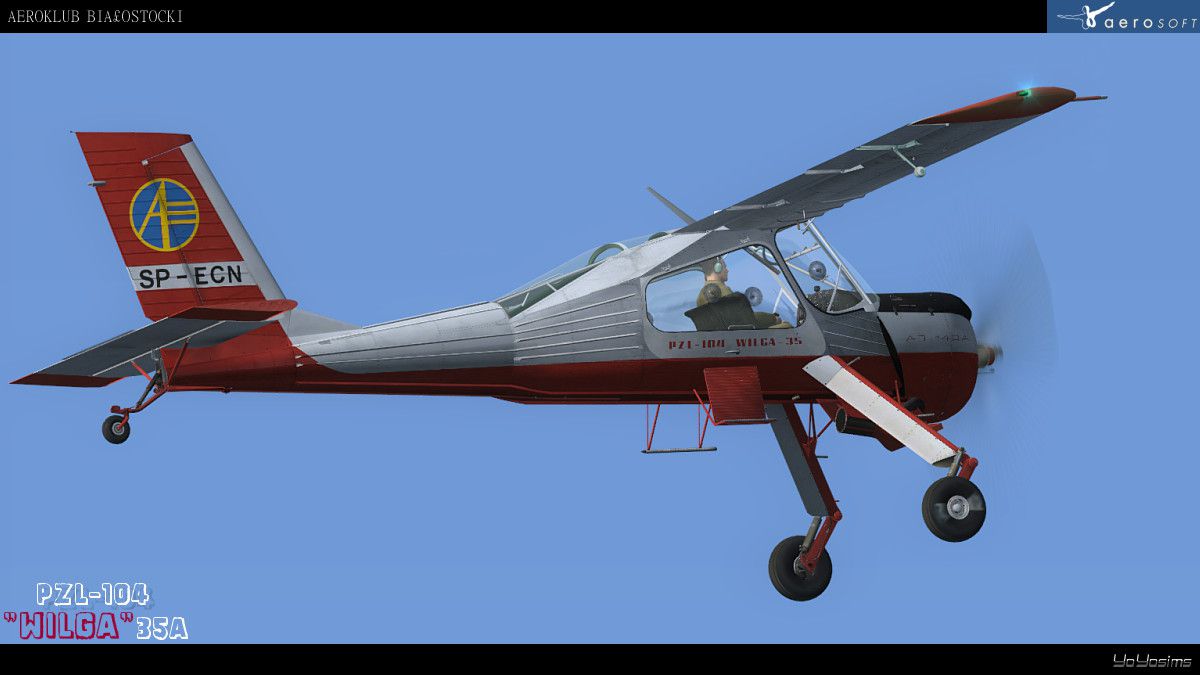
Red Line Mega Pack for Wilga X - Part 1. Three real repaints for payware model of Wilga X of Aerosoft. Tested on the version 1.00 of this model. Polish textures of PZL-104: SP-ECC from Aeroklub Podhalanski, SP-ECN from Aeroklub Bialostocki, SP-AGH from Aeroklub Lubelski). Simple installation in self extractor. By Rafal Stankiewicz / Yoyosims.
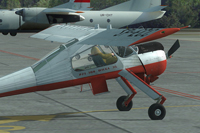
Screenshot of red and white Wilga X on the ground.
One part of 8 mega pack of textures for Wilga X for payware model of Aerosoft / Octopus G Groupe. You need this model and FSX, please check Aerosoft official page for more information.
Just click exe file and read a text during installation.
Free for all simmers · 28.42 MB · Scanned clean Oct 2026
Download speed: Free tier is capped at 0.5 Mbps (this file takes approximately 8 mins at the cap). PRO members download at full line speed.
texture.{airline}) inside FSX\SimObjects\Airplanes\{base-aircraft}\.aircraft.cfg in Notepad. Add a new [fltsim.X] section per the readme.readme.txt or README file. It tells you exactly where files go, what dependencies are needed, and any quirks specific to this add-on.The archive pzl104skinpack_1.zip has 8 files and directories contained within it.
This list displays the first 500 files in the package. If the package has more, you will need to download it to view them.
| Filename/Directory | File Date | File Size |
|---|---|---|
| PZL104SkinPack_1.exe | 11.09.11 | 28.04 MB |
| Readme.TXT | 11.10.11 | 415 B |
| Wilga_screenWIP_43.jpg | 11.07.11 | 229.82 kB |
| Wilga_screenWIP_37.jpg | 11.05.11 | 130.40 kB |
| Wilga_screenWIP_17.jpg | 10.30.11 | 113.80 kB |
| thumbnail1.gif | 11.10.11 | 7.06 kB |
| flyawaysimulation.txt | 10.29.13 | 959 B |
| Go to Fly Away Simulation.url | 01.22.16 | 52 B |
Only PRO members can place votes.
More FSX & P3D add-ons hand-picked based on this download.
FSX General Aviation Aircraft
Blue Line Mega Pack for Wilga X - Part 2. Three real repaints for payware mod…
 FSX General Aviation Aircraft
Various Line Mega Pack for Wilga X - Part 3. Two real repaints for payware mo…
 FSX General Aviation Aircraft
Textures for Wilga X from New Zealand. Two real repaints for payware model of…
 FSX General Aviation Aircraft
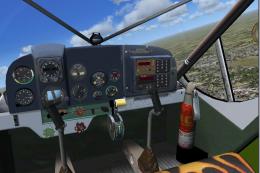
PZL 104 Wilga. Includes five versions: stock, float, amphibian, tundra and tw…
 FSX General Aviation Aircraft
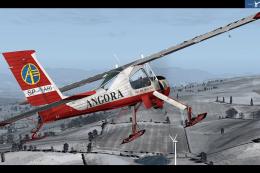
Textures for Wilga X from Aerosoft for version on skis (v1.20 or higher) only…
 FSX General Aviation Aircraft
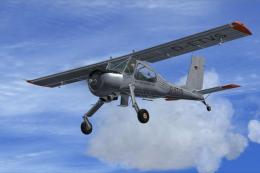
This freeware repaint provides a detailed livery for the Aerosoft Wilga X pay…
 FSX General Aviation Aircraft
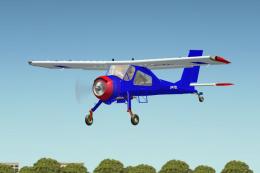
SP-FZL texture for PZL 104 Wilga by Joe Binka and Bruce Thorson Repaint by Wo…
 FSX General Aviation Aircraft
Immerse yourself in a meticulously detailed repaint crafted specifically for …
Be the first to leave a comment on this download.
Be the first to share your thoughts on this download.