

 FSX General Aviation Aircraft
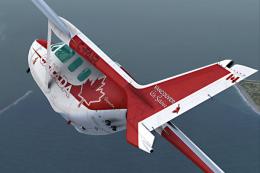
Cessna C337 Skymaster C-FAIR
Fictional repaint for FSX payware Carenado C337 Skymaster (textures only). Th…
Cessna C337 Skymaster N22MD brings a faithful real-world US paint scheme to Carenado’s Skymaster, featuring authentic registration markings and clean exterior detailing for a more immersive ramp and enroute look in FSX. Requires the payware Carenado C337 package, with a dedicated texture set configured for seamless aircraft selection.
 Rate
Rate
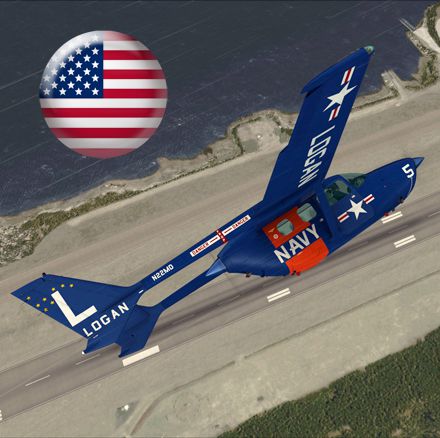
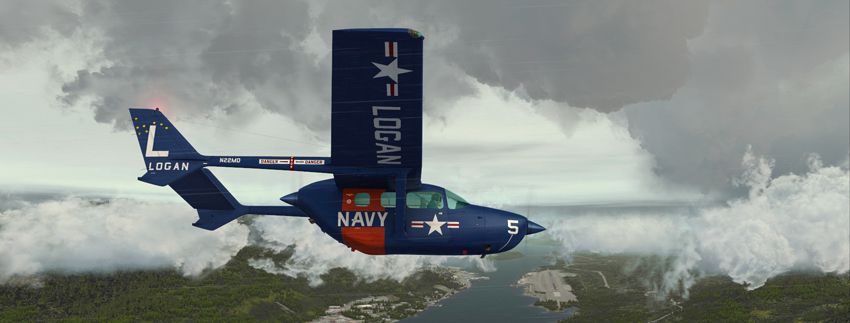
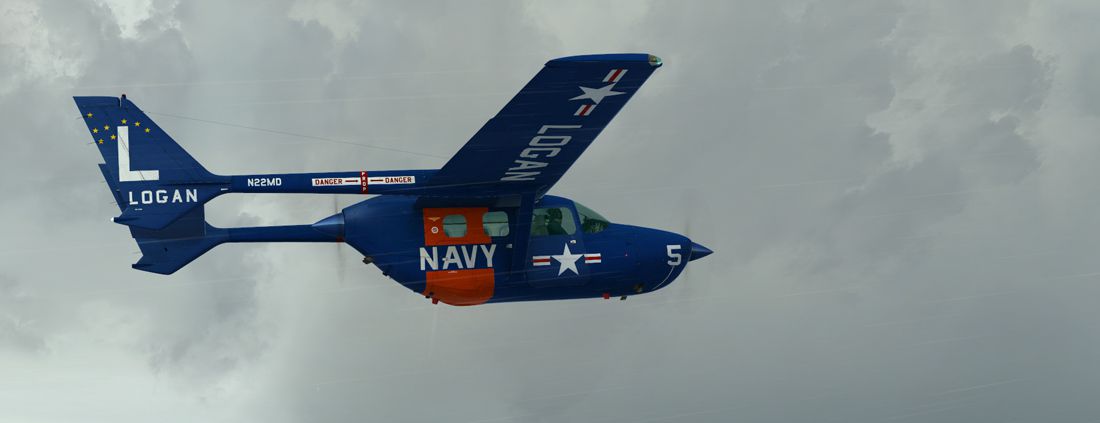
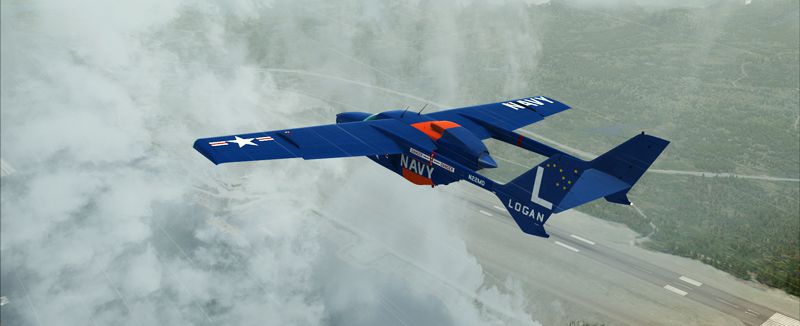
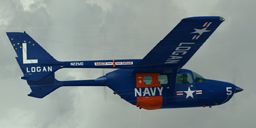
Repaint only for the payware Carenado FSX Cessna Skymaster 337. This repaint is based on a real-world US Skymaster N22MD. By Richard Luycx.
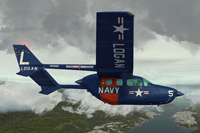
Screenshot of Cessna C337 Skymaster N22MD in flight.
[fltsim.XX]

title=C337 Skymaster N22MD

sim=C337

model=2P

panel=

sound=

texture=Logan

kb_checklists=C337_CHECK

kb_reference=C337_REF

atc_id=N22MD

ui_manufacturer="Carenado"

ui_type=C337

ui_typerole="Twin Engine Prop"

ui_createdby="Carenado"

ui_variation=N22MD

description="Carenado C337 Skymaster" Repaint by Ricardo_June 2012

atc_heavy=0

atc_airline=

atc_flight_number=

atc_id_color=0000000000

visual_damage=1
Enjoy !
Free for all simmers · 6.16 MB · Scanned clean Oct 2026
Download speed: Free tier is capped at 0.5 Mbps (this file takes approximately 2 mins at the cap). PRO members download at full line speed.
texture.{airline}) inside FSX\SimObjects\Airplanes\{base-aircraft}\.aircraft.cfg in Notepad. Add a new [fltsim.X] section per the readme.readme.txt or README file. It tells you exactly where files go, what dependencies are needed, and any quirks specific to this add-on.The archive rl_c337_n22md.zip has 22 files and directories contained within it.
This list displays the first 500 files in the package. If the package has more, you will need to download it to view them.
| Filename/Directory | File Date | File Size |
|---|---|---|
| 1.jpg | 07.02.12 | 173.15 kB |
| 150.gif | 07.02.12 | 10.09 kB |
| 2.jpg | 07.02.12 | 182.32 kB |
| 3.jpg | 07.02.12 | 181.05 kB |
| 440.jpg | 07.02.12 | 196.39 kB |
| Readme.txt | 07.24.12 | 1.41 kB |
| Cessna337_1_T.bmp | 07.01.12 | 4.00 MB |
| Cessna337_2_T.bmp | 07.01.12 | 4.00 MB |
| Cessna337_3_T.bmp | 07.02.12 | 4.00 MB |
| Cessna337_4_T.bmp | 07.02.12 | 4.00 MB |
| Fresnel_Ramp.dds | 06.02.11 | 1.12 kB |
| Fresnel_Ramp_spinner.dds | 06.08.11 | 1.12 kB |
| Fresnel_Ramp_win.dds | 06.06.11 | 1.12 kB |
| GlobalEnv_AC_Chrome.dds | 06.02.11 | 384.12 kB |
| GlobalEnv_AC_spinner.dds | 06.08.11 | 384.12 kB |
| GlobalEnv_AC_window.dds | 06.03.11 | 384.12 kB |
| texture.cfg | 04.12.11 | 48 B |
| thumbnail.jpg | 07.02.12 | 39.33 kB |
| windows.bmp | 05.17.11 | 64.07 kB |
| windows_spec.bmp | 06.03.11 | 64.07 kB |
| flyawaysimulation.txt | 10.29.13 | 959 B |
| Go to Fly Away Simulation.url | 01.22.16 | 52 B |
Only PRO members can place votes.
More FSX & P3D add-ons hand-picked based on this download.
FSX General Aviation Aircraft
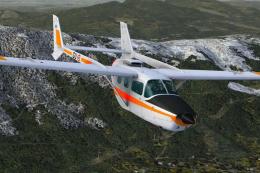
Fictional repaint for FSX payware Carenado C337 Skymaster (textures only). Th…
 FSX General Aviation Aircraft
Fictional repaint for the payware Carenado C337 Skymaster (textures only) as …
 FSX General Aviation Aircraft
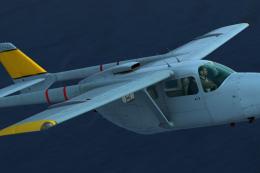
AEAC Cessna C337 Skymaster, F-ZAGU / 62 (cn FTB337-0062). The only Skymaster …
 FSX General Aviation Aircraft
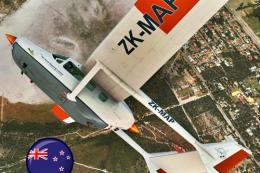
Textures only for the payware Carenado Cessna 337. Repaint by Michael Mannsch…
 FSX General Aviation Aircraft
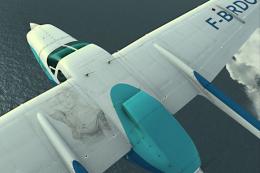
Fictional repaint for the payware Carenado C337 Skymaster (textures only). By…
 FSX General Aviation Aircraft
Fictional repaint for the payware Carenado C337 Skymaster. Textures only. By …
 FSX General Aviation Aircraft
After the completion of the maintenance, the aircraft was returned to home ba…
 FSX General Aviation Aircraft
Cessna 337 Skymaster. Mike Stone's C337 converted and textured for use with F…
Be the first to leave a comment on this download.
Be the first to share your thoughts on this download.