


 FSX Military Aircraft
RNoAF Lockheed F-104G Starfighter
This specialized repaint depicts the Lockheed F-104G under Royal Norwegian Ai…
Royal Netherlands Air Force KLu D-8244 of 311 Squadron brings authentic Lockheed F-104G Starfighter markings to FSX, with era-accurate camouflage, stencils, and squadron insignia that suit a classic high-speed interceptor. The repaint focuses on crisp texture detail and requires the payware Alphasim F-104G model.
 Rate
Rate
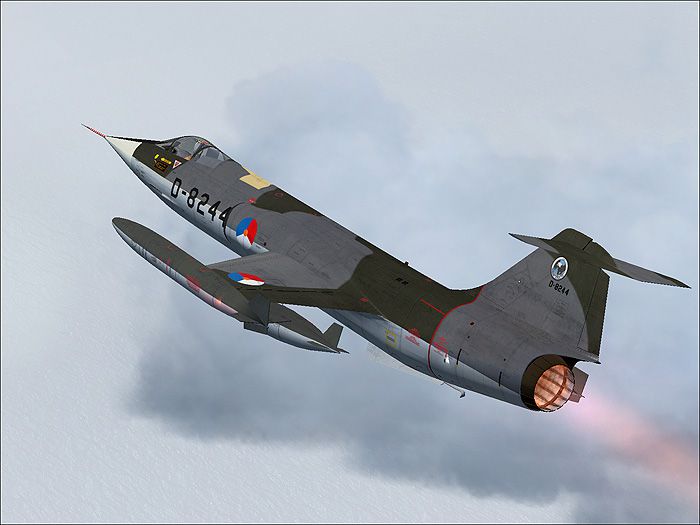
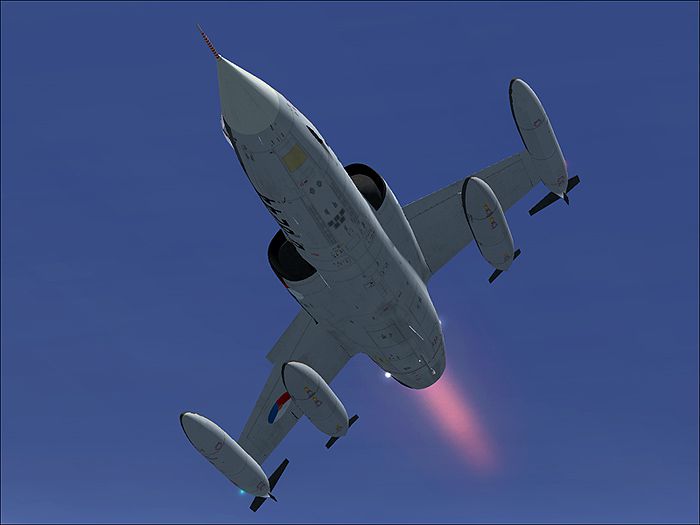
This repaint package offers a Lockheed F-104G Starfighter livery reflective of Royal Netherlands Air Force service, specifically the KLU D-8244 from 311 Squadron. It is designed for Microsoft Flight Simulator X and showcases the authentic markings associated with this storied interceptor. Developed by Henry William, this repaint works exclusively with the payware Alphasim F-104G model, which must be obtained separately. The paint kit was provided by Alphasim/Frank Safranek.
The real-world Lockheed F-104G Starfighter gained recognition for its exceptional supersonic capabilities and streamlined design. Often described as a “missile with a man in it,” it served multiple air forces worldwide. For the Royal Netherlands Air Force, known as the Koninklijke Luchtmacht (KLu), this platform was employed in both defense and training roles. With its single-engine layout and thin wings, the Starfighter demanded a high level of piloting skill. Thanks to its powerful afterburner thrust and advanced avionics for the era, it excelled at high-speed interceptions and low-level navigation.
This repaint replicates the colors of aircraft D-8244 aligned with 311 Squadron. Subtle details such as squadron insignias, stencil markings, and camouflage patterns ensure the texture set remains faithful to the era. The layout captures the Royal Netherlands Air Force’s characteristic emblems while preserving the technical accuracy for enthusiasts seeking complete immersion in their flight simulator environment.
Beyond the livery, all primary features and animations depend on Alphasim’s product. The paint kit, courtesy of Alphasim/Frank Safranek, ensures crisp lettering and insignia placement while reflecting the unique finish of this specific KLU aircraft.
Henry William meticulously crafted this repaint, applying the detailing needed to replicate the historical appearance of the Royal Netherlands Air Force Starfighter. The base tooling offered by Alphasim, together with the support of Frank Safranek’s paint kit, has enabled accurate textures that enhance the visual impact of this supersonic jet within the simulator.
Free for all simmers · 9.18 MB · Scanned clean Oct 2026
Download speed: Free tier is capped at 0.5 Mbps (this file takes approximately 3 mins at the cap). PRO members download at full line speed.
texture.{airline}) inside FSX\SimObjects\Airplanes\{base-aircraft}\.aircraft.cfg in Notepad. Add a new [fltsim.X] section per the readme.readme.txt or README file. It tells you exactly where files go, what dependencies are needed, and any quirks specific to this add-on.The archive as_104_4.zip has 17 files and directories contained within it.
This list displays the first 500 files in the package. If the package has more, you will need to download it to view them.
| Filename/Directory | File Date | File Size |
|---|---|---|
| 1.jpg | 09.07.07 | 107.89 kB |
| 2.jpg | 09.07.07 | 99.22 kB |
| readme.txt | 09.07.07 | 2.49 kB |
| small.gif | 09.07.07 | 9.58 kB |
| texture.neth | 09.07.07 | 0 B |
| f-104_1_t.bmp | 09.07.07 | 4.00 MB |
| f-104_2_t.bmp | 09.05.07 | 4.00 MB |
| f-104_3_t.bmp | 09.07.07 | 4.00 MB |
| f-104_4_t.bmp | 09.07.07 | 4.00 MB |
| f-104_5_t.bmp | 09.07.07 | 4.00 MB |
| f-104_6_t.bmp | 09.05.07 | 4.00 MB |
| f-104_7_t.bmp | 08.14.07 | 256.07 kB |
| thumbnail.jpg | 09.06.07 | 25.84 kB |
| Thumbs.db | 09.07.07 | 27.00 kB |
| as_104_44 | 09.07.07 | 0 B |
| flyawaysimulation.txt | 10.29.13 | 959 B |
| Go to Fly Away Simulation.url | 01.22.16 | 52 B |
Only PRO members can place votes.
More FSX & P3D add-ons hand-picked based on this download.
FSX Military Aircraft
This specialized repaint depicts the Lockheed F-104G under Royal Norwegian Ai…
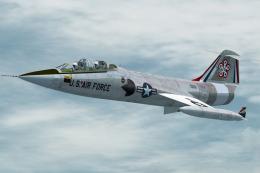 FSX Military Aircraft
This file contains two repaints of the Captain Sim TF-104G to represent two T…
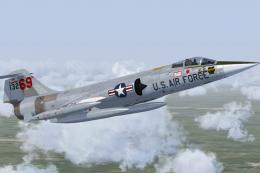 FSX Military Aircraft
US Air Force F-104G Starfighter 69th TFTS, Luke AFB. This is a repaint of the…
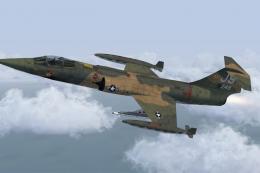 FSX Military Aircraft
This is a fictional repaint of the SimSkunkWorks Lockheed F-104 G to represen…
 FSX Military Aircraft
This is the new display jet of the Royal Netherlands Air Force, performed by …
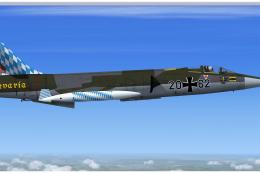 FSX Military Aircraft
Lockheed F-104G Starfighter, 26+62 Bavaria. This repaint depicts the special …
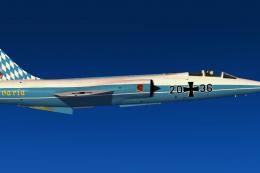 FSX Military Aircraft
This repaint depicts the special scheme "Bavaria" for the last F-104 Starfigh…
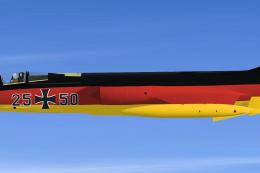 FSX Military Aircraft
A repaint from the F-104 G Starfighter "25+50" of the JaboG 34 special color …
Read what other simmers think, or add your own.
