

 FSX Military Aircraft
KLU Lockheed F-104G Starfighter
This repaint package offers a Lockheed F-104G Starfighter livery reflective o…
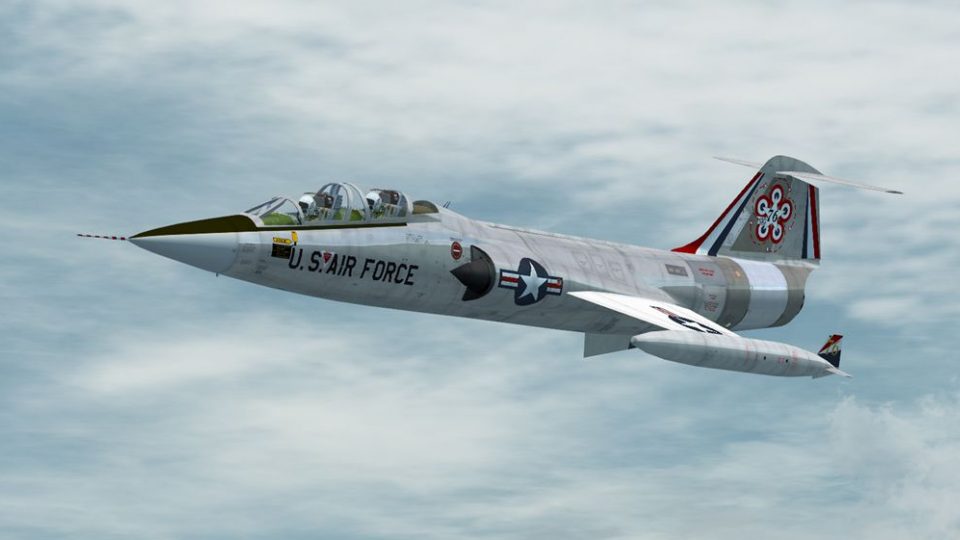
USAF Lockheed TF-104G Starfighter repaints recreate two Luke AFB trainers from the 1970s, including aircraft 63-8454 and a 1976 bicentennial scheme for 61-13076 with tank-fin flashes. Includes 2048x2048 DDS external textures and optional glass texture for crisp visuals in FSX; requires the Captain Sim TF-104G.
 Rate
Rate
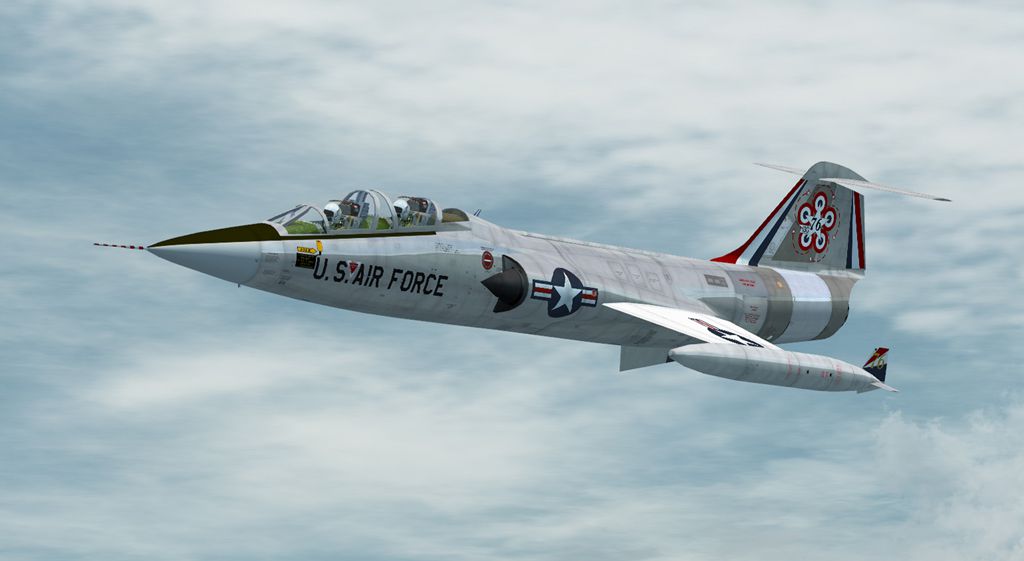
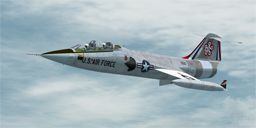
This file contains two repaints of the Captain Sim TF-104G to represent two TF-104G's operated from Luke AFB during the 1970's. 63-8454 was operated till the F-104 training program closed in 1983 then sold to Taiwan where it remains today. Likewise 61-13076 was sold to Taiwan in 1983 and was scrapped in 1995. It was chosen, because of its serial number, to carry a bicentennial paint scheme in 1976. It is shown with the more appealing flashes on the tank fins. Note that these folders contain only the main external textures in 2048x2048 .dds format for FSX only, plus a glass texture (F-104G-0_T) you may use or not as you wish. By Dave Quincey.
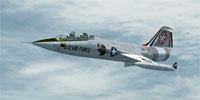
Screenshot of USAF Lockheed TF-104G in flight.
Note that these files are 2048 x 2048 .dds texture files and NOT suitable for FS2004.
Installation:
[fltsim.xx]

title=CS F-104 Starfighter TF-104G USAF

sim=cs_tf104

model=66

panel=

sound=

texture=USAF

KB_checklists=

ui_manufacturer=Captain Sim

atc_id=658

atc_airline=Air Force

atc_flight_number=454

ui_type=TF-104 Starfighter

ui_variation=TF-104G USAF

visual_damage=1

atc_heavy=0

description=TF-104G Luke AFB 1967
[fltsim.xx]

title=CS F-104 Starfighter TF-104G Bicentennial

sim=cs_tf104

model=77

panel=

sound=

texture=Bicent

KB_checklists=

ui_manufacturer=Captain Sim

atc_id=658

atc_airline=Air Force

atc_flight_number=176

ui_type=TF-104 Starfighter

ui_variation=TF-104G USAF

visual_damage=1

atc_heavy=0

description=TF-104G Bicentennial Luke AFB 1976
Free for all simmers · 9.3 MB · Scanned clean Oct 2026
Download speed: Free tier is capped at 0.5 Mbps (this file takes approximately 3 mins at the cap). PRO members download at full line speed.
texture.{airline}) inside FSX\SimObjects\Airplanes\{base-aircraft}\.aircraft.cfg in Notepad. Add a new [fltsim.X] section per the readme.readme.txt or README file. It tells you exactly where files go, what dependencies are needed, and any quirks specific to this add-on.The archive tf104usaf.zip has 16 files and directories contained within it.
This list displays the first 500 files in the package. If the package has more, you will need to download it to view them.
| Filename/Directory | File Date | File Size |
|---|---|---|
| Read Me.txt | 11.25.14 | 2.95 kB |
| texture.Bicent | 11.25.14 | 0 B |
| F-104G-0_T.dds | 11.19.14 | 4.12 kB |
| texture.cfg | 05.28.09 | 123 B |
| TF-104G-1_t.dds | 11.25.14 | 4.00 MB |
| TF-104G-2_t.dds | 11.21.14 | 4.00 MB |
| thumbnail.jpg | 11.21.14 | 35.61 kB |
| texture.USAF | 11.25.14 | 0 B |
| F-104G-0_T.dds | 11.19.14 | 4.12 kB |
| texture.cfg | 05.28.09 | 123 B |
| TF-104G-1_t.dds | 11.25.14 | 4.00 MB |
| TF-104G-2_t.dds | 11.19.14 | 4.00 MB |
| thumbnail.jpg | 10.29.14 | 40.43 kB |
| TF-104G Bicent 1.jpg | 11.26.14 | 249.03 kB |
| flyawaysimulation.txt | 10.29.13 | 959 B |
| Go to Fly Away Simulation.url | 01.22.16 | 52 B |
Only PRO members can place votes.
More FSX & P3D add-ons hand-picked based on this download.
FSX Military Aircraft
This repaint package offers a Lockheed F-104G Starfighter livery reflective o…
 FSX Military Aircraft
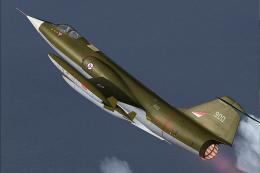
This specialized repaint depicts the Lockheed F-104G under Royal Norwegian Ai…
 FSX Military Aircraft
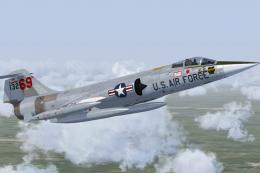
US Air Force F-104G Starfighter 69th TFTS, Luke AFB. This is a repaint of the…
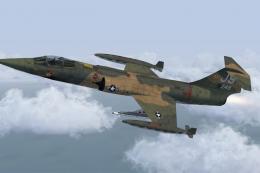 FSX Military Aircraft
This is a fictional repaint of the SimSkunkWorks Lockheed F-104 G to represen…
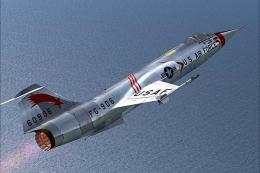 FSX Military Aircraft
FSX USAF F-104 Starfighter 479th TFW. An F-104 Starfighter in the colors of U…
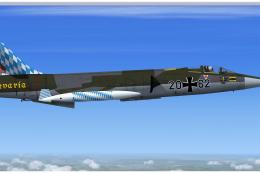 FSX Military Aircraft
Lockheed F-104G Starfighter, 26+62 Bavaria. This repaint depicts the special …
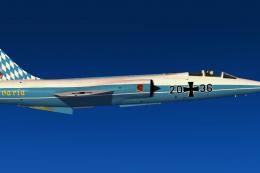 FSX Military Aircraft
This repaint depicts the special scheme "Bavaria" for the last F-104 Starfigh…
 FSX Military Aircraft
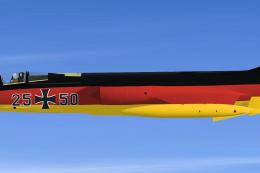
A repaint from the F-104 G Starfighter "25+50" of the JaboG 34 special color …
Be the first to leave a comment on this download.
Be the first to share your thoughts on this download.