

 FSX Civil Aircraft
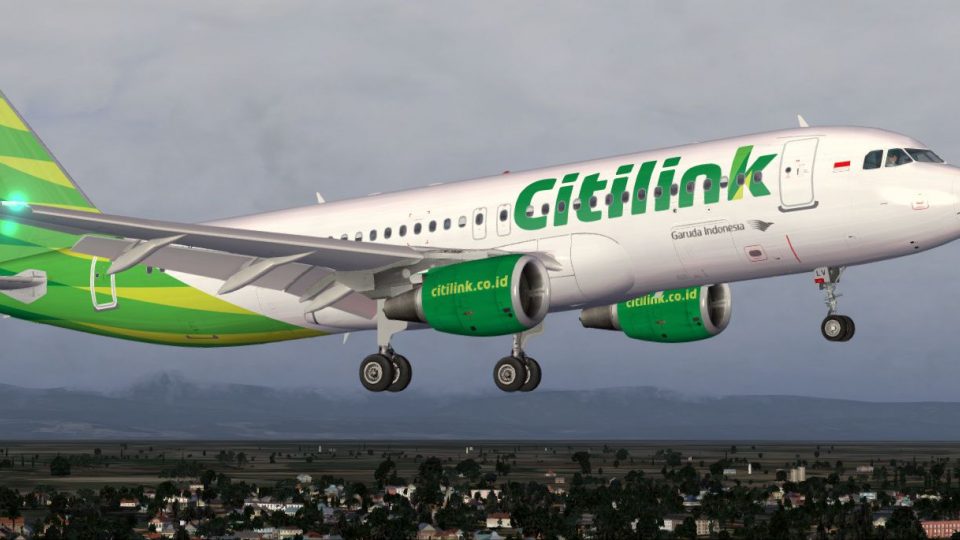
Garuda Indonesia Citilink A320-200 PK-GLX
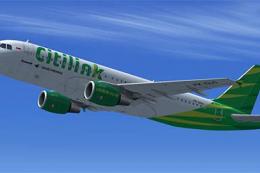
Floral Batik livery on A320-200 (fictional). This livery was used by Citilink…
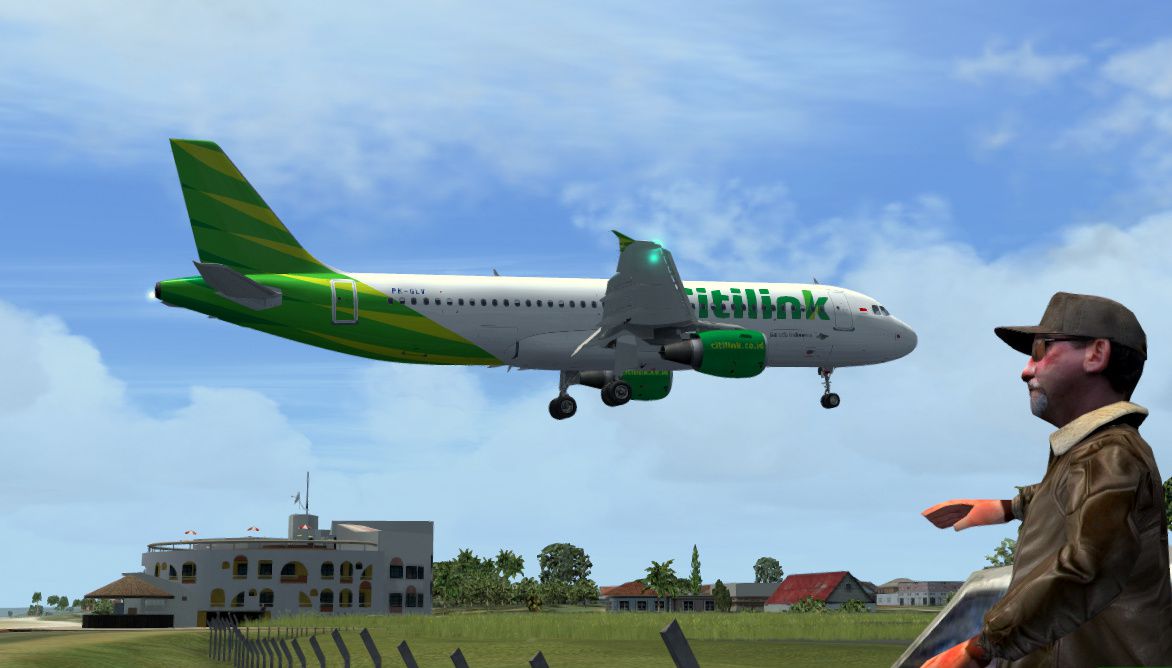
Citilink Airbus A320-200 PK-GLV brings Garuda’s low-cost colors to your fleet with sharp, airline-accurate textures and faithful registration details for FSX. Designed as a repaint only, it requires the freeware Project Airbus A320-200 CFM base model for full use in the virtual cockpit and external views.
 Rate
Rate
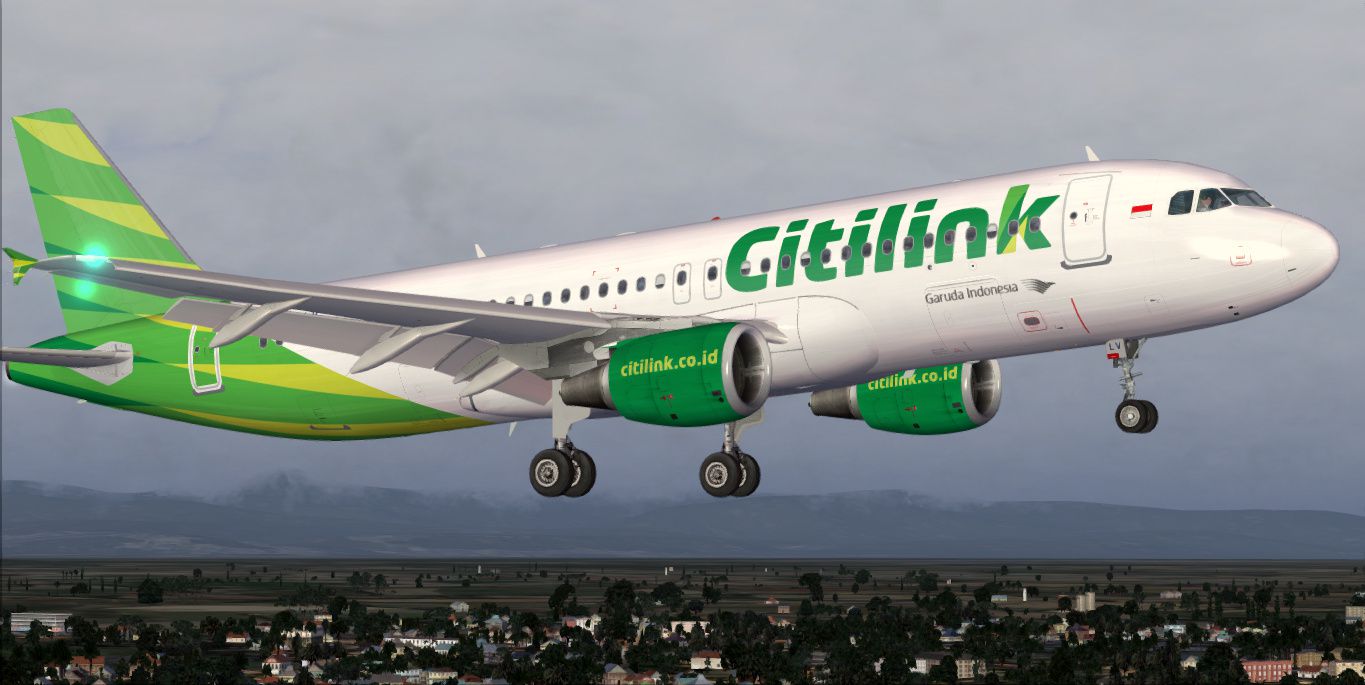
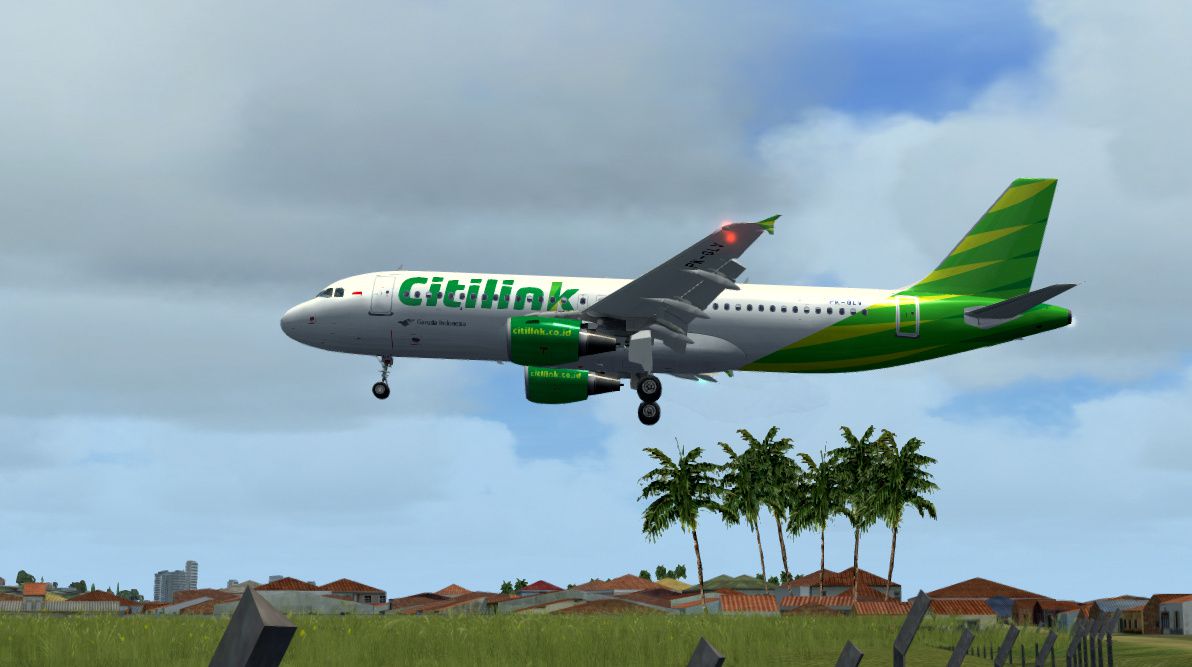
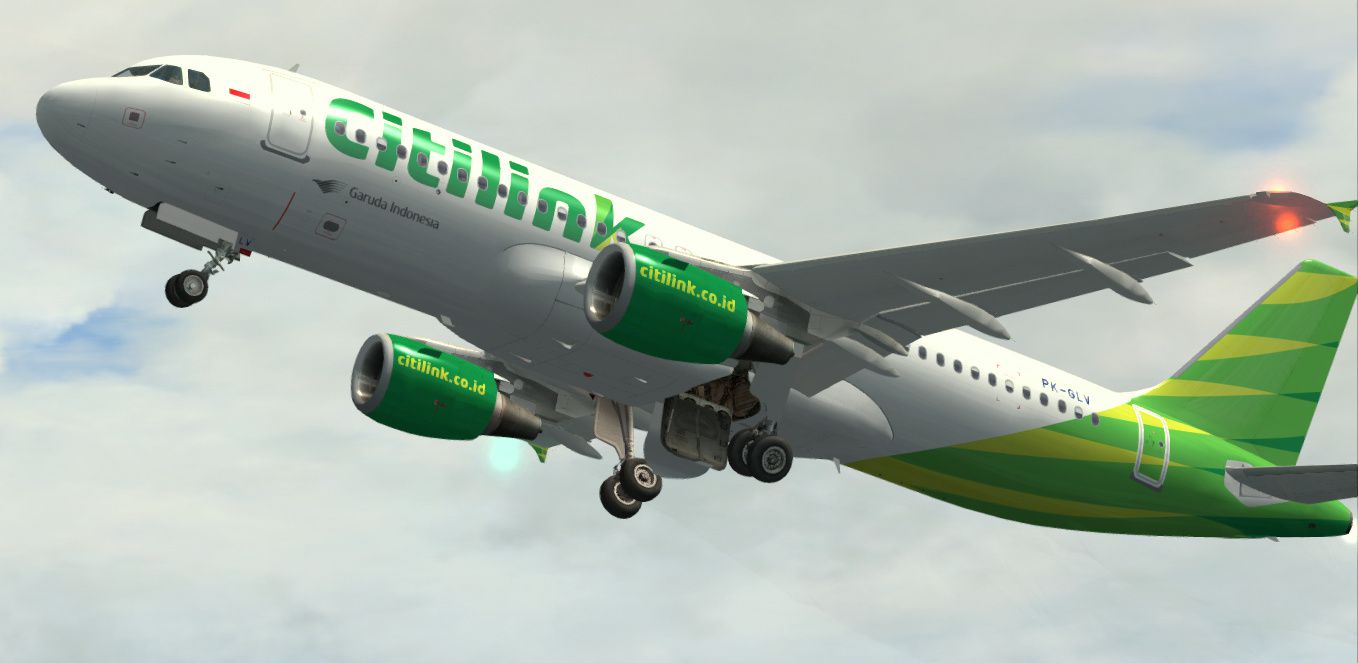
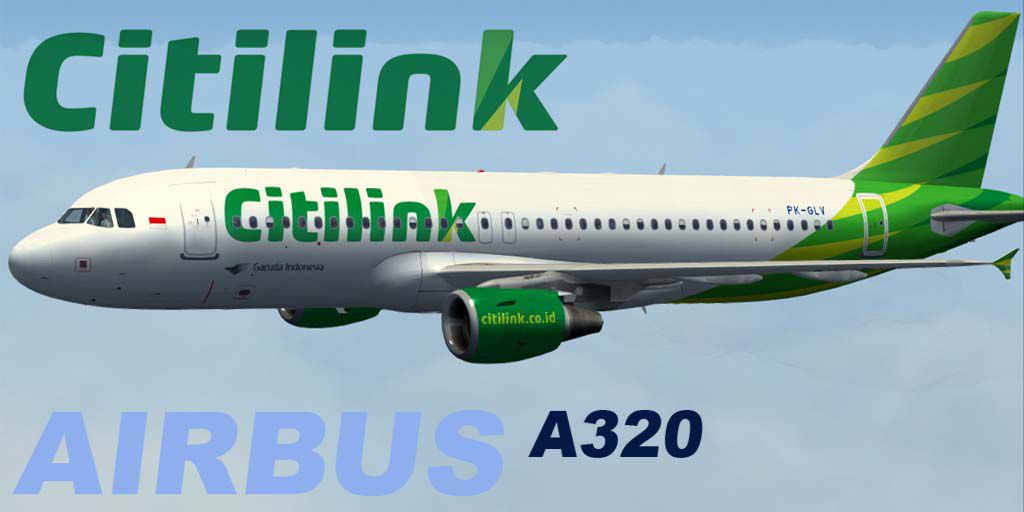
Textures only for the freeware Project Airbus A320-200 CFM model (PA32X_FSX_MODELS.ZIP). Repaint by Febriant Leocesio // feleocsim.
Screenshot of Citilink Airbus A320-200.
Installation:
[fltsim.XX]

title=Airbus A320-232 Citilink

sim=pa320-cfm56-2

model= #####CHANGE#####

panel=

sound=

texture=GLV

kb_checklists=

kb_reference=

atc_id=PK-GLV

atc_airline=Supergreen

atc_flight_number=232

atc_heavy=0

ui_manufacturer=Airbus

ui_type=A320-200

ui_variation=Citilink

atc_parking_types=GATE

atc_parking_codes=CTV

description=Project Airbus A320\n\n\n Garuda Indonesia Citilink (by Febriant Leocesio)
Don't forget to:
Free for all simmers · 8.65 MB · Scanned clean Oct 2026
Download speed: Free tier is capped at 0.5 Mbps (this file takes approximately 2 mins at the cap). PRO members download at full line speed.
This file is a repaint — the package below is the base model it paints onto. Install it first, or the textures will have nothing to load onto.
texture.{airline}) inside FSX\SimObjects\Airplanes\{base-aircraft}\.aircraft.cfg in Notepad. Add a new [fltsim.X] section per the readme.readme.txt or README file. It tells you exactly where files go, what dependencies are needed, and any quirks specific to this add-on.The archive pk_glv.zip has 28 files and directories contained within it.
This list displays the first 500 files in the package. If the package has more, you will need to download it to view them.
| Filename/Directory | File Date | File Size |
|---|---|---|
| PK_GLV | 01.03.14 | 0 B |
| readme.txt | 01.04.14 | 920 B |
| SS | 01.04.14 | 0 B |
| 1.jpg | 12.06.13 | 293.85 kB |
| 2.jpg | 12.07.13 | 209.93 kB |
| 3.jpg | 01.03.14 | 223.70 kB |
| 4.jpg | 01.03.14 | 228.18 kB |
| texture.GLV | 01.03.14 | 0 B |
| A320_1_l.bmp | 06.14.07 | 1.00 MB |
| A320_1_t.bmp | 01.03.14 | 4.00 MB |
| A320_2_l.bmp | 01.03.12 | 256.07 kB |
| A320_2_t.bmp | 01.03.14 | 4.00 MB |
| A320_fuse_1_l.bmp | 01.03.12 | 1.00 MB |
| A320_fuse_1_t.bmp | 01.03.14 | 4.00 MB |
| A320_fuse_2_l.bmp | 01.03.12 | 1.00 MB |
| A320_fuse_2_t.bmp | 01.03.14 | 4.00 MB |
| A320_fuse_3_l.bmp | 06.24.07 | 1.00 MB |
| A320_fuse_3_t.bmp | 01.03.14 | 4.00 MB |
| A320_misc_1.bmp | 06.05.07 | 1.00 MB |
| A320_misc_2.bmp | 12.06.13 | 4.00 MB |
| A320_wing_1_l.bmp | 06.14.07 | 256.07 kB |
| A320_wing_1_t.bmp | 01.03.14 | 4.00 MB |
| A320_wing_2_l.bmp | 06.14.07 | 256.07 kB |
| A320_wing_2_t.bmp | 01.03.14 | 4.00 MB |
| thumbnail.jpg | 01.03.14 | 66.39 kB |
| Thumbs.db | 07.14.13 | 63.50 kB |
| flyawaysimulation.txt | 10.29.13 | 959 B |
| Go to Fly Away Simulation.url | 01.22.16 | 52 B |
Only PRO members can place votes.
More FSX & P3D add-ons hand-picked based on this download.
FSX Civil Aircraft
Floral Batik livery on A320-200 (fictional). This livery was used by Citilink…
 FSX Civil Aircraft
A repaint of the payware Blackbox Airbus Prologue Extreme A320 CFM in Citilin…
 FSX Civil Aircraft
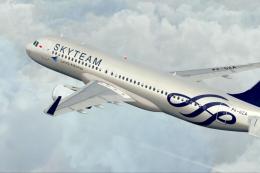
A Garuda Indonesia - Skyteam livery (fictional) repaint for the freeware Proj…
 FSX Civil Aircraft
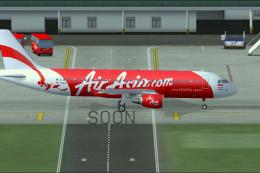
This repaint depicts the Indonesia AirAsia Airbus A320-200 registered as PK-A…
 FSX Civil Aircraft
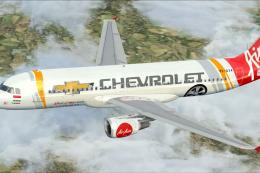
Elevate your virtual cockpit sessions with a vivid Indonesia Air Asia repaint…
 FSX Civil Aircraft
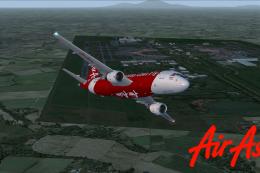
This repaint is for the Project Airbus A320 model. This is AirAsia 2nd subsid…
 FSX Civil Aircraft
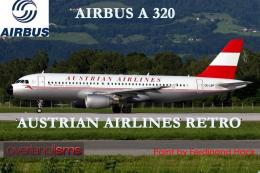
FSX Austrian Airbus A320-200, registration OE-LBP, retro livery. Textures onl…
 FSX Civil Aircraft
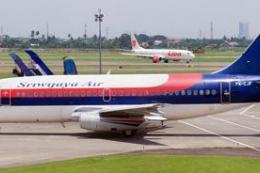
Sriwijaya Air is the actual largest B737-200 operator in the world. Textures …
Read what other simmers think, or add your own.
