

 FSX Civil Aircraft
Comlux Aviation Malta Airbus A319-115X
Comlux - The Aviation Group is a corporate charter airline based in Switzerla…
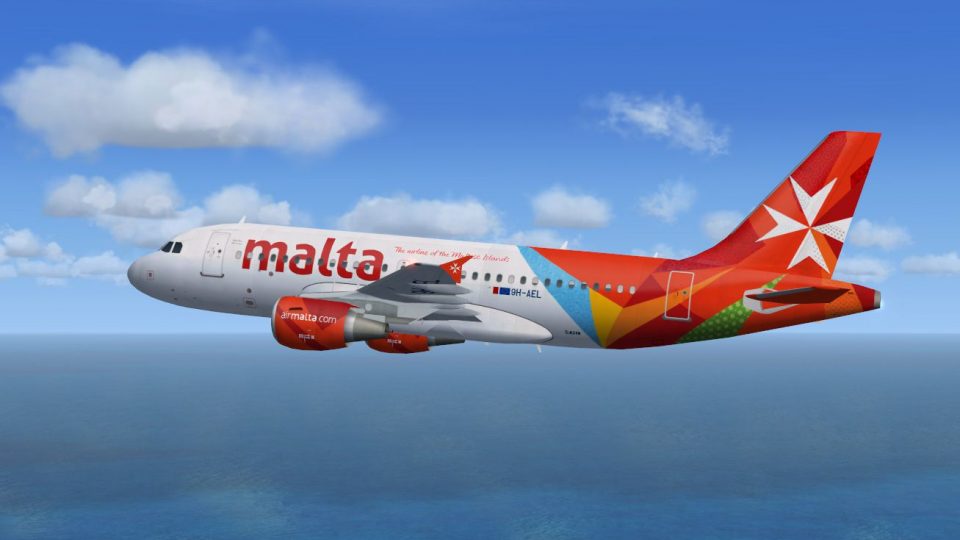
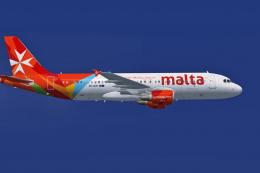
Air Malta Airbus A319 livery textures bring the carrier’s Maltese cross markings, crisp titles, and vibrant tail design to AI traffic in Microsoft Flight Simulator X. Built for efficient performance in busy schedules, the repaint integrates cleanly with the FAIB model and requires the freeware FAIB A319 CFM base package.
 Rate
Rate
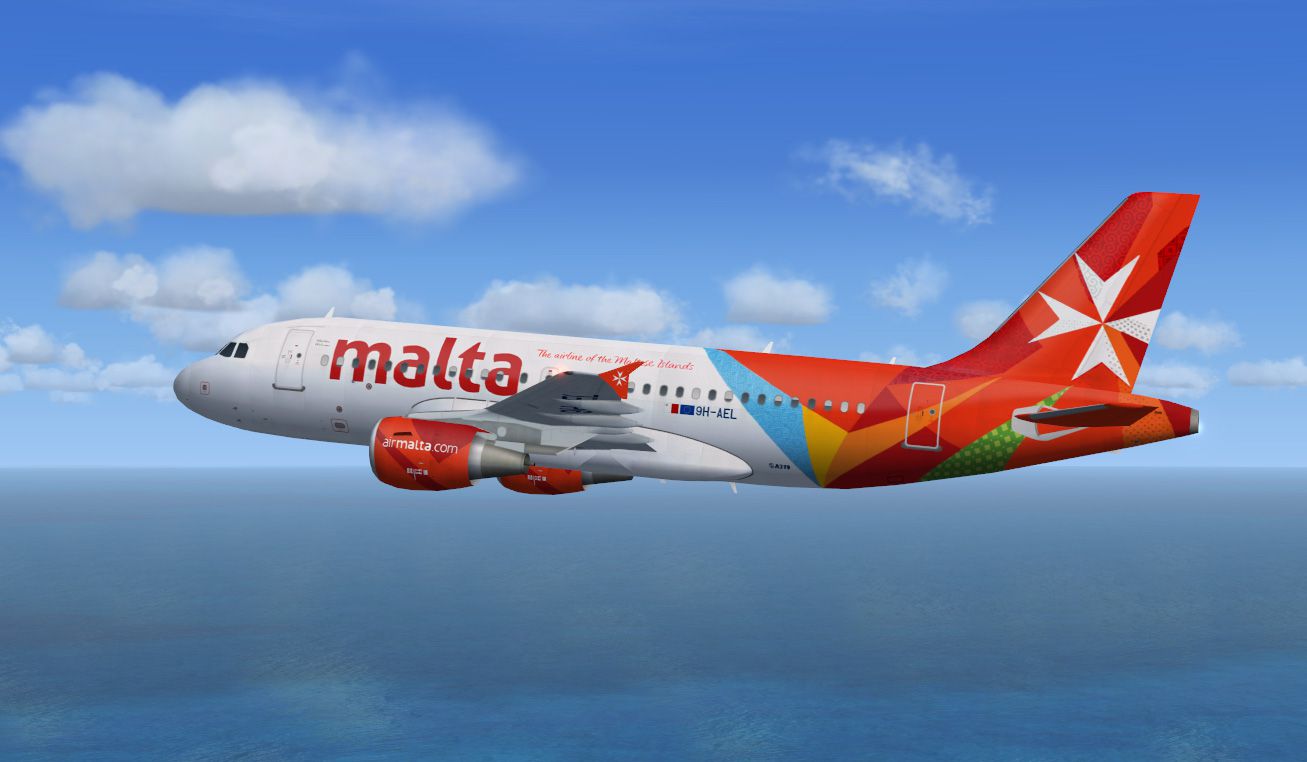
This faithfully detailed repaint captures Air Malta’s distinctive Airbus A319 imagery for use in Microsoft Flight Simulator X AI traffic. Created by Bernard Tritschler, these textures reflect the airline’s well-known livery and branding. Air Malta, the national carrier of Malta, operates flights throughout various European destinations and is recognized for its vibrant tail design. The Airbus A319 itself is a popular short- to medium-range aircraft from the Airbus A320 family, valued for its efficient performance and operational versatility.
FAIBA319.ZIP), also available as freeware in the Fly Away Simulation library.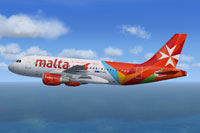
View of the Air Malta Airbus A319 livery on the FAIB model.
.dds texture files into your FSX\SimObjects\Airplanes\FAIB_A319_CFM directory.add_aircraft.cfg.txt, copy its contents, and paste them into the aircraft.cfg within the same FAIB_A319_CFM folder. Ensure you insert the new [fltsim.X] section below the existing entries and adjust the sequence numbers appropriately.This add-on strictly includes livery textures. You will need to acquire the freeware FAIB A319 CFM base model before enjoying this repaint. The authors and creators, particularly Bernard Tritschler, offer this package for enthusiasts seeking to enhance their AI environment with Air Malta’s authentic aesthetic in the simulator.
Free for all simmers · 1.03 MB · Scanned clean Oct 2026
Download speed: Free tier is capped at 0.5 Mbps. PRO members download at full line speed.
texture.{airline}) inside FSX\SimObjects\Airplanes\{base-aircraft}\.aircraft.cfg in Notepad. Add a new [fltsim.X] section per the readme.readme.txt or README file. It tells you exactly where files go, what dependencies are needed, and any quirks specific to this add-on.The archive a319malta.zip has 8 files and directories contained within it.
This list displays the first 500 files in the package. If the package has more, you will need to download it to view them.
| Filename/Directory | File Date | File Size |
|---|---|---|
| A319-Air-malta.jpg | 11.27.13 | 177.16 kB |
| add_aircraft.cfg.txt | 11.27.13 | 309 B |
| readme.txt | 11.27.13 | 523 B |
| texture.malta | 11.27.13 | 0 B |
| FAIB_A319_CFM_T.dds | 11.27.13 | 4.00 MB |
| thumbnail.gif | 11.27.13 | 4.17 kB |
| flyawaysimulation.txt | 10.29.13 | 959 B |
| Go to Fly Away Simulation.url | 01.22.16 | 52 B |
Only PRO members can place votes.
More FSX & P3D add-ons hand-picked based on this download.
FSX Civil Aircraft
Comlux - The Aviation Group is a corporate charter airline based in Switzerla…
 FSX Civil Aircraft
Elevate your Microsoft Flight Simulator X traffic environment with this high-…
 FSX Civil Aircraft
A repaint of the default A321. Air Malta's retro jet is an A320 but I could n…
 FSX Civil Aircraft
The Tunis Air Airbus A319-114 showcased here represents registration TS-IMO, …
 FSX Civil Aircraft
This enhanced freeware release brings you the elegant Olympic Air Airbus A319…
 FSX Civil Aircraft
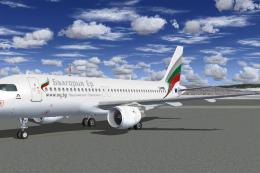
Bulgaria Air Airbus A319 And A320 in new livery. Bulgaria Air new livery pack…
 FSX Civil Aircraft
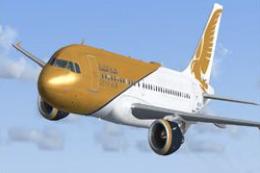
FSX Gulf Air Airbus A319-112 CFM, registration D-AKNM. Model by Project Airbu…
 FSX Civil Aircraft
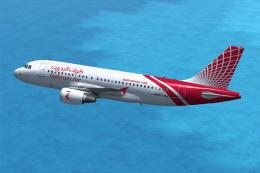
Bahrain Air Airbus A319-111. A repaint of the Project Airbus A319 model in th…
Read what other simmers think, or add your own.
