

 FSX Civil Aircraft
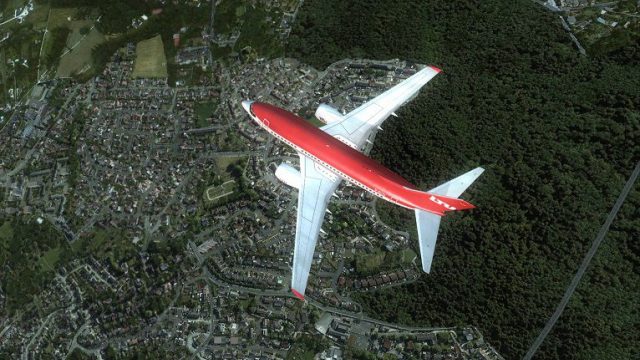
LTU Airlines Boeing 737-900WL D-ALTH
Enthusiasts of Microsoft Flight Simulator X can now expand their hangar with …
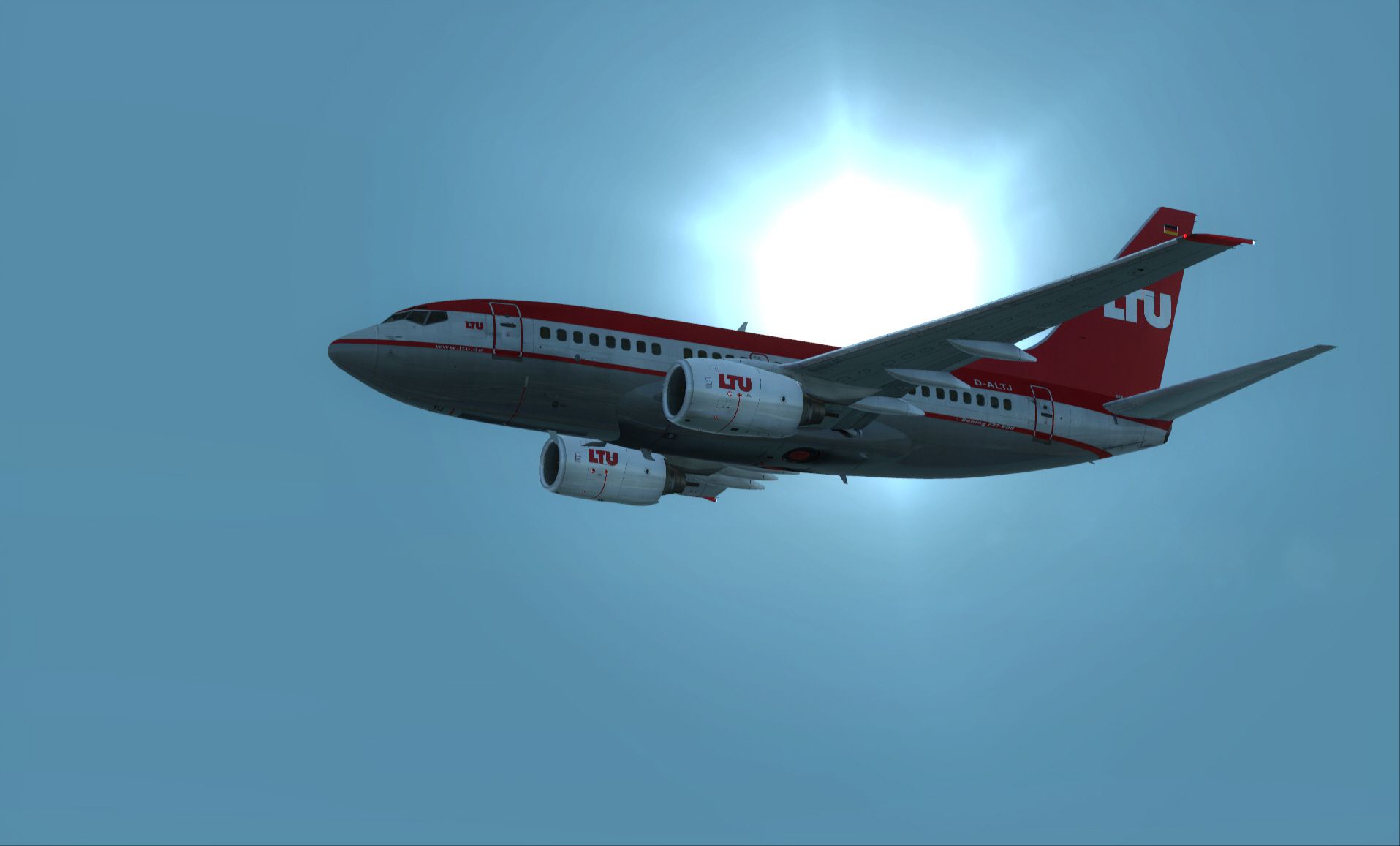
LTU Airlines’ classic red-and-white Boeing 737-600 D-ALTJ livery is recreated with crisp, high-resolution textures that complement the aircraft’s virtual cockpit and exterior details in FSX. The package installs as a dedicated repaint and requires the PMDG 737-600 base product, keeping all underlying systems and avionics intact.
 Rate
Rate
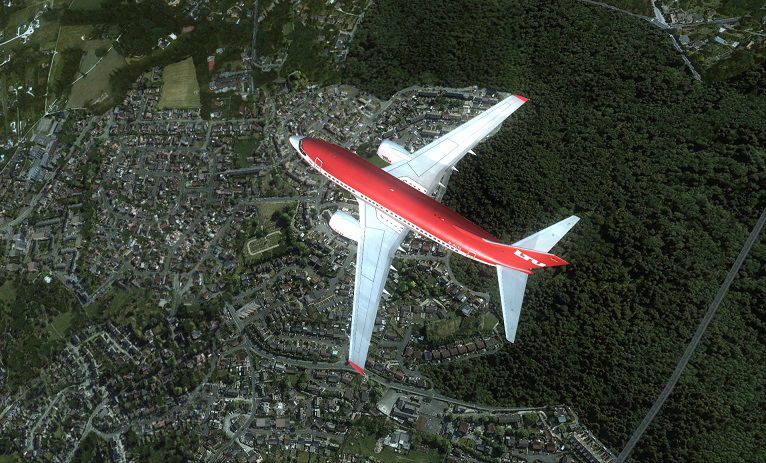
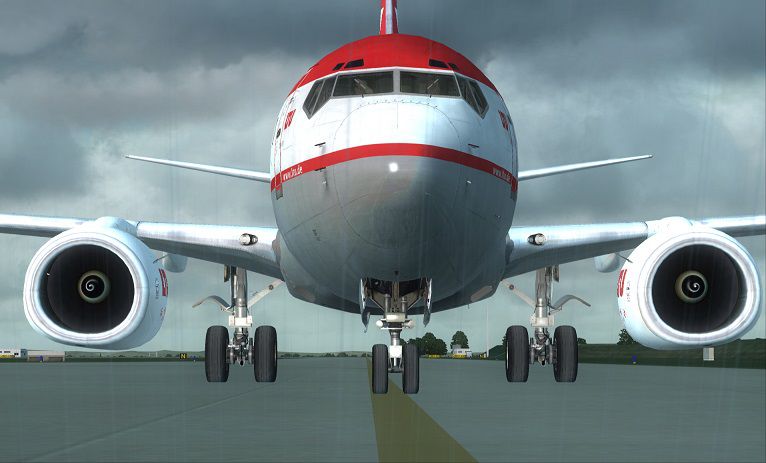
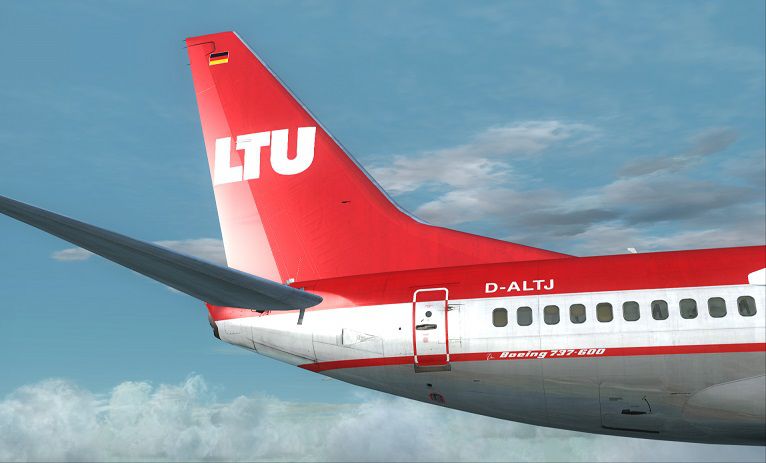
This freeware repaint for FSX brings LTU Airlines’ signature Boeing 737-600 livery into your simulator environment, enabling a detailed and realistic experience of this short-range aircraft. Although the paint textures come at no cost, they require the separate payware PMDG 737-600 package, which must be acquired separately. Created by By Corina Meyer, this add-on utilizes high-resolution textures to accurately showcase LTU Airlines’ classic color scheme.
Boeing’s 737-600 is recognized for its compact fuselage design and efficient operations on short- to medium-range routes. LTU Airlines, historically known for both European travel and intercontinental services, featured liveries that were notable for their distinctive red and white palette. This repaint captures that iconic look and places it onto the PMDG 737-600 airframe in FSX. The end result enhances visual immersion while retaining all the sophisticated simulation features of the base payware product.
Screenshot of LTU Airlines Boeing 737-600 in flight.
The download consists exclusively of the necessary repaint texture files. Hence, users must ensure they already own the PMDG 737-600 model. This LTU paint seamlessly integrates with PMDG’s existing systems, so you will see no compromise in fidelity—from cockpit displays to advanced avionics behavior.
Implementing this repaint requires the PMDG Livery Manager utility. Once the manager is running, follow these steps:
This method ensures the repaint is applied correctly without overwriting any essential PMDG files. Once installed, the LTU Airlines 737-600 livery will be available in your FSX aircraft selection menu.
Remember that this package is strictly a visual repaint. You will need the paid PMDG 737-600 base product to access the aircraft model, systems, and physics. The original creation and design for this texture set come from By Corina Meyer, who meticulously aligned the color scheme with LTU Airlines’ historic branding.
Enjoy your simulated flights with this visually enhanced and faithful portrayal of the LTU Boeing 737-600, with smooth performance and an accurate cockpit environment showcasing the hallmark capabilities of PMDG’s well-known payware aircraft. Safe travels and smooth skies!
Free for all simmers · 31.57 MB · Scanned clean Oct 2026
Download speed: Free tier is capped at 0.5 Mbps (this file takes approximately 9 mins at the cap). PRO members download at full line speed.
texture.{airline}) inside FSX\SimObjects\Airplanes\{base-aircraft}\.aircraft.cfg in Notepad. Add a new [fltsim.X] section per the readme.readme.txt or README file. It tells you exactly where files go, what dependencies are needed, and any quirks specific to this add-on.The archive pmdg737-600_ltu.zip has 9 files and directories contained within it.
This list displays the first 500 files in the package. If the package has more, you will need to download it to view them.
| Filename/Directory | File Date | File Size |
|---|---|---|
| FS-42208.jpg | 08.06.13 | 86.18 kB |
| PMDG737-600 NGX Lufttransport Unternehmen.ptp | 08.06.13 | 30.90 MB |
| ReadMe_Install.txt | 08.06.13 | 1.04 kB |
| 1.gif | 08.06.13 | 6.41 kB |
| FS-42176.jpg | 08.06.13 | 209.04 kB |
| FS-42186.jpg | 08.06.13 | 345.34 kB |
| FS-42191.jpg | 08.06.13 | 74.88 kB |
| flyawaysimulation.txt | 10.29.13 | 959 B |
| Go to Fly Away Simulation.url | 01.22.16 | 52 B |
Only PRO members can place votes.
More FSX & P3D add-ons hand-picked based on this download.
FSX Civil Aircraft
Enthusiasts of Microsoft Flight Simulator X can now expand their hangar with …
 FSX Civil Aircraft
Bring a classic European livery back to life in Microsoft Flight Simulator X …
 FSX Civil Aircraft
A repaint of the payware PMDG B737-700 WL in LTU colors. This file is texture…
 FSX Civil Aircraft
This file contains a repaint of the payware PMDG B777. This is a fictional re…
 FSX Civil Aircraft
LTU Lockheed L1011. FSX native model, needs FSX Service Pack 1 or 2. Uses def…
 FSX Civil Aircraft
FSX LTU Air Airbus A321, registration D-AIRT. Textures only for the default A…
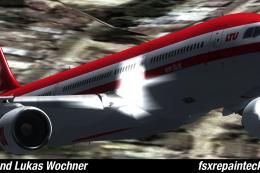 FSX Civil Aircraft
LTU Airbus A330-300. LTU is now AirBerlin so it is one of the last airplanes …
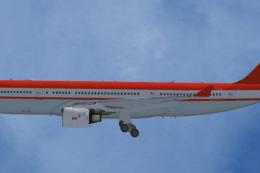 FSX Civil Aircraft
LTU Airbus A330-200 PW, registration D-ALPE. Textures only; requires TOMA332B…
Be the first to leave a comment on this download.
Be the first to share your thoughts on this download.