

 FSX Civil Aircraft
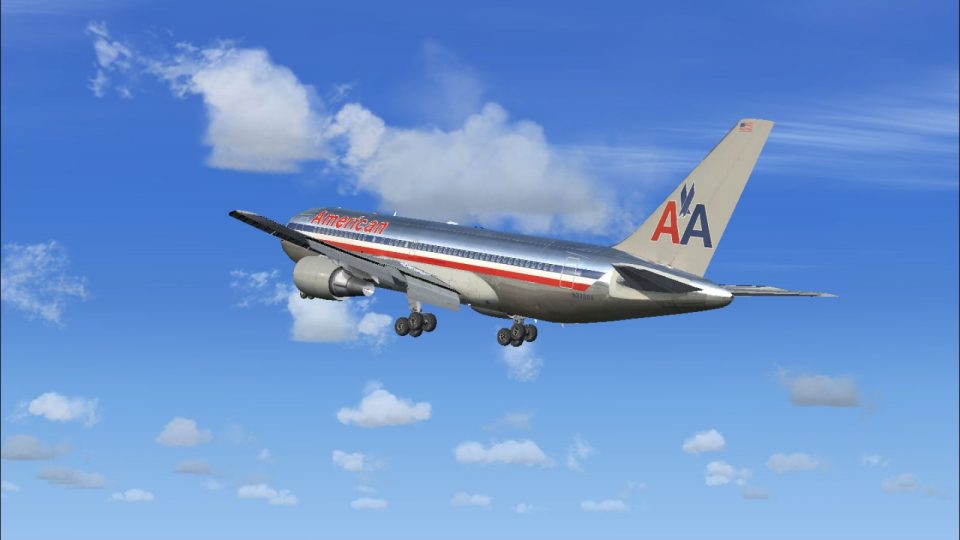
American Airlines Boeing 767-200 N321A
A repaint of the SkySpirit2010 767-200 v5. Model designed by Hiroshi Igami. F…
American Airlines Boeing 767-200 for FSX delivers a polished airliner package with dynamic shine, wing views, opening passenger and cargo doors, animated cabin crew, and full aircraft animations. Realistic flight dynamics reflect performance charts and pilot input, with multiple engine variants, tailored gauges, damage modeling, and an included operations manual with speed charts.
 Rate
Rate
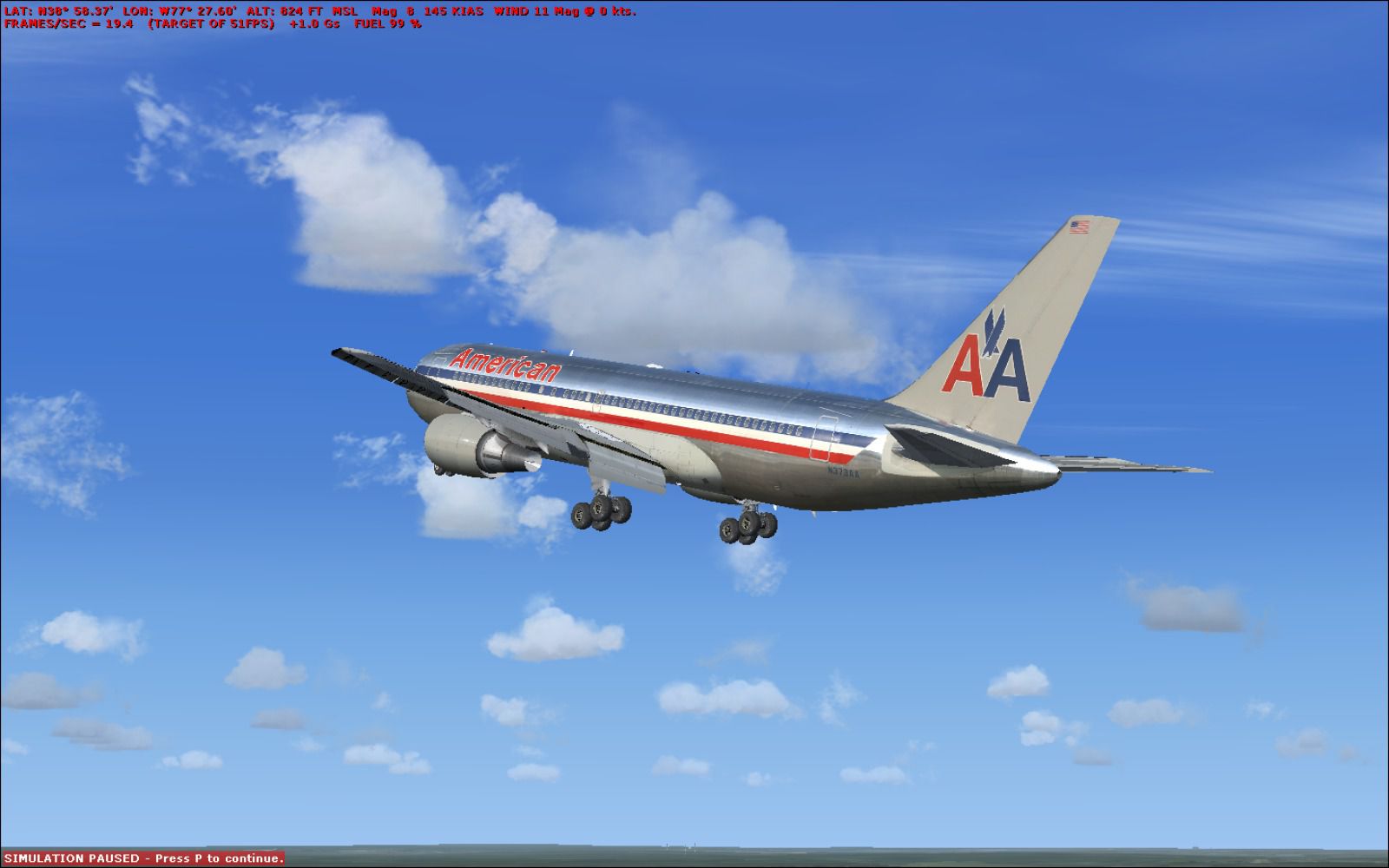
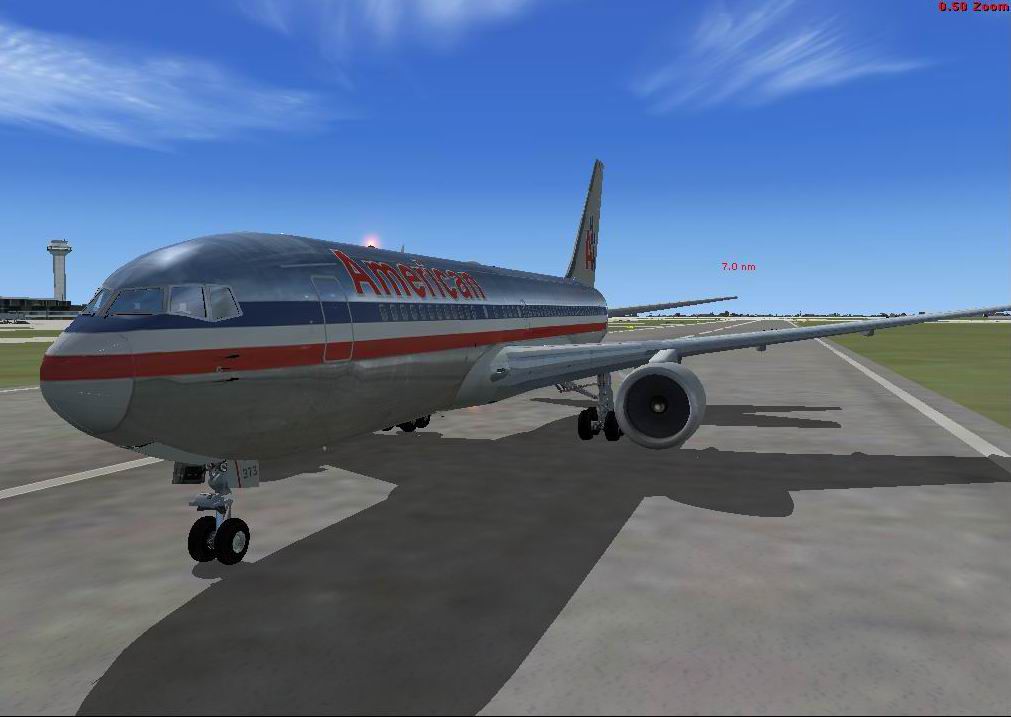
This aircraft has many kinds of different views included. By Travis Smith.
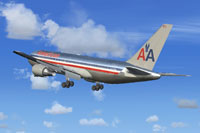
Screenshot of American Airlines Boeing 767-200 in flight.
Features:
Installation:
Free for all simmers · 10.26 MB · Scanned clean Oct 2026
Download speed: Free tier is capped at 0.5 Mbps (this file takes approximately 3 mins at the cap). PRO members download at full line speed.
FSX\SimObjects\Airplanes\. The folder must contain an aircraft.cfg file. Effects go into FSX\Effects\; gauges go into FSX\Gauges\.readme.txt or README file. It tells you exactly where files go, what dependencies are needed, and any quirks specific to this add-on.The archive american_airlines_767-200.zip has 54 files and directories contained within it.
This list displays the first 500 files in the package. If the package has more, you will need to download it to view them.
| Filename/Directory | File Date | File Size |
|---|---|---|
| Opensky_beacon.fx | 03.07.13 | 3.04 kB |
| Opensky_Boeing_vclight.fx | 03.07.13 | 1.31 kB |
| Opensky_conden.fx | 03.07.13 | 3.15 kB |
| Opensky_nacelle_refl.fx | 03.07.13 | 1.29 kB |
| Opensky_nav_yellow.fx | 03.07.13 | 3.07 kB |
| Opensky_sparks.fx | 03.07.13 | 7.05 kB |
| Opensky_vortex.fx | 03.07.13 | 1.23 kB |
| Opensky_wing_light.fx | 03.07.13 | 1.31 kB |
| faq.html | 03.07.13 | 7.25 kB |
| image | 03.07.13 | 0 B |
| Thumbs.db | 03.07.13 | 3.50 kB |
| title.bmp | 03.07.13 | 42.85 kB |
| Model.cfg | 03.07.13 | 41 B |
| OS762v4_GeA2_small.mdl | 03.07.13 | 1.73 MB |
| Model.cfg | 03.07.13 | 41 B |
| OS762v4_GeA2_small.mdl | 03.07.13 | 2.45 MB |
| panel.cfg | 03.07.13 | 30 B |
| 767-300ER Approach -- Windy City.FLT | 03.07.13 | 17.00 kB |
| 767-300ER Approach -- Windy City.WX | 03.07.13 | 3.24 MB |
| 767-300ER Departure - Fun in the snow.FLT | 03.07.13 | 16.54 kB |
| 767-300ER Departure - Fun in the snow.WX | 03.07.13 | 195.89 kB |
| 767-300ER Landing in Adverse Weather Conditions.FLT | 03.07.13 | 8.18 kB |
| 767-300ER Landing in Adverse Weather Conditions.WX | 03.07.13 | 204.76 kB |
| fe30min.abl | 03.07.13 | 1.71 kB |
| fe30min_readme.txt | 03.07.13 | 1.15 kB |
| IFR New Tokyo Intl (Narita) to Chicago-O'Hare Intl.PLN | 03.07.13 | 2.34 kB |
| IFR Zurich to Dallas-Ft Worth Intl.PLN | 03.07.13 | 2.81 kB |
| Scenario-Readme.txt | 03.07.13 | 1.93 kB |
| Sound.cfg | 03.07.13 | 30 B |
| antenna.bmp | 03.07.13 | 257.07 kB |
| Os_PTC1_L.bmp | 03.07.13 | 4.00 MB |
| Os_PTC1_T.bmp | 03.07.13 | 4.00 MB |
| os767v4fuse1_l.bmp | 03.07.13 | 1.00 MB |
| os767v4fuse1_t.bmp | 03.07.13 | 4.00 MB |
| os767v4fuse2_l.bmp | 03.07.13 | 1.00 MB |
| os767v4fuse2_t.bmp | 03.07.13 | 4.00 MB |
| os767v4gear_l.bmp | 03.07.13 | 256.07 kB |
| os767v4gear_t.bmp | 03.07.13 | 4.00 MB |
| os767v4geCF680A2_t.bmp | 03.07.13 | 4.00 MB |
| os767v4interior_l.bmp | 03.07.13 | 256.07 kB |
| os767v4interior_t.bmp | 03.07.13 | 4.00 MB |
| os767v4lwing_l.bmp | 03.07.13 | 256.07 kB |
| os767v4lwing_t.bmp | 03.07.13 | 1.00 MB |
| os767v4rwing_l.bmp | 03.07.13 | 256.07 kB |
| os767v4rwing_t.bmp | 03.07.13 | 1.00 MB |
| thumbnail.JPG | 03.07.13 | 57.71 kB |
| Thumbs.db | 03.07.13 | 48.00 kB |
| 767-200ER-GE-CF6-80A.air | 03.07.13 | 8.76 kB |
| Aircraft.cfg | 03.08.13 | 28.99 kB |
| Readme.txt | 03.07.13 | 2.42 kB |
| thumbnail.JPG | 03.07.13 | 57.71 kB |
| 2013-3-7_17-51-52-650-BMP.jpg | 03.10.13 | 169.17 kB |
| flyawaysimulation.txt | 10.29.13 | 959 B |
| Go to Fly Away Simulation.url | 01.22.16 | 52 B |
Only PRO members can place votes.
More FSX & P3D add-ons hand-picked based on this download.
FSX Civil Aircraft
A repaint of the SkySpirit2010 767-200 v5. Model designed by Hiroshi Igami. F…
 FSX Civil Aircraft
FSX American Airlines Boeing 767-300 ER with blended winglets and Animated Gr…
 FSX Civil Aircraft
American Airlines new 2013 livery for the payware Level-D B767-300. Original …
 FSX Civil Aircraft
This freeware release features an American Airlines Boeing 767-300 ER equippe…
 FSX Civil Aircraft
Texture update for initial American Airlines release for the SkySpirit2010 76…
 FSX Civil Aircraft
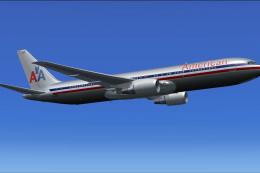
A livery for the payware Level-D Simulations B767-300. Original repaint by Gu…
 FSX Civil Aircraft
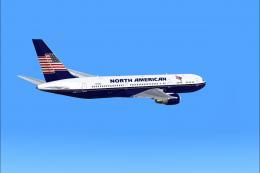
Boeing 767-39H ER GE, registration N760NA. Textures only for the payware Over…
 FSX Civil Aircraft
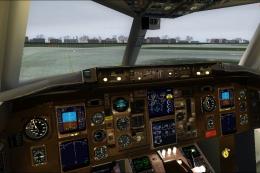
American Airlines Boeing 757-200 retro livery. A repaint of the Project Open …
Read what other simmers think, or add your own.
